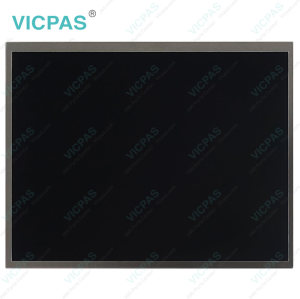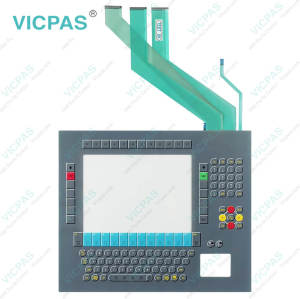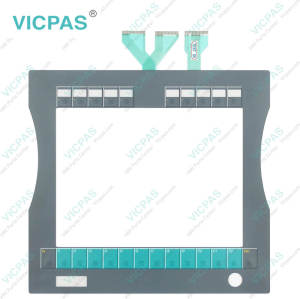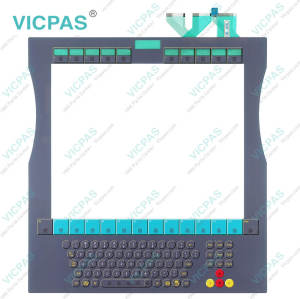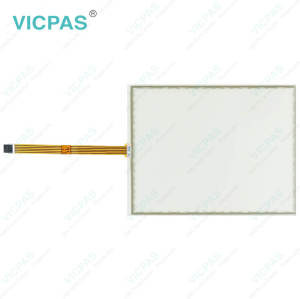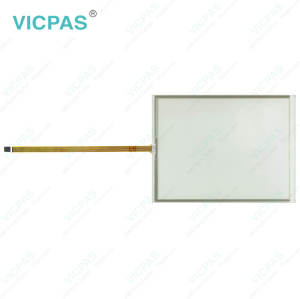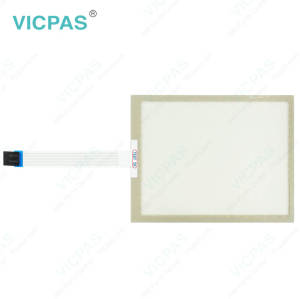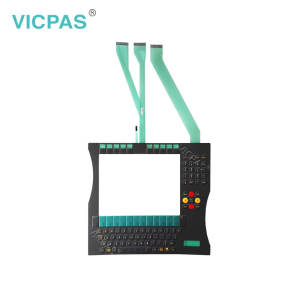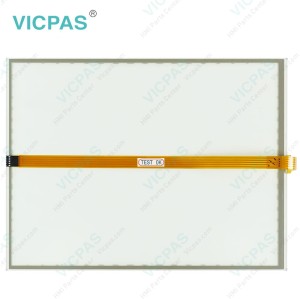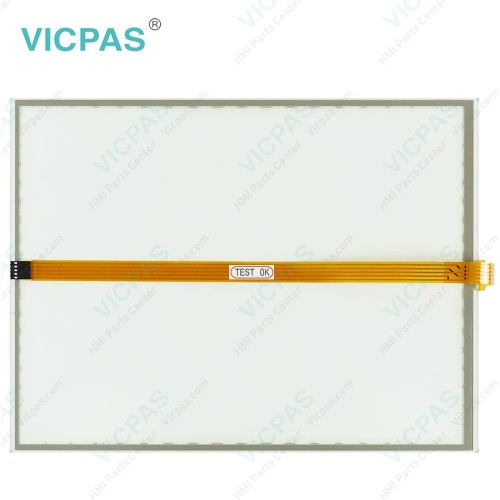
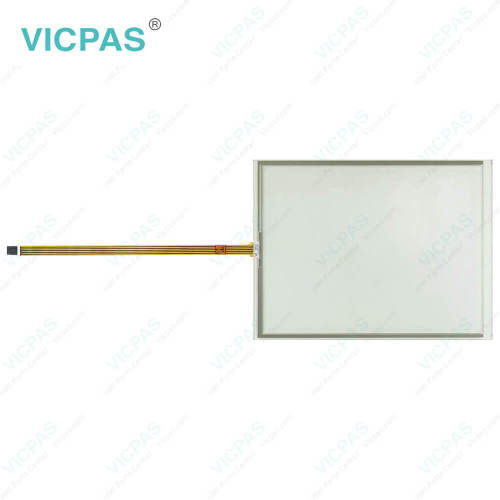
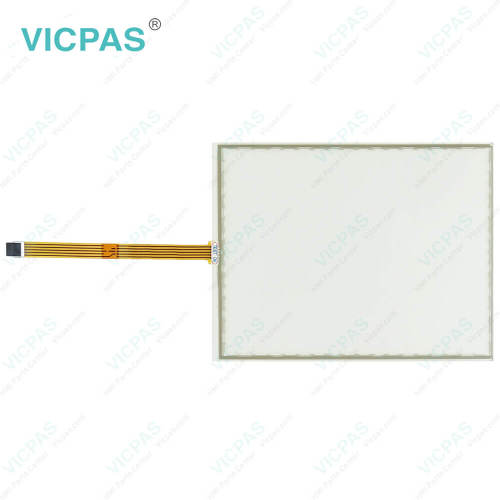
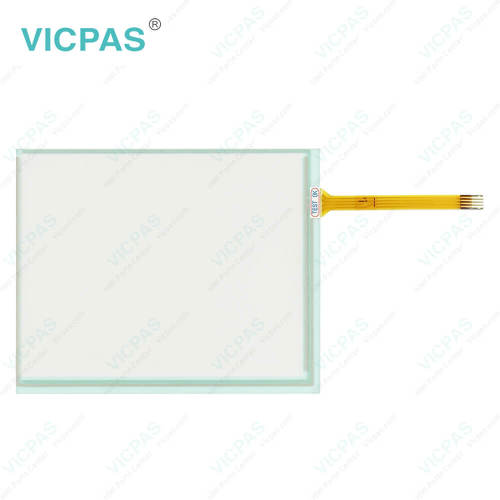
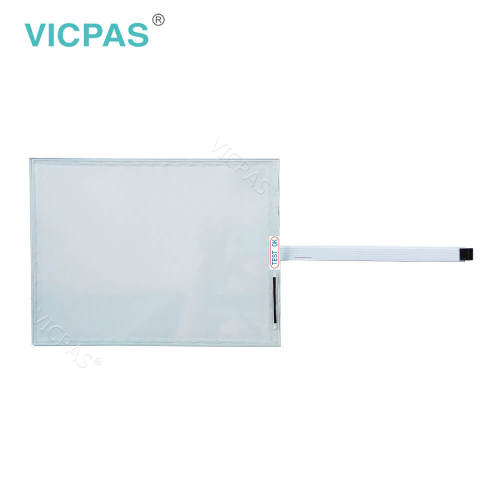
CP7902-0000-0010 CP7902-0001-0010 CP7902-0020-0010 CP7902-0021-0010 Touch Screen Glass
- Model
- CP7902-0000-0010 CP7902-0001-0010 CP7902-0020-0010 CP7902-0021-0010
Item specifics
- Product Line
- CP78XX CP79XX
- LCD Type
- TFT
- Shipping Time
- 3-5 Days
- Supply Parts
- HMI Touch Glass
- Environment
- Free From Corrosive Gases
- Size
- 15''
Review
Description
Beckhoff CP7902-0000-0010 CP7902-0001-0010 CP7902-0020-0010 CP7902-0021-0010 Touch Digitizer Repair
Order each part separately is available
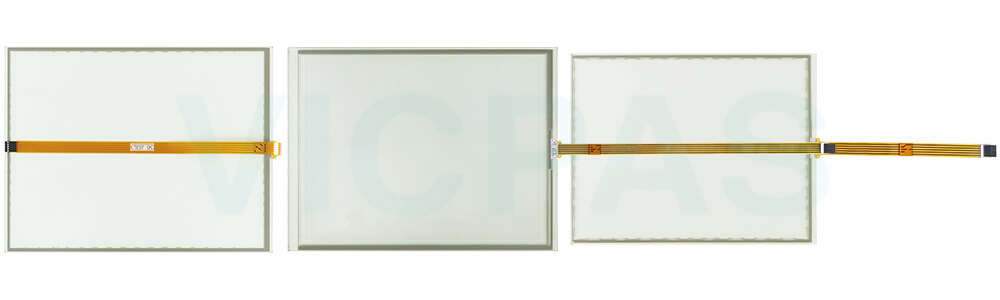
Unpacking Instructions for Your VICPAS HMI Product
VICPAS takes great care to package Beckhoff HMI CP7902-0000-0010 CP7902-0001-0010 CP7902-0020-0010 CP7902-0021-0010 Touch Screen Glass Membrane Keypad LCD Display securely, using custom protective materials to minimize the risk of damage during transport. Even so, it is important to carefully inspect your package—both before opening and after unpacking—to ensure your product is in perfect condition. If you find any signs of damage at any stage, please contact VICPAS immediately for assistance.
Before opening, check the outer carton for dents, tears, water stains, or other visible signs of impact. If you notice the damage of CP7902-0000-0010 CP7902-0001-0010 CP7902-0020-0010 CP7902-0021-0010 Touch Screen Film, take photographs as proof before proceeding further. When you are ready to unpack, handle the product gently and avoid using sharp tools directly on its surface, as this can cause scratches or damage to delicate components.
We recommend keeping the original packaging materials. Our specially designed boxes and protective layers are ideal not only for safe transport but also for storing or relocating your HMI components in the future.
After unpacking, verify that all items in your order are present and in good condition. Ensure Beckhoff Touch Panel CP7902-0000-0010 CP7902-0001-0010 CP7902-0020-0010 CP7902-0021-0010 Touch Screen Glass is free of visible wear and clean and free of dust. Carefully check for cracks, bent connectors, or peeling layers—any sign of damage should be reported to VICPAS. Finally, dispose of any unnecessary packaging materials responsibly, following local recycling guidelines. This helps protect the environment while maintaining the integrity of our products and packaging processes.
Specifications:
The table below describes the parameters of Beckhoff CP7902-0000-0010 CP7902-0001-0010 CP7902-0020-0010 CP7902-0021-0010 Touch Screen Monitor.
| Environment: | Free From Corrosive Gases |
| Light Transmission: | Above 75% |
| LCD Type: | TFT |
| Storage Temperature: | -25 °C ... +65 °C |
| Relative Humidity: | 95% |
| Operating Temperature: | 0 °C ... +55 °C |
| Warranty: | 365 Days |
| Cooling Method: | Natural Air Cooling |
| Product Line: | CP78XX CP79XX |
| Brand: | Vicpas |
Related Beckhoff Part No. :
| Beckhoff HMI | Description | Inventory status |
| CP7901-1400-0000 | Beckhoff CP79XX Front Overlay Touch Screen Film Replacement | In Stock |
| CP7901-1400-0010 | Beckhoff CP79XX HMI Touch Glass Repair | Available Now |
| CP7901-1401-0000 | Beckhoff CP79XX Touch Screen Monitor Replacement | In Stock |
| CP7901-1401-0010 | Beckhoff CP79XX Touch Digitizer Glass Repair | Available Now |
| CP7902-0000-0000 | Beckhoff CP79XX Touch Screen Display Replacement |
In Stock |
| CP7902-0000-0010 | Beckhoff CP79XX Touch Screen Tablet Repair | Available Now |
| CP7902-0001-0000 | Beckhoff CP79XX Touch Membrane Replacement | In Stock |
| CP7902-0001-0010 | Beckhoff CP79XX Touch Screen Panel Repair | Available Now |
| CP7902-0020-0000 | Beckhoff CP79XX Touch Screen Glass Replacement | In Stock |
| CP7902-0020-0010 | Beckhoff CP79XX Touch Screen Film Repair | Available Now |
| CP7902-0021-0000 | Beckhoff CP79XX Touch Screen Monitor Replacement | In Stock |
| CP7902-0021-0010 | Beckhoff CP79XX HMI Touch Glass Repair | Available Now |
| CP7902-1071-0000 | Beckhoff CP79XX Touch Screen Panel Protective Film Replacement | In Stock |
| CP7902-1204-0000 | Beckhoff CP79XX Touch Screen Display Repair | Available Now |
| CP7902-1400-0000 | Beckhoff CP79XX Touch Digitizer Glass Replacement | In Stock |
| Beckhoff HMI | Description | Inventory status |
Beckhoff CP78XX CP79XX Manuals PDF Download:
FAQ:
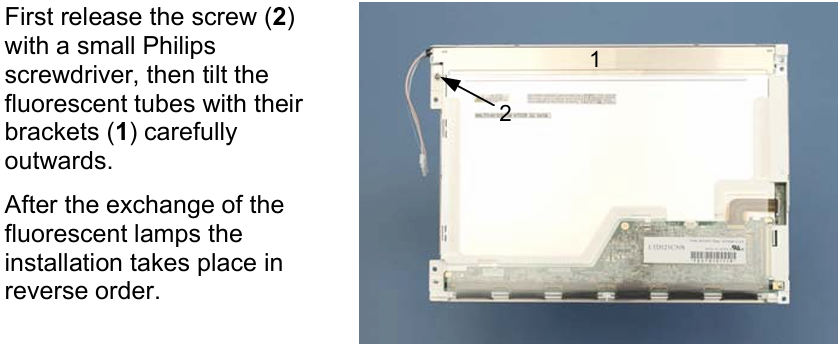
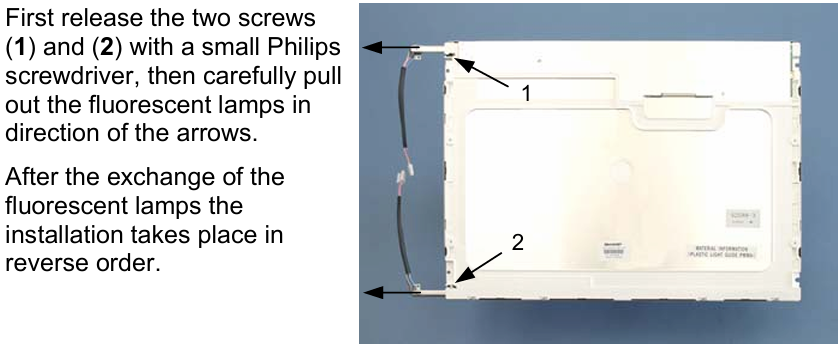
Question: How to replace Beckhoff CP7902-0000-0010 CP7902-0001-0010 CP7902-0020-0010 CP7902-0021-0010 fluorescent lamps in the display?
Answer:
Question: What is the correct way to clean CP7902-0000-0010 CP7902-0001-0010 CP7902-0020-0010 CP7902-0021-0010 Control Panel?
Answer: Switch off the Industrial PC and all connected devices in order to prevent inadvertent operation of keys. The front of the Control Panel can be cleaned with a soft, damp cleaning cloth. Do not use any aggressive cleaning materials, thinners, scouring material or hard objects that could cause scratches.
Common misspellings:
CP792-0000-0010CP7902-0002-0010
CP7902-0000-0011
CP7902-001-0010
CP7920-0001-0010
CP7902-0001-01010
CP7902-00200-0010
CP7922-0020-0010
CP7902-0010-0010
CP7902-0021-0020
CP7902-0012-0010
CP790200210010