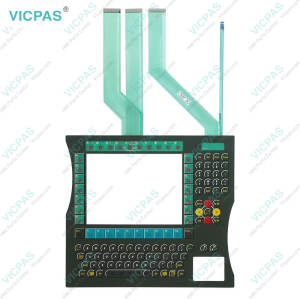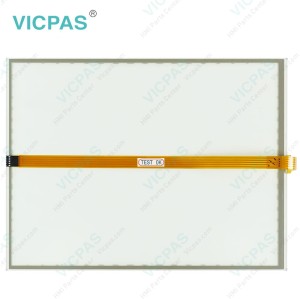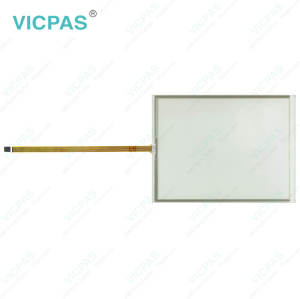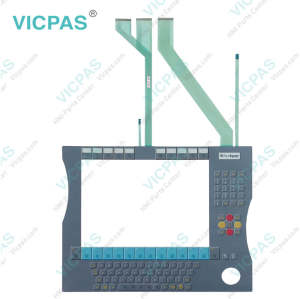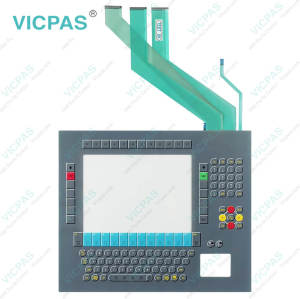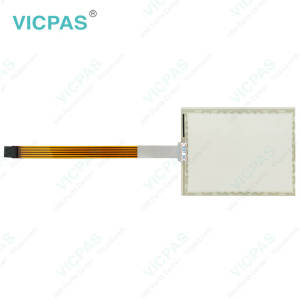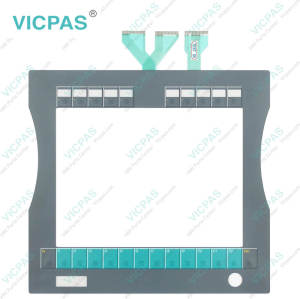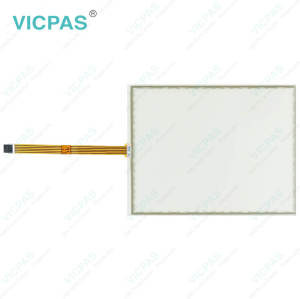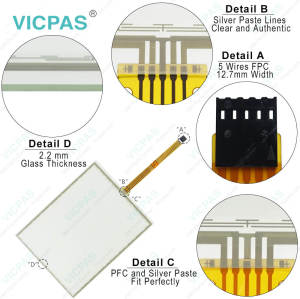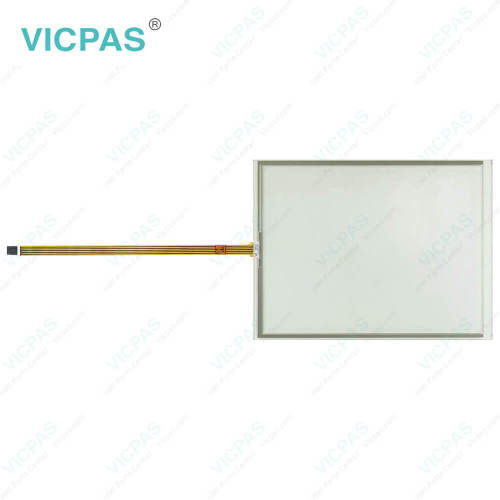
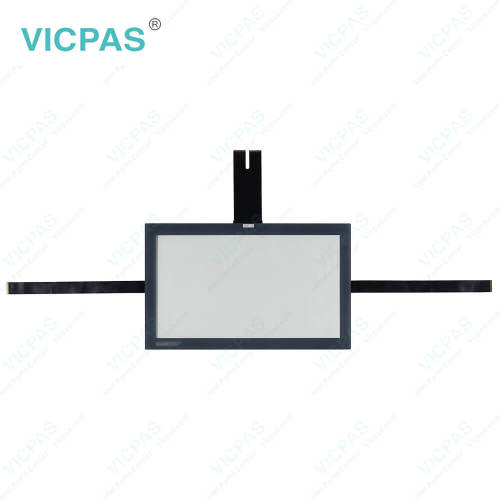
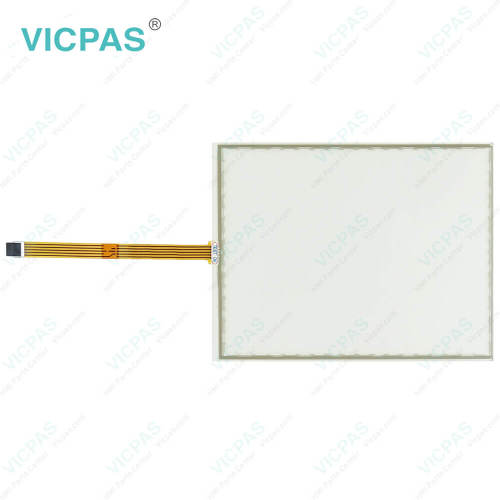
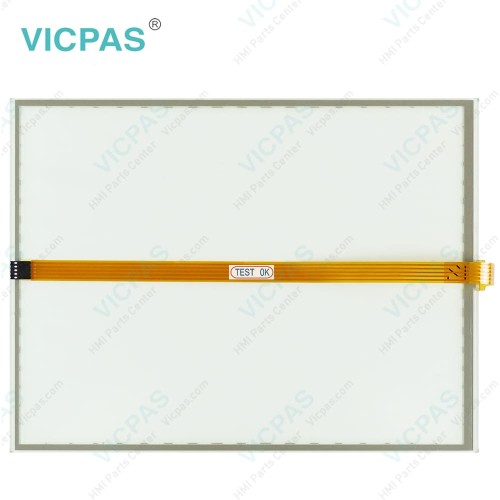
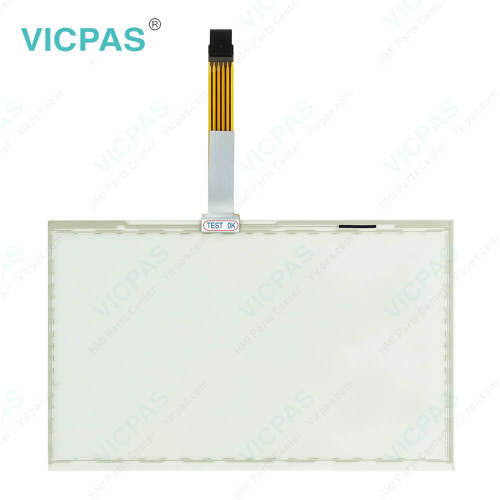
CP7903-0000-0000 CP7903-0001-0000 CP7903-0020-0000 CP7903-0021-0000 Touch Membrane
- Model
- CP7903-0000-0000 CP7903-0001-0000 CP7903-0020-0000 CP7903-0021-0000
Item specifics
- Product Line
- CP78XX CP79XX
- LCD Type
- TFT
- Shipping Time
- 3-5 Days
- Supply Parts
- Touch Screen Tablet
- Environment
- Free From Corrosive Gases
- Size
- 19''
Review
Description
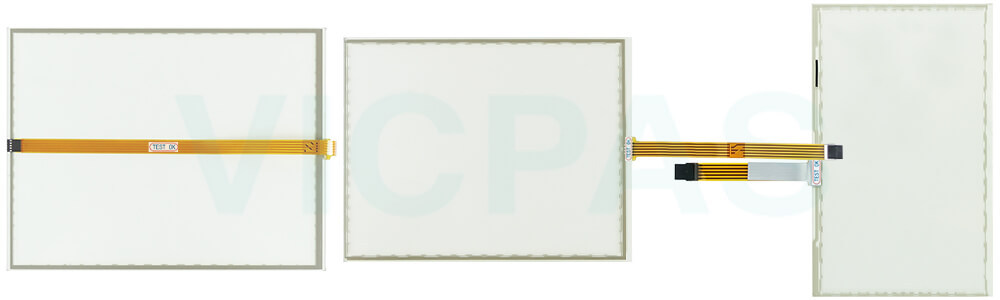
Beckhoff CP7903-0000-0000 CP7903-0001-0000 CP7903-0020-0000 CP7903-0021-0000 Touchscreen Replacement
Order each part separately is available
Application Conditions
To ensure safe and reliable operation, Beckhoff Touch Panel CP7903-0000-0000 CP7903-0001-0000 CP7903-0020-0000 CP7903-0021-0000 Touch Screen Tablet should never be replaced under extreme environmental conditions. The device must only be used in hazardous areas if it is explicitly designed and certified for such environments. During thunderstorms, avoid plugging or unplugging connectors, as this can create a serious risk of electric shock. Always confirm that the device has a proper protective and functional earth connection before performing any replacement or maintenance work.
Preventing Damage and Data Loss
Changing hardware or software configurations requires careful attention to the specified limits for power consumption and power loss, as detailed in the respective data sheet. Only trained specialists with a background in control and automation engineering should perform replacements or modifications of Beckhoff HMI CP7903-0000-0000 CP7903-0001-0000 CP7903-0020-0000 CP7903-0021-0000 Touch Screen Display. Unauthorized handling can result in damage to property, loss of critical data, or impairment of device functions. For devices powered by a 24 V DC supply, ensure the power line is properly fused according to its cross-section to protect against short circuits. In the event of fire, use powder or nitrogen extinguishers to safely put out the flames without causing further harm to the device or surrounding equipment. Following these precautions will help maintain operational reliability and extend the service life of your CP7903-0000-0000 CP7903-0001-0000 CP7903-0020-0000 CP7903-0021-0000 Touch Screen Monitor.
Specifications:
The table below describes the parameters of Beckhoff CP7903-0000-0000 CP7903-0001-0000 CP7903-0020-0000 CP7903-0021-0000 HMI Touch Glass.
| Relative Humidity: | 95% |
| Operating Temperature: | 0 °C ... +55 °C |
| Brand: | Vicpas |
| Light Transmission: | Above 75% |
| Environment: | Free From Corrosive Gases |
| Product Line: | CP78XX CP79XX |
| LCD Type: | TFT |
| Cooling Method: | Natural Air Cooling |
| Storage Temperature: | -25 °C ... +65 °C |
| Warranty: | 365 Days |
Related Beckhoff Part No. :
| Beckhoff HMI | Description | Inventory status |
| CP7902-1400-0010 | Beckhoff CP79XX Touch Digitizer Glass Replacement | In Stock |
| CP7902-1401-0000 | Beckhoff CP79XX HMI Touch Glass Repair | Available Now |
| CP7902-1401-0010 | Beckhoff CP79XX Touch Screen Panel Replacement | In Stock |
| CP7903-0000-0000 | Beckhoff CP79XX Touch Digitizer Glass Repair | Available Now |
| CP7903-0000-0010 | Beckhoff CP79XX Touch Screen Display Replacement |
In Stock |
| CP7903-0001-0000 | Beckhoff CP79XX Touch Screen Tablet Repair | Available Now |
| CP7903-0001-0010 | Beckhoff CP79XX Touch Membrane Replacement | In Stock |
| CP7903-0020-0000 | Beckhoff CP79XX Touch Screen Panel Repair | Available Now |
| CP7903-0020-0010 | Beckhoff CP79XX Touch Screen Glass Replacement | In Stock |
| CP7903-0021-0000 | Beckhoff CP79XX Touch Screen Film Repair | Available Now |
| CP7903-0021-0010 | Beckhoff CP79XX Touch Screen Display Replacement | In Stock |
| CP7903-1400-0000 | Beckhoff CP79XX HMI Touch Glass Repair | Available Now |
| CP7903-1400-0010 | Beckhoff CP79XX Touch Screen Monitor Replacement | In Stock |
| CP7903-1401-0000 | Beckhoff CP79XX Touch Screen Tablet Repair | Available Now |
| CP7903-1401-0010 | Beckhoff CP79XX Touch Screen Film Replacement | In Stock |
| Beckhoff HMI | Description | Inventory status |
Beckhoff CP78XX CP79XX Manuals PDF Download:
FAQ:
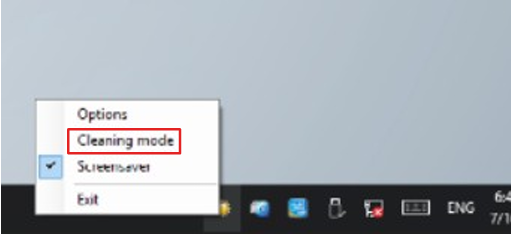
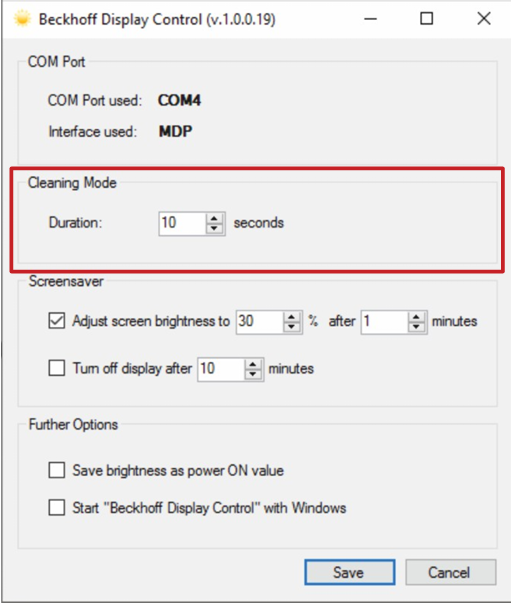
Question: If I want to clean the front panel, how can I set the device to "Cleaning Mode"?
Answer:
Question: How can I maintain CP7903-0000-0000 CP7903-0001-0000 CP7903-0020-0000 CP7903-0021-0000 Touch Screen Glass?
Answer: Do not work on the panel PC when live can lead to electric shock. Turn off the supply voltage before cleaning the device or replacing touch screen panel. Maintenance measures increase the efficiency of the device by ensuring long-term functionality. Cleaning and maintenance of certain device components and the replacement of touch screen monitor contribute to this. Use spare parts that you have ordered from Vicpas can ensure your safe and excellent operation.
Common misspellings:
CP7903-000-0000CP79003-0000-0000
CP7903-0000-0003
CP7930-0001-0000
CP7903-0003-0000
CP7903-0001-0030
CP7903-00020-0000
CP7903-0022-0000
CP7903-0020-0002
CP7923-0021-0000
CP7903-0012-0000
CP790300210000