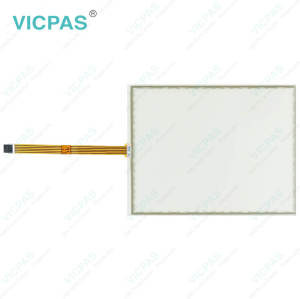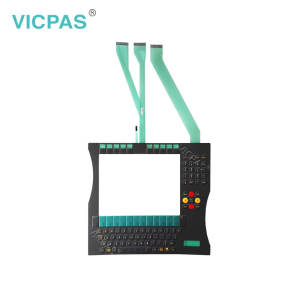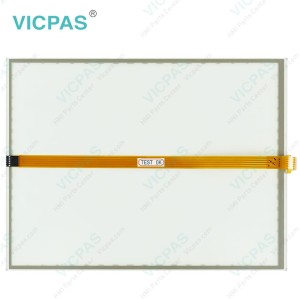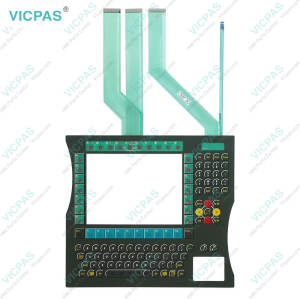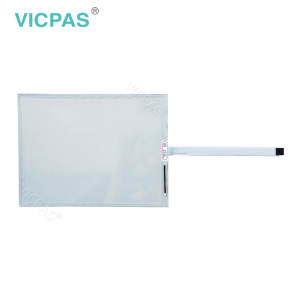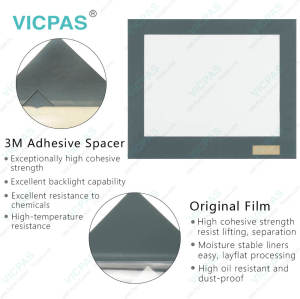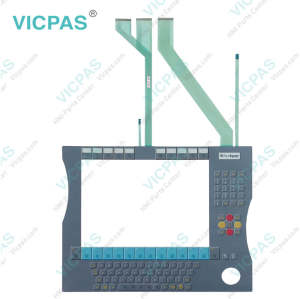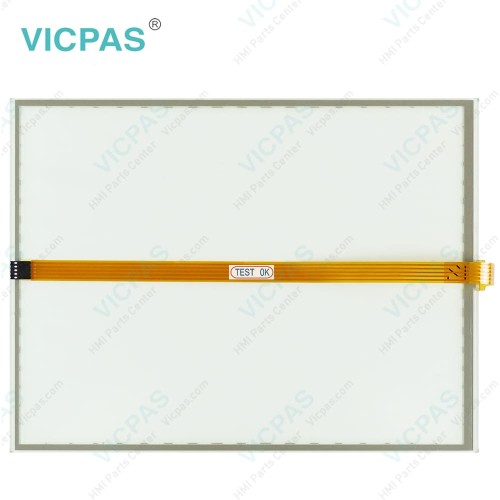
CP7902-1400-0000 Touch Digitizer Glass Repair
- Model
- CP7902-1400-0000
Item specifics
- Product Line
- CP78XX CP79XX
- LCD Type
- TFT
- Shipping Time
- 3-5 Days
- Supply Parts
- Touch Screen Film
- Environment
- Free From Corrosive Gases
- Size
- 15''
Review
Description
Beckhoff CP7902-1400-0000 Touch Screen Glass Repair

Choosing Beckhoff-compatible Beckhoff Touch Panel CP7902-1400-0000 Touchscreen from VICPAS helps extend the lifespan of your equipment while reducing the risk of unexpected downtime. Our CP7902-1400-0000 Touch Membrane is built using premium, durable materials, carefully selected and rigorously tested to ensure optimal compatibility, long-term availability, and dependable operation in the specified environmental conditions.
However, certain components, such as CP7902-1400-0000 Touch Screen Tablet, may have a limited service life if subjected to conditions like elevated ambient temperatures during use or storage, or extended periods of inactivity. For this reason, it is advisable to replace these parts once the remaining service life can no longer be accurately determined.
VICPAS supplies top-grade Beckhoff HMI CP7902-1400-0000 Touch Screen Display with a 12-month warranty, worldwide shipping, and responsive technical support. Please note that VICPAS assumes no liability for any damage occurring during replacement or maintenance procedures. Should you experience any difficulties when installing a new CP7902-1400-0000 Touch Screen Film, our team is ready to assist you.
Specifications:
The table below describes the parameters of Beckhoff CP7902-1400-0000 Touch Screen Monitor.
| Storage Temperature: | -25 °C ... +65 °C |
| Cooling Method: | Natural Air Cooling |
| Operating Temperature: | 0 °C ... +55 °C |
| Brand: | Vicpas |
| Size: | 15'' |
| Product Line: | CP78XX CP79XX |
| Environment: | Free From Corrosive Gases |
| Warranty: | 365 Days |
| Relative Humidity: | 95% |
| LCD Type: | TFT |
Related Beckhoff Part No. :
| Beckhoff HMI | Description | Inventory status |
| Beckhoff HMI | Description | Inventory status |
Beckhoff CP78XX CP79XX Manuals PDF Download:
FAQ:
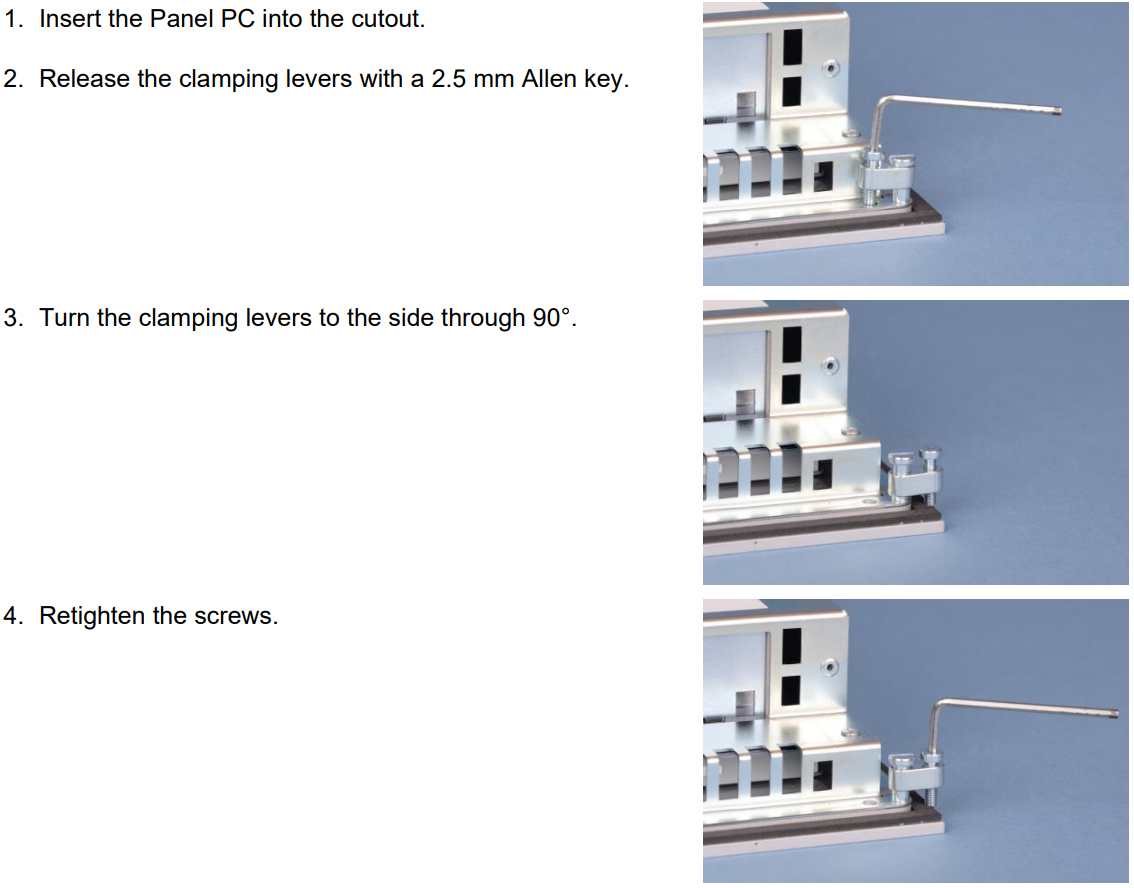
Question: How to mount the Panel PC of CP7902-1400-0000?
Answer:
Question: What should I do in the event of CP7902-1400-0000 Touchscreen malfunction?
Answer: This is because poor or missing functional earth of the device or poor or missing ground connection of the user. The solution is establish functional earth or the user stand on the floor with normal shoes.
Common misspellings:
CP7902-400-0000CP7922-1400-0000
CP7902-1400-0010
CP7902-1401-0000
CP79002-1400-0000