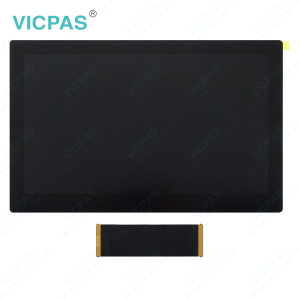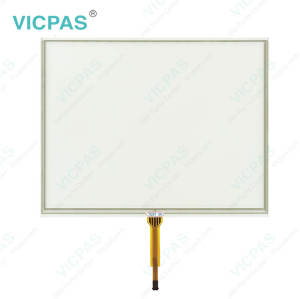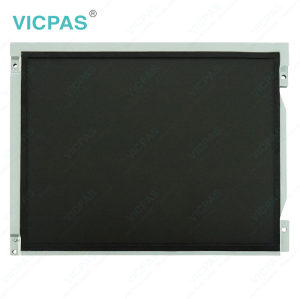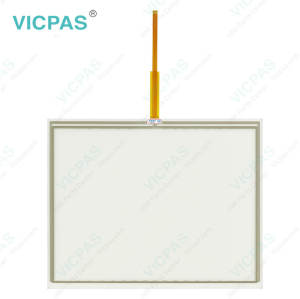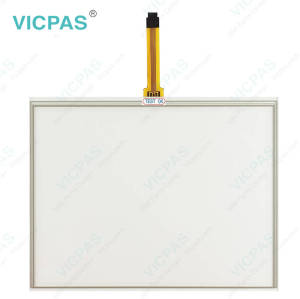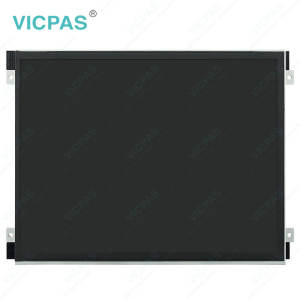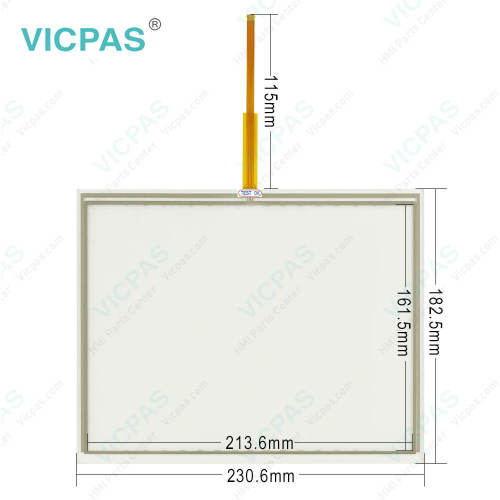
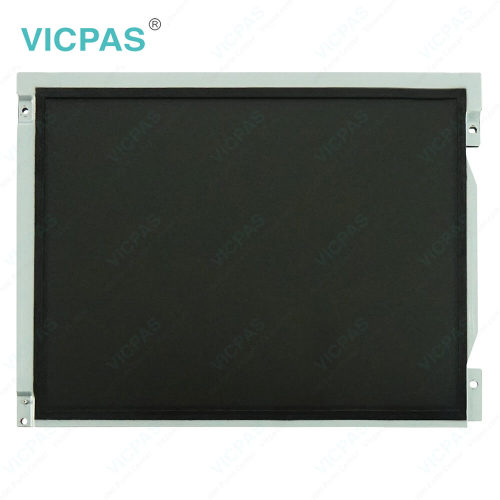
PH41224496 REV.A Touchscreen PH41224499 REV.A Touch Panel
- Model
- PH41224496 REV.A PH41224499 REV.A
Item specifics
- Brand
- John Deere
- Warranty
- 365 Days
- Product Line
- PH41224496 REV.A PH41224499 REV.A
- Supply
- PH41224496 REV.A Touch Screen Panel Repair
- Supply
- PH41224499 REV.A Touch Screen Glass Replace
- Parts
- Touch Screen Panel LCD Display
- Diagonal screen size
- 10.4'' touchscreen
Review
Description
Supply John Deere PH41224496 REV.A PH41224499 REV.A Touchscreen Panel LCD Display for Repair
Order each part separately is available
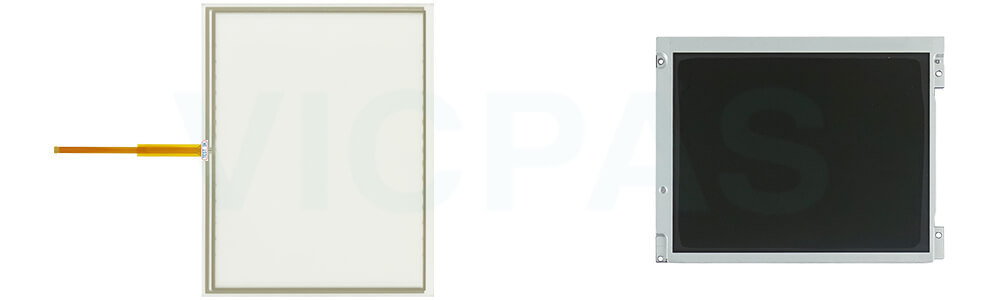
VICPAS supplies touch screen panel and LCD for John Deere PH41224496 REV.A PH41224499 REV.A touchscreen repair replacement; all of them are brand new with a 365-day VICPAS warranty.
The John Deere PH41224499 REV.A PH41224496 REV.A P4528-0522-0608 / P4B78-1120-0303 Touch Screen Monitor and LCD Display is a replacement screen assembly for compatible John Deere GS2 displays. It includes both the touchscreen and LCD panel, providing a practical solution for repairing display units affected by touch input failure, screen damage, or visual display issues. Replacing the screen assembly can help restore the operator interface without necessarily requiring replacement of the entire terminal.
The John Deere GS2 display supports precision farming functions such as AutoTrac and Coverage Mapping. AutoTrac activation depends on the required signal from the SSU, while the coverage map provides a visual reference to help operators monitor field coverage during spraying, spreading, planting, and seeding operations. For display repair and maintenance, this PH41224499 REV.A PH41224496 REV.A replacement Touch Digitizer Glass and LCD Screen assembly offers an alternative to complete terminal replacement when the remaining components are functional.
Specifications:
The table below describes the parameters/Specifications of the John Deere PH41224496 REV.A PH41224499 REV.A Monitor Touchscreen Panel Glass LCD Display.
| Part Number: | PH41224496 REV.A PH41224499 REV.A |
| Product Line: | John Deere |
| Input Power: | 24 VDC |
| Warranty: | 365 Days |
| Input Type: | Touchscreen |
| Patient Type: | Adult, paediatric |
| Inspiration Time: | 0.2 to 10 s |
| Power Consumption: | Typically approx. 125 W |
| Screen Diagonal: | 10.4'' |
| Digital Output: | RS 232 C interface |
Related John Deere Monitor Series Part No. :
| John Deere Monitor | Description | Inventory status |
| PH41180581 LB08080085-01 | John Deere Touch Screen Tablet LCD Display Panel | In Stock |
| PH41208508-B-P0A1B-102B | John Deere Touch Panel Glass LCD Screen Repair | Available Now |
| PH41209509 LT104AC54000 | John Deere LCD Screen Touch Panel Replacement | In Stock |
| PH41212236 Rve.C | John Deere LCD Display Touchscreen Replacement | Available Now |
| PH41212236 Rve.C P1644-0703-1283 | John Deere Touch Screen Monitor LCD Display Panel | In Stock |
| PH41224499 REV.A | John Deere Touch Digitizer LCD Screen Replacement | In Stock |
| PF81431 | John Deere Touch Screen Glass LCD Display Repair | In Stock |
| PH41224328 Rev. C P5751-0708-0345 | John Deere LCD Display Screen Touchscreen Repair | Available Now |
| PH60227251 Rev C | John Deere Touch Screen Display LCD Display Panel | Available Now |
| PH41224496 REV.A P4528-0522-0608 | John Deere LCD Screen Touch Screen Panel Repair | In Stock |
| PH41224496 REV.A P4B78-1120-0303 | John Deere LCD Display Touch Digitizer Glass Repair | In Stock |
| PH41231525 Rev.B P7459-0407-0672 | John Deere Touch Membrane LCD Screen HMI Parts | Available Now |
| PH41209515 Rev.H | John Deere Touch Screen Panel LCD Display Repair | In Stock |
| PH41224459 REV A | John Deere LCD Display Touch Screen Replacement | Available Now |
| PH41217979 Rev.A | John Deere Touch Screen Monitor LCD Display Repair | In Stock |
| John Deere Display | Description | Inventory status |
FAQ:
Question:How to get started John Deere PH41224496 REV.A PH41224499 REV.A touchscreen
Answer:The PH41224496 REV.A PH41224499 REV.A display is primarily used as an operator interface for guidance and documentation applications.
The primary navigational point of the display is the touchscreen which allows the operator to input information by touching the screen. The 2600 can also use the display control which allows use of input buttons and a thumb wheel.
When connected to a GPS receiver, the system allows the operator to drive the vehicle with the aid of GPS. When combined with an optional AutoTrac activation and vehicle steering kit, the system can automatically guide the machine through the field.
Documentation can be used to record data tied to GPS coordinates. On some machines, rates, yield, implement width, or other information is recorded from the vehicle CAN bus. The displays can also be connected to certain 3rd-party control units to record rate information. This data is collected on the compact flash card and can be unloaded into desktop software to produce maps and reports of field activities.
Question:How to use Screen Protector in John Deere PH41224496 REV.A PH41224499 REV.A touch panel?
Answer: The use of a screen protector is recommended to prevent wear to the touchscreen surface. Screen protector kits, made specifically for GS2 displays, can be purchased through your local John Deere dealer.< br> < br> A screen protector has been preinstalled on the touch panel of your display. Removing the protector reduces the sunlight readability of the display. Please see instructions for replacement when necessary.
Question: What is the John Deere PH41224496 REV.A PH41224499 REV.A Touchscreen Tablet LCD display price?
Answer: Submit a fast quote, send VICPAS an email for best price.
Common misspellings:
PH41222496 REV.A PN41224499 REV.APH4122496 REV.A PH41224499 REV.
PH41224496 REV.A PH411224499 REV.A
PH41124496 REV.A HP41224499 REV.A
PH41224499 REV.A PH11224499 REV.A