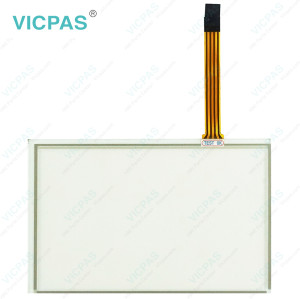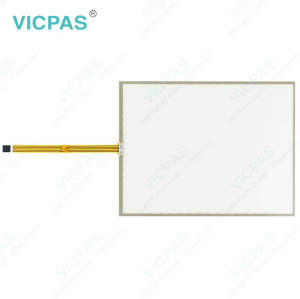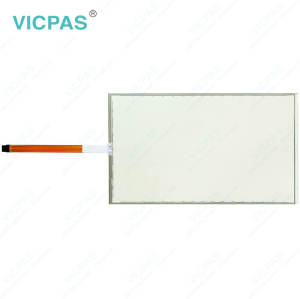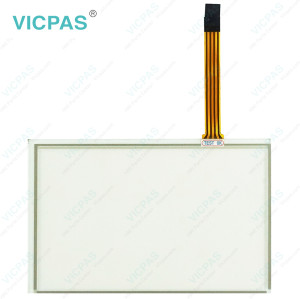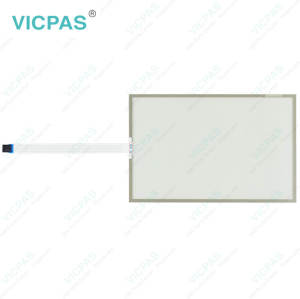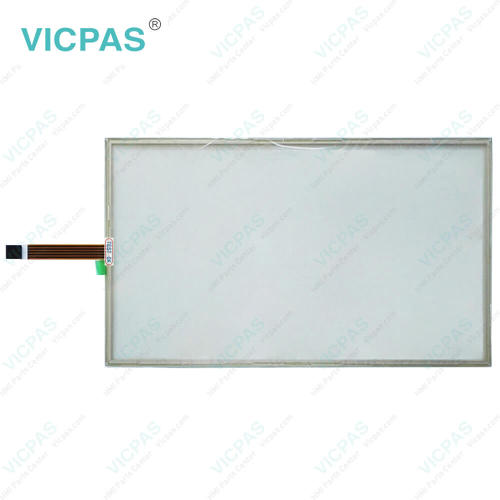
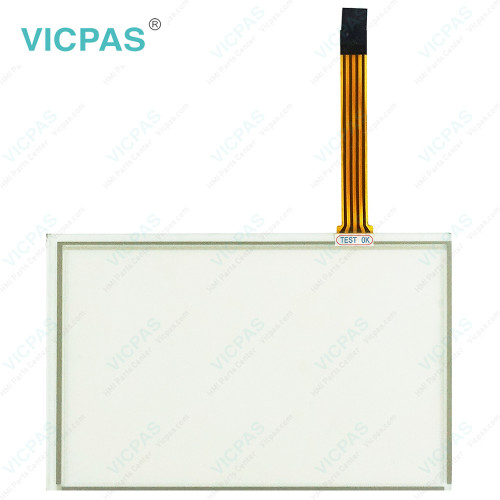
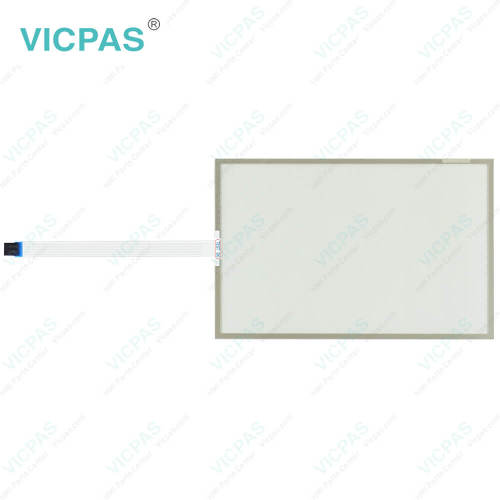
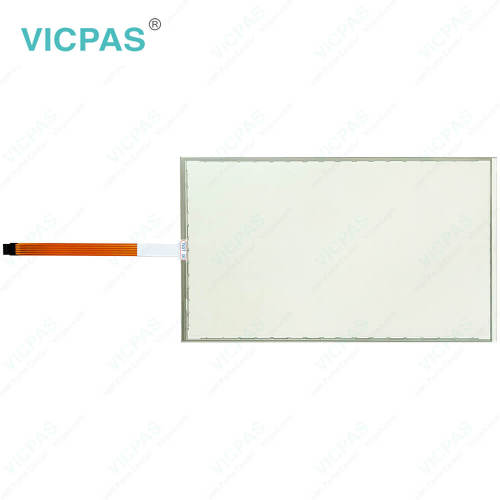
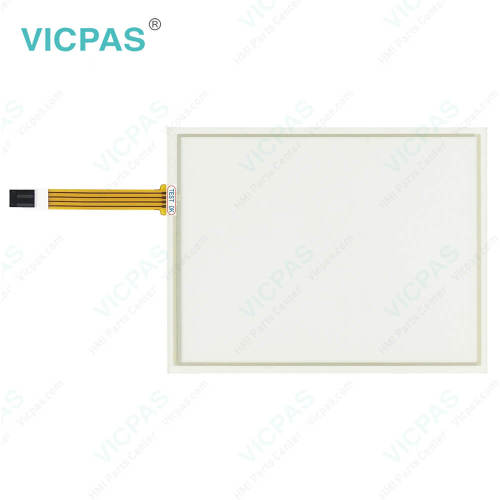
EW322B1010 Touch Screen Panel Replacement
- Model
- EW322B1010
Item specifics
- Brand
- Vicpas
- Shipping Time
- 3-5 Days
- Warranty
- 365 Days
- Product Line
- EW300 Panel IPC EW322
- Supply
- Touch Screen Monitor
- Touch Type
- Resistive
Review
Description
ESA EW322 EW322B1010 HMI Touch Glass Repair
Order each part separately is available
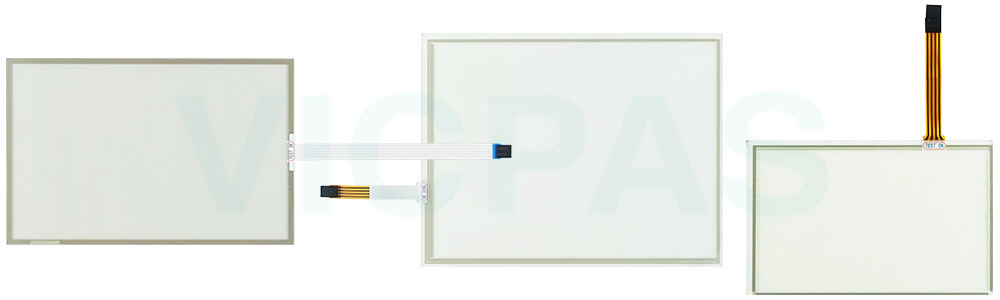
During transportation and storage, ESA EW322 EW322B1010 HMI Touch Glass should be protected from excessive mechanical stress, shocks, vibrations, pressure, and moisture, as these conditions may damage the unit if it is not properly packaged. Damaged packaging may indicate that the device has already been exposed to unfavorable environmental conditions. For this reason, the use of the original packaging is strongly recommended whenever the product is transported or stored.
If EW322B1010 Touch Digitizer Glass is transported in cold weather or subjected to significant temperature changes, care should be taken to prevent condensation from forming on or inside the unit, as moisture may cause electrical short circuits and damage internal components. To minimize the risk of moisture exposure, always store EW322 EW322B1010 Touch Membrane in a dry environment and allow it to reach room temperature before powering it on. If condensation is present, wait approximately 12 hours to ensure the device is completely dry before switching it on.
Specifications:
The table below describes the parameters of ESA EW322 EW322B1010 Touch Digitizer Glass.
| Operating Temperature: | 0 °C ... +50 °C |
| Relative Humidity: | 95% |
| Shipping Time: | 3-5 Days |
| Cooling Method: | Natural Air Cooling |
| Storage Temperature: | -20 °C ... +60 °C |
| Product Line: | EW300 Panel IPC EW322 |
| Environment: | Free From Corrosive Gases |
| Resolution: | 1920x1080 Pixels |
| Brand: | Vicpas |
| Warranty: | 365 Days |
Related ESA EW300 Panel IPC Part No. :
| EW300 Panel IPC | Description | Inventory status |
| EW315A1010 | ESA EW300 Panel IPC EW315 Touch Screen Monitor Repair | In Stock |
| EW315B1010 | ESA EW300 Panel IPC EW315 Touch Membrane Replacement | Available Now |
| EW322A1010 | ESA EW300 Panel IPC EW322 Touch Screen Display Repair | In Stock |
| EW322B1010 | ESA EW300 Panel IPC EW322 Touch Screen Tablet Replacement | Available Now |
| EW300 Panel IPC | Description | Inventory status |
ESA HMI Manuals PDF Download:
FAQ:
Question: What should be considered when installing ESA EW322 EW322B1010 Touch Screen Tablet?
Answer:
1. Select a mounting position that is structurally sound and capable of securely supporting the device throughout operation. Excessive vibration or instability may negatively impact performance.
2. During installation, handle the equipment carefully and ensure it is firmly positioned. Accidental impacts, drops, or improper handling may cause damage to the unit.
3. Choose an installation environment that is clean and well controlled. Avoid locations exposed to high moisture levels, excessive dust, corrosive substances, or severe temperature fluctuations.
4. Maintain adequate clearance around the equipment to promote proper heat dissipation. Do not obstruct ventilation openings or restrict airflow, as this may lead to increased operating temperatures.
Question: Can I connect external devices to EW322 series HMI?
Answer: Yes, EW322 series HMIs typically offer various communication ports, such as Ethernet, USB, RS232, or RS485. These ports allow you to connect external devices, such as PLCs, sensors, or other control equipment, for data exchange and system integration.
Common misspellings:
EW322B1110EW3222B1010
EW322B1000
EW22B1010
EW322B1O10