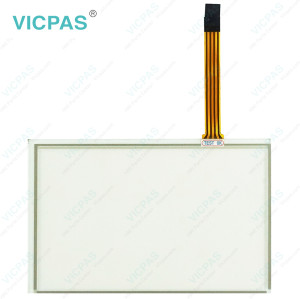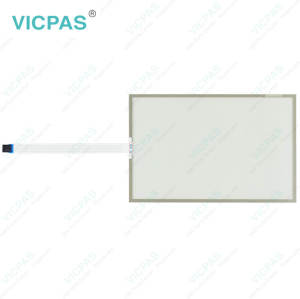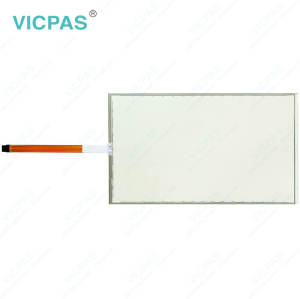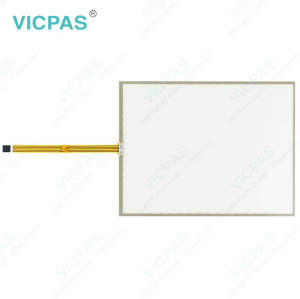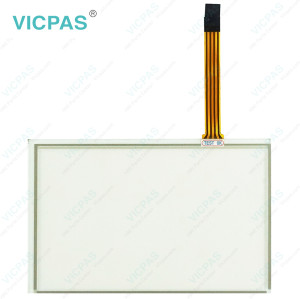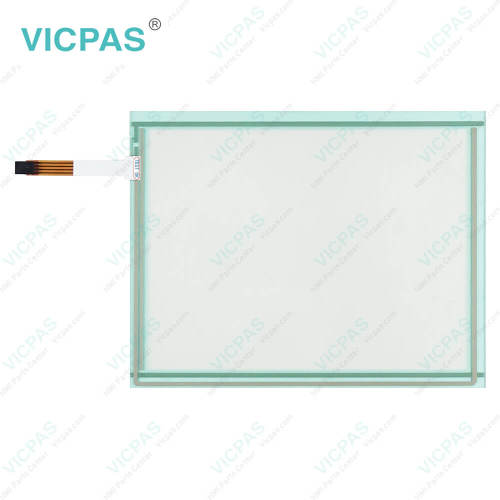
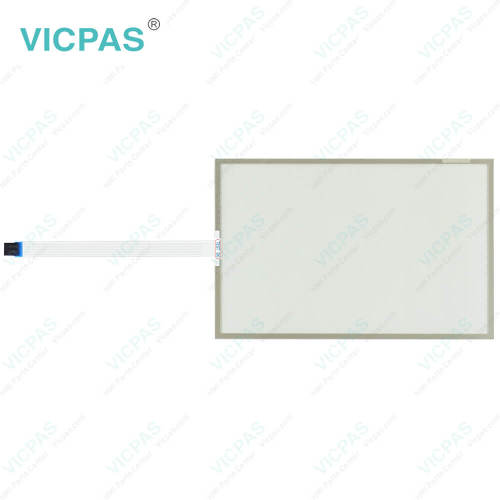
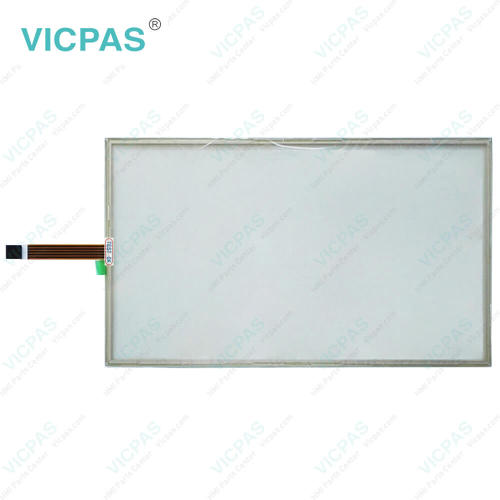
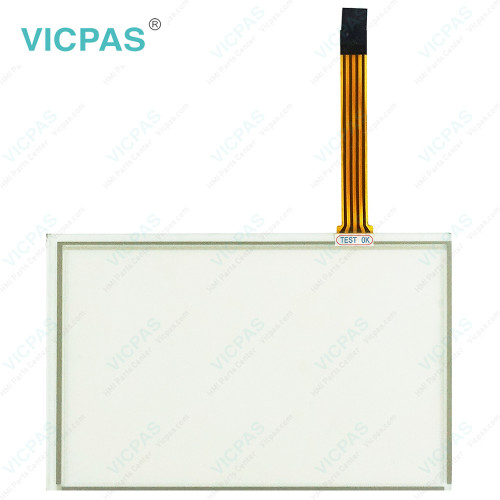
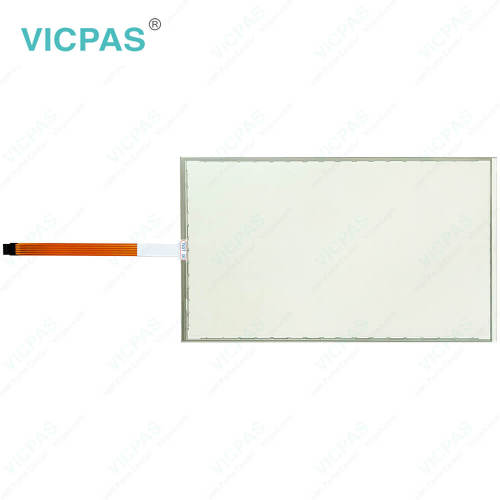
EW600N00C04 Touch Membrane Repair
- Model
- EW600N00C04
Item specifics
- Brand
- Vicpas
- Shipping Time
- 3-5 Days
- Warranty
- 365 Days
- Product Line
- EW600
- Supply
- Touch Screen Glass
- Touch Type
- Resistive
Review
Description
ESA EW600 EW600N00C04 Touchscreen Replacement
Order each part separately is available
Before cleaning ESA EW600 EW600N00C04 Touch Screen Glass, always disconnect the equipment from all power sources and use only a damp cloth for maintenance. Avoid using liquid cleaners or spray detergents. To ensure reliable operation, keep EW600N00C04 Touch Screen Monitor away from humidity and direct sunlight, and install it in a well-controlled environment with a storage temperature between -20 °C (-4 °F) and 60 °C (140 °F). During installation, place EW600 EW600N00C04 Touch Membrane on a stable and reliable surface to prevent accidental drops or damage. The enclosure openings are designed for air circulation, so they should never be covered, as proper ventilation is necessary to prevent overheating. Never pour liquid into any opening, since this may result in fire or electric shock. If the equipment will not be used for an extended period, disconnect it from the power supply to protect it from transient overvoltage damage. Please also note that the rear cover may become hot during operation, so avoid touching it to prevent burns or personal injury. All warnings and caution labels on the equipment should be carefully observed at all times.
Specifications:
The table below describes the parameters of ESA EW600 EW600N00C04 Touch Screen Display.
| Warranty: | 365 Days |
| Protection: | IP65 |
| Product Line: | EW600 |
| Operating Temperature: | 0 °C ... +50 °C |
| Storage Temperature: | -20 °C ... +60 °C |
| Brand: | Vicpas |
| Shipping Time: | 3-5 Days |
| Relative Humidity: | 95% |
| Cooling Method: | Natural Air Cooling |
| Environment: | Free From Corrosive Gases |
Related ESA EW600 Part No. :
| ESA EW600 HMI | Description | Inventory status |
| EW600A03A02 | ESA EW600 Touch Screen Display Repair | In Stock |
| EW600B08B04 | ESA EW600 Touch Screen Film Replacement | Available Now |
| EW600C02N00 | ESA EW600 Touch Screen Glass Repair | In Stock |
| EW600D06N00 | ESA EW600 Touch Screen Panel Replacement | Available Now |
| EW600E04N00 | ESA EW600 Touch Screen Tablet Repair | In Stock |
| EW600N00C04 | ESA EW600 Touch Screen Monitor Replacement | Available Now |
| EW600N00E04 | ESA EW600 Touch Digitizer Glass Repair | In Stock |
| ESA EW600 HMI | Description | Inventory status |
ESA HMI Manuals PDF Download:
FAQ:
Question: What precautions should be taken when assembling ESA EW600 EW600N00C04 Touch Digitizer Glass?
Answer: Handle the equipment carefully throughout the assembly process and ensure it is adequately supported. Any impact, accidental drop, or improper placement may cause damage to the unit.
Question: How can I create and modify screens on EW600 series HMI?
Answer: EW600 series HMIs usually come with dedicated software for screen development. Install the software on your computer, and then use it to design and customize screens with elements like buttons, images, text, and data display. The software often offers intuitive drag-and-drop interfaces for easy screen creation and modification.
Common misspellings:
EW600N0OC04EW660N00C04
EW600N00C4
EW400N00C04
EW6000N0C04