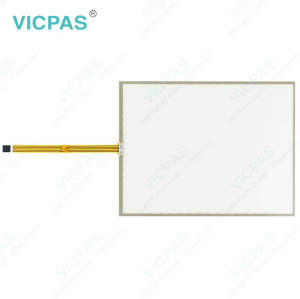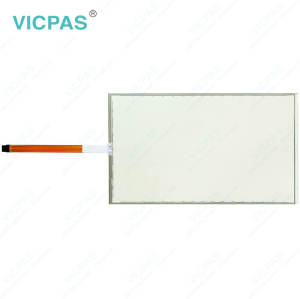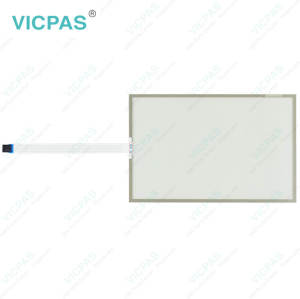
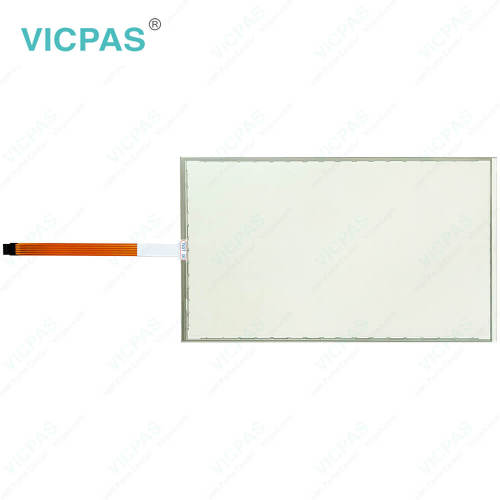
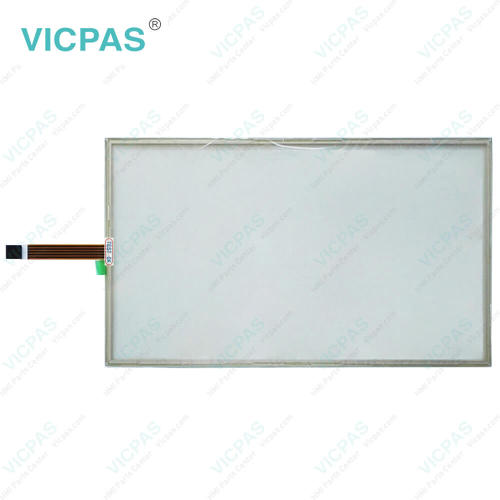
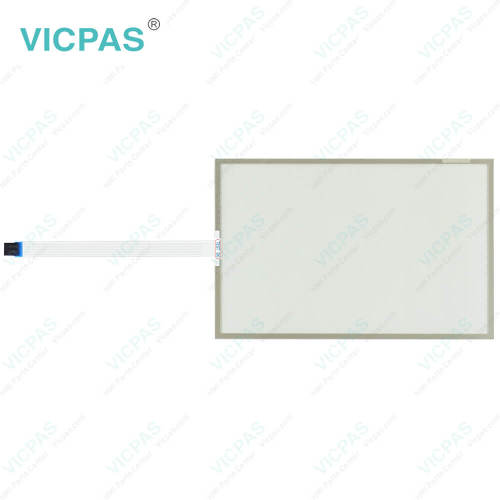
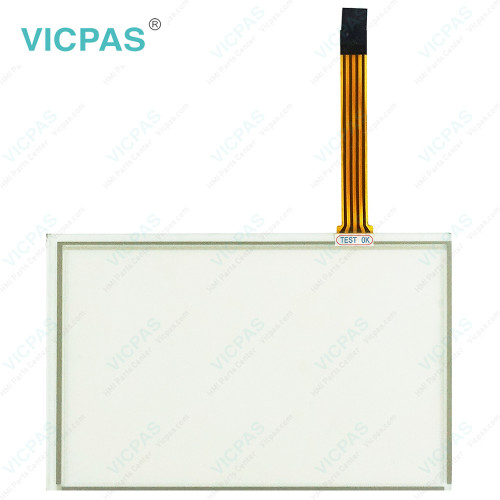
EW322A1010 Touch Digitizer Glass Repair
- Model
- EW322A1010
Item specifics
- Brand
- Vicpas
- Shipping Time
- 3-5 Days
- Warranty
- 365 Days
- Product Line
- EW300 Panel IPC EW322
- Supply
- Touch Screen Film
- Touch Type
- Resistive
Review
Description
ESA EW322 EW322A1010 Touch Screen Display Replacement
Order each part separately is available
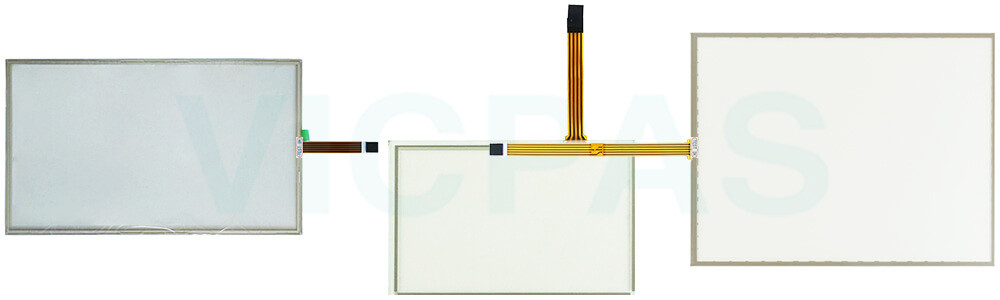
To help preserve the performance and lifespan of ESA EW322 EW322A1010 Touchscreen, avoid placing the equipment in locations where it may be exposed to prolonged direct sunlight. Excessive heat buildup on the display surface can negatively affect LCD components and may lead to reduced display performance or premature wear over time. If EW322A1010 Touch Screen Display shows signs of abnormal operation, professional inspection is recommended. Examples include damaged power cables or connectors, liquid contamination, exposure to excessive humidity, operational issues, or visible physical damage caused by impact or accidental drops. Any cracks, deformation, or other noticeable defects should be addressed promptly to prevent further deterioration. For long-term reliability, EW322 EW322A1010 Touch Screen Tablet should be operated and stored within the recommended temperature range of -20°C to 60°C (-4°F to 140°F). Exposure to temperatures outside these limits may affect internal components and reduce overall product lifespan. Whenever possible, keep the equipment in a clean, dry, and temperature-controlled environment to maintain stable performance and maximize service life.
Specifications:
The table below describes the parameters of ESA EW322 EW322A1010 Touch Panel.
| Product Line: | EW300 Panel IPC EW322 |
| Size: | 21.5'' |
| Warranty: | 365 Days |
| Brand: | Vicpas |
| Storage Temperature: | -20 °C ... +60 °C |
| Operating Temperature: | 0 °C ... +50 °C |
| Shipping Time: | 3-5 Days |
| Relative Humidity: | 95% |
| Cooling Method: | Natural Air Cooling |
| Resolution: | 1920x1080 Pixels |
Related ESA EW300 Panel IPC Part No. :
| EW300 Panel IPC | Description | Inventory status |
| EW315A1010 | ESA EW300 Panel IPC EW315 Touch Screen Monitor Repair | In Stock |
| EW315B1010 | ESA EW300 Panel IPC EW315 Touch Membrane Replacement | Available Now |
| EW322A1010 | ESA EW300 Panel IPC EW322 Touch Screen Display Repair | In Stock |
| EW322B1010 | ESA EW300 Panel IPC EW322 Touch Screen Tablet Replacement | Available Now |
| EW300 Panel IPC | Description | Inventory status |
ESA HMI Manuals PDF Download:
FAQ:
Question: What precautions should be taken when assembling ESA EW322 EW322A1010 Touchscreen?
Answer: Handle the equipment carefully throughout the assembly process and ensure it is adequately supported. Any impact, accidental drop, or improper placement may cause damage to the unit.
Question: How can I create and modify screens on EW322 series HMI?
Answer: EW322 series HMIs usually come with dedicated software for screen development. Install the software on your computer, and then use it to design and customize screens with elements like buttons, images, text, and data display. The software often offers intuitive drag-and-drop interfaces for easy screen creation and modification.
Common misspellings:
EW322A10110EW32A1010
EW322AA1010
EW322A1011
EW3232A1010