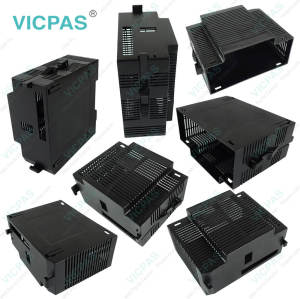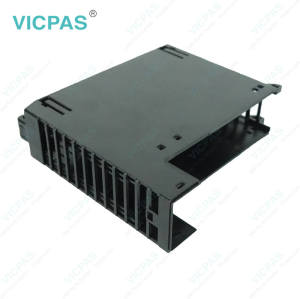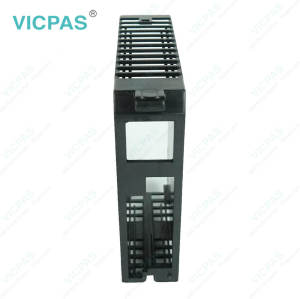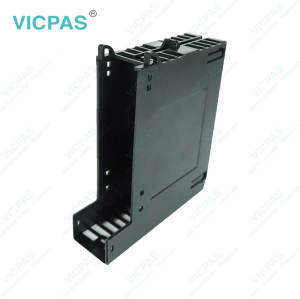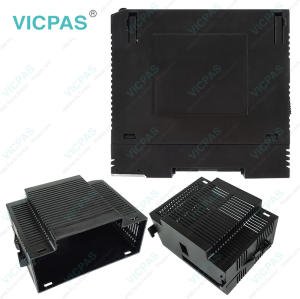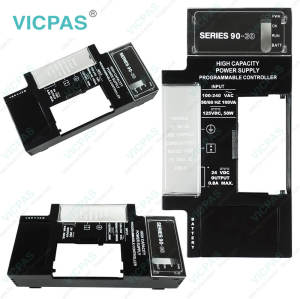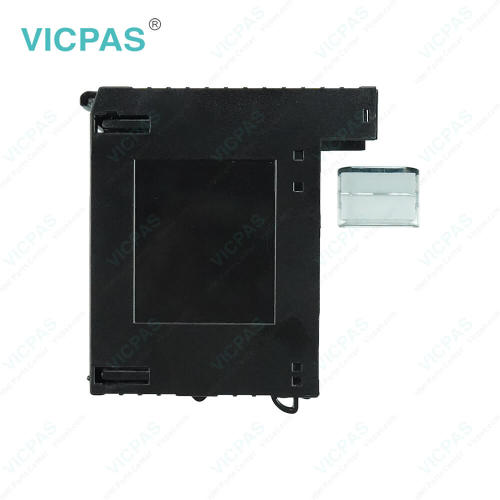
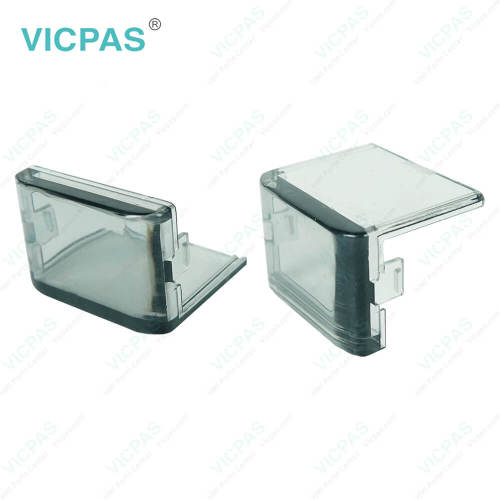
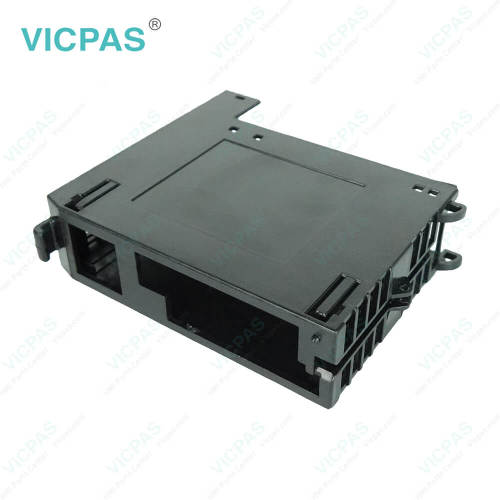
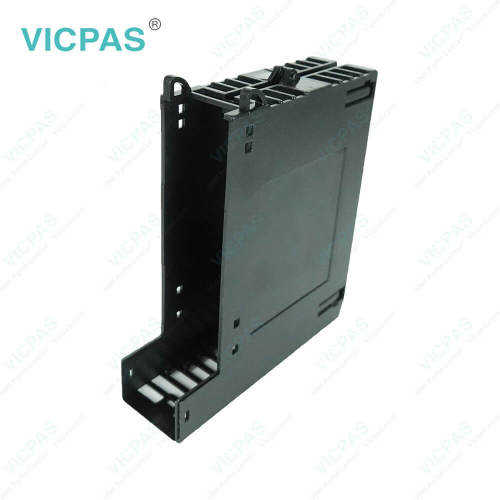

IC693PBM200-CC IC693PBM200-DD IC693PBM200-DE Plastic Case Cover
- Model
- IC693PBM200-CC IC693PBM200-DD IC693PBM200-DE
Item specifics
- Brand
- GE Fanuc
- Warranty
- 365 Days
- Product Line
- GE Fanuc Series 90-30 PLCs Communications Modules
- Supply
- IC693PBM200-CC Plastic Cover Body
- GE Fanuc Series 90 30
- IC693PBM200-DD
- Model
- IC693PBM200-DE
Review
Description
GE Fanuc Series 90-30 PLCs Communications Modules IC693PBM200-CC IC693PBM200-DD IC693PBM200-DE HMI Case Repair
Order each part separately is available
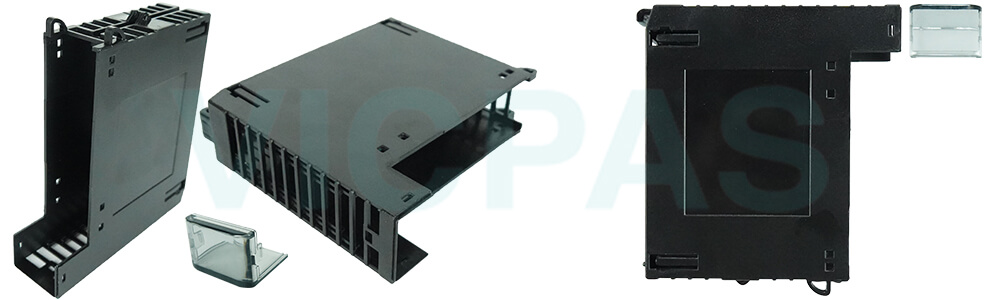
Industrial environments are demanding. Dust, vibration, temperature fluctuations, and accidental knocks can threaten module reliability. VICPAS IC693PBM200-CC IC693PBM200-DD IC693PBM200-DE Plastic Cover Bodies are engineered to handle these challenges while keeping GE Fanuc Series 90-30 PLCs Communications Modules fully operational.
Unlike generic covers, our housings are tailored to each module type, providing protection without obstructing access or usability. They shield sensitive electronics while maintaining full functionality.
This robust protection reduces unexpected failures and emergency maintenance, ensuring consistent production and minimizing unplanned downtime. Your team can focus on operations instead of troubleshooting damaged components.
The lightweight yet durable design makes handling easier, even in tight spaces or complex installations. These IC693PBM200-CC IC693PBM200-DD IC693PBM200-DE Housings are built to endure industrial stress while remaining convenient for daily operation.
With VICPAS IC693PBM200-CC IC693PBM200-DD IC693PBM200-DE Plastic Shells, your modules gain both protection and practicality. They safeguard your investment, enhance operational reliability, and give you confidence in the performance of your automation systems.
Specifications:
The table below describes the parameters of the GE Fanuc Series 90-30 PLCs Communications Modules IC693PBM200-CC IC693PBM200-DD IC693PBM200-DE Plastic Enclosure Modules.
| Material: | Plastic |
| Part Number: | IC693PBM200-CC/DD/DE |
| Product Line: | GE Fanuc 90-30 Series PLC |
| Storage Temperature: | –40 °C to +85°C |
| Warranty: | 365 days Warranty |
| Brand: | VICPAS |
| Compatibility: | Series 90-30 PLCs Communications Modules |
| Operating Temperature: | 0° C to 60° C (Inlet) |
| CPU type: | |
| Processor speed: |
Related GE-Fanuc Series 90-30 PLCs Communications Modules Part No. :
| GE Series 90™-30 | Description | Inventory status |
| IC693PBM200-CC | GE Series 90-30 PLC Communications Modules Outer Covering | In Stock |
| IC693PBM200-DD | Series 90-30 PLC Communications Modules HMI Case Repair | Available Now |
| IC693PBM200-DE | Series 90-30 PLC Communications Modules Plastic Case Replacement | In Stock |
| IC693PBM200-EE | GE Series 90-30 PLC Communications Modules Plastic Cover Body | Available Now |
| IC693PBM200-FE | GE Series 90-30 PLC Communications Modules Plastic Housing Repair | In Stock |
| IC693PBM200FE | Series 90-30 PLC Communications Modules Plastic Shell Replacement | In Stock |
| IC693DSM324 | GE Fanuc Series 90-30 PLC Digital Servo Motion Controller Plastic Case | Available Now |
| IC693DSM324-AA | Series 90-30 PLC Digital Servo Motion Controller GE Fanuc Plastic Enclosure | Available Now |
| IC693DSM324-AD | GE Series 90-30 PLC Digital Servo Motion Controller Outer Casing | In Stock |
| IC693DSM324-BE | Series 90-30 PLC Digital Servo Motion Controller Outer Covering Repair | In Stock |
| GE Series 90-30 PLC | Description | Inventory status |
GE Series 90-30 PLCs Communications Modules Manuals PDF Download:
FAQ:
Question: Can VICPAS provide replacement parts for damaged IC693PBM200-CC IC693PBM200-DD IC693PBM200-DE Plastic Cases?
Answer: Yes, replacement Plastic Cover Bodies are available, but VICPAS does not repair damaged housings. You can order a new housing directly from our website or sales team.
Question: Are VICPAS IC693PBM200-CC IC693PBM200-DD IC693PBM200-DE HMI Cases easy to handle for maintenance?
Answer: Yes, they are lightweight and durable, making them easy to remove and replace during routine checks without damaging the module.
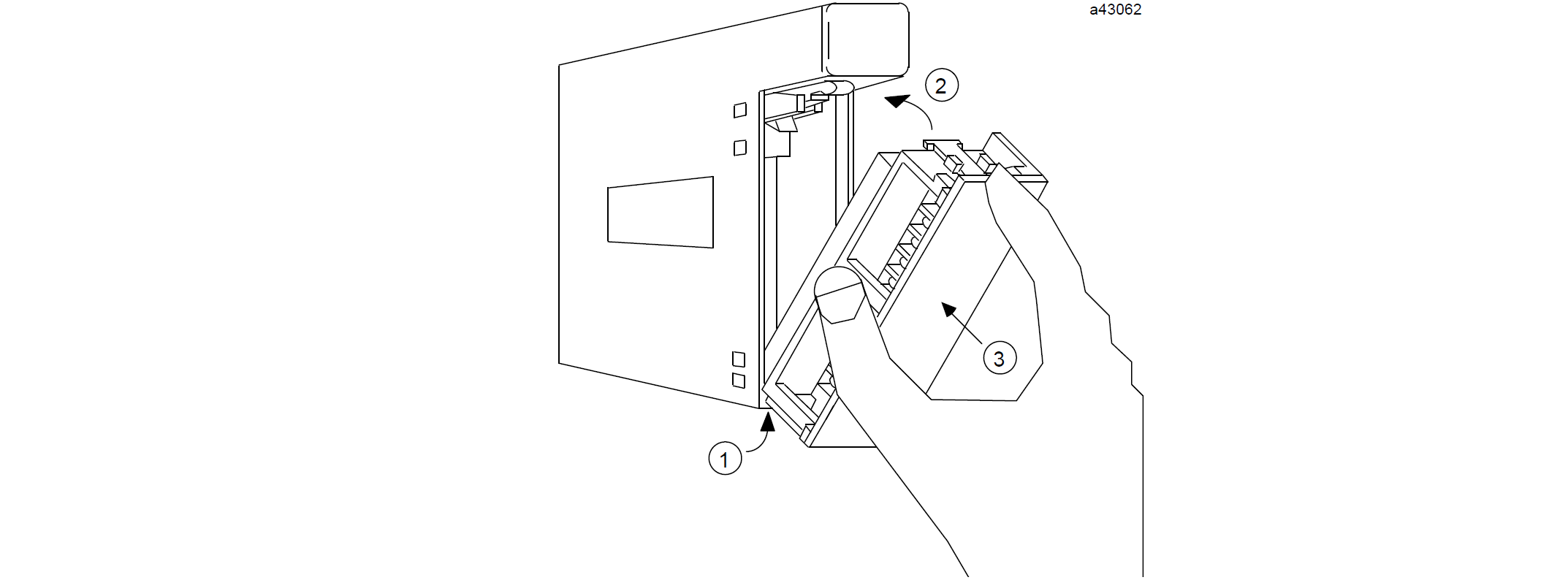
Question: How to Install a Terminal Board?
Answer: To install a terminal board with no wires attached:
1. Hook the hinge, located on the bottom of the terminal board, to the lower slot on the module.
2. Push the terminal board toward the module until it snaps into place.
3. Open the terminal board cover and ensure that the latch on the module is securely holding the terminal board in place.
When installing a terminal board that has wiring attached, verify that the terminal board is connected to the proper module type. The figure shows the recommended procedure for terminal board installation.
Common misspellings:
IC693PBM200-CC IC693PBM200-DD IC693PBM20-DEIC69PBM200-CC IC693PBM200-DD IC693PBM200-DE
IC693PBM200-CC IC693PB2M00-DD IC693PBM200-DE
IC693PBM200-CC IC693PBM200-DD IC693P8M200-DE
IC6933PBM200-CC IC693PBM200-DD IC693PBM200-DE