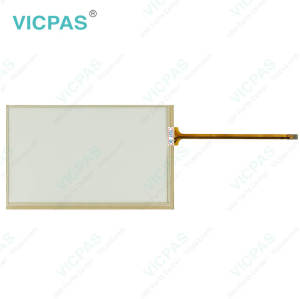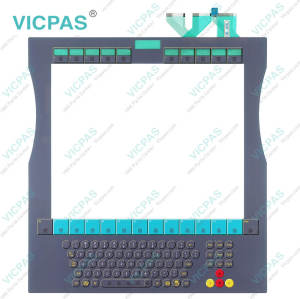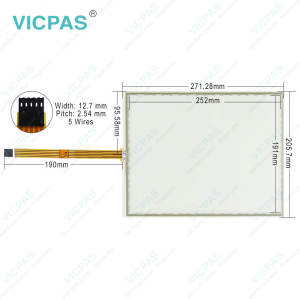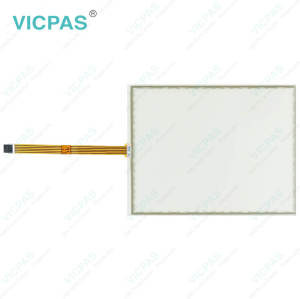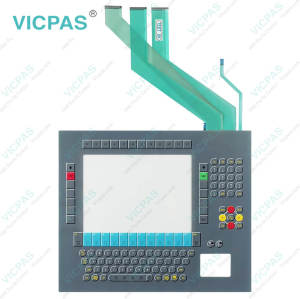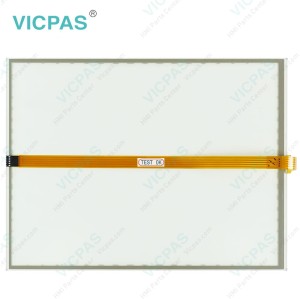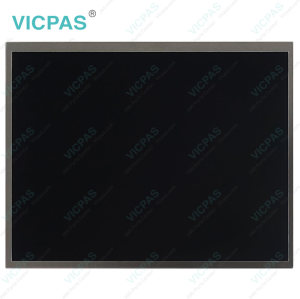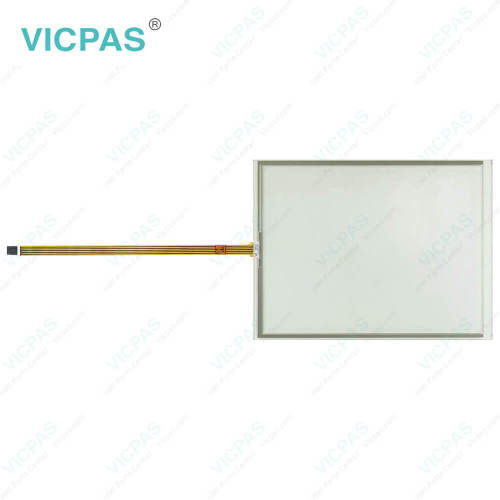
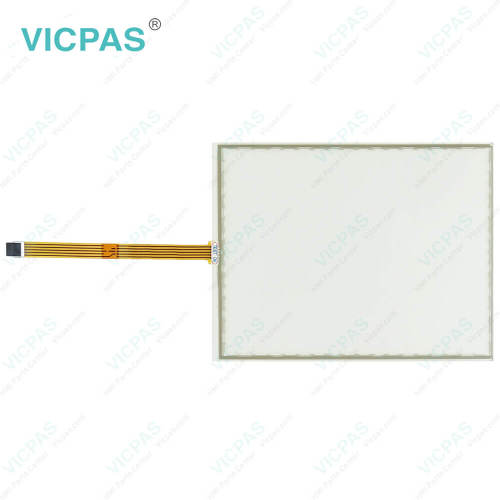
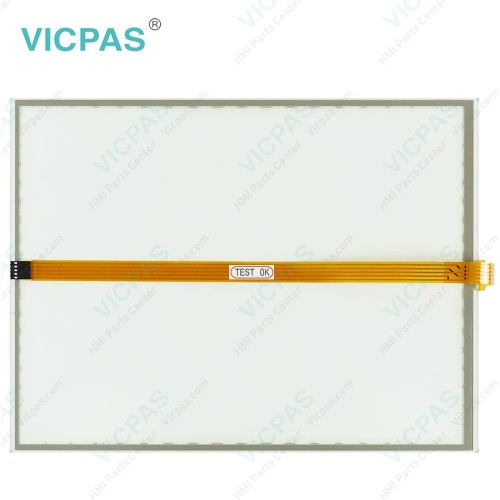
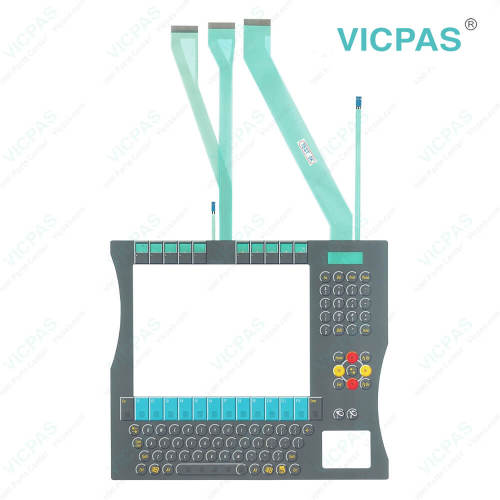
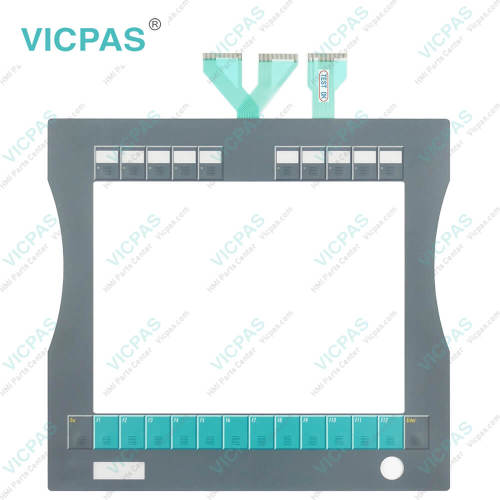
CP7922-0000-0010 CP7922-0001-0010 CP7922-0002-0010 Touch Screen Film Operator Keyboard
- Model
- CP7922-0000-0010 CP7922-0001-0010 CP7922-0002-0010
Item specifics
- Product Line
- CP78XX CP79XX
- LCD Type
- TFT
- Shipping Time
- 3-5 Days
- Supply Parts
- Membrane Keyboard Touch Screen Monitor
- Environment
- Free From Corrosive Gases
- Size
- 15''
Review
Description
Beckhoff CP7922-0000-0010 CP7922-0001-0010 CP7922-0002-0010 Terminal Keypad Touch Screen Tablet Repair
Order each part separately is available
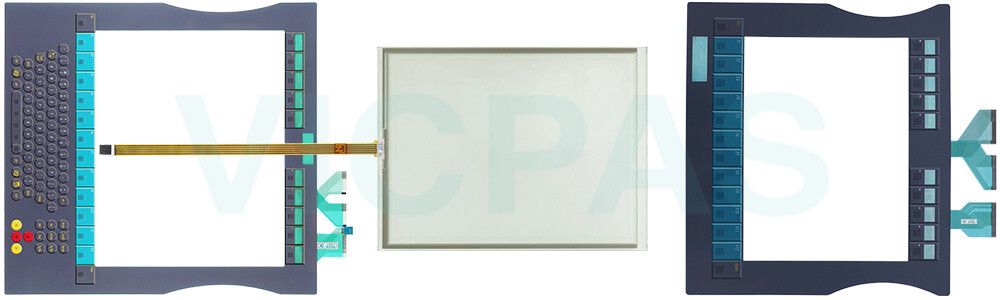
The CP79XX Control Panel is designed for industrial applications in machine and plant engineering. An aluminum housing contains a TFT display, an optional Beckhoff Touch Panel CP7922-0000-0010 CP7922-0001-0010 CP7922-0002-0010 Operator Keyboard HMI Touch Glass. The panel can be installed using the four mounting holes on the backplane or the optional mounting arm system adapter.
VICPAS offers compatible replacement parts for the CP78XX Series, including high-quality Beckhoff HMI Keyboard CP7922-0000-0010 CP7922-0001-0010 CP7922-0002-0010 Touch Screen Glass Membrane Keypad, providing reliable solutions for maintenance and component upgrades. We also provide Beckhoff Touch Screen CP7922-0000-0010 CP7922-0001-0010 CP7922-0002-0010 Terminal Keypad Touch Screen Panel worldwide shipping and a 1-year warranty to ensure secure and convenient purchasing for customers around the globe.
Specifications:
The table below describes the parameters of Beckhoff CP7922-0000-0010 CP7922-0001-0010 CP7922-0002-0010 Keypad Membrane HMI Touch Glass.
| Storage Temperature: | -25 °C ... +65 °C |
| Operating Temperature: | 0 °C ... +55 °C |
| LCD Type: | TFT |
| Size: | 15'' |
| Environment: | Free From Corrosive Gases |
| Product Line: | CP78XX CP79XX |
| Brand: | Vicpas |
| Cooling Method: | Natural Air Cooling |
| Relative Humidity: | 95% |
| Warranty: | 365 Days |
Related Beckhoff Part No. :
| Beckhoff HMI | Description | Inventory status |
| CP7921-0001-0000 | Beckhoff CP79XX HMI Touch Glass LCD Display Replacement | In Stock |
| CP7921-0002-0000 | Beckhoff CP79XX Membrane Switch Touch Screen Panel Repair | Available Now |
| CP7921-0002-0010 | Beckhoff CP79XX Touch Screen Film Operator Keyboard Replacement | In Stock |
| CP7921-1075-0000 | Beckhoff CP79XX Touch Digitizer Glass Repair | Available Now |
| CP7922-0000-0010 | Beckhoff CP79XX LCD Panel Touch Screen Monitor Replacement |
In Stock |
| CP7922-0001-0010 | Beckhoff CP79XX Terminal Keypad Touch Screen Tablet Repair | Available Now |
| CP7922-0002-0010 | Beckhoff CP79XX Touch Membrane Operator Panel Keypad Replacement | In Stock |
| CP7931-0000-0000 | Beckhoff CP79XX Membrane Keypad Touch Screen Tablet Repair | Available Now |
| CP7931-0000-0010 | Beckhoff CP79XX Touch Screen Glass Switch Membrane Replacement | In Stock |
| CP7931-0001-0010 | Beckhoff CP79XX Keyboard Membrane Touch Screen Display Repair | Available Now |
| CP7931-0002-0000 | Beckhoff CP79XX Touch Screen Film Terminal Keypad Replacement | In Stock |
| CP7931-0002-0010 | Beckhoff CP79XX Operator Keyboard HMI Touch Glass Repair | Available Now |
| CP7931-1103-0000 | Beckhoff CP79XX Touch Screen Panel Keypad Membrane Replacement | In Stock |
| Beckhoff HMI | Description | Inventory status |
Beckhoff CP78XX CP79XX Manuals PDF Download:
FAQ:
Question: What is the correct way to clean CP7922-0000-0010 CP7922-0001-0010 CP7922-0002-0010 Control Panel?
Answer: Switch off the Industrial PC and all connected devices in order to prevent inadvertent operation of keys. The front of the Control Panel can be cleaned with a soft, damp cleaning cloth. Do not use any aggressive cleaning materials, thinners, scouring material or hard objects that could cause scratches.
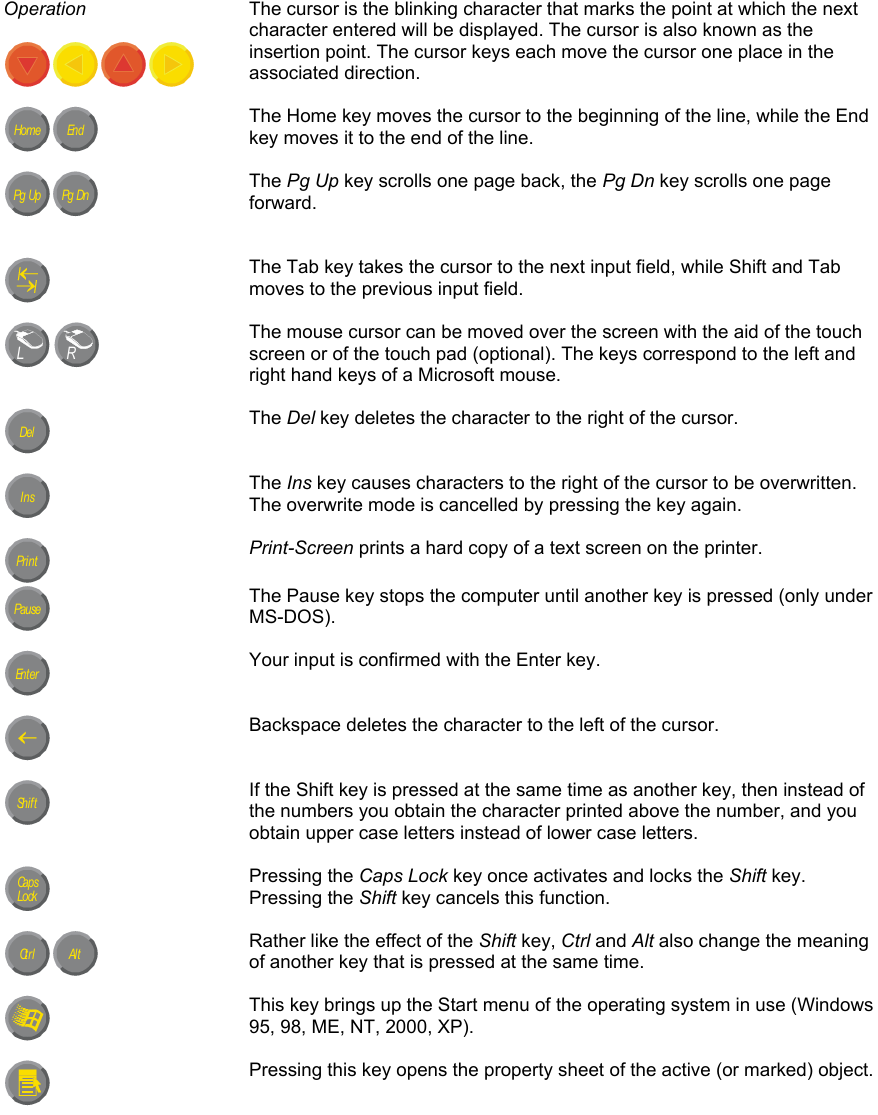
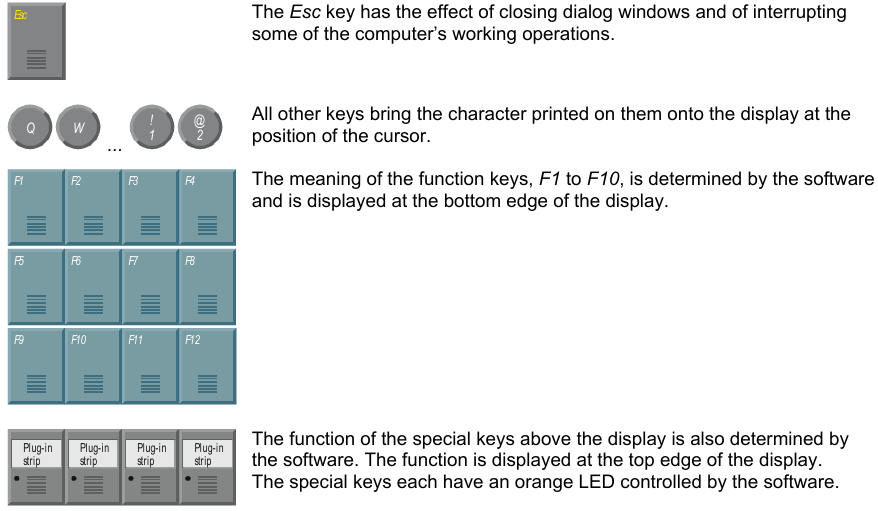
Question: What do CP7922-0000-0010 CP7922-0001-0010 CP7922-0002-0010 Membrane Switch Keyboard codes mean?
Answer:
Common misspellings:
CP792-0000-0010CP7922-0002-0010
CP7922-0000-0020
CP7922-001-0010
CP7922-0001-00010
CP7922-0001-0001
CP79222-0002-0010
CP7922-00002-01010
CP7922-0202-0010