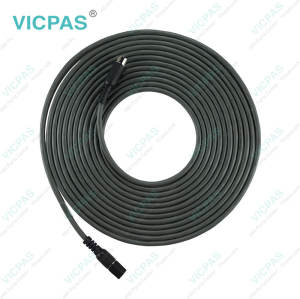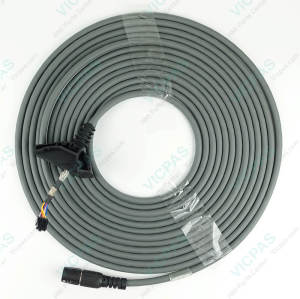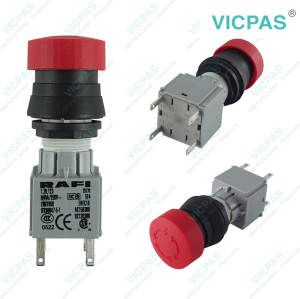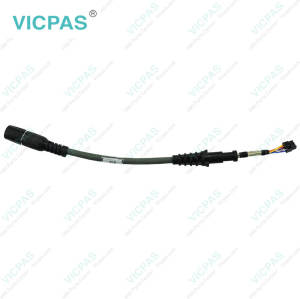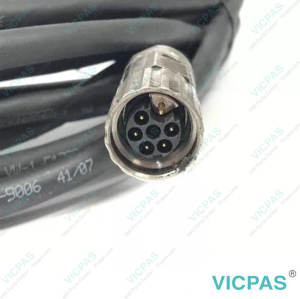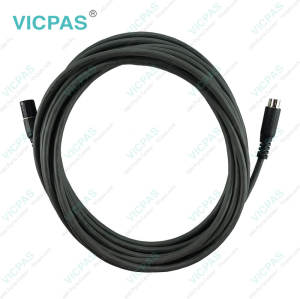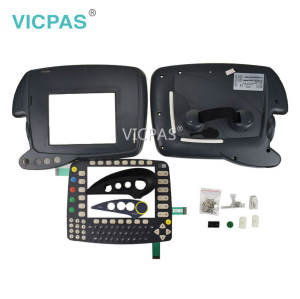
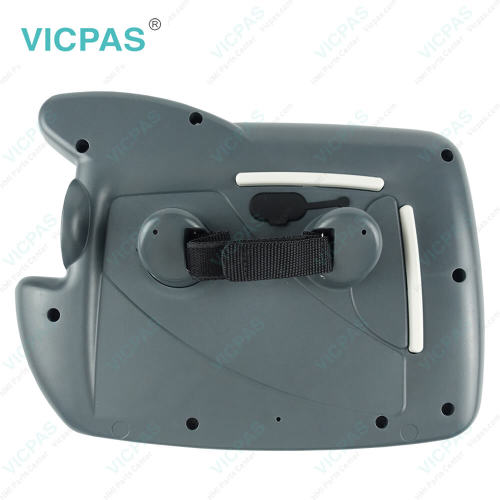
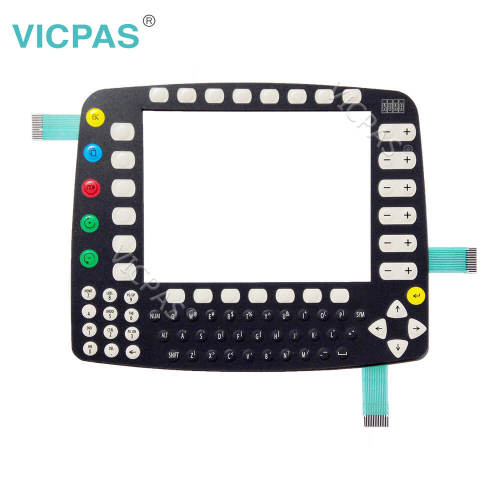
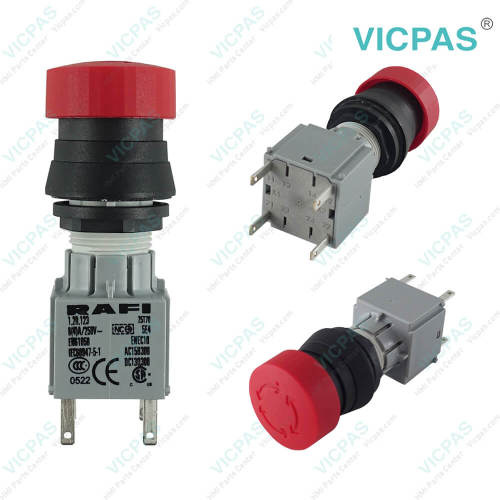
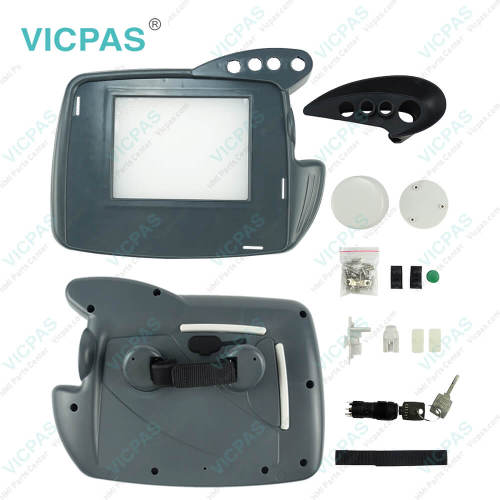
KRC1 69-001-045 Plastic Case Membrane Keypad LCD Repair
- Model
- 69-001-045
Item specifics
- Warranty
- 365 Days
- Shipping
- 3-5 workdays
- Brand
- Vicpas
- Product Line
- KRC1
- Supply
- Membrane Switch Enclosure LCD Screen
Review
Description
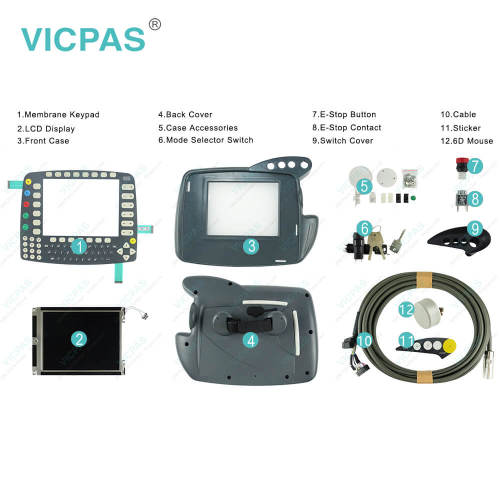
KRC1 69-001-045 LCD Panel, Enclosure, Cable, Switch Cover, Operator Keypad, E-Stop Button, Case Accessories, 6D Mouse, Sticker, Mode Selector Switch and E-Stop Contact Replacement
Order each part separately is available
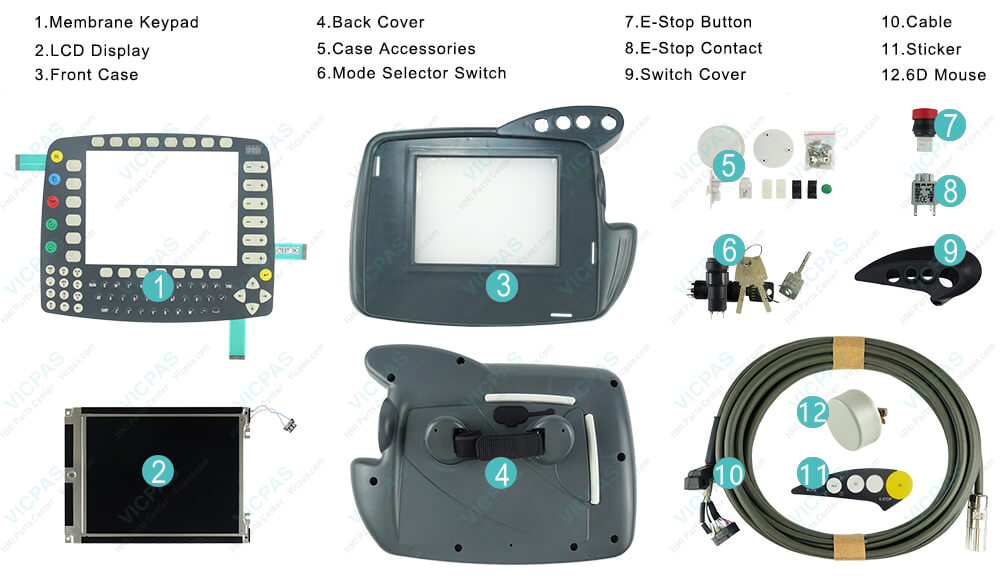
Krc1 69-001-045 Housing, Cable, E-Stop Contact, Membrane Keypad, E-Stop Button, Case Accessories, LCD Display Panel, Switch Cover, Sticker, 6D Mouse and Mode Selector Switch are used to repair Krc1 smartpad controller panels.
Switching on krc1 control cabinet.
After you have correctly installed and connected your robot system, you can start it up forthe first time.
Turn on themain switch of your control cabinet. The computer integrated intothe control cabinet begins to load the programs and data required for operation from the hard disk. You can follow the run--up phase of the controller on the KCP1 display. The run--up phase is concluded after approximately 3 minutes and the main menu of the KR C1 A controller is displayed.
As the EMERGENCY STOP button is pressed at this stage (and the EMERGENCY STOPcircuits of the periphery may not have been wired up yet), the robot cannot yet be moved.Appropriate messages are displayed on the KCP to inform you of this.
Specifications:
The table below describes the parameters of KRC1 69-001-045 teach pendant spare parts.
| Operating Temperature: | +20...50°C |
| Part Number : | 69-001-045 |
| Product Line: | KRC1 |
| Warranty: | 1-Year Warranty |
| Ambient Temperature: | +5...45°C |
| Storage Temp.: | -25℃...40℃ |
| Product Type: | Repair Component |
| Shipping Time: | 3-5 Days |
| Shipping: | DHL/Fedex |
| Quality Check: | Tested Before Shipment |
Related VICPAS HMI Part No. :
| HMI Repair Part | Description | Inventory status |
| KRC1 69-001-045 | Krc1 Kit Replacement Parts | Available Now |
| KRC4 00-216-801 00-189-002 | Krc4 Kit Repair Parts | In Stock |
| KRC4 6D Mouse | Krc4 6D Mouse | Available Now |
| KRC4 AMT9552 | Krc4 Touchscreen Repair | In Stock |
| KRC4 Mode Selector Switch | Krc4 Mode Selector Switch Repair | Available Now |
| KRC4 RAFIX 22 FS+ 1.30.273.501/0300 | Krc4 E-Stop Switch Repair | In Stock |
| KRC4 Rubber Protective Cover | Krc4 Rubber Protective Cover Repair | Available Now |
| KRC4 Touch Pen | Krc4 Touch Pen Replacement | In Stock |
| KRC5 00-291-556 SMARTPAD-2 | Cable for Krc5 Replacement | Available Now |
| KRC5 00-320-102 | Krc5 Cable Repair | In Stock |
| KRC5 00-320-104 SMARTPAD-2 | Krc5 Cable 10m Replacement | Available Now |
| KRC5 6D Mouse | 6D Mouse for Krc5 | In Stock |
| KRC5 Mode Selector Switch | Cable for Krc5 replacement | In Stock |
| Smartpad Controller | Krc1 Krc2 Krc4 Kit Repair | In Stock |
| LM8V302 | LCD for Krc1 Krc2 Replacement | In Stock |
| NEW! KRC4 CK | Krc4 Kit Replacement | In Stock |
| HMI Repair Part | Description | Inventory status |
SmartPAD Manuals PDF Download:
FAQ:
Question: How to operate KRC1 69-001-045 controller?
Answer: 1) Generate your controller programs on the PC and transfer them to the robot. You can set up file sharing in Windows 95 and connect the robot up to your network. One word here KRC1 69-001-045 does not allow you to copy programs directly into its active /programs folder.
You must copy it somewhere else on the C:, make sure the teach pendant is in expert mode, and copy/paste the programs into the right spot on the teach pendant, because KRC1 needs to feel special about it and compile the program as it pastes in. If you are doing some milling type work then make sure each of these files does not exceed 100k or so in size.
2) Use a PLC + DeviceNet or some other supported card in your KRC1 to transfer your position data/command via registers. KRC1 likes registers.
3) Just buy a KRC4 robot with the right control comm package and save your sanity.
Question: What is the price of KRC1 69-001-045 Membrane Keyboardd Plastic Shell LCD Display and other spare parts?
Answer: Submit a fast quote, send VICPAS an email for best price.
Common misspellings:
69-0101-045
69001045
69-001-054
69-0001-045
69-001-05