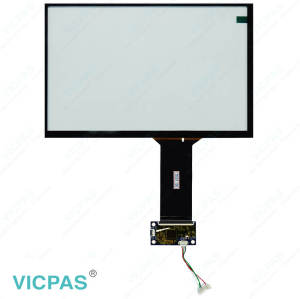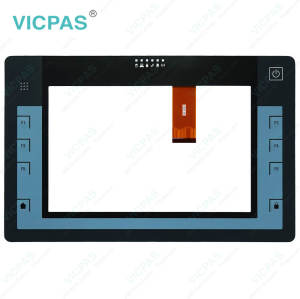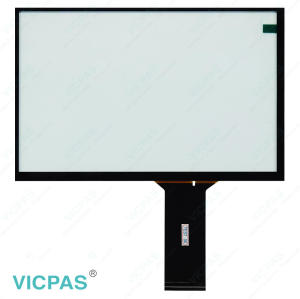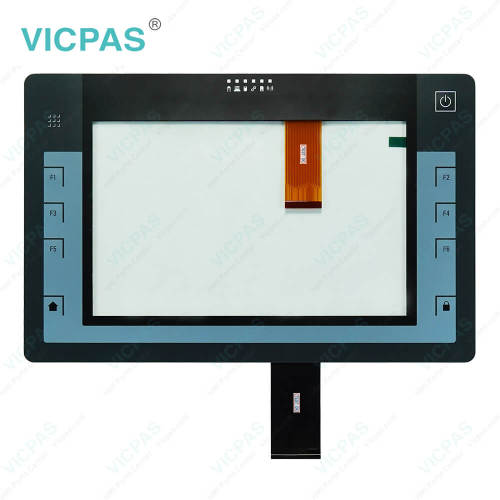
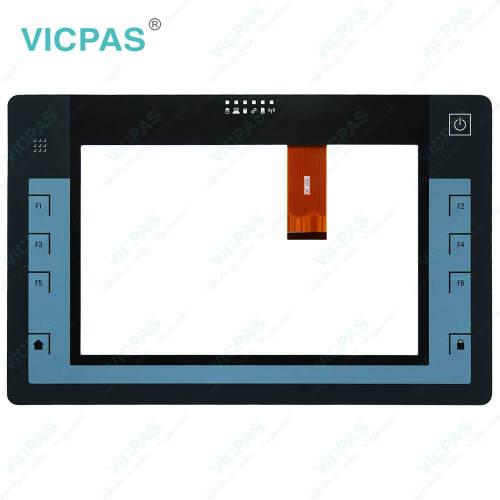
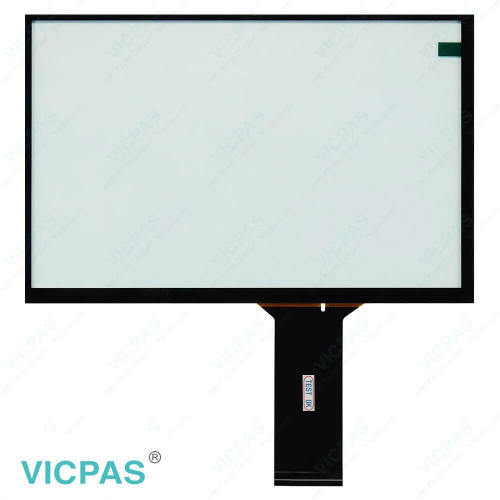
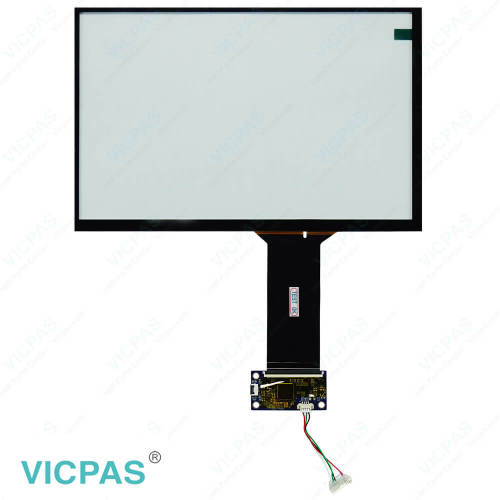
ITP1000 6AV7880-0AA22-2DA2 Touch Panel Operator Keyboard
- Model
- 6AV7880-0AA22-2DA2
Item specifics
- Brand
- Siemens
- Size
- 10.1 inch
- Warranty
- 365 Days
- Product Line
- SIMATIC ITP1000
- Supply
- Touch Screen Display Keyboard
- Shipping
- 2-4 workdays
- Part Number
- 6AV7880-0AA22-2DA2
Review
Description
SIMATIC ITP1000 6AV7880-0AA22-2DA2 Membrane Keyboard Keypad Touch Screen Display Repair
Order each part separately is available
Description
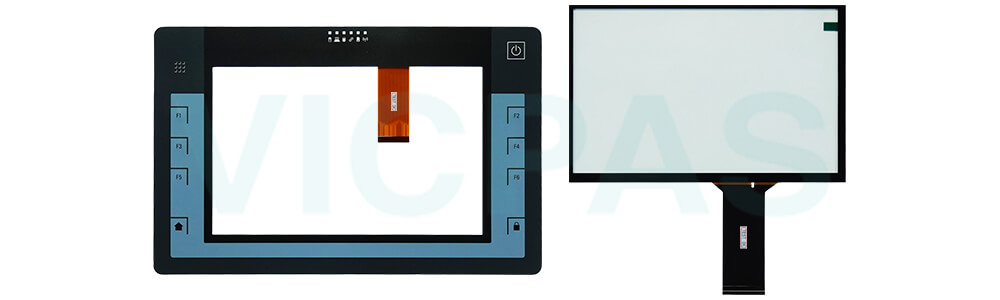
The SIMATIC ITP1000 6AV7880-0AA22-2DA2 Touch Panel Glass and Keypad Membrane Switch are engineered as replacement parts for compatible Siemens ITP1000 panels. They are intended to restore touch and keypad functionality when original components become damaged, worn, or no longer respond correctly.
Each component is manufactured with attention to fit, durability, and performance. The touch screen is designed to provide accurate and responsive operation, while the membrane keypad offers reliable input and clear key activation for efficient equipment control.
Suitable for maintenance, repair, and refurbishment projects, these 6AV7880-0AA22-2DA2 Touch Digitizer Glass Operator Panel Keypad replacement parts help extend panel service life and maintain stable system operation. Their use can reduce replacement costs and provide a practical solution for keeping industrial equipment running efficiently.
Specifications:
The table below describes the parameters of the SIMATIC HMI ITP1000 6AV7880-0AA22-2DA2 Keyboard Membrane Touch Screen Panel HMI Parts.
| Touchscreen Type: | Capacitive |
| Part Number: | 6AV7880-0AA22-2DA2 |
| Brand: | Siemens |
| Product Line: | SIMATIC ITP1000 |
| Touch Size: | 10.1" |
| Design of Display: | Multi-touch |
| Ambient Humidity: | 85 % RH |
| Warranty: | 12-Month Warranty |
| Type of Backlighting: | LED |
| Environment: | Free From Corrosive Gases |
Related SIMATIC HMI ITP1000 Series Part No. :
| SIMATIC ITP1000 HMI | Description | Inventory status |
| 6AV7880-0AA02-0AA2 | SIMATIC ITP1000 Touch Membrane Terminal Keypad Repair | In Stock |
| 6AV7880-0AA02-1AA2 | SIMATIC ITP1000 Touch Glass Membrane Keyboard Replacement | In Stock |
| 6AV7880-0AA11-0AA2 | SIMATIC ITP1000 Membrane Keypad Touch Digitizer Glass Repair | Available Now |
| 6AV7880-0AA11-1AA2 | SIMATIC ITP1000 HMI Panel Screen Operator Keyboard Repair | Available Now |
| 6AV7880-0AA12-0AA2 | SIMATIC ITP1000 Switch Membrane Touch Screen Monitor Repair | In Stock |
| 6AV7880-0AA12-0FA2 | SIMATIC ITP1000 HMI Panel Glass Keypad Membrane Replacement | In Stock |
| 6AV7880-0AA21-0AA2 | SIMATIC ITP1000 Operator Panel Keypad Touch Digitizer Repair | Available Now |
| 6AV7880-0AA22-1AA2 | SIMATIC ITP1000 Touch Screen Display Keypad Membrane Repair | In Stock |
| 6AV7880-0AA22-2CA2 | SIMATIC ITP1000 Membrane Switch Touch Glass Replacement | Available Now |
| 6AV7880-0AA22-2DA2 | SIMATIC ITP1000 Touch Screen Tablet Keypad Membrane Repair | In Stock |
| 6AV7880-0AA31-1AA2 | SIMATIC ITP1000 Membrane Keypad Switch Touch Panel Repair | Available Now |
| 6AV7880-0AA31-1BA2 | SIMATIC ITP1000 Touch Screen Terminal Keypad Replacement | Available Now |
| 6AV7880-0AA32-2AA2 | SIMATIC ITP1000 Touchscreen Membrane Keypad Overlay Repair | In Stock |
| SIMATIC ITP1000 HMI | Description | Inventory status |
SIMATIC ITP1000 HMI Manuals PDF Download:
FAQ:
Question: What should I pay attention to when cleaning the Siemens SIMATIC ITP1000 6AV7880-0AA22-2DA2 HMI Touch Glass?
Answer:
▶ If you clean the touch screen when it is switched on, you could cause a malfunction.
Switch off the device or, during ongoing operation, clean the touch screen only when it is in a
locked state.
▶Using compressed air or steam cleaners, or aggressive solutions or scouring agents will
damage the device.
Do not clean the device with compressed air or steam jets. Do not use aggressive solvents
or scouring powder.
Proceed as follows:
1. Switch off the device or disable the touch screen by pressing the locking key.
2. Spray the cleaning solution onto a cleaning cloth.
Do not spray directly onto the device.
3. Clean the device.
When cleaning the display wipe from the screen edge inwards.
4. Unlock the touch screen by pressing the Locking key again.
Question: What is the price of Siemens SIMATIC ITP1000 6AV7880-0AA22-2DA2 Touch Screen Monitor Switch Membrane?
Answer: Submit a fast quote, send VICPAS an email for best price.
Common misspellings:
6AV7880-0AA2-2DA26AV78800-0AA22-2DA2
6AV7880-0AA22-2OA2
6AV7880-00A22-2DA2
6AV7880-0AA22-2DAZ