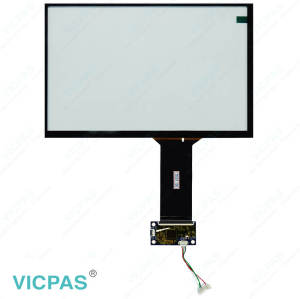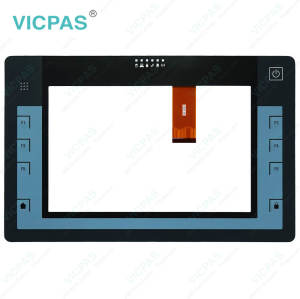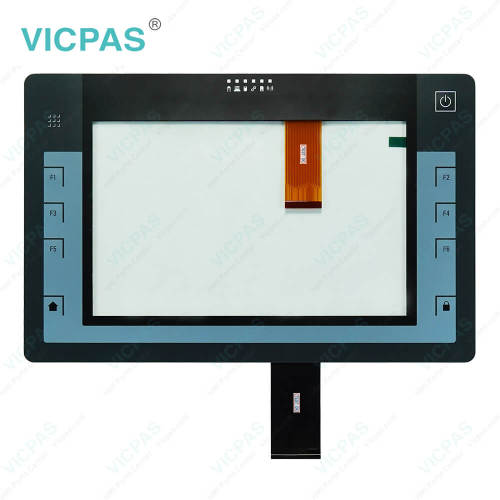
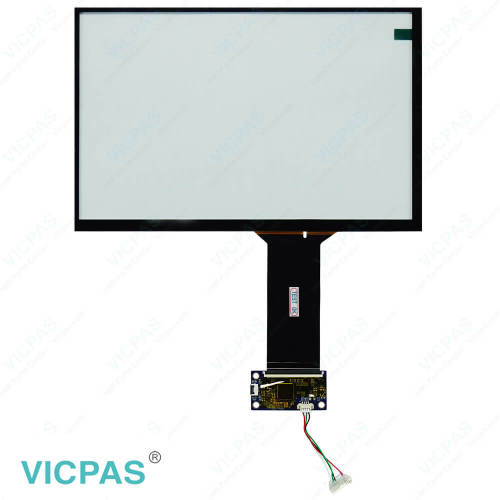
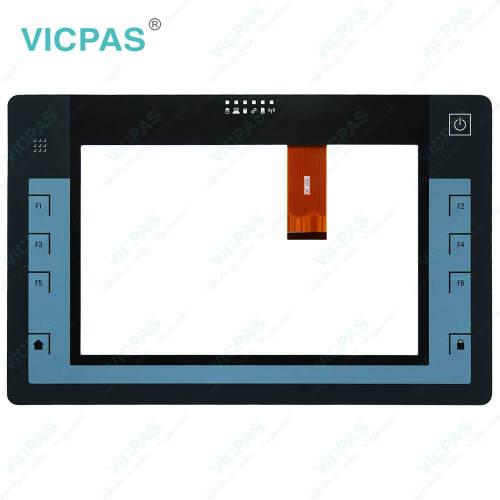
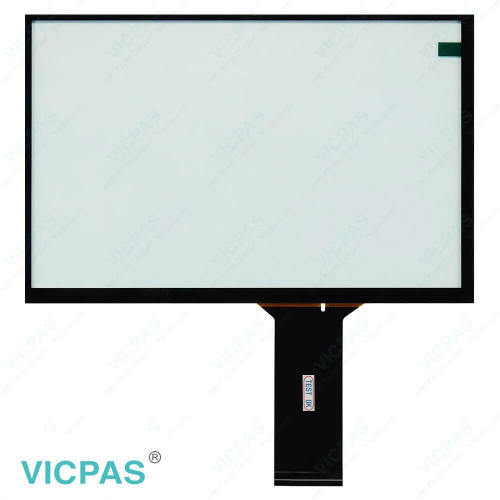
ITP1000 6AV7880-0AA11-1AA2 Terminal Keypad Touch Membrane
- Model
- 6AV7880-0AA11-1AA2
Item specifics
- Brand
- Siemens
- Size
- 10.1 inch
- Warranty
- 365 Days
- Product Line
- SIMATIC ITP1000
- Supply
- Touch Screen Monitor Switch Membrane
- Shipping
- 2-4 workdays
- Part Number
- 6AV7880-0AA11-1AA2
Review
Description
SIEMENS SIMATIC ITP1000 6AV7880-0AA11-1AA2 Membrane Switch Keypad Touch Panel Replacement
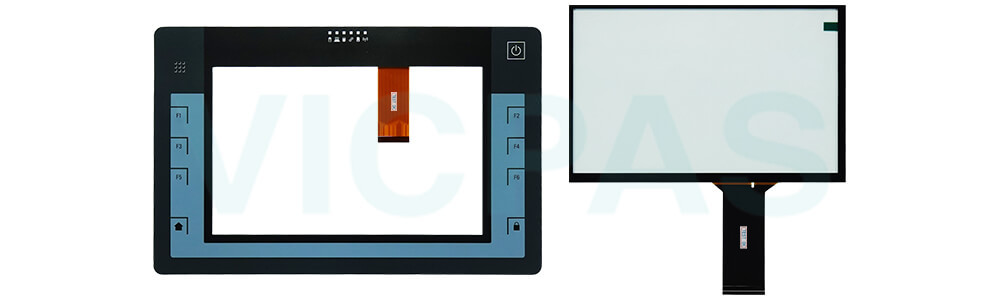
Order each part separately is available
Features
VICPAS supplies replacement HMI Touch Glass and Terminal Keypad for Siemens ITP1000 6AV7880-0AA11-1AA2 operator panels. These components are designed to replace damaged, aging, or malfunctioning interface parts and help restore reliable interaction between operators and industrial equipment.
Designed for compatibility with corresponding ITP1000 models, the 6AV7880-0AA11-1AA2 Operator Panel Keypad Touch Digitizer replacement parts support a wide range of maintenance and repair applications. Their durable construction helps withstand everyday industrial use, making them suitable for factory automation, manufacturing, and process control environments.
By replacing worn touch screens or keypads, users can restore panel functionality without the expense of replacing the complete operator panel. This practical maintenance solution helps reduce equipment downtime, improve operational efficiency, and maximize the value of existing automation systems.
Specifications:
The table below describes the parameters of the SIMATIC ITP1000 6AV7880-0AA11-1AA2 Touch Screen Monitor Operator Keyboard HMI Parts.
| Storage Temperature: | -20°C ~ 60°C |
| Touch Size: | 10.1'' |
| Part Number: | 6AV7880-0AA11-1AA2 |
| Product Line: | SIMATIC ITP1000 |
| Operating Temperature: | 5°C ~ 45°C |
| Brand: | Siemens |
| Design of Display: | Multi-touch |
| Touch Type: | Capacitive |
| Ambient Humidity: | 85 % |
| Environment: | Free Fromr Corrosive Gases |
Related SIMATIC HMI ITP1000 Series HMI Part No. :
| SIMATIC ITP1000 HMI | Description | Inventory status |
| 6AV7880-0AA02-0AA2 | SIMATIC ITP1000 Touch Membrane Terminal Keypad Repair | In Stock |
| 6AV7880-0AA02-1AA2 | SIMATIC ITP1000 Touch Glass Membrane Keyboard Replacement | In Stock |
| 6AV7880-0AA11-0AA2 | SIMATIC ITP1000 Membrane Keypad Touch Digitizer Glass Repair | Available Now |
| 6AV7880-0AA11-1AA2 | SIMATIC ITP1000 HMI Panel Screen Operator Keyboard Repair | Available Now |
| 6AV7880-0AA12-0AA2 | SIMATIC ITP1000 Switch Membrane Touch Screen Monitor Repair | In Stock |
| 6AV7880-0AA12-0FA2 | SIMATIC ITP1000 HMI Panel Glass Keypad Membrane Replacement | In Stock |
| 6AV7880-0AA21-0AA2 | SIMATIC ITP1000 Operator Panel Keypad Touch Digitizer Repair | Available Now |
| 6AV7880-0AA22-1AA2 | SIMATIC ITP1000 Touch Screen Display Keypad Membrane Repair | In Stock |
| 6AV7880-0AA22-2CA2 | SIMATIC ITP1000 Membrane Switch Touch Glass Replacement | Available Now |
| 6AV7880-0AA22-2DA2 | SIMATIC ITP1000 Touch Screen Tablet Keypad Membrane Repair | In Stock |
| 6AV7880-0AA31-1AA2 | SIMATIC ITP1000 Membrane Keypad Switch Touch Panel Repair | Available Now |
| 6AV7880-0AA31-1BA2 | SIMATIC ITP1000 Touch Screen Terminal Keypad Replacement | Available Now |
| 6AV7880-0AA32-2AA2 | SIMATIC ITP1000 Touchscreen Membrane Keypad Overlay Repair | In Stock |
| SIMATIC ITP1000 HMI | Description | Inventory status |
SIMATIC ITP1000 HMI Manuals PDF Download:
FAQ:
Question: Is ITP1000 6AV7880-0AA11-1AA2 Touch Screen Glass or Keypad Membrane in stock?
Answer: Most standard models are in stock. Please confirm availability before ordering.
Question: Which payment methods do you accept?
Answer: We accept T/T bank transfer, PayPal, and credit card (100% prepaid).
Question: Are your 6AV7880-0AA11-1AA2 Touch Digitizer Glass and Membrane Keyboard Keypad tested before shipping?
Answer: Yes, every item is rigorously tested to ensure proper functionality.
Question: What should I pay attention to when cleaning the Siemens SIMATIC ITP1000 6AV7 880-0AA11-1AA2 HMI Touch Glass?
Answer: If you clean the glass front when it is switched on, you may cause inadvertent operations via the ITP1000 6AV78800AA111AA2 Touchscreen. Switch off the HMI device during cleaning.
Common misspellings:
6AV7880-00A11-1AA2
6AV880-0AA11-1AA2
6AV7880-0AA11-1AA22
6AV7808-0AA11-1AA2
6AV7880-0AAA1-1AA2