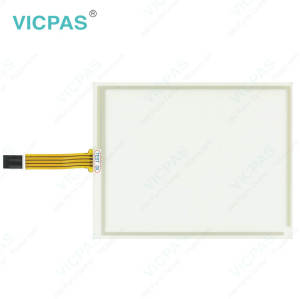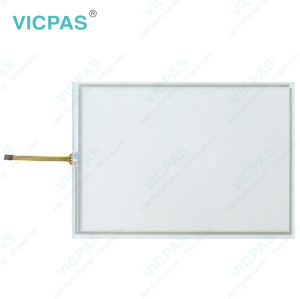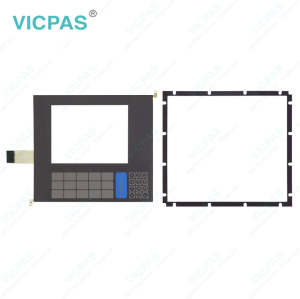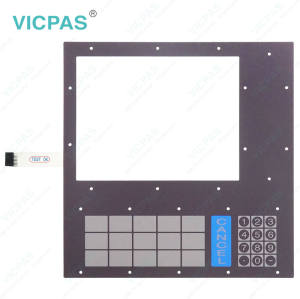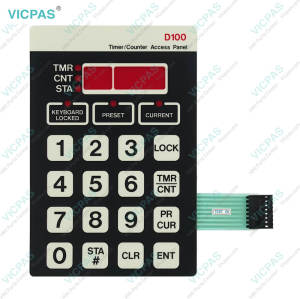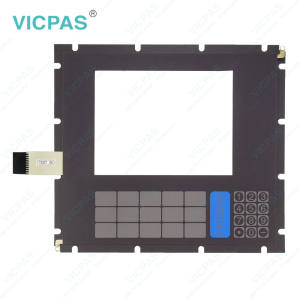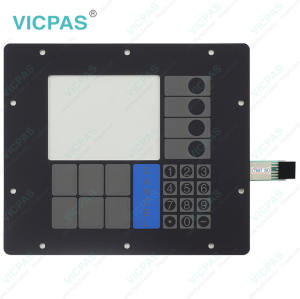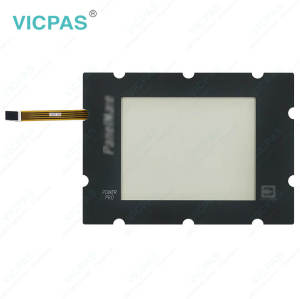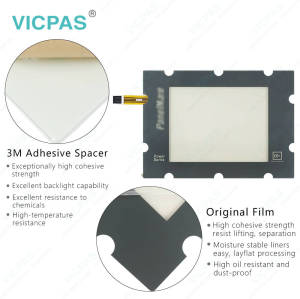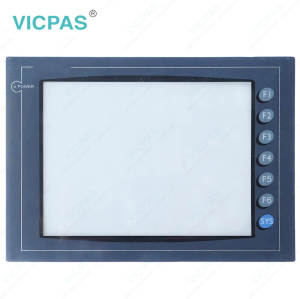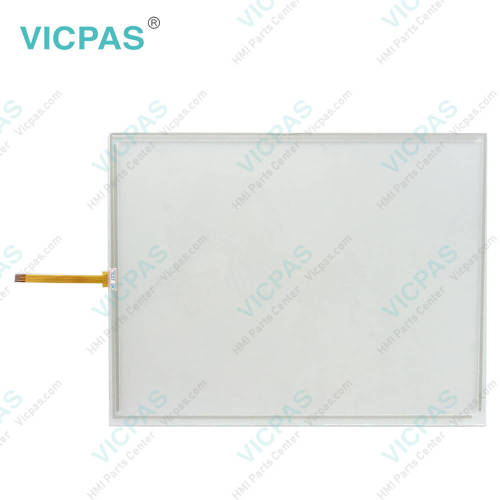
Cutler Hammer 5785T-AC PMPP 5000 92-02025-00 Panelmate Power Pro Cutler Hammer 5585T PMPP 5000 92-01918-01 Touchscreen
- Model
- Cutler Hammer 5785T-AC PMPP 5000 92-02025-00 Panelmate Power Pro Cutler Hammer 5585T PMPP 5000 92-01918-01
Item specifics
- Product Line
- Cutler-Hammer Panelmate
- Warranty
- 1 Year
- Shipping Time
- 3-5 Days
- Supply Parts
- Touch Screen Film
- Environment
- Free From Corrosive Gases
- Brand
- Vicpas
Review
Description
Eaton Cutler Hammer 5785T-AC PMPP 5000 92-02025-00 Panelmate Power Pro Cutler Hammer 5585T PMPP 5000 92-01918-01 Touch Screen Display Replacement

Eaton Panelmate Cutler Hammer 5785T-AC PMPP 5000 92-02025-00 Panelmate Power Pro Cutler Hammer 5585T PMPP 5000 92-01918-01 HMI Touch Glass is compatible with the original device’s brightness adjustment and backlight auto-dimming functions, ensuring stable display performance and a reliable user experience. Vicpas provides high-quality replacement touch glass designed for seamless integration with your HMI system.
To configure the backlight auto-dimming feature, select the Configure button. The LCD Dimming Configuration dialog box will appear, as shown in the figure below. First, set the desired idle time wait period (in seconds). If the idle time is set to 0, the backlight auto-dimming feature will be disabled, and the display will remain at a constant brightness level.
Otherwise, when the unit has been idle (with no mouse, keyboard, or touchscreen input) for the specified period, the screen brightness will automatically adjust to the configured level. With a responsive and reliable touch interface, Cutler Hammer Panels Cutler Hammer 5785T-AC PMPP 5000 92-02025-00 Panelmate Power Pro Cutler Hammer 5585T PMPP 5000 92-01918-01 Touch Digitizer Glass helps maintain smooth operation in various industrial environments.
Once input is detected from a mouse, keyboard, or touchscreen, the display brightness will immediately return to the default setting.
When the device is not in use, the backlight brightness can be automatically reduced, helping to extend the lifespan of the display backlight. Vicpas offers high-quality Cutler-Hammer Cutler Hammer 5785T-AC PMPP 5000 92-02025-00 Panelmate Power Pro Cutler Hammer 5585T PMPP 5000 92-01918-01 Touch Screen Panel, supports worldwide shipping, and provides a one-year warranty for dependable long-term use.
Specifications:
The table below describes the parameters of Eaton Cutler Hammer 5785T-AC PMPP 5000 92-02025-00 Panelmate Power Pro Cutler Hammer 5585T PMPP 5000 92-01918-01 Touch Screen Monitor.
| Operating Temperature: | 0 °C ... +50 °C |
| Relative Humidity: | 95% |
| Warranty: | 365 Days |
| Brand: | Vicpas |
| Storage Temperature: | -20 °C ... +60 °C |
| Product Line: | Cutler-Hammer Panelmate |
| Environment: | Free From Corrosive Gases |
| Protection: | IP65 |
| Cooling Method: | Natural Air Cooling |
| Shipping Time: | 3-5 Days |
Related Eaton Cutler-Hammer Panelmate Part No. :
| Cutler-Hammer Panelmate HMI | Description | Inventory status |
| CUTLER HAMMER 5485K PMPP 5000 92-02017-00 PanelMate Power Pro | Eaton Cutler-Hammer Panelmate Membrane Keypad Replacement | In Stock |
| CUTLER HAMMER 5485SK PMPP 5000 3-2399-4-01 | Eaton Cutler-Hammer Panelmate Operator Panel Keypad Repair | Available Now |
| CUTLER HAMMER 5485K-AC PMPP 5000 92-02026-00 PanelMate Power Pro | Eaton Cutler-Hammer Panelmate Operator Keyboard Replacement | In Stock |
| Cutler Hammer 5585K-AC PMPP 5000 92-01953-00 | Eaton Cutler-Hammer Panelmate Membrane Switch Repair | Available Now |
| Cutler Hammer 5585K PMPP 5000 92-01950-00 | Eaton Cutler-Hammer Panelmate Terminal Keypad Replacement | In Stock |
| Cutler Hammer 5585K PMPP 5000 92-01917-00 | Eaton Cutler-Hammer Panelmate Keyboard Membrane Repair | Available Now |
| CUTLER HAMMER 5785T PMPP 5000 92-02016-00 | Eaton Cutler-Hammer Panelmate Touch Screen Monitor Replacement | In Stock |
| CUTLER HAMMER 5785ST PMPP 5000 92-02022-00 | Eaton Cutler-Hammer Panelmate Touch Screen Glass Repair | Available Now |
| Cutler Hammer 5785T-AC PMPP 5000 92-02016-00 Panelmate Power Pro Interface Panel | Eaton Cutler-Hammer Panelmate Touch Screen Panel Replacement | In Stock |
| Cutler Hammer 5785T-AC PMPP 5000 92-02025-00 Panelmate Power Pro | Eaton Cutler-Hammer Panelmate HMI Touch Glass Repair | Available Now |
| Cutler Hammer 5585T PMPP 5000 92-01918-01 | Eaton Cutler-Hammer Panelmate Touchscreen Replacement | In Stock |
| CUTLER HAMMER 7585K-8 EPRO 92-02033-01 Panelmate ePro | Eaton Cutler-Hammer Panelmate Switch Membrane Repair | Available Now |
| CUTLER HAMMER 7585K-8X1 EPRO 92-02053-01 Panelmate ePro | Eaton Cutler-Hammer Panelmate Terminal Keypad Replacement | In Stock |
| CUTLER HAMMER 7585KSMCO 7585K-10 92-02075-00 | Eaton Cutler-Hammer Panelmate Touch Screen Tablet Operator Keyboard Repair | Available Now |
| 7585K-10XE | Eaton Cutler-Hammer Panelmate Keypad Membrane Touch Screen Film Replacement | In Stock |
| 7585K-10X1 | Eaton Cutler-Hammer Panelmate Touch Screen Film Operator Panel Keypad Repair | In Stock |
| Cutler-Hammer Panelmate HMI | Description | Inventory status |
Eaton Cutler-Hammer Panelmate Manuals PDF Download:
FAQ:
Question: How do I perform Touchscreen Cleaning?
Answer:
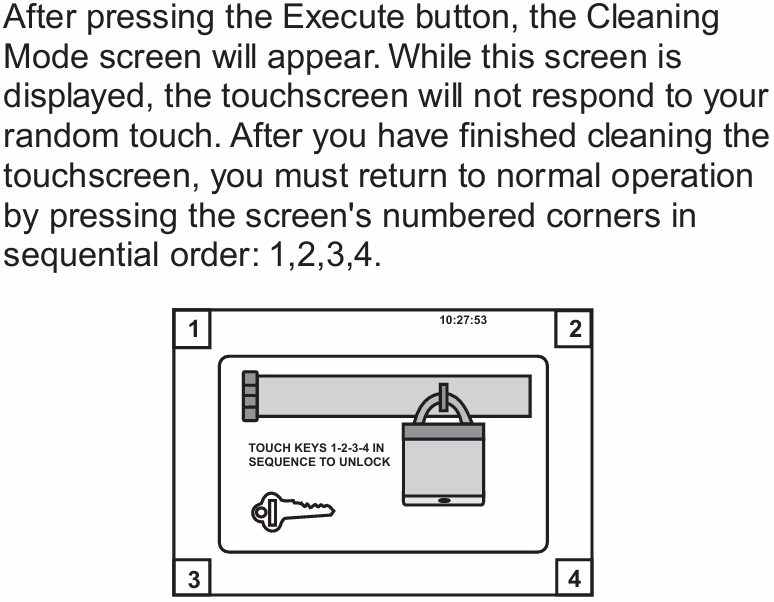
Question: What is important when reinstalling the PanelMate unit after replacing Cutler Hammer 5785T-AC PMPP 5000 92-02025-00 Panelmate Power Pro Cutler Hammer 5585T PMPP 5000 92-01918-01 HMI Touch Glass?
Answer: After replacing a damaged touchscreen or membrane keypad, proper installation is important to ensure reliable sealing and stable operation. When tightening the mounting nuts, avoid both under-tightening and over-tightening. The fasteners should be tightened enough to create a proper seal, but excessive force may strip the threads or damage the gasket. For best installation results, using a torque wrench is recommended when reinstalling the PanelMate unit.
Common misspellings:
Cutler Hammer 57855T-AC PMPP 5000 92-02025-00 Panelmate Power ProCutler Hammer 5785T-AC PMPP 5000 92-0225-00 Panelmate Power Pro
Cutler Hammer 5785T-AC PMPP 5000 92-00225-00 Panelmate Power Pro
Cutler Hammer 5585T PMMPP 5000 92-01918-01
Cutler Hammer 5558T PMPP 5000 92-01918-01
Cutler Hammer 5585T PMPP 5000 920191801