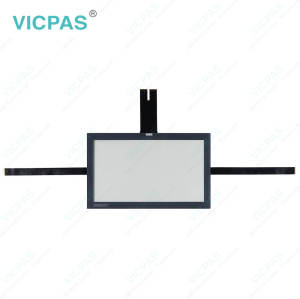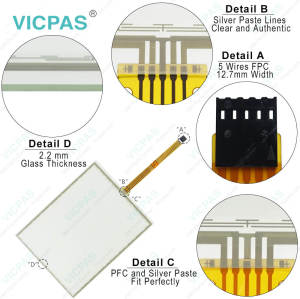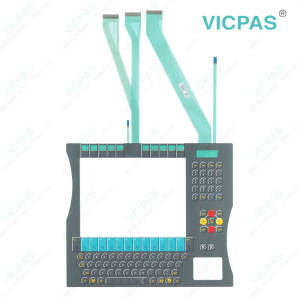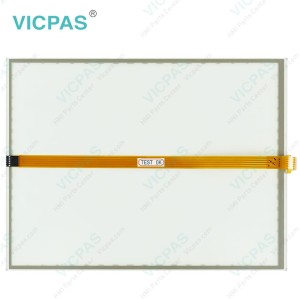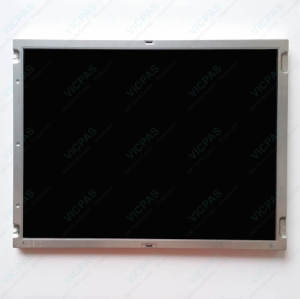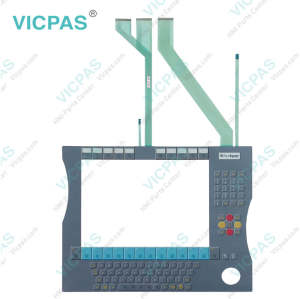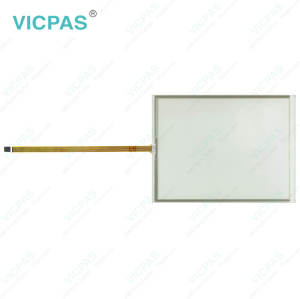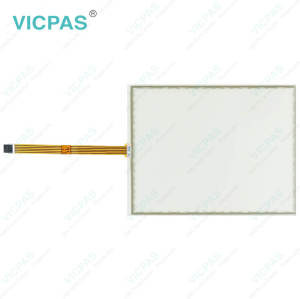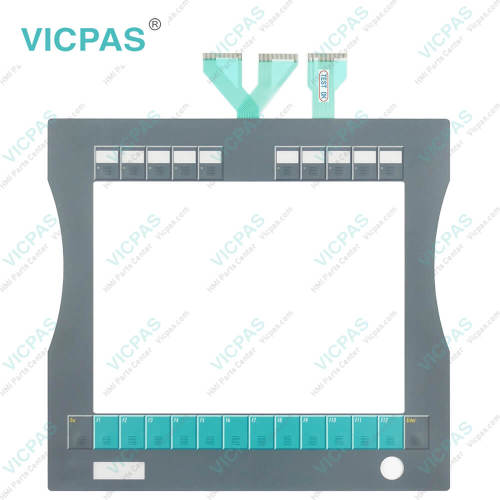
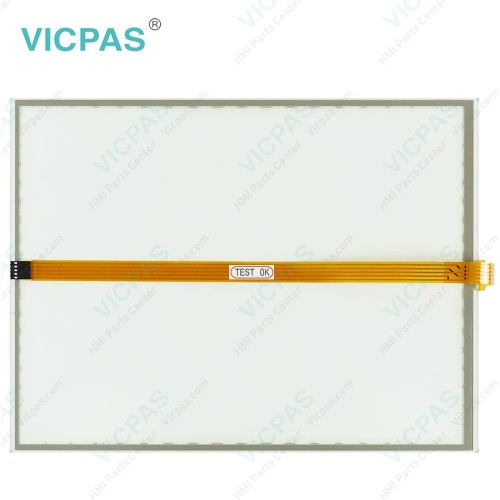
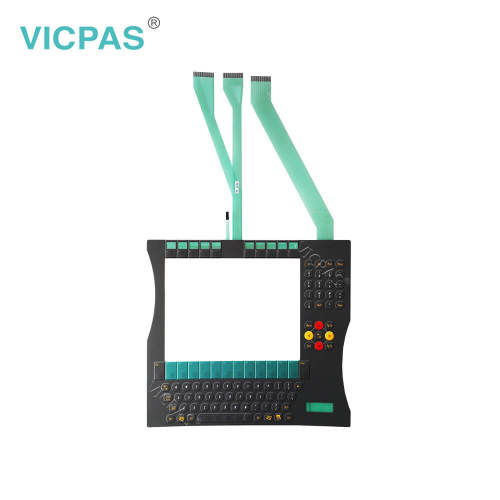
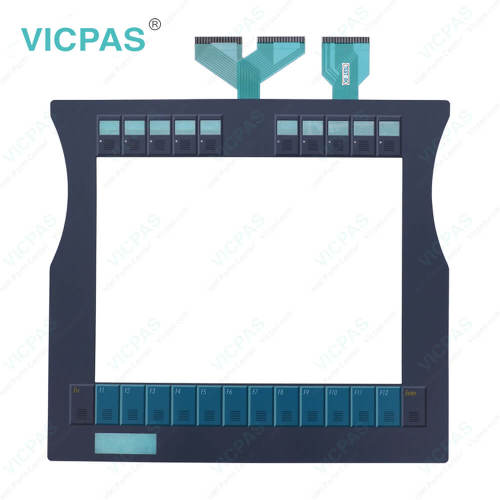
CP7932-0000-0010 CP7932-0001-0010 CP7932-0002-0010 Switch Membrane Touch Digitizer
- Model
- CP7932-0000-0010 CP7932-0001-0010 CP7932-0002-0010
Item specifics
- Product Line
- CP78XX CP79XX
- LCD Type
- TFT
- Shipping Time
- 3-5 Days
- Supply Parts
- Touch Screen Display Terminal Keypad
- Environment
- Free From Corrosive Gases
- Size
- 15''
Review
Description
Beckhoff CP7932-0000-0010 CP7932-0001-0010 CP7932-0002-0010 Touch Panel Operator Keyboard Replacement
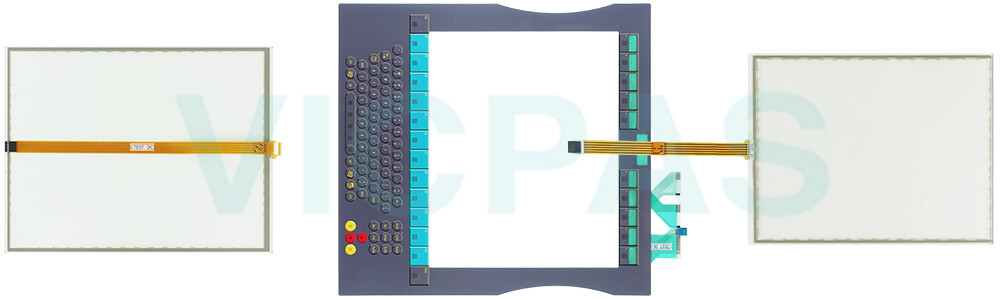
Order each part separately is available
Transport
Despite the robust design of the unit, Beckhoff HMI Keyboard CP7932-0000-0010 CP7932-0001-0010 CP7932-0002-0010 Touch Membrane is sensitive to strong vibrations and impacts. During transport, your Industrial PC should therefore be protected from excessive mechanical stress. Therefore, please use the original packaging. CP7932-0000-0010 CP7932-0001-0010 CP7932-0002-0010 Touch Screen Monitor Danger of damage to the unit! Warning If the device is transported in cold weather or is exposed to extreme variations in temperature, make sure that moisture (condensation) does not form on or inside the device. Prior to operation, Beckhoff Touch Panel CP7932-0000-0010 CP7932-0001-0010 CP7932-0002-0010 Touch Digitizer Glass must be allowed to slowly adjust to room temperature. Should condensation occur, a delay time of approximately 12 hours must be allowed before the unit is switched on. Vicpas offers CP7932-0000-0010 CP7932-0001-0010 CP7932-0002-0010 Touch Screen Display global transportation, high quality, and a 1-year warranty. If there are any transportation issues, please contact Vicpas at any time.
Specifications:
The table below describes the parameters of Beckhoff CP7932-0000-0010 CP7932-0001-0010 CP7932-0002-0010 Operator Keyboard Touch Screen Monitor.
| Brand: | Vicpas |
| Light Transmission: | Above 75% |
| Product Line: | CP78XX CP79XX |
| Cooling Method: | Natural Air Cooling |
| Operating Temperature: | 0 °C ... +55 °C |
| Environment: | Free From Corrosive Gases |
| Warranty: | 365 Days |
| Storage Temperature: | -25 °C ... +65 °C |
| Relative Humidity: | 95% |
| LCD Type: | TFT |
Related Beckhoff Part No. :
| Beckhoff HMI | Description | Inventory status |
| CP7801-0000-0010 | Beckhoff CP78XX Touch Screen Glass Replacement | In Stock |
| CP7801-0001-0010 | Beckhoff CP78XX Touch Screen Tablet Repair | Available Now |
| CP7801-0020-0010 | Beckhoff CP78XX Touch Screen Film Replacement | In Stock |
| CP7801-0021-0010 | Beckhoff CP78XX Touch Digitizer Glass Repair | Available Now |
| CP7802-0000-0010 | Beckhoff CP78XX Touch Membrane Replacement |
In Stock |
| CP7802-0001-0010 | Beckhoff CP78XX Touch Screen Display Repair | Available Now |
| CP7802-0020-0010 | Beckhoff CP78XX HMI Touch Glass Replacement | In Stock |
| CP7802-0021-0010 | Beckhoff CP78XX Touch Screen Panel Repair | Available Now |
| CP7932-0000-0010 | Beckhoff CP79XX Touch Screen Glass Keypad Membrane Replacement | In Stock |
| CP7932-0001-0000 | Beckhoff CP79XX Membrane Keyboard Touch Screen Film Repair | Available Now |
| CP7932-0001-0010 | Beckhoff CP79XX Touch Screen Monitor Terminal Keypad Replacement | In Stock |
| CP7932-0002-0010 | Beckhoff CP79XX Operator Panel Keypad HMI Touch Glass Repair | Available Now |
| CP7932-1192-0000 | Beckhoff CP79XX Touch Screen Panel Membrane Switch Replacement | In Stock |
| CP7933-0001-0000 | Beckhoff CP79XX Membrane Keypad LCD Display Repair | Available Now |
| CP7942-0000-0000 | Beckhoff CP79XX Touch Digitizer Glass Operator Keyboard Replacement | In Stock |
| CP7942-0001-0000 | Beckhoff CP79XX Keyboard Membrane Touch Screen Panel Repair | Available Now |
| Beckhoff HMI | Description | Inventory status |
Beckhoff CP78XX CP79XX Manuals PDF Download:
FAQ:
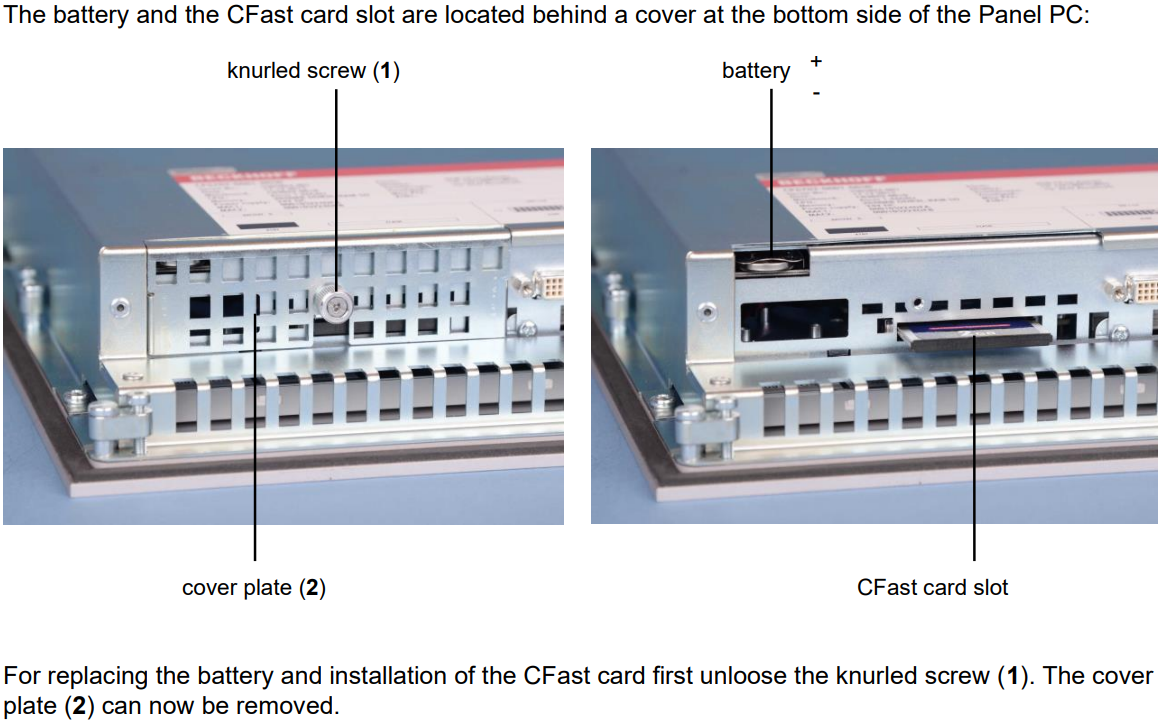
Question: Where are the battery and the CFast card slot?
Answer:
Question: How can I protect CP7932-0000-0010 CP7932-0001-0010 CP7932-0002-0010 Touch Screen Panel Membrane Keyboard?
Answer:
1. Use the touchscreen only with bare hands or while wearing appropriate gloves.
2. When wearing gloves, ensure they are free of hard particles such as metal shavings, glass splinters, or similar debris.
3. You can purchase a matching-size protective film from VICPAS to safeguard your touchscreen against dirt and scratches.
Common misspellings:
CP7932-000-0010CP7932-0000-0011
CP7923-0000-0010
CP7932-0002-0010
CP7932-0001-0012
CP79332-0001-0010
CP7932-00002-0010
CP7932-0002-010
CP793200020010