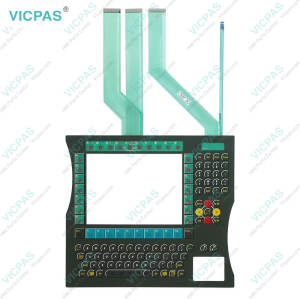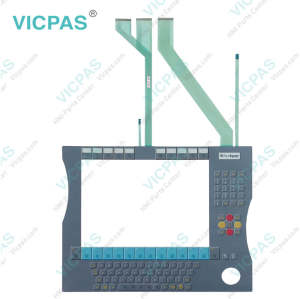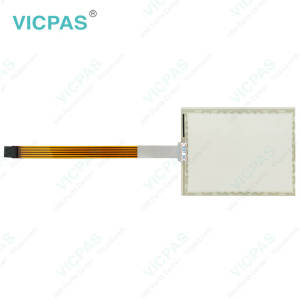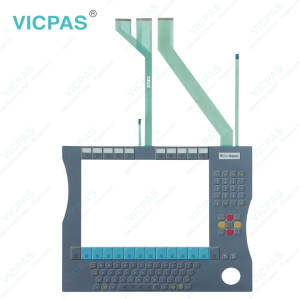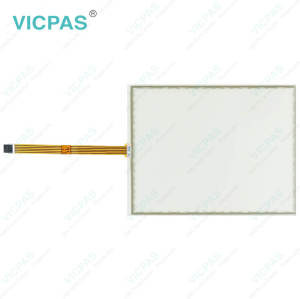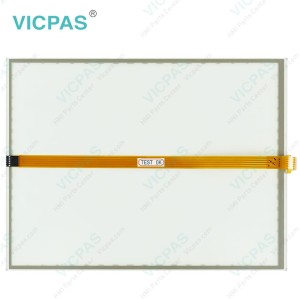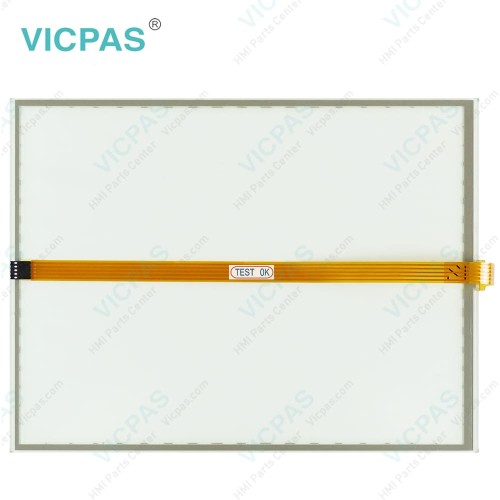
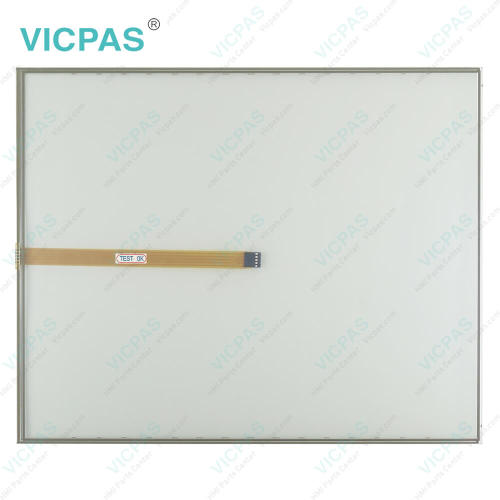
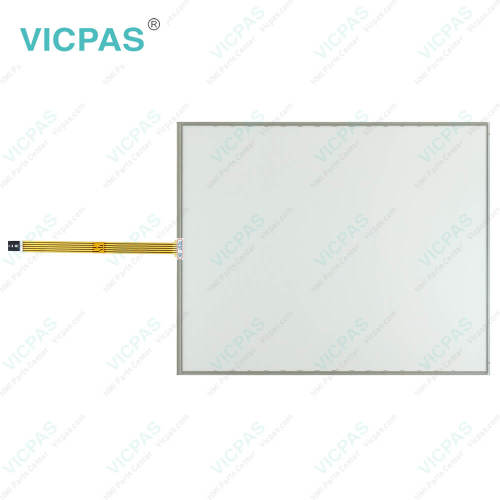
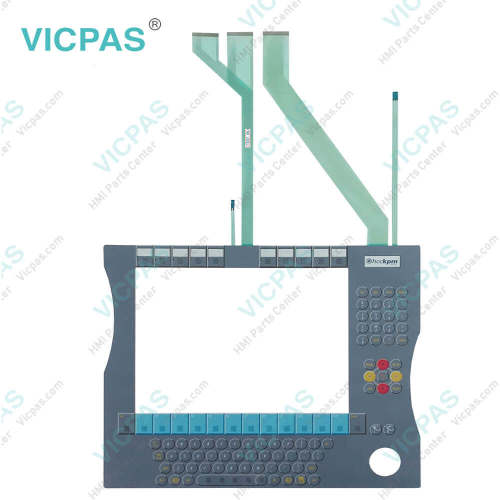
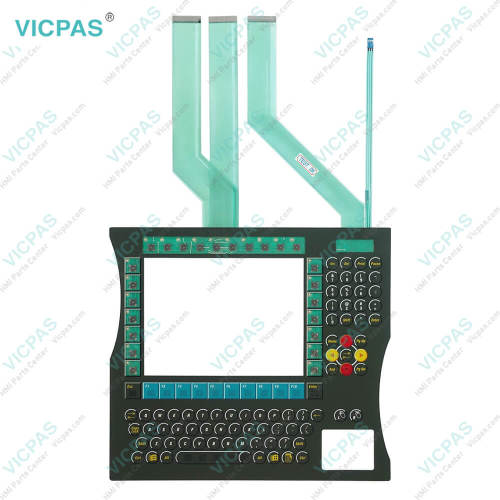
CP7812-0001-0010 CP7822-0000-0010 CP7822-0001-0010 CP7822-0002-0010 Touch Screen Membrane Switch
- Model
- CP7812-0001-0010 CP7822-0000-0010 CP7822-0001-0010 CP7822-0002-0010
Item specifics
- Product Line
- CP78XX CP79XX
- Size
- 15''
- LCD Type
- TFT
- Shipping Time
- 3-5 Days
- Supply Parts
- Terminal Keypad Touch Screen Film
- Light Transmission
- Above 75%
Review
Description
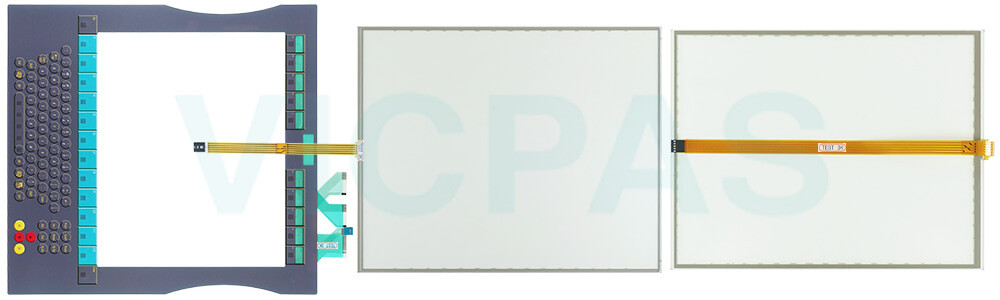
Beckhoff CP7812-0001-0010 CP7822-0000-0010 CP7822-0001-0010 CP7822-0002-0010 Operator Panel Keypad Touch Digitizer Glass Repair
Order each part separately is available
Fundamental safety instructions
• Do not use Beckhoff HMI CP7812-0001-0010 CP7822-0000-0010 CP7822-0001-0010 CP7822-0002-0010 Touch Screen Film Membrane Switch under extreme environmental conditions.
• Only use the device in hazardous areas if it is explicitly designed for this purpose.
• Do not carry out any work on the device while it is live. Always switch off the supply voltage for the device before mounting/replacing CP7812-0001-0010 CP7822-0000-0010 CP7822-0001-0010 CP7822-0002-0010 Operator Keyboard HMI Touch Glass or rectifying malfunctions.
• Never plug or unplug connectors during thunderstorms. There is a risk of electric shock.
• Ensure that CP7812-0001-0010 CP7822-0000-0010 CP7822-0001-0010 CP7822-0002-0010 Touch Digitizer Membrane Keypad has a protective and functional earth connection.
•In the case of a 24 V DC power supply unit, fuse the power supply line according to its cross-section to protect the supply line in the event of a short circuit.
• Ensure that only trained specialists with a control and automation engineering background, operate the device or replace Beckhoff Touch Panel CP7812-0001-0010 CP7822-0000-0010 CP7822-0001-0010 CP7822-0002-0010 Membrane Switch Touchscreen. Use by unauthorized persons can lead to damage to property and loss of data.
• In case of fire, extinguish the device with powder or nitrogen.
• If you change Beckhoff HMI Keyboard CP7812-0001-0010 CP7822-0000-0010 CP7822-0001-0010 CP7822-0002-0010 Touch Membrane Terminal Keypad and software configurations, you must keep within the specified limits of power consumption and power loss.
Specifications:
The table below describes the parameters of Beckhoff CP7812-0001-0010 CP7822-0000-0010 CP7822-0001-0010 CP7822-0002-0010 HMI Touch Glass Keypad Membrane.
| Storage Temperature: | -25 °C ... +65 °C |
| Operating Temperature: | 0 °C ... +55 °C |
| LCD Type: | TFT |
| Size: | 15'' |
| Environment: | Free From Corrosive Gases |
| Product Line: | CP78XX CP79XX |
| Brand: | Vicpas |
| Cooling Method: | Natural Air Cooling |
| Relative Humidity: | 95% |
| Warranty: | 365 Days |
Related Beckhoff Part No. :
| Beckhoff HMI | Description | Inventory status |
| CP7812-0001-0010 | Beckhoff CP78XX Touch Screen Tablet Keypad Membrane Replacement | In Stock |
| CP7813-0000-0011 | Beckhoff CP78XX Membrane Keyboard Touch Screen Film Repair | Available Now |
| CP7813-0001-0011 | Beckhoff CP78XX Touch Screen Monitor Membrane Switch Replacement | In Stock |
| CP7819-0000-0000 | Beckhoff CP78XX Terminal Keypad Touch Digitizer Glass Repair | Available Now |
| CP7819-0001-0000 | Beckhoff CP78XX Touch Membrane Operator Panel Keypad Replacement |
In Stock |
| CP7821-0002-0010 | Beckhoff CP78XX Operator Keyboard Touch Screen Display Repair | Available Now |
| CP7822-0000-0010 | Beckhoff CP78XX HMI Touch Glass Switch Membrane Replacement | In Stock |
| CP7822-0001-0010 | Beckhoff CP78XX Membrane Keypad Touch Screen Panel Repair | Available Now |
| CP7822-0002-0010 | Beckhoff CP78XX Touch Screen Glass Membrane Keyboard Replacement | In Stock |
| CP7823-0000-0011 | Beckhoff CP78XX Terminal Keypad Touch Screen Film Repair | Available Now |
| CP7823-0001-0011 | Beckhoff CP78XX Touch Screen Monitor Membrane Switch Replacement | In Stock |
| CP7829-0000-0000 | Beckhoff CP78XX Operator Panel Keypad HMI Touch Glass Repair | Available Now |
| CP7829-0001-0000 | Beckhoff CP78XX Touch Screen Panel Operator Keyboard Replacement | In Stock |
| CP7831-0000-0010 | Beckhoff CP78XX Membrane Keyboard Touch Screen Display Repair | Available Now |
| CP7831-0001-0010 | Beckhoff CP78XX Touch Digitizer Glass Keypad Membrane Replacement | In Stock |
| CP7831-0002-0010 | Beckhoff CP78XX Switch Membrane Touch Screen Panel Repair | Available Now |
| Beckhoff HMI | Description | Inventory status |
Beckhoff CP78XX CP79XX Manuals PDF Download:
FAQ:
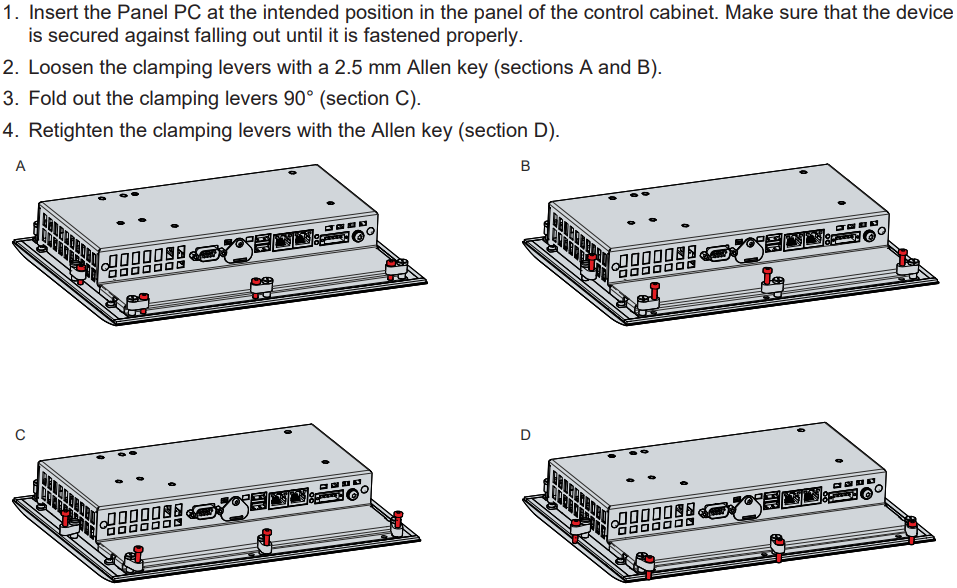
Question: How can I install and secure the Panel PC in the control cabinet?
Answer:
Question: What is the correct way to clean CP7812-0001-0010 CP7822-0000-0010 CP7822-0001-0010 CP7822-0002-0010 Control Panel?
Answer: Switch off the Industrial PC and all connected devices in order to prevent inadvertent operation of keys. The front of the Control Panel can be cleaned with a soft, damp cleaning cloth. Do not use any aggressive cleaning materials, thinners, scouring material or hard objects that could cause scratches.
Common misspellings:
CP7812-001-0010CP7821-0001-0010
CP7812-0001-0020
CP7822-0000-000
CP7822-00000-0010
CP78222-0000-0010
CP7822-0001-0001
CP7822-0002-0010
CP7822-0001-0020
CP782-0002-0010
CP7822-0202-0010
CP7822-0002-01010