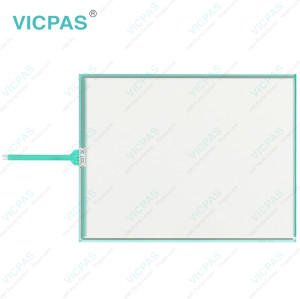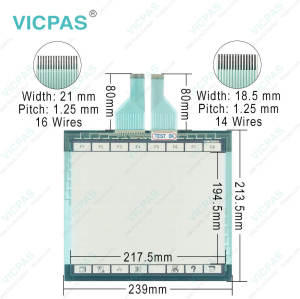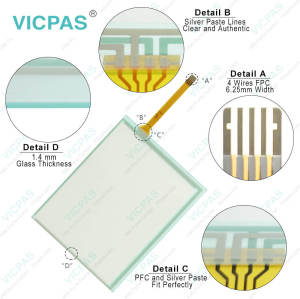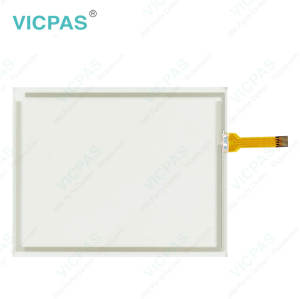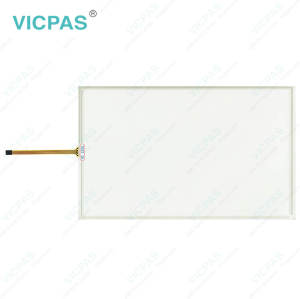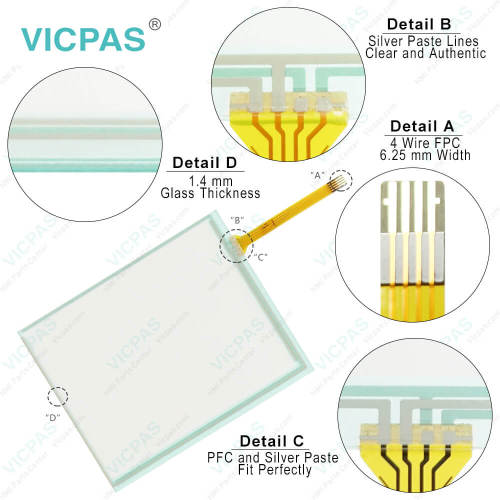
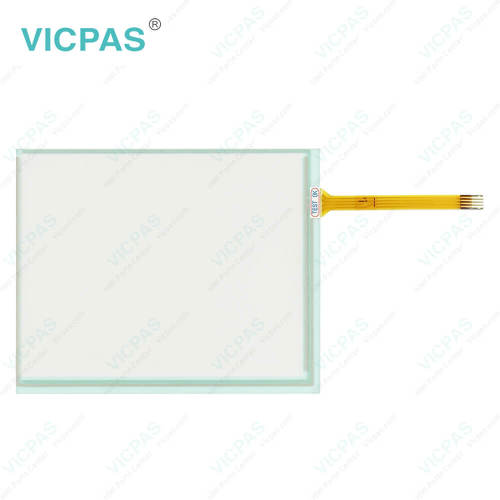
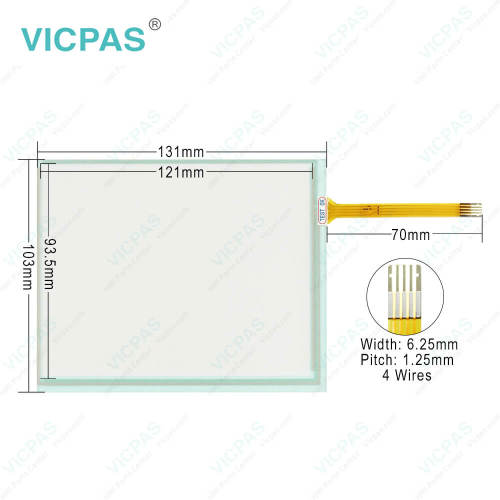
TP-3502S1 TP-3502S1F0 Touch Screen Monitor Replacement
- Model
- TP-3502S1 TP-3502S1F0
Item specifics
- Brand
- Vicpas
- LCD Type
- TFT
- Shipping Time
- 3-5 Days
- Supply Parts
- Touch Membrane
- Environment
- Free From Corrosive Gases
- Size
- 5.7''
Review
Description
TP-3502S1 TP-3502S1F0 Touch Digitizer Glass Replacement

Transport
Despite the robust design of the unit, DMC HMI TP-3502S1 TP-3502S1F0 Touch Membrane is sensitive to strong vibrations and impacts. During transport, your Industrial PC should therefore be protected from excessive mechanical stress. Therefore, please use the original packaging. TP-3502S1 TP-3502S1F0 Touch Screen Monitor Danger of damage to the unit! Warning If the device is transported in cold weather or is exposed to extreme variations in temperature, make sure that moisture (condensation) does not form on or inside the device. Prior to operation, DMC Touch Panel TP-3502S1 TP-3502S1F0 Touch Digitizer Glass must be allowed to slowly adjust to room temperature. Should condensation occur, a delay time of approximately 12 hours must be allowed before the unit is switched on. Vicpas offers TP-3502S1 TP-3502S1F0, Touch Screen Display global transportation, high quality, and a 1-year warranty. If there are any transportation issues, please contact Vicpas at any time.
Specifications:
The table below describes the parameters of TP-3502S1 TP-3502S1F0 Touch Screen Panel.
| Storage Temperature: | -25 °C ... +65 °C |
| Cooling Method: | Natural Air Cooling |
| Operating Temperature: | 0 °C ... +55 °C |
| Brand: | Vicpas |
| Size: | 5.7'' |
| Light Transmission: | Above 75% |
| Environment: | Free From Corrosive Gases |
| Warranty: | 365 Days |
| Relative Humidity: | 95% |
| LCD Type: | TFT |
Related VICPAS HMI Part No. :
| VICPAS HMI | Description | Inventory status |
| 139212-000 SCN-AT-FLT12.1-Z01-0H1 SER:K40L38370 | VICPAS HMI Touch Screen Panel Replacement | In Stock |
| E01181 SCN-A5-FLT12.1-Z01-0H1-R | VICPAS HMI Touch Screen Glass Repair | Available Now |
| E011881 362740-7911 TF075 | VICPAS HMI Touch Screen Film Replacement | In Stock |
| E011881 SCN-A5-FLT12.1-Z01-0H1-R | VICPAS HMI Touch Digitizer Glass Repair | Available Now |
| E266217 SCN-A5-FLT15.1-001-0H1-R | VICPAS HMI Touch Screen Monitor Replacement | In Stock |
| E276717 SCN-A5-FLT07.1-002-0H1-R | VICPAS HMI Touch Screen Tablet Repair | Available Now |
| E499047 SCN-AT-FLW10.1-Z01-0H1-R | VICPAS HMI Touch Membrane Replacement | In Stock |
| E743468 SCN-AT-FLT15.1-001-0H1-R | VICPAS HMI Touch Screen Display Repair | Available Now |
| E891026 SCH-AS-FLT15.1-Z01-0H1-R | VICPAS Touch Screen Panel Replacement | In Stock |
| E891026 SCN-A5-FLT15.1-Z01-0H1-R SER:K13L062826 | VICPAS HMI Touch Screen Glass Repair | Available Now |
| NT1817-1 UL E252043C | VICPAS HMI Touch Screen Monitor Replacement | In Stock |
| SCN-AT (E274) PN 002741HL-9121 FLT15.1-001-0H1 635661-000 | VICPAS HMI Touch Digitizer Glass Replacement | In Stock |
| T070C-5RBU03N-0A11R1-200FH | VICPAS HMI Touch Screen Film Repair | Available Now |
| TP-3502S1 TP-3502S1F0 | VICPAS HMI Touch Screen Tablet Replacement | In Stock |
| VICPAS HMI | Description | Inventory status |
FAQ:
Question: What should I pay attention to when installing TP-3502S1 TP-3502S1F0 HMI Touch Glass?
Answer:
• Position the Panel PC in such a way that reflections on the screen are avoided as far as possible.
• Use the position of the screen as a guide for the correct installation height; it should be optimally visible for the user at all times.
• The Panel PC should not be exposed to direct sunlight.
• When the unit is in its mounting position, the ventilation openings must not be obstructed.
• Extreme environmental conditions should be avoided as far as possible. Protect the Panel PC from dust, moisture and heat.
• The ventilation slots of the Panel PC must not be covered.
Question: What should I do in the event of TP-3502S1 TP-3502S1F0 Touchscreen malfunction?
Answer: This is because poor or missing functional earth of the device or poor or missing ground connection of the user. The solution is establish functional earth or the user stand on the floor with normal shoes.
Common misspellings:
TP-35021 TP-3502S1F0TP-3502S1 TP3502S1F0
TP-3502S1 TP-3502S11F0
TP-3502S1 TP-3502S1FO
TP-3502S1 TP-352S1F0