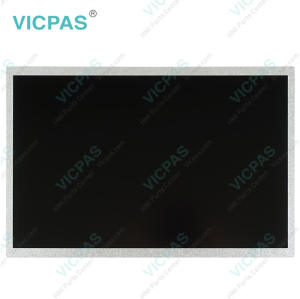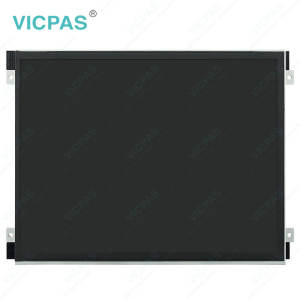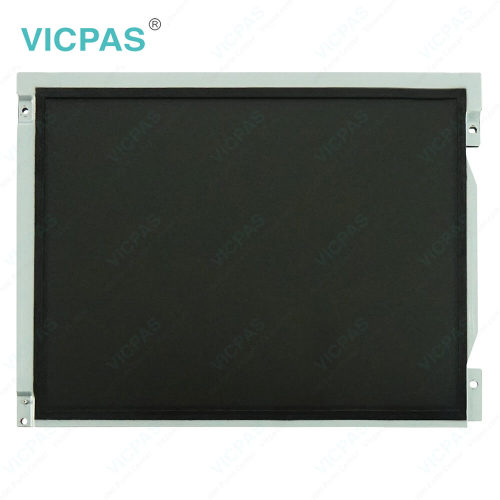


New Holland Intelliview II 87383827 87383836 LCD Screen Repair
- Model
- 87383827 87383836
Item specifics
- Brand
- New Holland
- Warranty
- 365 Days
- Supply
- New Holland Intelliview II LCD Screen
- Supply
- 87383827 87383836 LCD Display
- Shipping
- 2-4 working days
Review
Description
New Holland Intelliview II 87383827 87383836 LCD Display Repair Replacement
Order each part separately is available
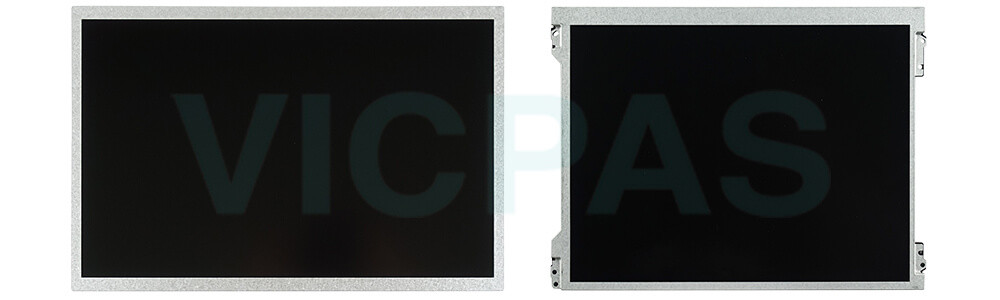
Designed as a replacement component for compatible New Holland agricultural display terminals, the IntelliView II 87383827 87383836 87665215 LCD Display Assembly provides a practical solution for damaged or faulty screens. It displays essential machine information, operating data, and other visual content needed during daily field operations. Replacing the LCD assembly can help restore screen visibility without requiring the replacement of the entire terminal.
Common LCD problems, including dark spots, vertical or horizontal lines, flickering, and abnormal image display, may affect the readability of agricultural equipment displays. This New Holland IntelliView II LCD Screen offers a replacement option for addressing such issues during display maintenance and repair. Before purchasing, compare the original part number and check the screen dimensions and connector configuration to help verify compatibility with your existing display terminal.
VICPAS supplies 87383827 87383836 LCD Screens for New Holland Intelliview II monitor repair and maintenance. All units are brand new and come with a 365-day warranty.
Specifications:
The table below describes the parameters/Specifications of the Intelliview II 87383827 87383836 LCD Screen.
| Product Line: | New Holland |
| Application: | Agricultural Equipment |
| Warranty: | 12 months |
| Part Number: | 87383827 87383836 |
| Condition: | Brand New |
| Product Type: | LCD |
Related New Holland HMI Part No. :
| New Holland HMI Repair | Description | Inventory status |
| New Holland HMI Parts | Description | Inventory status |
FAQ:
Question: How to install the New Holland Intelliview II 87383827 87383836 LCD Display?
Answer: Turn off the display terminal and disconnect the power supply before starting installation. Carefully remove the existing LCD screen and disconnect its ribbon cable. Connect the replacement LCD using the original connector, ensuring that the cable is properly aligned and securely seated. Reassemble the display and check the screen operation after reconnecting the power. Follow the appropriate service procedures for your specific display model.
Question: Is the New Holland Intelliview II 87383827 87383836 compatible with all Intelliview II displays?
Answer: This New Holland IntelliView II LCD Display is intended for compatible monitor versions. Compatibility may vary depending on the display model, hardware revision, and connector configuration. Check the original part number and compare the LCD specifications before ordering. If you are unsure whether this replacement screen matches your monitor, contact our support team for assistance.
Question: What if the New Holland Intelliview II 87383827 87383836 LCD Display is unresponsive after replacement?
Answer: First, check that the LCD ribbon cable is correctly aligned and securely connected. Inspect the connector and cable for visible damage, loose contacts, or debris. Make sure the replacement screen matches the original display specifications. If the screen remains blank, shows abnormal images, or flickers after these checks, the issue may involve the LCD assembly or other display components. Contact our support team for further assistance if the problem persists.
Common misspellings:
87383877 87388836
873383827 8738386
87338827 87383833
77383827 877383836
87383327 87333836