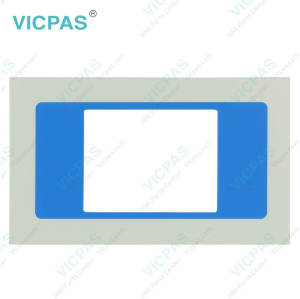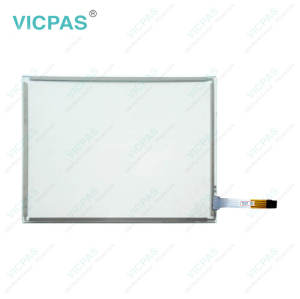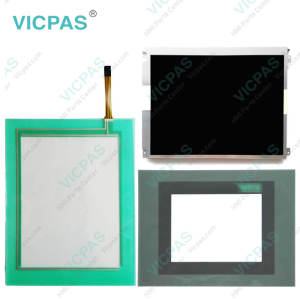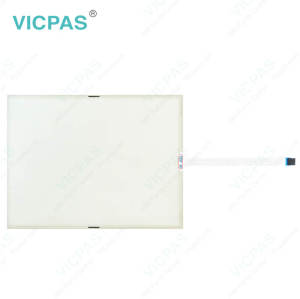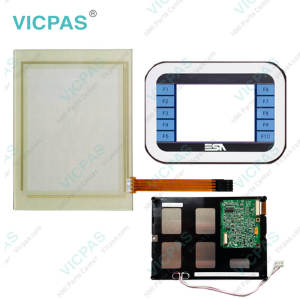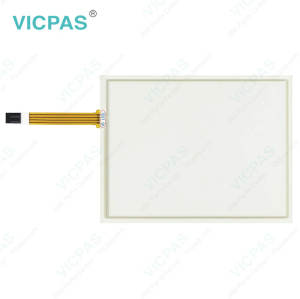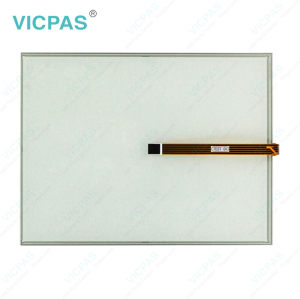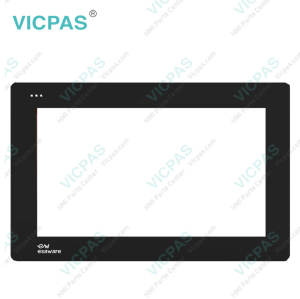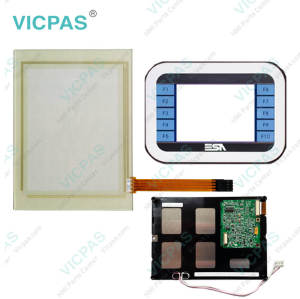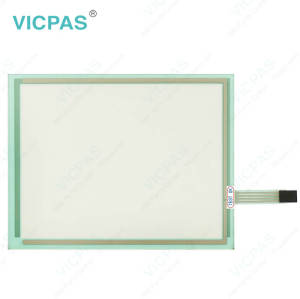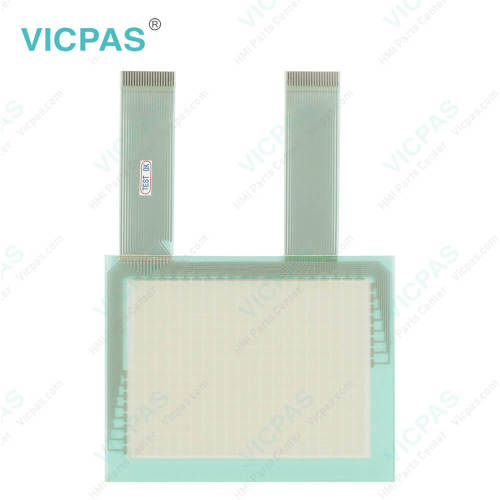
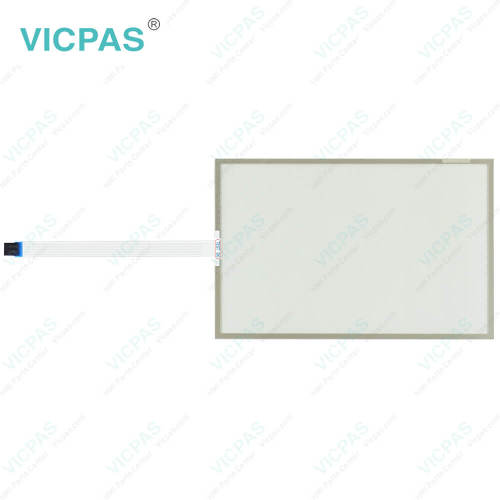
XS595XPOT213 XS595XP0T213 Touch Screen Film Repair
- Model
- XS595XPOT213 XS595XP0T213
Item specifics
- Brand
- Vicpas
- Shipping Time
- 3-5 Days
- Warranty
- 365 Days
- Light Transmission
- Above 75%
- Supply
- Touch Screen Panel
- Touch Type
- Resistive
Review
Description
ESA XS595XPOT213 XS595XP0T213 Touch Screen Glass Replacement
Order each part separately is available
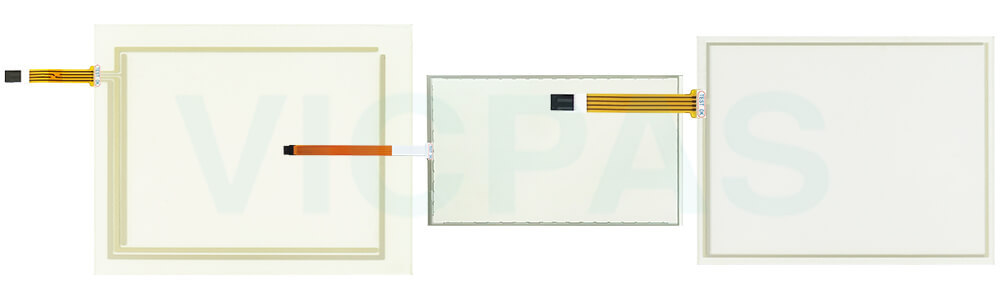
After prolonged operation, ESA XS595XPOT213 XS595XP0T213 Touch Screen Film may experience performance issues due to normal wear or external factors. A display that becomes dim, intermittent, or completely blank may indicate a worn backlight or a fault within the panel PC. In cases where XS595XPOT213 XS595XP0T213 Touch Digitizer Glass is damaged, replacing the component can help restore normal operation. If XS595XPOT213 XS595XP0T213 Touch Screen Display does not respond correctly, the issue may be related to inadequate grounding or an improper functional earth connection. Verify that the device is properly grounded and that the operating environment meets the recommended electrical requirements. When a malfunction occurs, it is recommended to inspect all related accessories and components to determine the source of the problem. If the failure is caused by a damaged accessory, replacing the affected part can help return the system to normal working condition. Vicpas supplies high-quality XS595XPOT213 XS595XP0T213 Touchscreen replacement parts. All replacement products are backed by a 365-day warranty and are available with expedited worldwide shipping.
Specifications:
The table below describes the parameters of ESA XS595XPOT213 XS595XP0T213 Touch Digitizer Glass.
| Environment: | Free From Corrosive Gases |
| Touch Type: | Resistive |
| Warranty: | 365 Days |
| Cooling Method: | Natural Air Cooling |
| Light Transmission: | Above 75% |
| Operating Temperature: | 0 °C ... +50 °C |
| Brand: | Vicpas |
| Relative Humidity: | 95% |
| Shipping Time: | 3-5 Days |
| Storage Temperature: | -20 °C ... +60 °C |
Related ESA HMI Part No. :
| ESA HMI Replacement | Description | Inventory status |
| ESA MT20DP MT20DPMAN | ESA Keyboard Membrane Replacement | Available Now |
| Esa S96.002.004 | ESA Membrane Switch Repair | In Stock |
| XS595XPOT213 XS595XP0T213 | ESA Touch Screen Panel Replacement | Available Now |
| XS7H2SF920200 | ESA HMI Touch Glass Repair | In Stock |
| XS7H2SFA3103009 | ESA Touch Screen Monitor Replacement | Available Now |
| ESA HMI Repair | Description | Inventory status |
ESA HMI Manuals PDF Download:
FAQ:
Question: How do I safely remove the old XS595XPOT213 XS595XP0T213 Touch Screen Monitor from my equipment?
Answer: Prior to disassembly, switch off the equipment and unplug all cables to prevent accidental damage. After confirming the device is fully powered down, proceed with removing XS595XPOT213 XS595XP0T213 Touchscreen from the cabinet or mounting frame.
Question: What are the recommended ways to protect XS595XPOT213 XS595XP0T213 Touch Panel?
Answer:
1. Avoid applying excessive force when interacting with the touchscreen.
2. Ensure that hands and gloves are clean and free from particles that may damage the glass surface.
3. For enhanced protection, VICPAS offers custom-fit screen protectors that help minimize scratches and everyday wear.
Common misspellings:
XSX595XPOT213 XS55XP0T213XS595XPOT123 XS595XPOT213
XS5952XPOT213 XS5995XP0T213
XS595XTOT213 XS595P0T213
XS5955XPOT213 XS595XP0T2113