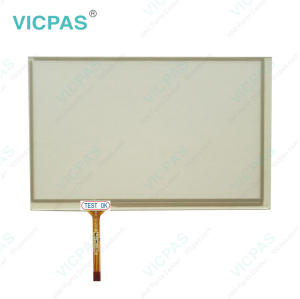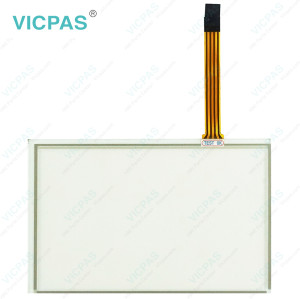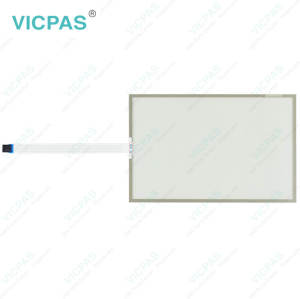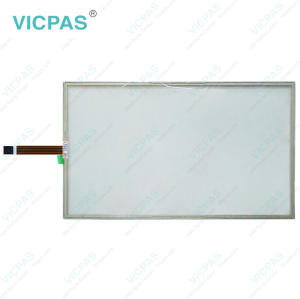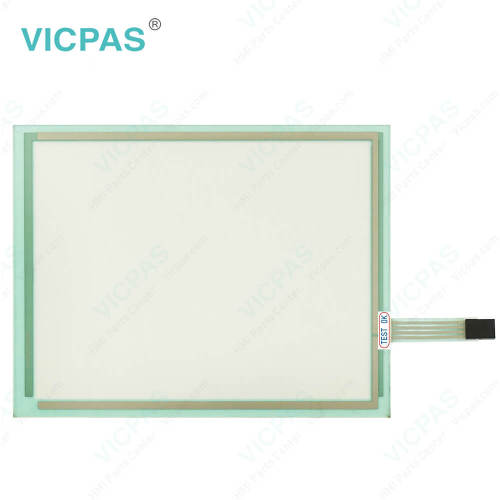
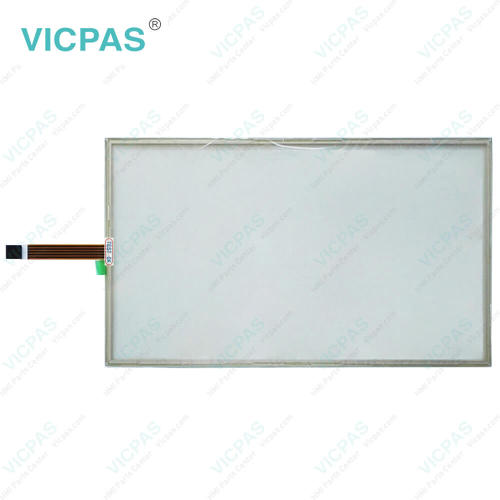
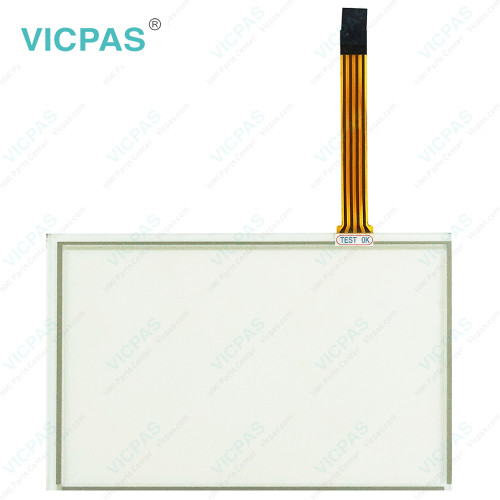
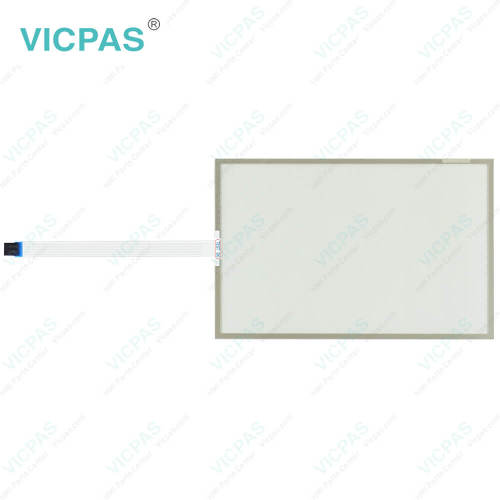
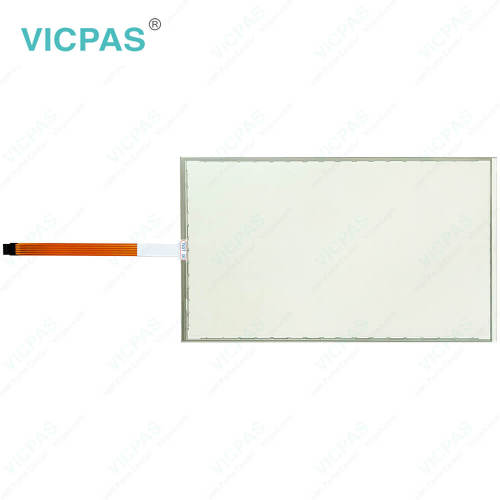
EW222AFA2B010 Touch Screen Monitor Replacement
- Model
- EW222AFA2B010
Item specifics
- Size
- 21.5''
- Shipping Time
- 3-5 Days
- Warranty
- 365 Days
- Product Line
- EW200 Panel IPC EW222
- Supply
- Touch Screen Tablet
- Touch Type
- Resistive
Review
Description
ESA EW200 Panel IPC EW222 EW222AFA2B010 HMI Touch Glass Repair
Order each part separately is available
If ESA EW200 Panel IPC EW222 EW222AFA2B010 Touch Membrane exhibits any abnormal condition, inspection by qualified service personnel is recommended. This includes situations such as a damaged power cable or plug, liquid intrusion, exposure to excessive moisture, unexpected operating issues, or performance that does not match the instructions provided in the user documentation. Service attention should also be sought if the equipment has been subjected to impact, dropped accidentally, or shows visible signs of physical damage.
For EW222AFA2B010 Touch Screen Monitor that has been out of service for a prolonged period, disconnect it from the power source and perform a functional check before returning it to operation. Special attention should be given to the touch screen, front overlay, and related interface components to ensure proper performance.
To reduce the risk of EW200 Panel IPC EW222 EW222AFA2B010 Touch Screen Display failure, electric shock, or fire, never allow liquids to enter the enclosure through any openings. Users should not attempt to disassemble, modify, or repair the unit on their own. Any inspection, troubleshooting, or maintenance work should be carried out only by trained and authorized service personnel.
Following these recommendations can help maintain the reliability, safety, and long-term performance of your equipment.
Specifications:
The table below describes the parameters of ESA EW200 Panel IPC EW222 EW222AFA2B010 Touch Screen Tablet.
| Operating Temperature: | 0 °C ... +50 °C |
| Relative Humidity: | 95% |
| Warranty: | 365 Days |
| Brand: | Vicpas |
| Storage Temperature: | -20 °C ... +60 °C |
| Product Line: | EW200 Panel IPC EW222 |
| Resolution: | 1920x1080 Pixels |
| Size: | 21.5'' |
| Cooling Method: | Natural Air Cooling |
| Shipping Time: | 3-5 Days |
Related ESA EW200 Panel IPC EW222 Part No. :
| ESA EW222 HMI | Description | Inventory status |
| EW222AFA2B010 | ESA EW200 Panel IPC EW222 Touch Screen Monitor Repair | In Stock |
| EW222AR622000 | ESA EW200 Panel IPC EW222 Touch Membrane Replacement | Available Now |
| EW222AR627000 | ESA EW200 Panel IPC EW222 Touch Screen Display Repair | In Stock |
| EW222AR628000 | ESA EW200 Panel IPC EW222 Touch Screen Tablet Replacement | In Stock |
| EW222AR62D000 | ESA EW200 Panel IPC EW222 Touch Screen Panel Repair | In Stock |
| EW222AR721000 | ESA EW200 Panel IPC EW222 HMI Touch Glass Replacement | Available Now |
| ESA EW222 HMI | Description | Inventory status |
ESA HMI Manuals PDF Download:
FAQ:
Question: What should be considered when installing ESA EW222AFA2B010 Touch Screen Monitor?
Answer:
1. Select a mounting position that is structurally sound and capable of securely supporting the device throughout operation. Excessive vibration or instability may negatively impact performance.
2. During installation, handle the equipment carefully and ensure it is firmly positioned. Accidental impacts, drops, or improper handling may cause damage to the unit.
3. Choose an installation environment that is clean and well controlled. Avoid locations exposed to high moisture levels, excessive dust, corrosive substances, or severe temperature fluctuations.
4. Maintain adequate clearance around the equipment to promote proper heat dissipation. Do not obstruct ventilation openings or restrict airflow, as this may lead to increased operating temperatures.
Question: How do I calibrate the touch screen on EW222 series HMI?
Answer: To calibrate the touch screen, go to the calibration settings in the HMI menu. Follow the on-screen instructions to touch specific calibration points accurately. This process ensures accurate touch input across the screen.
Common misspellings:
EW2222AFA2B010EW222AF2B010
EW222AFA2BO10
EW222AFA2B011
EW222AFAB2010