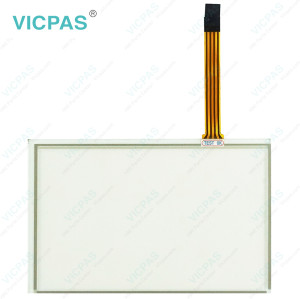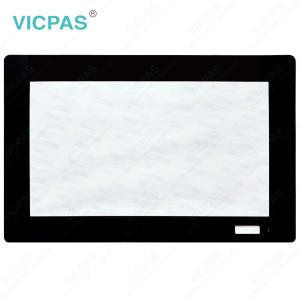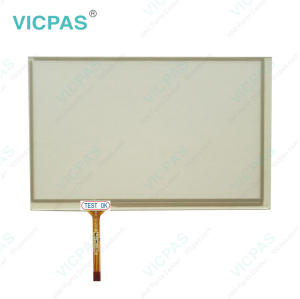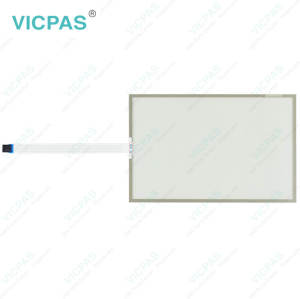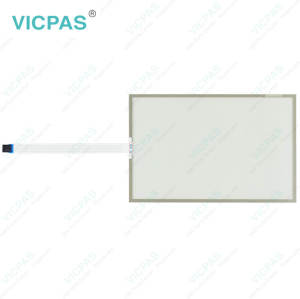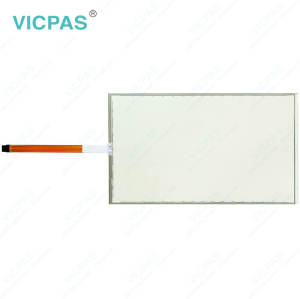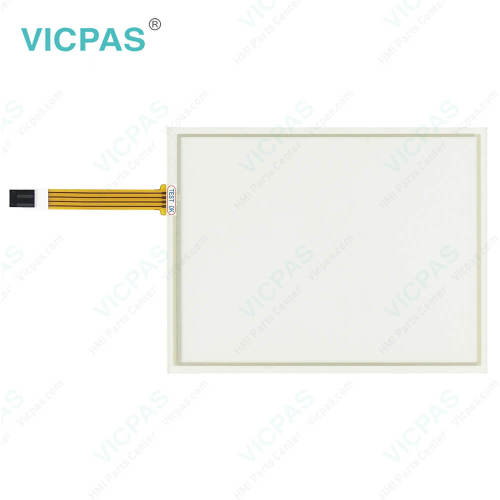
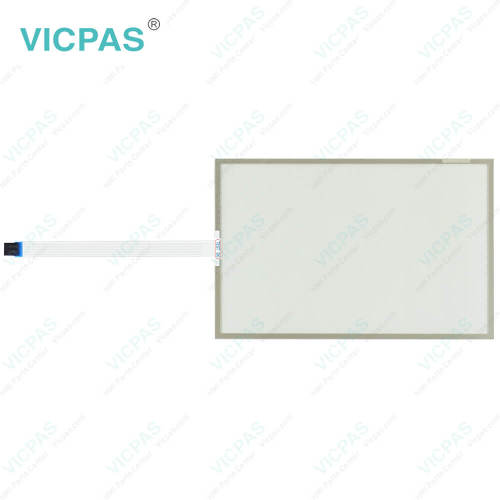
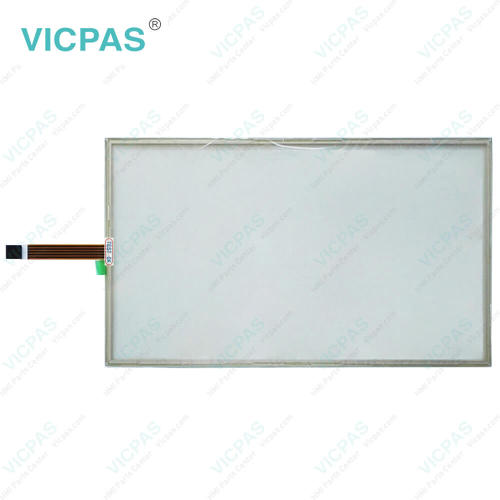
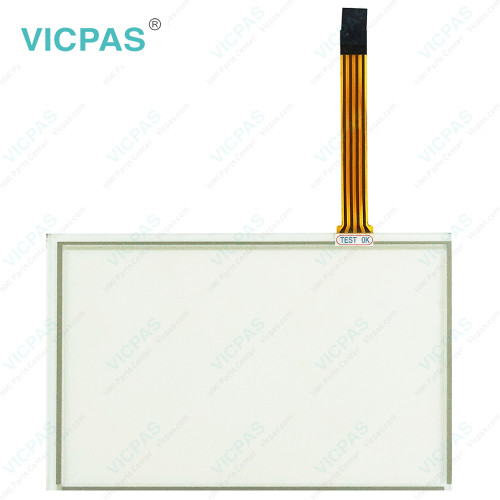
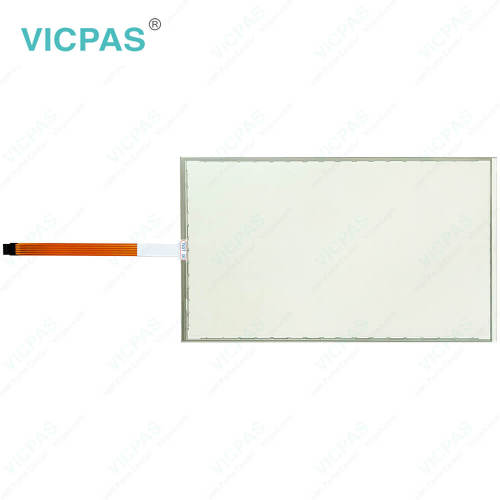
EW218AF12B010 Touch Screen Display Replacement
- Model
- EW218AF12B010
Item specifics
- Size
- 18.5''
- Shipping Time
- 3-5 Days
- Warranty
- 365 Days
- Product Line
- EW200 Panel IPC EW218
- Supply
- Touch Screen Monitor
- Touch Type
- Resistive
Review
Description
ESA EW200 Panel IPC EW218 EW218AF12B010 Touch Screen Film Replacement
Order each part separately is available
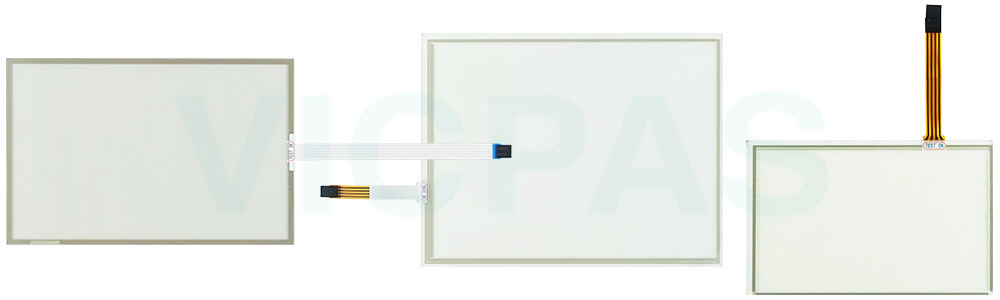
Upon receiving your VICPAS HMI product, carefully remove ESA EW200 Panel IPC EW218 EW218AF12B010 Touch Screen Glass from its packaging, taking care not to use sharp tools that could damage the product. Keep the original packaging materials, as they are specially designed to provide protection during storage or future transportation. Verify that all ordered items and accessories are included and inspect the product for any signs of shipping damage, such as cracked glass, bent connectors, surface scratches, or other visible defects. If any issues are found, please contact VICPAS promptly for assistance regarding your EW218AF12B010 Touch Membrane replacement part. After unpacking, dispose of unwanted packaging materials responsibly in accordance with local environmental and recycling regulations. VICPAS supplies EW200 Panel IPC EW218 EW218AF12B010 HMI Touch Glass replacements with worldwide shipping from stock and a 365-day warranty to support your maintenance and repair needs.
Specifications:
The table below describes the parameters of ESA EW200 Panel IPC EW218 EW218AF12B010 Touch Screen Display.
| Warranty: | 365 Days |
| Size: | 18.5'' |
| Product Line: | ESA EW200 Panel IPC EW218 |
| Operating Temperature: | 0 °C ... +50 °C |
| Storage Temperature: | -20 °C ... +60 °C |
| Brand: | Vicpas |
| Shipping Time: | 3-5 Days |
| Relative Humidity: | 95% |
| Cooling Method: | Natural Air Cooling |
| Environment: | Free From Corrosive Gases |
Related ESA EW218 Part No. :
| ESA EW218 HMI | Description | Inventory status |
| EW218AD12B000 | ESA EW200 Panel IPC EW218 Touch Screen Display Repair | In Stock |
| EW218AF12B010 | ESA EW200 Panel IPC EW218 Touch Membrane Replacement | Available Now |
| EW218AR627000 | ESA EW200 Panel IPC EW218 Touch Screen Film Repair | In Stock |
| EW218AR628000 | ESA EW200 Panel IPC EW218 Touch Screen Tablet Replacement | In Stock |
| EW218AR724000 | ESA EW200 Panel IPC EW218 Touch Screen Monitor Repair | In Stock |
| EW218AR726000 | ESA EW200 Panel IPC EW218 HMI Touch Glass Replacement | Available Now |
| EW218AR72T000 | ESA EW200 Panel IPC EW218 Touch Screen Panel Repair | In Stock |
| ESA EW218 HMI | Description | Inventory status |
ESA HMI Manuals PDF Download:
FAQ:
Question: What precautions should be taken when assembling EW218AF12B010 Touch Digitizer Glass?
Answer: Handle the equipment carefully throughout the assembly process and ensure it is adequately supported. Any impact, accidental drop, or improper placement may cause damage to the unit.
Question: How can I create and modify screens on EW218 series HMI?
Answer: EW218 series HMIs usually come with dedicated software for screen development. Install the software on your computer, and then use it to design and customize screens with elements like buttons, images, text, and data display. The software often offers intuitive drag-and-drop interfaces for easy screen creation and modification.
Question: What is the price of EW218AF12B010 HMI Touch Glass?
Answer: Submit a fast quote, send VICPAS an email for best price.
Common misspellings:
EW218AF12BO10EW218AF121B010
EW21AF12B010
EW218FA12B010
EW218AF21B010