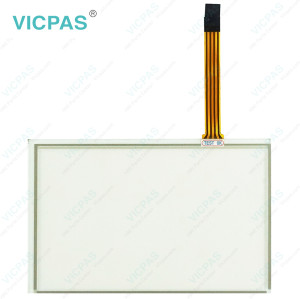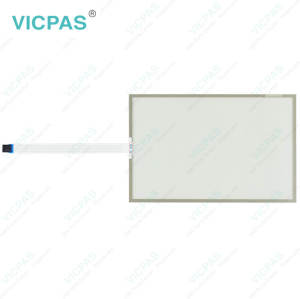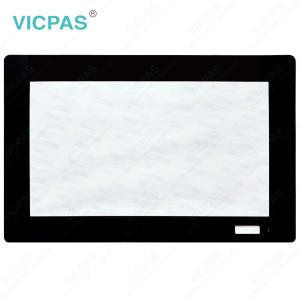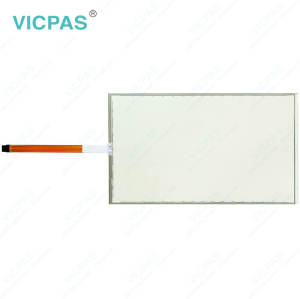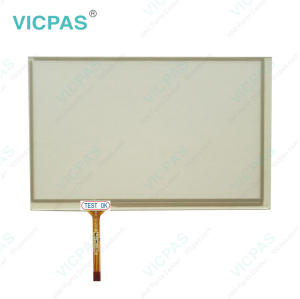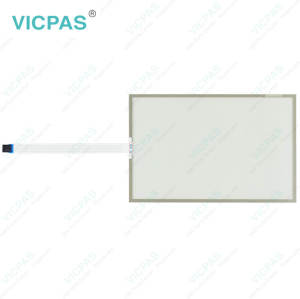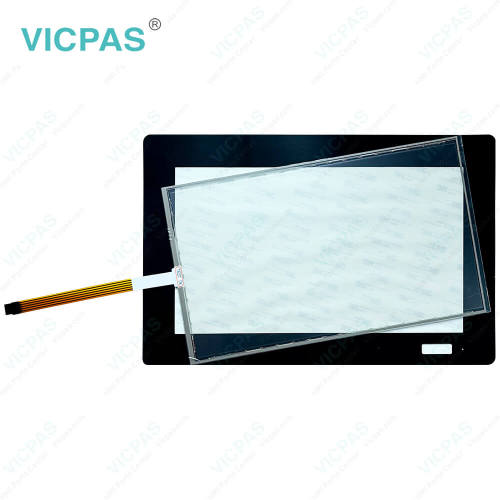
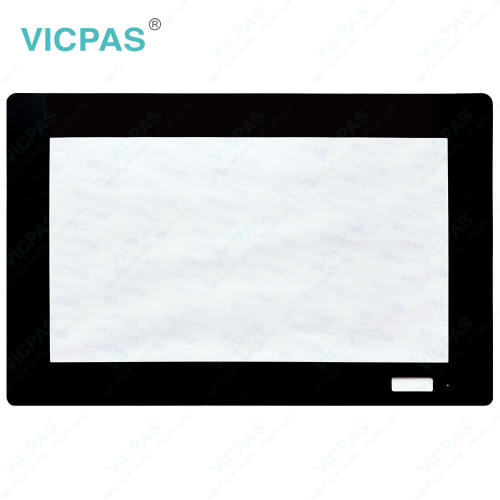
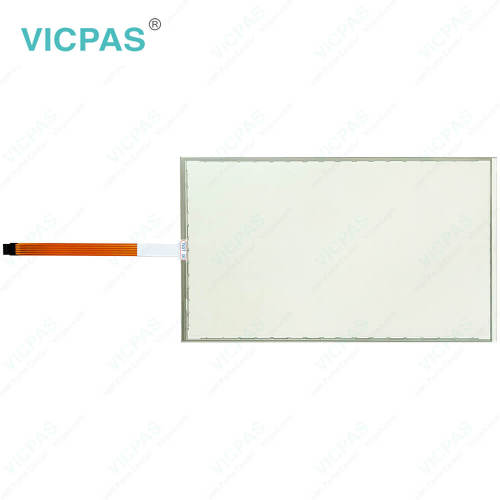
EW215AR62B000 Touch Screen Tablet Front Overlay Replacement
- Model
- EW215AR62B000
Item specifics
- Size
- 15.6''
- Shipping Time
- 3-5 Days
- Warranty
- 365 Days
- Product Line
- EW200 Panel IPC EW215
- Supply
- Touch Screen Film
- Touch Type
- Resistive
Review
Description
ESA EW200 Panel IPC EW215 EW215AR62B000 Touch Screen Glass Protective Film Replacement
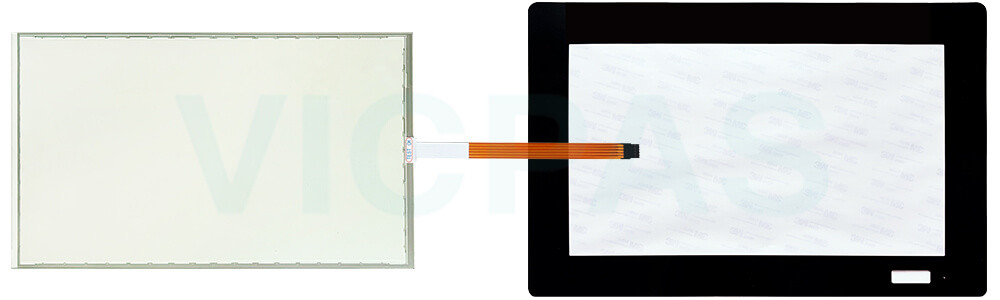
During transportation and storage, ESA EW200 Panel IPC EW215 EW215AR62B000 Protective Film HMI Touch Glass should be protected from excessive mechanical stress, shocks, vibrations, pressure, and moisture, as these conditions may damage the unit if it is not properly packaged. Damaged packaging may indicate that the device has already been exposed to unfavorable environmental conditions. For this reason, the use of the original packaging is strongly recommended whenever the product is transported or stored. If EW215AR62B000 Touch Digitizer Glass Front Overlay is transported in cold weather or subjected to significant temperature changes, care should be taken to prevent condensation from forming on or inside the unit, as moisture may cause electrical short circuits and damage internal components. To minimize the risk of moisture exposure, always store EW200 Panel IPC EW215 EW215AR62B000 Protective Film Touch Membrane in a dry environment and allow it to reach room temperature before powering it on. If condensation is present, wait approximately 12 hours to ensure the device is completely dry before switching it on.
Specifications:
The table below describes the parameters of ESA EW200 Panel IPC EW215 EW215AR62B000 Front Overlay Touch Screen Panel.
| Product Line: | EW200 Panel IPC EW215 |
| Size: | 15.6'' |
| Warranty: | 365 Days |
| Operating Temperature: | 0 °C ... +50 °C |
| Storage Temperature: | -20 °C ... +60 °C |
| Relative Humidity: | 95% |
| Shipping Time: | 3-5 Days |
| Brand: | Vicpas |
| Cooling Method: | Natural Air Cooling |
| Environment: | Free From Corrosive Gases |
Related ESA EW215 Part No. :
| ESA EW215 HMI | Description | Inventory status |
| EW215AF121010 | ESA EW200 Panel IPC EW215 Touch Screen Glass Front Overlay Repair | In Stock |
| EW215AF12A010 | ESA EW200 Panel IPC EW215 Protective Film Touch Membrane Replacement | Available Now |
| EW215AR621000 | ESA EW200 Panel IPC EW215 Front Overlay Touch Screen Film Repair | In Stock |
| EW215AR62B000 | ESA EW200 Panel IPC EW215 Touch Digitizer Glass Protective Film Replacement | Available Now |
| EW215AR62C000 | ESA EW200 Panel IPC EW215 Touch Screen Panel Front Overlay Repair | In Stock |
| EW215AR728000 | ESA EW200 Panel IPC EW215 Protective Film HMI Touch Glass Replacement | Available Now |
| EW215AR72A000 | ESA EW200 Panel IPC EW215 Front Overlay Touch Screen Tablet Repair | In Stock |
| EW215AR731000 | ESA EW200 Panel IPC EW215 Touch Screen Monitor Protective Film Replacement | Available Now |
| EW215AR73C000 | ESA EW200 Panel IPC EW215 Front Overlay Touch Screen Display Repair | In Stock |
| ESA EW215 HMI | Description | Inventory status |
ESA HMI Manuals PDF Download:
FAQ:
Question: How do I safely remove the old EW215AR62B000 Touch Screen Monitor Protective Film from my equipment?
Answer: Prior to disassembly, switch off the equipment and unplug all cables to prevent accidental damage. After confirming the device is fully powered down, proceed with removing EW215AR62B000 Front Overlay Touchscreen from the cabinet or mounting frame.
Question: How can I create and modify screens on EW215 series HMI?
Answer: EW215 series HMIs usually come with dedicated software for screen development. Install the software on your computer, and then use it to design and customize screens with elements like buttons, images, text, and data display. The software often offers intuitive drag-and-drop interfaces for easy screen creation and modification.
Question: What is the price of EW215AR62B000 Front Overlay Touch Panel?
Answer: Submit a fast quote, send VICPAS an email for best price.
Common misspellings:
EW215A62B000EW215AR65B000
EW215AR62BO00
EW2151AR62B000
EW215AR26B000