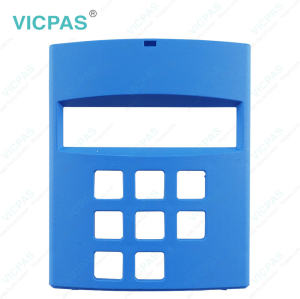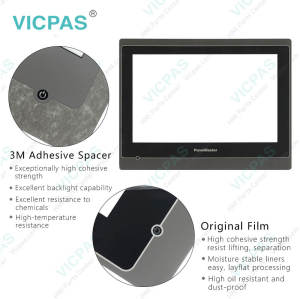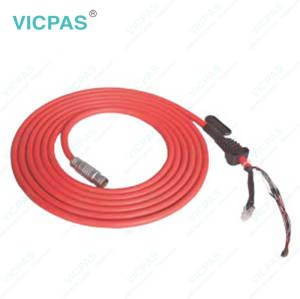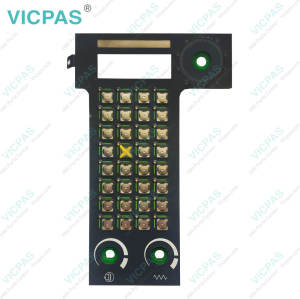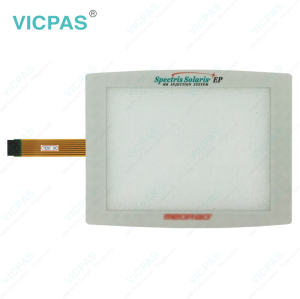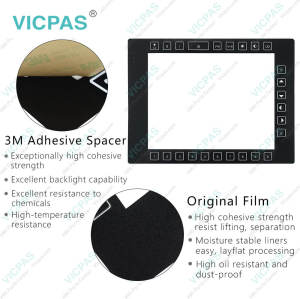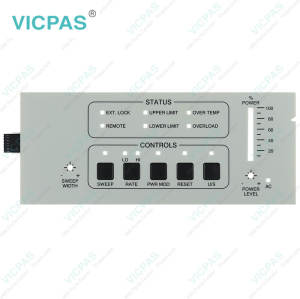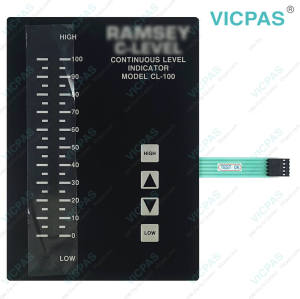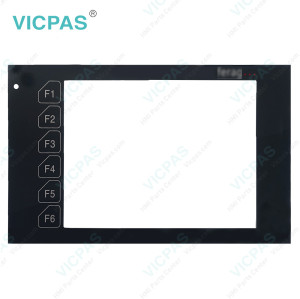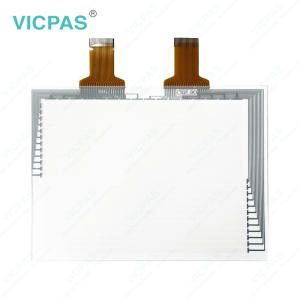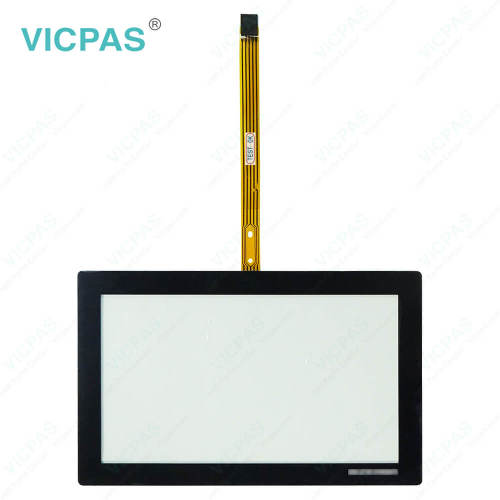
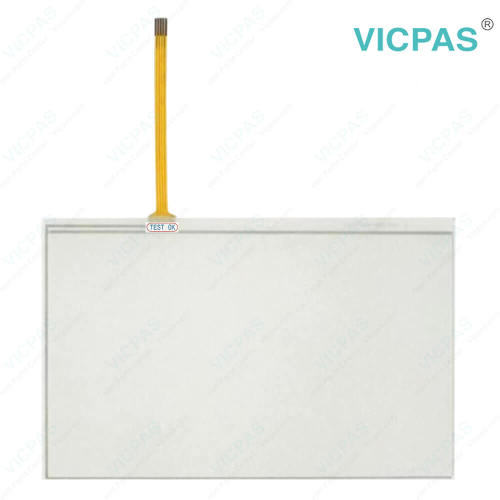
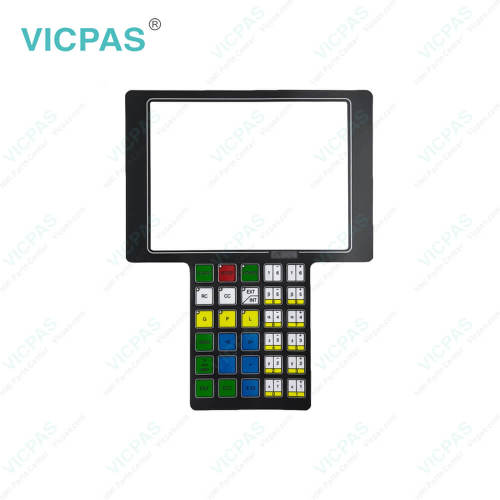
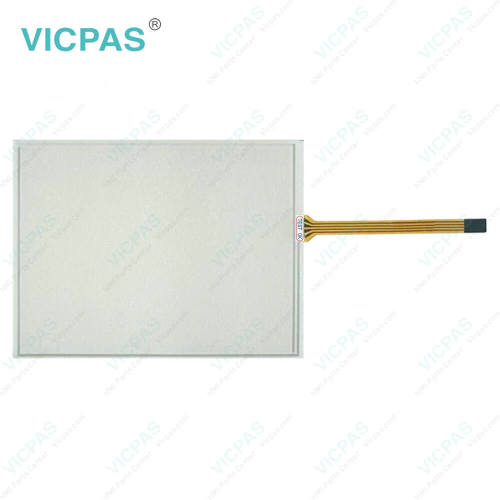
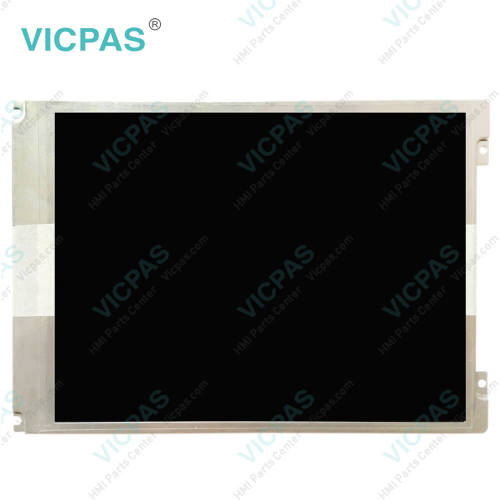
C000 126-52 C000 126-75 Touch Screen Monitor Operator Keyboard
- Model
- C000 126-52 C000 126-75
Item specifics
- Brand
- VICPAS
- Warranty
- 365 Days
- Supply
- Keyboard Membrane MMI Touch Screen
- Shipping
- 2-4 workdays
- Part Number
- C000 126-52 C000 126-75 CrossControl CCpilot XS
Review
Description
C000 126-52 C000 126-75 CrossControl CCpilot XS Terminal Keypad Touch Screen Glass
Order each part separately is available
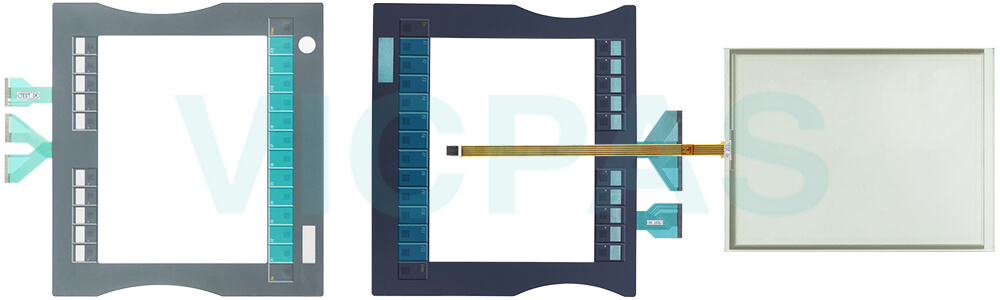
Unexpected downtime can disrupt production schedules, delay customer orders, and increase operating costs. When an interface component fails, customers need replacement solutions that arrive quickly and work without additional adjustment. By using C000 126-52 C000 126-75 Touch Membrane Membrane Keypads, technicians can address failures immediately and restore the machine to normal operation in a shorter time.
Many teams work under tight deadlines, and long diagnostic or installation times only add stress. That's why having a replacement part that fits accurately and functions reliably is crucial. C000 126-52 C000 126-75 HMI Touch Glass Membrane Switch is designed to help users complete repairs efficiently, even when working with aging machines or systems that cannot afford extended shutdowns.
In many facilities, a single malfunctioning panel can halt an entire line. With a suitable replacement in hand, users can significantly reduce the risk of prolonged stoppages. By keeping C000 126-52 C000 126-75 Membrane Keyboard Keypad Touch Digitizer Glasses available as part of regular maintenance stock, companies can respond to unexpected issues more effectively.
For teams responsible for maintaining continuous production, minimizing downtime is not just about fixing a single component — it's about preserving workflow stability. A reliable replacement such as C000 126-52 C000 126-75 Membrane Keypad Switch HMI Panel Glass gives customers confidence that they can handle breakdowns promptly and keep operations moving.
Specifications:
The table below describes the parameters of the C000 126-52 C000 126-75 CrossControl CCpilot XS Touch Screen Monitor Operator Panel Keypad HMI Parts.
| Power: | 5V/12V/24V |
| Contrast Ratio: | 500:1 to 1000:1 |
| Operating Temperature: | -20°C to 70°C |
| Product Line: | CrossControl CCpilot XS |
| Warranty: | 12 Months Warranty |
| Brand: | VICPAS |
| Storage Temperature: | -40°C to 85°C |
| Humidity Resistance: | 10% - 90% Non-Condensing |
| Brightness: | 250 - 400 cd/m² |
| Lifetime: | Over 1 million touches |
Related CrossControl CCpilot Display HMI Part No. :
| Crosscontrol Display | Description | Inventory status |
| C000 122-430 | C000 122-430 CCpilot XM2 Display Touch Screen Glass Replacement | In Stock |
| C000 122-432 | CCpilot XM2 Display C000 122-432 Touch Screen Panel Repair Part | Available Now |
| C000 122-390 | C000 122-390 CCpilot XM2 Display Touchscreen Replacement | In Stock |
| C000 122-392 | CCpilot XM2 Display C000 122-392 Touch Screen Glass HMI Repair | Available Now |
| C000 126-52 | C000 126-52 CCpilot XS Terminal Keypad Touch Screen Panel Repair | In Stock |
| C000 126-75 | CCpilot XS C000 126-75 Membrane Keyboard Touch Membrane | In Stock |
| C000 126-280 | C000 126-280 CCpilot XS Touch Glass Membrane Keypad Repair | In Stock |
| C000 126-316 | CCpilot XS C000 126-316 HMI Panel Glass Membrane Switch | Available Now |
| C000 126-54 | CCpilot XS Membrane Keyboard Keypad Touch Digitizer Glass | Available Now |
| C000 126-252 | CCpilot XS Touch Screen Monitor Membrane Keypad Switch LCD Display Panel | In Stock |
| C000 126-265 | CCpilot XS Operator Panel Keypad Touch Panel LCD Display Screen | Available Now |
| C000 098-33 | CCpilot XM2 Display LCD Display Touch Screen Operator Keyboard | In Stock |
| C000 098-90 | CCpilot XM2 Display LCD Screen Touch Digitizer Keyboard Membrane | Available Now |
| Crosscontrol CCpilot | Description | Inventory status |
CrossControl CCpilot XS Manuals PDF Download:
FAQ:
Question: Will replacing C000 126-52 C000 126-75 Operator Keyboard MMI Touch Screens affect my device settings?
Answer: No, replacing components such as touch screens or C000 126-52 C000 126-75 Keyboard Membrane Touch Digitizers does not affect software or stored data.
Question: How can I request a quotation quickly?
Answer: Send us the part number, machine model, or a photo—we will reply with pricing and availability shortly.
Question: Do you test the parts before shipping?
Answer: Yes, all parts undergo functional checks to ensure they work properly.
Question: What should I prepare before replacing a C000 126-52 C000 126-75 Touch Screen Keypad Membrane?
Answer: Power off the C000 126-52 C000 126-75 Touch Panel Switch Membrane machine completely and disconnect all cables for safety.
Common misspellings:
C000 126-52 C000 126-5
C000 126-52 C000 16-75
C000 126-52 0C00 126-75
C000 126-5Z C000 126-75
C000 1266-52 C000 126-75