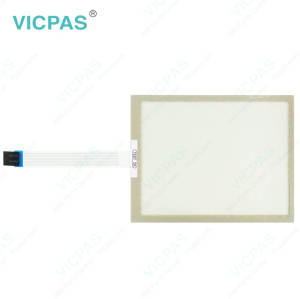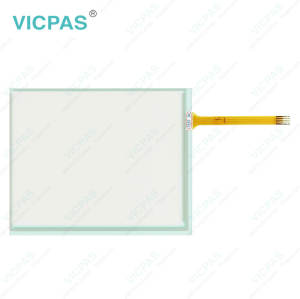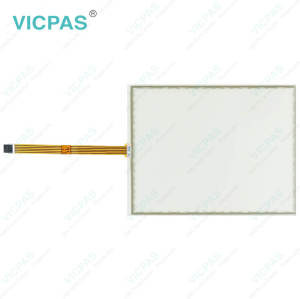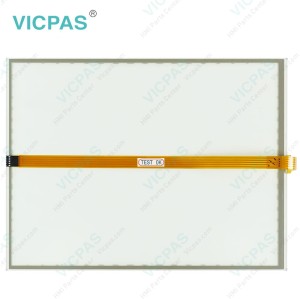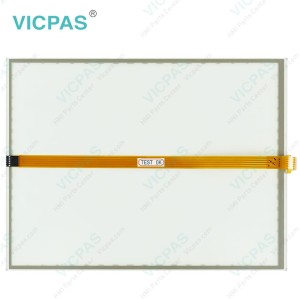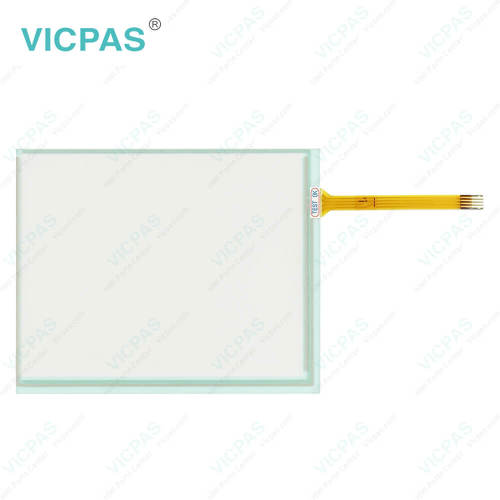
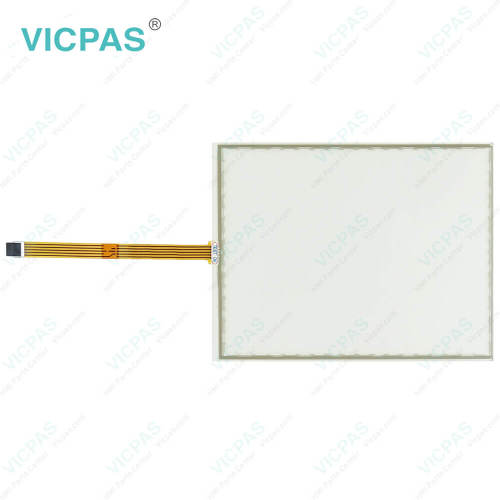
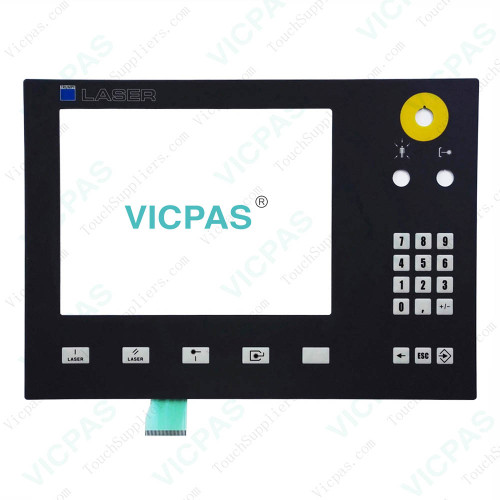
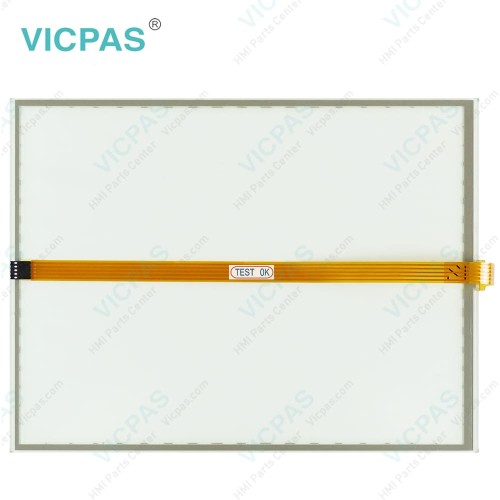
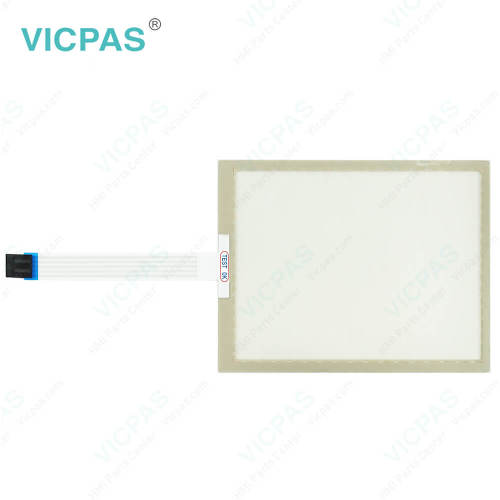
CP7721-0002-0020 CP7731-0000-0020 CP7731-0001-0020 CP7731-0002-0020 Membrane Switch Touchscreen
- Model
- CP7721-0002-0020 CP7731-0000-0020 CP7731-0001-0020 CP7731-0002-0020
Item specifics
- Product Line
- CP77XX
- Size
- 12''
- LCD Type
- TFT
- Shipping Time
- 3-5 Days
- Supply Parts
- Terminal Keypad Touch Screen Film
- Light Transmission
- Above 75%
Review
Description
Beckhoff CP7721-0002-0020 CP7731-0000-0020 CP7731-0001-0020 CP7731-0002-0020 Operator Panel Keypad Touch Digitizer Glass Repair
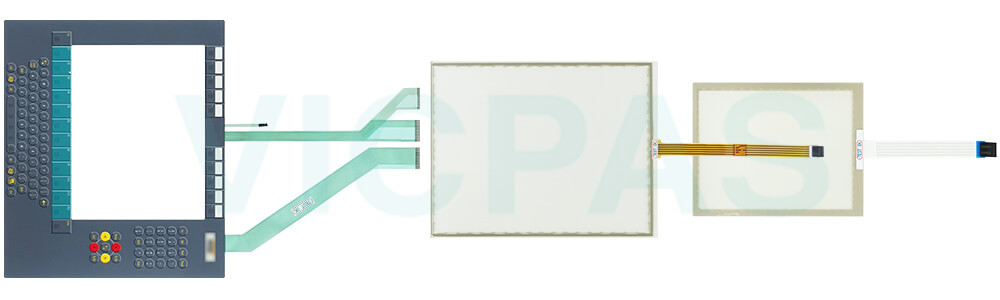
Order each part separately is available
Fundamental safety instructions
• Do not use Beckhoff HMI CP7721-0002-0020 CP7731-0000-0020 CP7731-0001-0020 CP7731-0002-0020 Touch Screen Film Membrane Switch under extreme environmental conditions.
• Only use the device in hazardous areas if it is explicitly designed for this purpose.
• Do not carry out any work on the device while it is live. Always switch off the supply voltage for the device before mounting/replacing CP7721-0002-0020 CP7731-0000-0020 CP7731-0001-0020 CP7731-0002-0020 Operator Keyboard HMI Touch Glass or rectifying malfunctions.
• Never plug or unplug connectors during thunderstorms. There is a risk of electric shock.
• Ensure that CP7721-0002-0020 CP7731-0000-0020 CP7731-0001-0020 CP7731-0002-0020 Touch Digitizer Membrane Keypad has a protective and functional earth connection.
•In the case of a 24 V DC power supply unit, fuse the power supply line according to its cross-section to protect the supply line in the event of a short circuit.
• Ensure that only trained specialists with a control and automation engineering background, operate the device or replace Beckhoff Touch Panel CP7721-0002-0020 CP7731-0000-0020 CP7731-0001-0020 CP7731-0002-0020 Membrane Switch Touchscreen. Use by unauthorized persons can lead to damage to property and loss of data.
• In case of fire, extinguish the device with powder or nitrogen.
• If you change Beckhoff HMI Keyboard CP7721-0002-0020 CP7731-0000-0020 CP7731-0001-0020 CP7731-0002-0020 Touch Membrane Terminal Keypad and software configurations, you must keep within the specified limits of power consumption and power loss.
Specifications:
The table below describes the parameters of Beckhoff CP7721-0002-0020 CP7731-0000-0020 CP7731-0001-0020 CP7731-0002-0020 HMI Touch Glass Keypad Membrane.
| Storage Temperature: | -25 °C ... +65 °C |
| Operating Temperature: | 0 °C ... +55 °C |
| LCD Type: | TFT |
| Size: | 12'' |
| Environment: | Free From Corrosive Gases |
| Product Line: | CP77XX |
| Brand: | Vicpas |
| Cooling Method: | Natural Air Cooling |
| Relative Humidity: | 95% |
| Warranty: | 365 Days |
Related Beckhoff Part No. :
| Beckhoff HMI | Description | Inventory status |
| CP7721-0002-0020 | Beckhoff CP77XX Touch Panel Keyboard Membrane Replacement | In Stock |
| CP7721-0002-0050 | Beckhoff CP77XX Touch Screen Panel Membrane Switch Repair | Available Now |
| CP7721-1068-0010 | Beckhoff CP77XX Membrane Keypad Replacement | In Stock |
| CP7722-0002-0020 | Beckhoff CP77XX Operator Panel Keypad Touch Digitizer Glass Repair | Available Now |
| CP7731-0000-0020 | Beckhoff CP77XX Touch Screen Display Terminal Keypad Replacement | In Stock |
| CP7731-0000-0050 | Beckhoff CP77XX Switch Membrane Touch Screen Tablet Repair | Available Now |
| CP7731-0001-0020 | Beckhoff CP77XX HMI Touch Glass Membrane Keypad Replacement | In Stock |
| CP7731-0001-0050 | Beckhoff CP77XX Operator Keyboard Touch Screen Film Repair | Available Now |
| CP7731-0002-0020 | Beckhoff CP77XX Touch Screen Glass Membrane Keypad Replacement | In Stock |
| CP7731-0002-0050 | Beckhoff CP77XX Operator Panel Keypad HMI Touch Glass Repair | Available Now |
| CP7732-0000-0020 | Beckhoff CP77XX Touch Digitizer Glass Membrane Keyboard Replacement | In Stock |
| CP7732-0001-0020 | Beckhoff CP77XX Membrane Switch Touch Screen Monitor Repair | Available Now |
| CP7732-0002-0020 | Beckhoff CP77XX Touch Screen Display Membrane Keyboard Replacement | In Stock |
| Beckhoff HMI | Description | Inventory status |
Beckhoff CP77XX Manuals PDF Download:
FAQ:
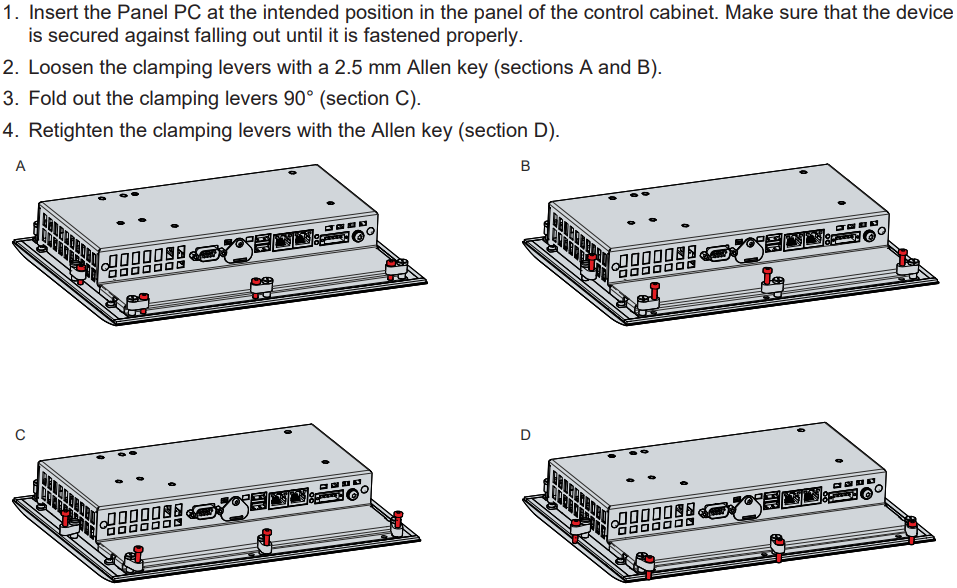
Question: How can I install and secure the Panel PC in the control cabinet?
Answer:
Question: What should I pay attention to when installing CP7721-0002-0020 CP7731-0000-0020 CP7731-0001-0020 CP7731-0002-0020 HMI Touch Glass Terminal Keypad?
Answer:
• Position the Panel PC in such a way that reflections on the screen are avoided as far as possible.
• Use the position of the screen as a guide for the correct installation height; it should be optimally visible for the user at all times.
• The Panel PC should not be exposed to direct sunlight.
• When the unit is in its mounting position, the ventilation openings must not be obstructed.
• Extreme environmental conditions should be avoided as far as possible. Protect the Panel PC from dust, moisture and heat.
• The ventilation slots of the Panel PC must not be covered.
Common misspellings:
CP7721-002-0020CP7721-0002-0022
CP7722-0002-0020
CP7731-00000-0020
CP7731-0000-020
CP7731-0000-0002
CP7731-0011-0020
CP7713-0001-0020
CP7733-0001-0020
CP7731-0202-0020
CP7731-0002-0010
CP7731-0002-00020