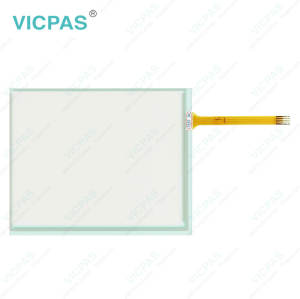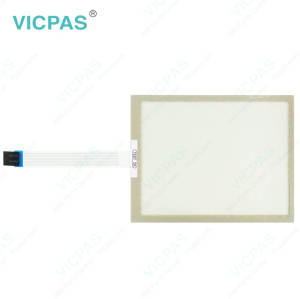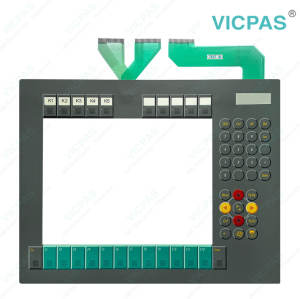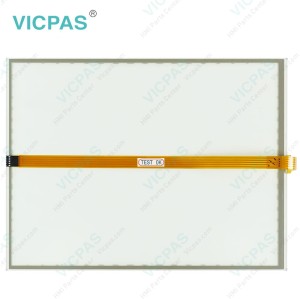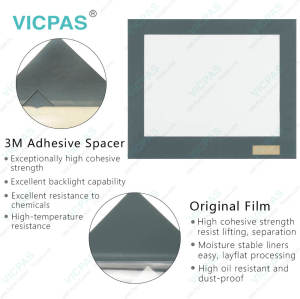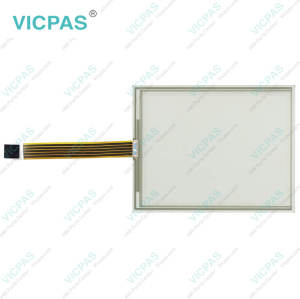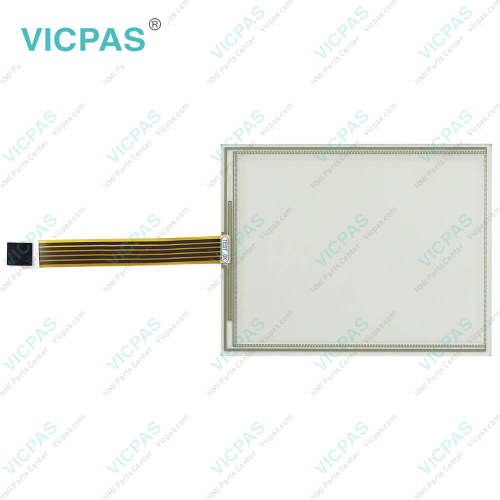
CP7709-0000-0020 CP7709-0001-0020 CP7709-1001-0020 Touch Screen Tablet Repair
- Model
- CP7709-0000-0020 CP7709-0001-0020 CP7709-1001-0020
Item specifics
- Product Line
- CP77XX
- LCD Type
- TFT
- Shipping Time
- 3-5 Days
- Supply Parts
- Touch Screen Panel
- Environment
- Free From Corrosive Gases
- Size
- 6.5''
Review
Description
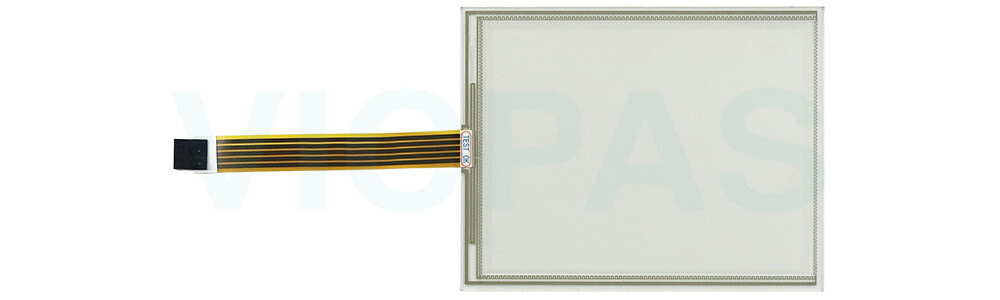
Beckhoff CP7709-0000-0020 CP7709-0001-0020 CP7709-1001-0020 Touch Screen Glass Replacement
Maintenance
You can clean Beckhoff HMI CP7709-0000-0020 CP7709-0001-0020 CP7709-1001-0020 Touch Screen Monitor with suitable cleaning agents, or you will damage the device. you must use suitable cleaning agents such as benzine, spirit or glass cleaner. Avoid the following cleaning agents: detergents with scouring or abrasive components, metal cleaning objects such as razor blades or steel spatulas, steam jet cleaner or very hot water, cold water with a heated device or high water pressure, e.g. high-pressure cleaner. By the way, cleaning the front screen without cleaning the edge of the glass screen can lead to faulty touch screen functions due to liquid residue. Always clean the front screen including the edge of the glass panel to avoid it.
SIt is essential to observe the following points when cleaning Beckhoff Touch Screen CP7709-0000-0020 CP7709-0001-0020 CP7709-1001-0020 Touch Membrane:
• Keep to the boundary conditions of protection rating IP65/IP20.
• Never use compressed air.
• Maintain an ambient temperature range of 0 °C to 55 °C.
If you have any questions about the maintenance of CP7709-0000-0020 CP7709-0001-0020 CP7709-1001-0020 HMI Touch Glass, feel free to contact Vicpas.
Specifications:
The table below describes the parameters of Beckhoff CP7709-0000-0020 CP7709-0001-0020 CP7709-1001-0020 Touch Screen Monitor.
| Storage Temperature: | -25 °C ... +65 °C |
| Warranty: | 365 Days |
| Operating Temperature: | 0 °C ... +55 °C |
| Brand: | Vicpas |
| Product Line: | CP77XX |
| Light Transmission: | Above 75% |
| LCD Type: | TFT |
| Cooling Method: | Natural Air Cooling |
| Relative Humidity: | 95% |
| Environment: | Free From Corrosive Gases |
Related Beckhoff Part No. :
| Beckhoff HMI | Description | Inventory status |
| CP7709-0000-0020 | Beckhoff CP77XX Touch Screen Tablet Replacement | In Stock |
| CP7709-0000-0030 | Beckhoff CP77XX Touch Screen Display Repair | Available Now |
| CP7709-0001-0020 | Beckhoff CP77XX Touch Membrane Replacement | In Stock |
| CP7709-0001-0030 | Beckhoff CP77XX Touch Digitizer Glass Repair | Available Now |
| CP7709-1001-0020 | Beckhoff CP77XX Touch Screen Monitor Replacement | In Stock |
| CP7709-1009-0030 | Beckhoff CP77XX Terminal Keypad Touch Screen Panel Repair | Available Now |
| CP7711-0000-0020 | Beckhoff CP77XX HMI Touch Glass Operator Keyboard Replacement | In Stock |
| CP7711-0000-0030 | Beckhoff CP77XX Membrane Switch Touch Screen Film Repair | Available Now |
| CP7711-0001-0020 | Beckhoff CP77XX Touch Screen Glass Keyboard Membrane Replacement | In Stock |
| CP7721-0000-0020 | Beckhoff CP77XX Operator Panel Keypad HMI Touch Glass Repair | Available Now |
| CP7721-0000-0030 | Beckhoff CP77XX Touch Digitizer Glass Keypad Membrane Replacement | In Stock |
| CP7721-0001-0020 | Beckhoff CP77XX Switch Membrane Touch Screen Display Repair | Available Now |
| CP7721-0001-0030 | Beckhoff CP77XX Touch Screen Panel Membrane Keyboard Replacement | In Stock |
| CP7721-0002-0030 | Beckhoff CP77XX Operator Panel Keypad Touch Membrane Repair | Available Now |
| CP7729-0000-0030 | Beckhoff CP77XX Touch Screen Monitor Operator Keyboard Replacement | In Stock |
| CP7729-0001-0030 | Beckhoff CP77XX Terminal Keypad Touch Screen Tablet Repair | Available Now |
| Beckhoff HMI | Description | Inventory status |
Beckhoff CP77XX Manuals PDF Download:
FAQ:
Question: What are the environment conditions during replacing my Beckhoff CP7709-0000-0020 CP7709-0001-0020 CP7709-1001-0020 HMI Touch Glass?
Answer:
• Keep CP7709-0000-0020 CP7709-0001-0020 CP7709-1001-0020 Touchscreen away from extreme environmental conditions.
• Shield it from dust, moisture, and excessive heat.
• Avoid installing it in areas with poor air circulation.
Question: What should I do when unpacking CP7709-0000-0020 CP7709-0001-0020 CP7709-1001-0020 Touch Screen Display?
Answer: Inspect the packaging for transport damage before opening. Carefully remove the product from the packaging and keep the materials for possible future transport. Verify that all items and accessories match your order, and check for visible shipping damage. If you notice any discrepancies or damage, contact VICPAS immediately.
Question: What is the price of Beckhoff CP7709-0000-0020 CP7709-0001-0020 CP7709-1001-0020 Touch Screen Tablet?
Answer: Submit a fast quote, send VICPAS an email for best price.
Common misspellings:
CP7709-0000-020CP7709-00000-0020
CP7700-0000-0020
CP7709-0009-0020
CP7709-0001-0022
CP7709-001-0020
CP7709-1001-0002
CP7799-1001-0020
CP77090-1001-0020