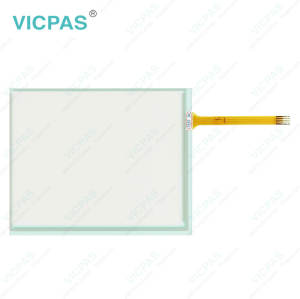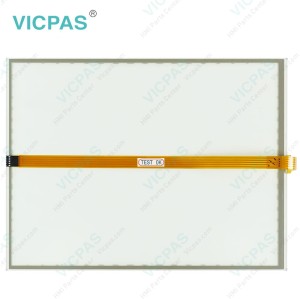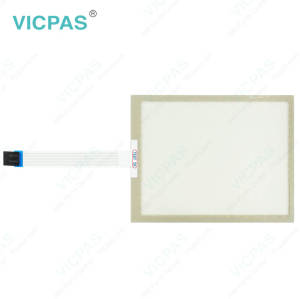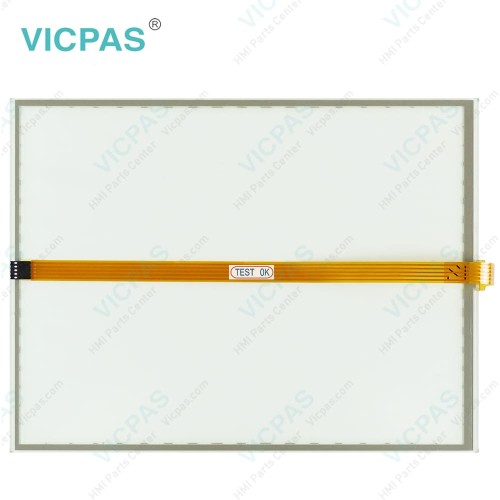
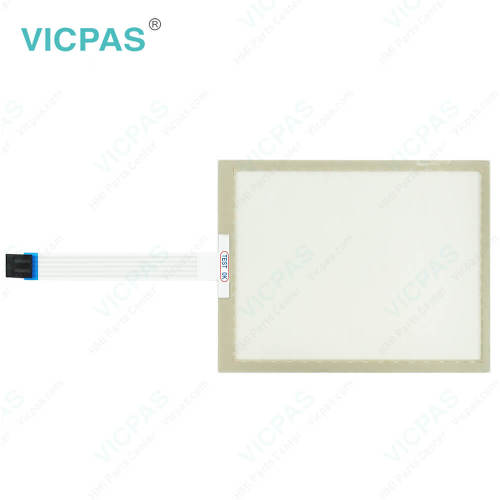
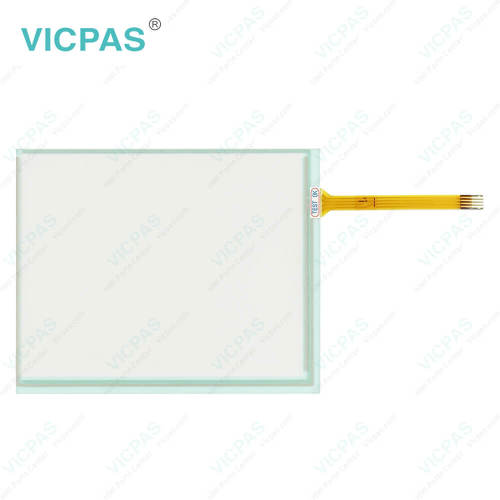
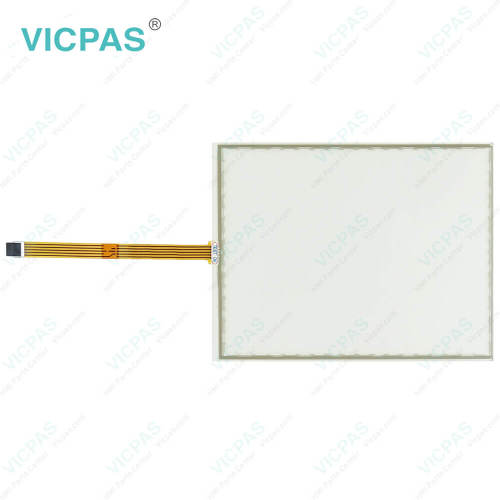
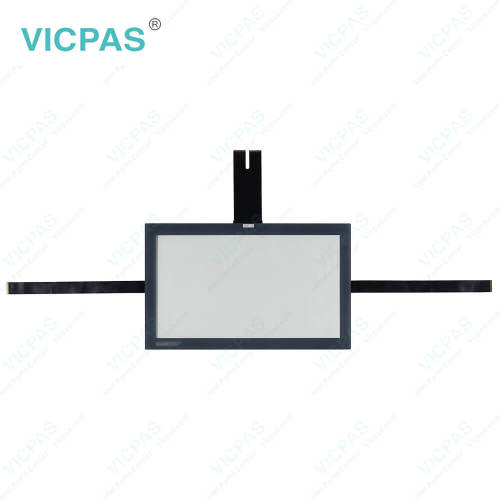
CP7701-1401-0030 CP7701-0000-0020 CP7701-0001-0020 Touch Digitizer Glass Repair
- Model
- CP7701-1401-0030 CP7701-0000-0020 CP7701-0001-0020
Item specifics
- Product Line
- CP77XX
- LCD Type
- TFT
- Shipping Time
- 3-5 Days
- Supply Parts
- Touch Screen Film
- Environment
- Free From Corrosive Gases
- Size
- 12''
Review
Description
Beckhoff CP7701-1401-0030 CP7701-0000-0020 CP7701-0001-0020 Touch Screen Display Replacement
Order each part separately is available
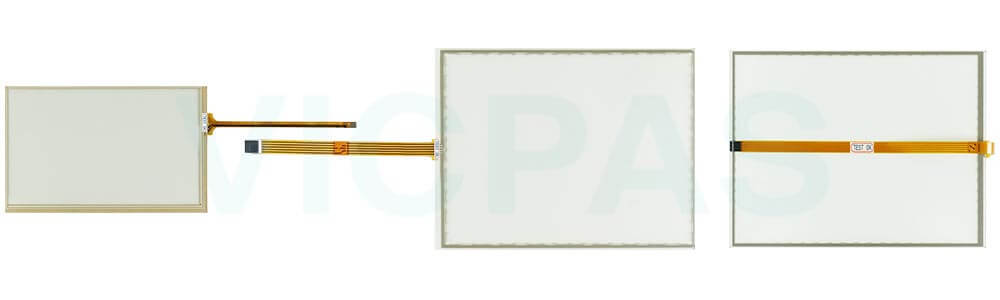
To keep your CP7701-1401-0030 CP7701-0000-0020 CP7701-0001-0020 Touch Screen Glass in optimal condition, always choose cleaning agents that are safe for the device. Recommended options include benzine, spirit, or glass cleaner. Using unsuitable substances or tools—such as abrasive detergents, scouring powders, razor blades, steel spatulas, steam cleaners, very hot water, cold water on a heated device, or high-pressure washers—can cause serious damage.
When cleaning the display, be sure to include the edges of Beckhoff Touch Panel CP7701-1401-0030 CP7701-0000-0020 CP7701-0001-0020 Touch Screen Monitor as well as the front surface. Neglecting the edges can allow liquid residue to remain, which may lead to malfunctioning touch functions. Please also follow these key safety guidelines during cleaning: maintain the protection rating limits of IP65/IP20, never use compressed air, and ensure the ambient temperature remains between 0 °C and 55 °C.
If you are unsure about the correct maintenance procedures for your Beckhoff HMI CP7701-1401-0030 CP7701-0000-0020 CP7701-0001-0020 Touch Digitizer Glass, VICPAS is happy to provide guidance and support.
Specifications:
The table below describes the parameters of Beckhoff CP7701-1401-0030 CP7701-0000-0020 CP7701-0001-0020 Touch Screen Panel.
| Brand: | Vicpas |
| Size: | 12'' |
| Product Line: | CP77XX |
| Cooling Method: | Natural Air Cooling |
| Warranty: | 365 Days |
| Environment: | Free From Corrosive Gases |
| Operating Temperature: | 0 °C ... +55 °C |
| Storage Temperature: | -25 °C ... +65 °C |
| Relative Humidity: | 95% |
| LCD Type: | TFT |
Related Beckhoff Part No. :
| Beckhoff HMI | Description | Inventory status |
| CP7701-0000-0020 | Beckhoff CP77XX Touch Screen Film Replacement | In Stock |
| CP7701-0001-0020 | Beckhoff CP77XX Touch Screen Monitor Repair | Available Now |
| CP7701-0021-0030 | Beckhoff CP77XX LCD Display Touch Screen Glass Replacement | In Stock |
| CP7701-1400-0030 | Beckhoff CP77XX Touch Digitizer Glass Front Overlay Repair | Available Now |
| CP7701-1401-0030 | Beckhoff CP77XX Touch Screen Display Replacement | In Stock |
| CP7702-0000-0020 | Beckhoff CP77XX Touch Screen Tablet Repair | Available Now |
| CP7702-0000-0030 | Beckhoff CP77XX Touch Membrane Replacement | In Stock |
| CP7702-0000-0040 | Beckhoff CP77XX Touch Screen Tablet Repair | Available Now |
| CP7702-0001-0020 | Beckhoff CP77XX Touch Screen Glass Switch Membrane Replacement | In Stock |
| CP7702-0001-0030 | Beckhoff CP77XX HMI Touch Glass Repair | Available Now |
| CP7702-0001-0040 | Beckhoff CP77XX Touch Screen Film Replacement | In Stock |
| CP7702-0020-0020 | Beckhoff CP77XX HMI Touch Glass Repair | Available Now |
| CP7702-0020-0030 | Beckhoff CP77XX Touch Screen Panel Replacement | In Stock |
| CP7702-0021-0020 | Beckhoff CP77XX Touch Membrane Repair | Available Now |
| CP7702-0021-0030 | Beckhoff CP77XX Touch Screen Display Replacement | In Stock |
| Beckhoff HMI | Description | Inventory status |
Beckhoff CP77XX Manuals PDF Download:
FAQ:
Question: Where is the touch digitizer glass of Beckhoff CP7701-1401-0030 CP7701-0000-0020 CP7701-0001-0020?
Answer:
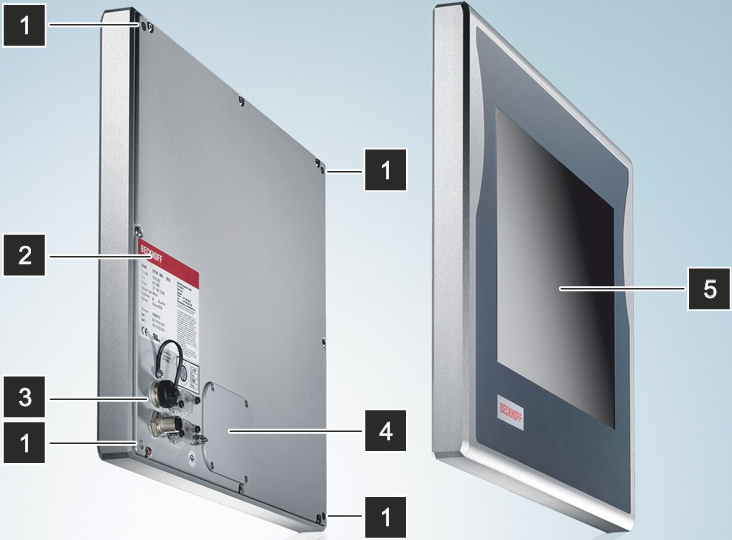
No.5 is Beckhoff CP7701-1401-0030 CP7701-0000-0020 CP7701-0001-0020 Touch Panel, is the operation of the panel PC.
Question: How can I maintain CP7701-1401-0030 CP7701-0000-0020 CP7701-0001-0020 Touch Screen Glass?
Answer: Do not work on the panel PC when live can lead to electric shock. Turn off the supply voltage before cleaning the device or replacing touch screen panel. Maintenance measures increase the efficiency of the device by ensuring long-term functionality. Cleaning and maintenance of certain device components and the replacement of touch screen monitor contribute to this. Use spare parts that you have ordered from Vicpas can ensure your safe and excellent operation.
Common misspellings:
CP7701-1411-0030CP7700-1401-0030
CP7701-1401-00030
CP7701-0000-0002
CP7701-2000-0020
CP7710-0000-0020
CP7701-00001-0020
CP7701-0001-020
CP77111-0001-0020