Siemens OP170B Troubleshooting Guide: Common Issues and Solutions
- Share
- Issue Time
- Mar 11,2026
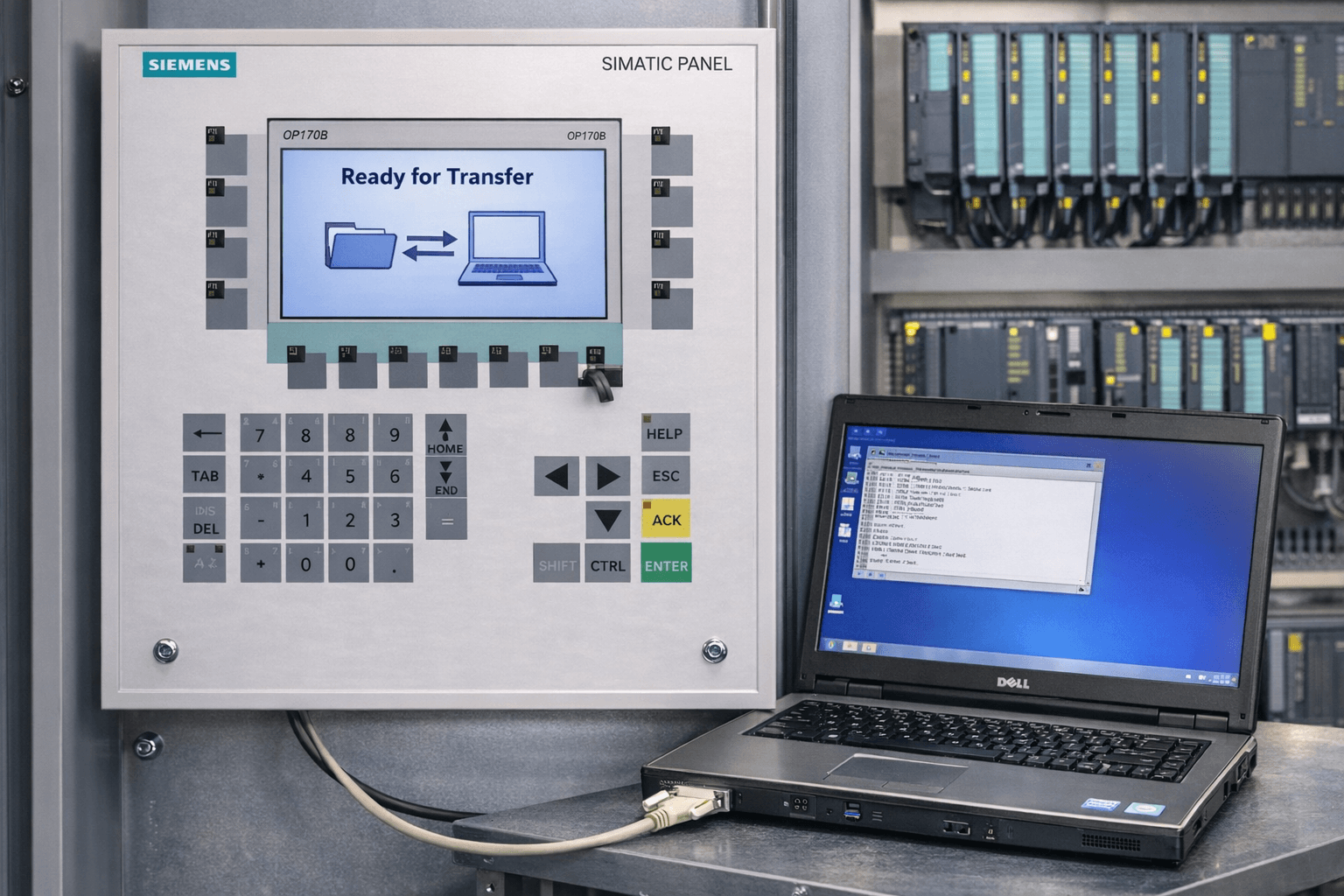
Siemens OP170B Troubleshooting Guide: Common Issues and Solutions
Your expert resource for Siemens OP170 – fast fixes & reliable replacement parts
Table of Contents
- 1. Project Download Failures with Newer ProTool / WinCC Flexible Versions
- 2. Communication Error E4027 and PLC Connection Failures
- 3. Panel Stuck in “Ready for Transfer” Mode or Failed Serial/USB Download
- 4. PDZ File Errors and Upload / Migration Issues
- 5. Screen, Backlight, Touchscreen & Keypad Failures
- 6. Power Supply, Freezing, and Recipe/PLC Job Errors
- References
Are you facing issues with your Siemens OP170 or OP170B operator panel? These classic Siemens HMIs remain widely used in automation, but problems like download failures, communication faults, stuck modes, and hardware wear frequently disrupt operations.
At VICPAS (with over 20 years specializing in industrial HMI repair and replacement components), we support technicians worldwide by supplying premium, tested parts for Siemens OP series panels.
Our OP170B-compatible touchscreens, membrane keypads, LCDs, housings, and full kits come with a 12-month warranty, same-day dispatch, and global shipping. Explore our full Siemens OP170 parts range →
1. Project Download Failures with Newer ProTool / WinCC Flexible Versions
Common Symptoms
“Could not find the PDZ files”, compilation errors during project migration, “OP not networked”, or download aborts when using updated software on an older OP170B.
Causes
Incompatibility between legacy ProTool projects and WinCC Flexible, regional settings mismatch, incorrect transfer protocol.
Solutions
- Set Windows Regional and Language settings to English (United States) or German — this resolves most compilation issues.
- Use WinCC Flexible Advanced (not Standard edition) for full OP170B support.
- In ProTool/Pro, configure Transfer → Serial (or MPI), select correct COM port, set baud rate to 9600.
- Perform Flash Memory Reset: Power off → hold Down arrow key → power on → press + at “Ready for Transfer” prompt → press Esc after reset.
VICPAS tip: Repeated failed downloads often accelerate wear on the screen and keys. Our plug-and-play Siemens OP170B Keypad + LCD + Housing Kit restores full operation in under an hour.
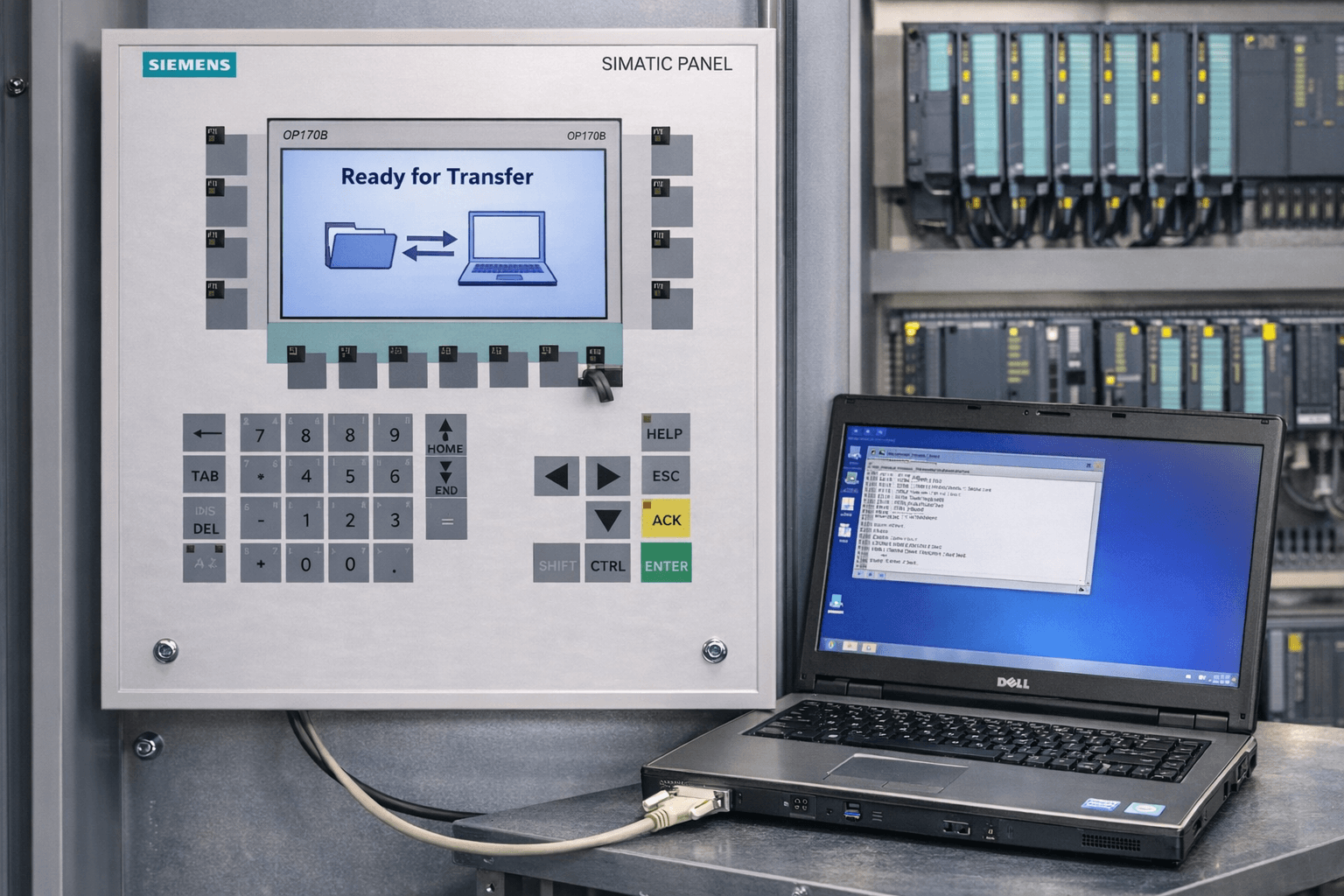
2. Communication Error E4027 and PLC Connection Failures
Common Symptoms
Red error E4027 displayed, no data exchange with PLC, intermittent “# Display” faults, or complete loss of communication.
Causes
Cable faults, wrong PROFIBUS/MPI address or baud rate, damaged port, or configuration mismatch.
Solutions
- Check cable wiring (DB9/DB15): Pin 2↔3 (Rx/Tx), Pin 5↔5 (GND), Pin 7↔8 (RTS/CTS).
- Confirm MPI address (commonly 2) and baud rate (187.5 kbps) in both STEP7 and ProTool.
- Test cable continuity; replace if faulty.
- Cycle power on PLC and HMI; use Connect/Disconnect function if programmed.
VICPAS offers tested replacement interface boards and MPI/PROFIBUS cables — email sales@vicpas.com for fast assistance.
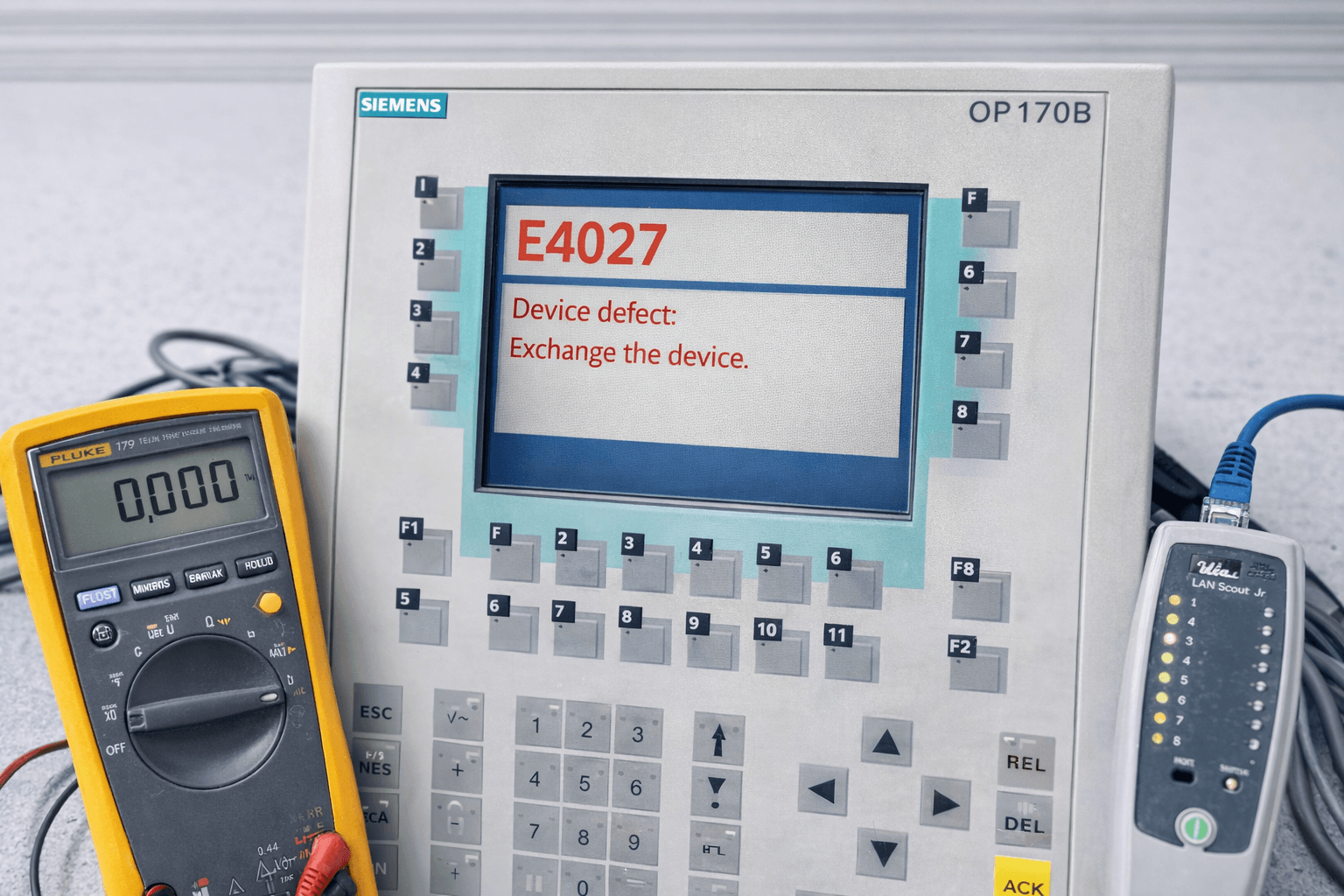
3. Panel Stuck in “Ready for Transfer” Mode or Failed Serial/USB Download
Common Symptoms
Boots straight to transfer screen and refuses to exit, download halts, or no response from PC.
Causes
Corrupted firmware, incorrect transfer parameters, USB-serial driver issues, or hardware fault.
Solutions
- Set ProTool transfer: Serial, COM1, 9600 baud, 8 data bits, no parity, 1 stop bit, hardware flow control.
- Remove any installed MPI module.
- Run Flash Reset procedure (detailed in section 1).
- In Windows Device Manager, force USB-serial adapter to 9600 baud / hardware flow control.
- Try lower baud rate (4800) if electrical noise suspected.
Many of our clients resolve this permanently by upgrading to a fresh OP170B Membrane + LCD Assembly from VICPAS stock.
4. PDZ File Errors and Upload / Migration Issues
Common Symptoms
“Could not find the pdz files” when trying to upload from OP170 to PC, project migration failures from old ProTool to WinCC Flexible, or upload aborts.
Causes
Missing original project source files, version incompatibility between ProTool and WinCC Flexible, no CF card backup, or wrong ProTool version used.
Solutions
- Always keep original project source files (.pdz format) on your PC.
- Insert a Compact Flash (CF) memory card in the OP170B for automatic project backup.
- Use exactly the same ProTool/Pro version that matches your panel firmware.
- For obsolete panels, consider a full hardware upgrade instead of repeated migrations.
VICPAS tip: Many customers switch to our complete OP170B overhaul kits to eliminate migration headaches permanently.
5. Screen, Backlight, Touchscreen & Keypad Failures
Common Symptoms
Dim or completely dead backlight, unresponsive touchscreen, faded or non-functional membrane keys, dead pixels, or physical cracks.
Causes
Normal aging and wear after 10+ years of use, backlight bulb burnout, damaged 5-wire resistive touchscreen overlay, or membrane keypad delamination from constant pressing.
Solutions
- Backlight failure: Replace the entire LCD assembly (30-minute job).
- Touchscreen issues: Clean contacts, recalibrate, or replace the 5-wire resistive overlay.
- Keypad wear: Direct swap with a new membrane keyboard (plug-and-play).
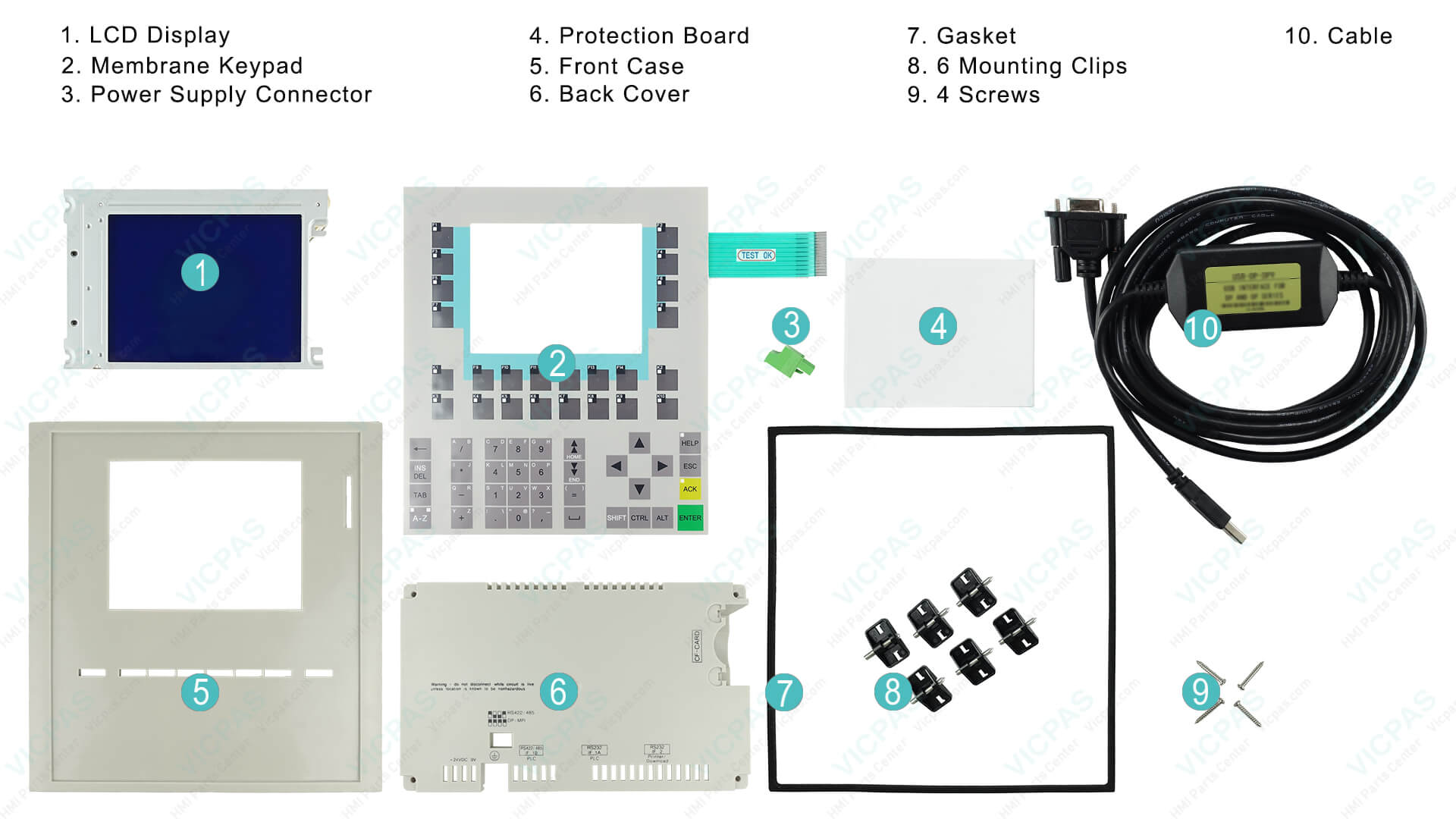
VICPAS Recommendation: Our best-selling 6AV6542-0BB15-2AX0 Siemens OP170B Membrane Keyboard + LCD + Housing kit is 100% compatible and ships same day.
6. Power Supply, Freezing, and Recipe/PLC Job Errors
Common Symptoms
Panel freezes, error codes 140000–140020 (communication), 210000 (invalid PLC jobs), sudden shutdowns, or recipe data not saving/loading.
Causes
Unstable 24V DC supply, blown fuse, PROFIBUS network token rotation time mismatch, or corrupted recipe/PLC job data structure.
Solutions
- Confirm stable 24V DC power (20.4–28.8V) and check/replace 3.15A fuse.
- For freezing: Recalculate Token Rotation Time (TTR) in PROFIBUS network and separate node addresses.
- Recipe errors: Delete and re-import records; ensure data structure matches PLC tags.
- Power cycle both PLC and HMI after changes.
VICPAS stocks replacement power boards and full OP170B assemblies to solve recurring power-related failures quickly.
Why Trust VICPAS for Siemens OP170B Support?
We are not an official Siemens channel partner, but we deliver OEM-comparable quality at competitive prices with full compatibility for models like 6AV6542-0BB15-0AX0 / -2AX0.
1-year warranty on all parts • No minimum order quantity • Expert multilingual support (English / Chinese) • Worldwide express shipping (DHL / FedEx)
Shop OP170 Parts Now →Contact: +86-13922741901 | sales@vicpas.com
References
- Siemens Forum – Problem Downloading Project to OP170B
- Control.com Forum – Connect to Siemens OP170
- Siemens Forum – OP Panel Communication Error E4027
- Siemens Forum – OP170B to OP177B Migration Issue
- Industrial Monitor Direct – ProTool Migration Failure
- Siemens Forum – OP170B Communication Configuration
- Industrial Monitor Direct – HMI Transfer Mode Error
- Reddit PLC Community – Siemens HMI Program Transfer Issues
- Reddit PLC – HMI Communication Problem (# Display)
- VICPAS Knowledge Base – Siemens Mobile Panel Troubleshooting
Written by: VICPAS Technical Support Team
Updated: March 2026
Based on real cases from Siemens Industry Forum, Control.com, Industrial Monitor Direct, Reddit r/PLC, and VICPAS field service records.