Troubleshooting Common Issues with Siemens Mobile Panel 170
- Share
- Issue Time
- Jan 6,2026
Troubleshooting Common Issues with Siemens Mobile Panel 170
Table of Contents
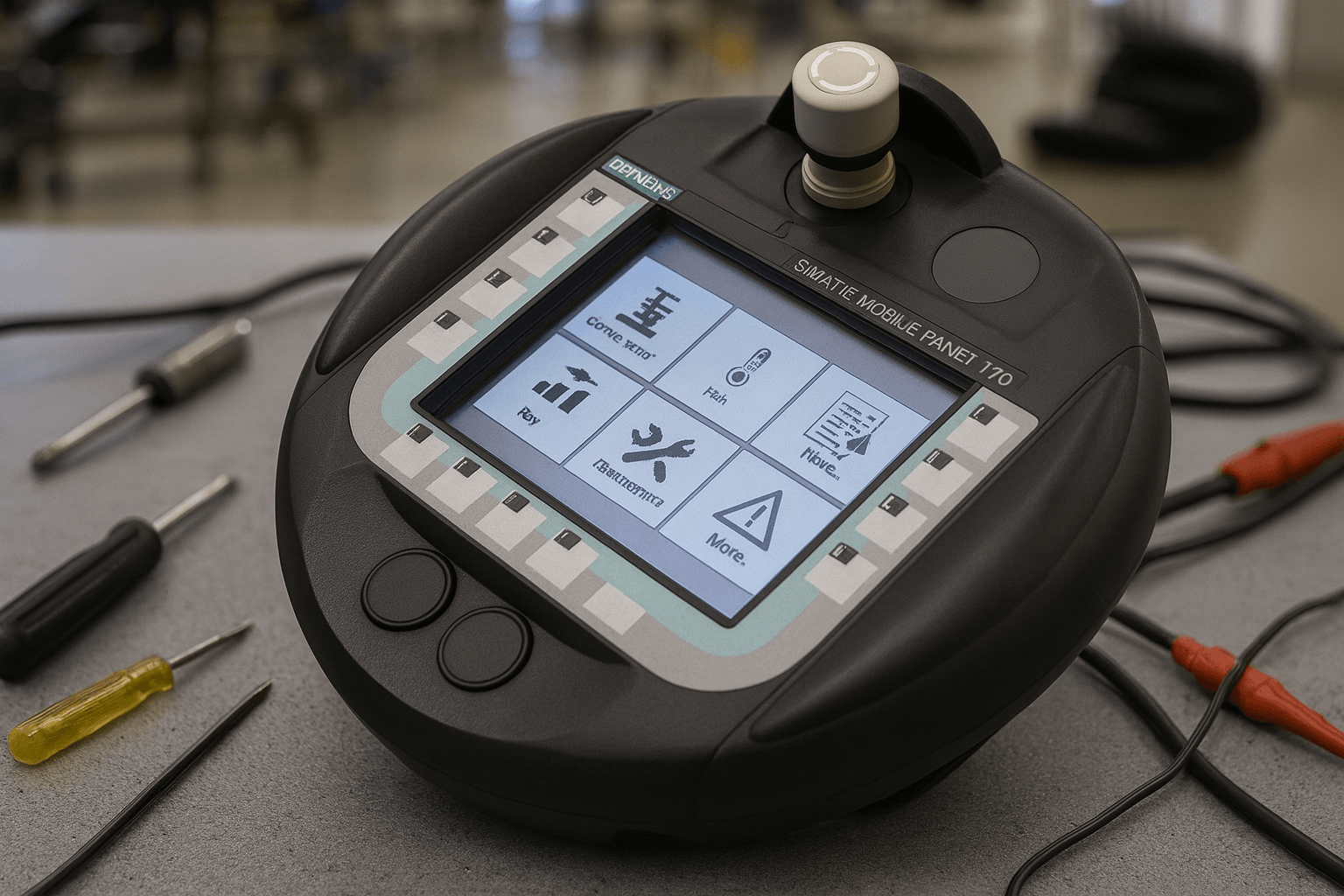
As an experienced SEO and industrial automation specialist, I've helped numerous clients optimize their content for key terms like Siemens Mobile Panel 170 while delivering valuable, authoritative insights. The Siemens Mobile Panel 170 is a robust HMI device widely used in industrial settings for its mobility and WinCC flexible integration. However, like any sophisticated equipment, it can encounter issues such as freezing, backlight failures, touchscreen malfunctions, communication errors, and error messages. In this comprehensive guide, we'll explore these common problems, provide step-by-step troubleshooting, and share maintenance best practices to keep your operations running smoothly.
At VICPAS Touch Technology Limited, with over 20 years of expertise in HMI parts and repairs, we specialize in providing high-quality replacement components for Siemens devices, including touchscreens, membrane keypads, and keyboards. Our global supply chain ensures fast shipping and a 365-day warranty on fully tested products. Whether you're dealing with obsolete parts or need quick fixes, explore our Siemens Mobile Panel 170 replacements to extend the life of your equipment cost-effectively.
Common Issues with Siemens Mobile Panel 170
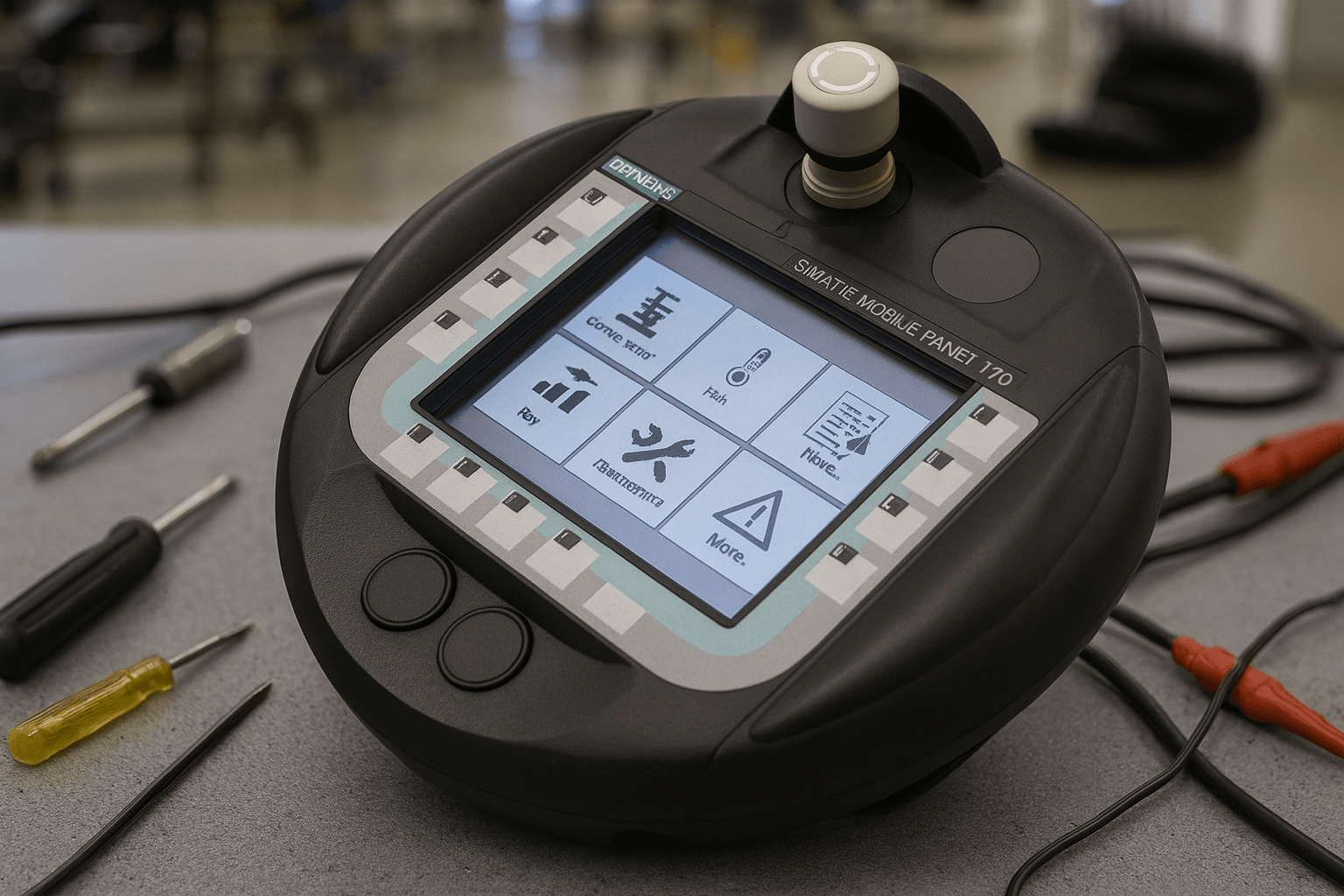
Based on extensive user reports from forums, official Siemens documentation, and repair service insights, here are the most frequent problems encountered with the Siemens Mobile Panel 170:
- Freezing or Unresponsive Panel — The device may lock up, preventing any input or manipulation. This is often linked to PROFIBUS network configuration errors.
- Backlight Failure — The screen appears dim or completely dark, though the display and touch functions may still work.
- Touchscreen Malfunctions — Unresponsive or inaccurate touch inputs, often due to wear, damage, or calibration issues.
- Communication Errors — Issues connecting to PLCs via PROFIBUS, MPI, or other interfaces, leading to disrupted operations.
- Error Messages — Codes like 210005 ("PLC Job Invalid"), system alarms in the 10000–290000 range, or messages related to data overload, invalid tags, or licensing.
- Power Supply Problems — Intermittent power, failure to start, or shutdowns caused by voltage issues or faulty connections.
- Software Glitches — Crashes, erratic behavior, or problems with WinCC flexible runtime, often from corrupted files or outdated firmware.
These issues can stem from hardware wear, improper setup, environmental factors, or software incompatibilities. Addressing them promptly minimizes downtime.
Step-by-Step Troubleshooting Guide
Follow these expert-recommended steps to diagnose and resolve issues with your Siemens Mobile Panel 170. Always prioritize safety by disconnecting power and following ESD precautions before handling internals.
1. Freezing Issues
- Causes — Misconfigured PROFIBUS parameters (e.g., Token Rotation Time - TTR), bus interference, or overlapping addresses.
- Steps:
- Verify all panels and nodes are in the same STEP7 project; recalculate and download TTR to every station.
- Use the built-in life bit in the coordination area for connectivity monitoring instead of custom tags.
- Check cables for damage and ensure no electromagnetic interference from nearby devices.
- Restart the panel and PLC; if persistent, separate panel addresses to avoid conflicts.
If unresolved, consider professional diagnostics. Vicpas offers expert repairs for such communication faults—contact us at sales@vicpas.com for a free quote.
2. Backlight Failure
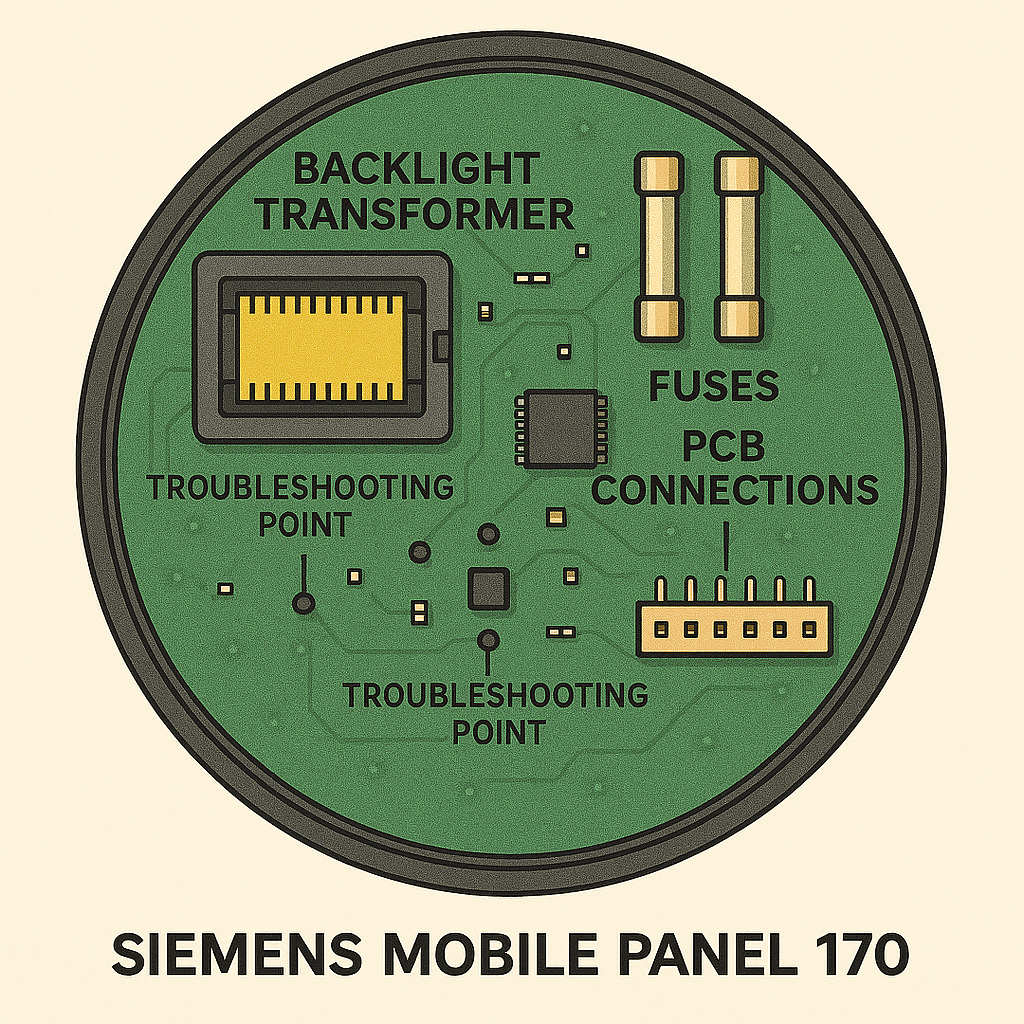
- Causes — Faulty transformer, burnt-out backlight tube, or power supply issues.
- Steps:
- Inspect fuses and use a multimeter to check for AC output to the backlight (should be present if the tube is intact).
- Power cycle the device and test in a controlled environment.
- If no power reaches the transformer, examine the PCB for damaged components.
- Replace the LCD screen or backlight assembly if needed.
For reliable replacements, Vicpas provides touchscreen and display kits compatible with models like 6AV6545-4BA16-0CX0. View our options.
3. Touchscreen Malfunctions
- Causes — Physical damage (e.g., poked with sharp objects like screwdrivers), misalignment, or firmware issues.
- Steps:
- Clean the screen with a damp cloth and mild detergent; avoid solvents or sharp tools.
- Recalibrate via the panel's settings menu (use finger input only).
- Update firmware from Siemens support and reboot.
- If unresponsive, check for cracks or wear; use a stylus for precise operation to prevent future damage.
Vicpas excels in touchscreen replacements—our 5-wire resistive overlays are durable and easy to install. Fast shipping available worldwide.
4. Communication Errors
- Causes — Loose cables, mismatched baud rates, or protocol issues.
- Steps:
- Ensure secure connections (e.g., RJ45 plugs fully engaged) and check for corrosion.
- Verify interface settings (RS232/422/485 or MPI/PROFIBUS) via DIP switches.
- Use approved Siemens cables and test PLC status.
- Reconnect using the "Connect_Disconnect_PLC" function if applicable.
Persistent errors may require cable replacements, which Vicpas can supply along with full HMI refurbishments.
5. Error Messages
Use this table for quick reference on common codes:
| Error Code Range | Description | Remedy |
|---|---|---|
| 10000–10006 | Printing or buffer issues | Check printer settings; reduce job frequency. |
| 140000–140020 | Communication faults | Verify cables, baud rates, and PLC online status. |
| 210000–210006 | Invalid PLC jobs or tags | Update PLC program; check addresses and data types. |
| 290000–290075 | Recipe/data mismatches | Ensure structure compatibility; delete and re-import records. |
| 230000–230003 | Invalid entries or passwords | Use permissible values; reset passwords via known credentials. |
For any code, note it down and restart the runtime before power-off. If errors persist, reload the OS via ProSave.
6. Power Supply Problems
- Causes — Voltage drops, reverse polarity, or faulty fuses.
- Steps:
- Confirm 24V DC supply (20.4–28.8V) with SELV compliance; check polarity.
- Inspect fuses (3.15A) and connections for looseness.
- Test with a stable power source; account for cable voltage drops.
- If no start, replace the power unit.
7. Software Glitches
- Steps:
- Backup data and perform a factory reset.
- Update WinCC flexible runtime and redownload configurations.
- Check for license issues; transfer via ProSave if needed.
- Avoid cyclical writes to flash memory to prevent wear.
Maintenance Tips for Longevity
To maintain your Siemens Mobile Panel 170:
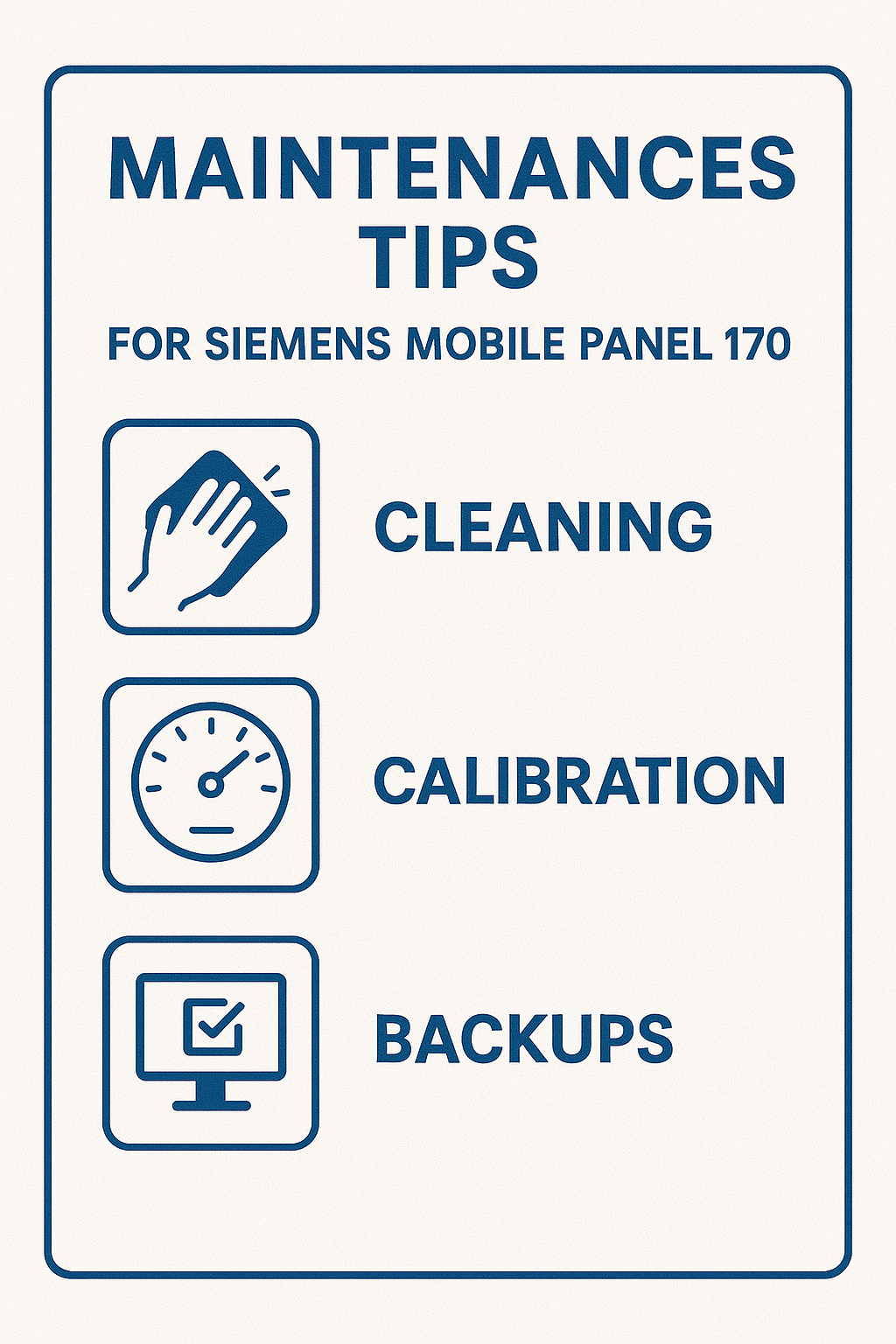
- Daily → Clean the touchscreen gently; inspect cables and STOP buttons.
- Weekly → Check environmental conditions (IP65 rating: avoid extreme heat/humidity/sunlight).
- Monthly → Backup recipes, passwords, and configurations to a CF card; test safety features.
- Annually → Calibrate touchscreen; update firmware.
Handle with ESD precautions: Use grounded straps and conductive storage.
Apply protective foils to prevent scratches.
Regular maintenance reduces common issues and extends device life. At Vicpas, we recommend our protective overlays and full repair kits for optimal performance.
When to Seek Professional Help
If troubleshooting doesn't resolve the issue—such as persistent hardware failures or complex software errors—professional repair is essential to avoid further damage. VICPAS Touch Technology Limited offers specialized services for Siemens HMI panels, including diagnostics, part replacements, and refurbishments. With our 20+ years of experience, we handle everything from backlight fixes to complete overhauls, ensuring minimal downtime. Get a free evaluation by emailing sales@vicpas.com or calling +86-13763341328. Browse our Siemens Mobile Panel 170 products for immediate solutions.
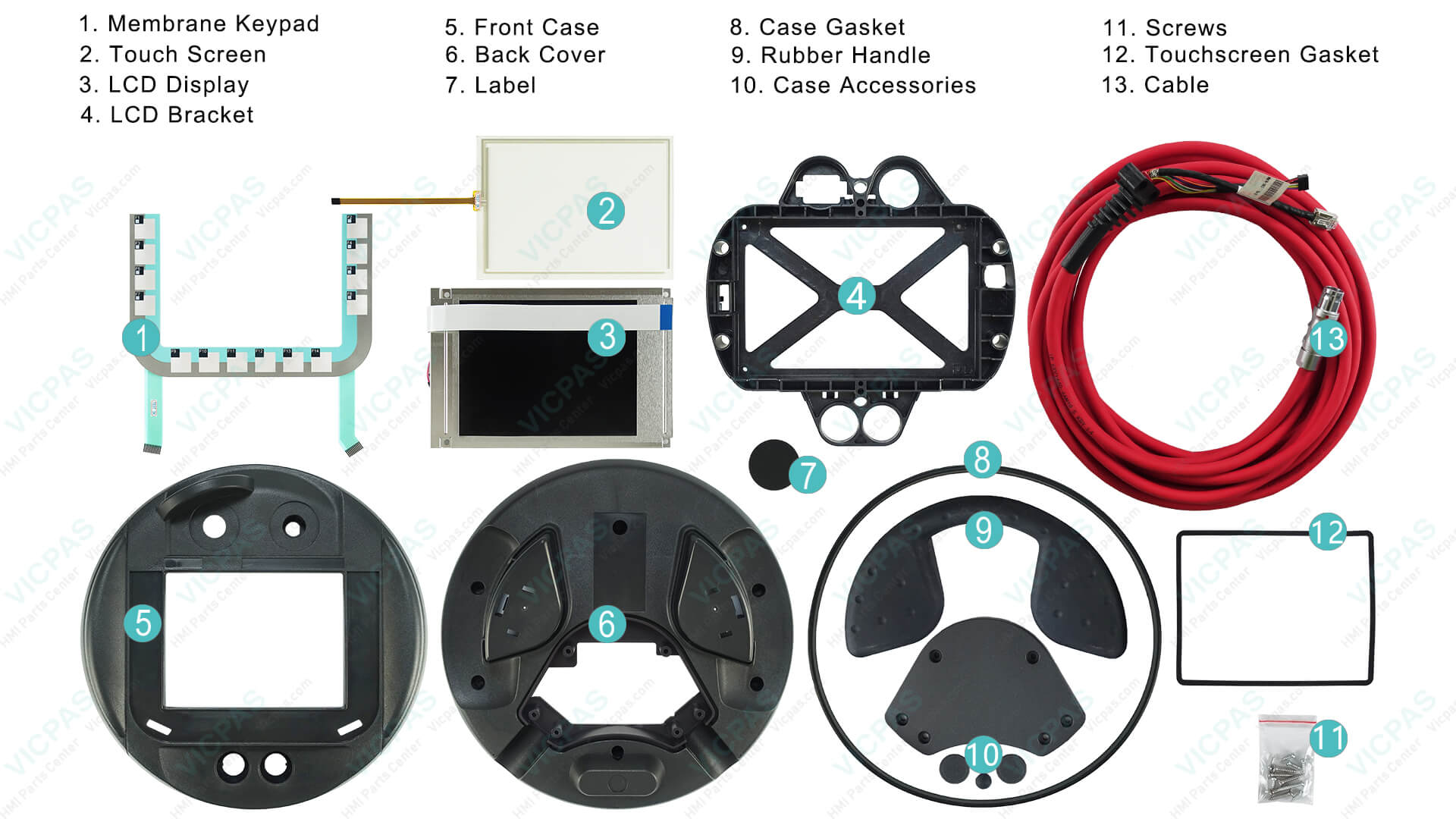
Conclusion
Troubleshooting the Siemens Mobile Panel 170 doesn't have to be daunting—with the right knowledge, most issues can be resolved quickly. By following this guide, you'll optimize performance while benefiting from expert insights on Siemens Mobile Panel 170 maintenance and repairs. Remember, prevention through maintenance is key, and when repairs are needed, trust Vicpas for reliable, affordable alternatives to full replacements. Visit here to learn more about our commitment to quality and customer satisfaction. If you have questions, reach out—we're here to help elevate your operations.
References
- SIMATIC HMI Mobile Panel 170 Documentation (Siemens Industry Online Support)
- Mobile Panel 170 Equipment Manual (PDF)
- Siemens Mobile Panels Freezing Issue (PLCTalk.net Forum)
- SIMATIC Mobile Panel No Backlight Issue (Reddit r/PLC)
- Error 210005: PLC Job Invalid Explanation (Siemens Support)
- Siemens Mobile Panel 170 (WinCC flexible) Operating Instructions
Last updated: January 2026 | Vicpas Touch Technology Co., Ltd. – Professional HMI Parts & Repair Solutions