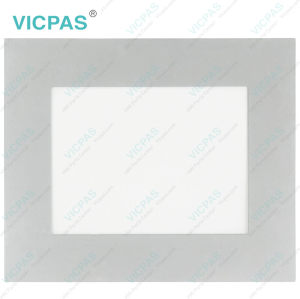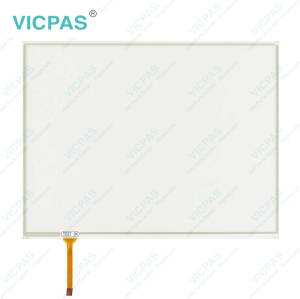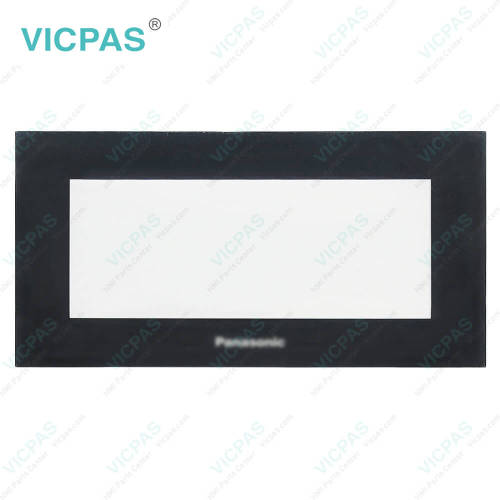


TOUGHBOOK 34 FZ-34 Touch Membrane Front Overlay Repair
- Model
- TOUGHBOOK 34 FZ-34
Item specifics
- Supply Part
- Touch Panel Protective Film
- Touch Panel Protective Film
- 3-5 Days
- Warranty
- 1 Year
- Model Number
- TOUGHBOOK 34 FZ-34
- TOUGHBOOK 34 FZ-34
- DHL/FedEx/UPS/TNT/EMS/Aramex /DPEX
Review
Description
Panasonic TOUGHBOOK 34 FZ-34 Touch Screen Tablet Protective Film Replacement
Order each part separately is available
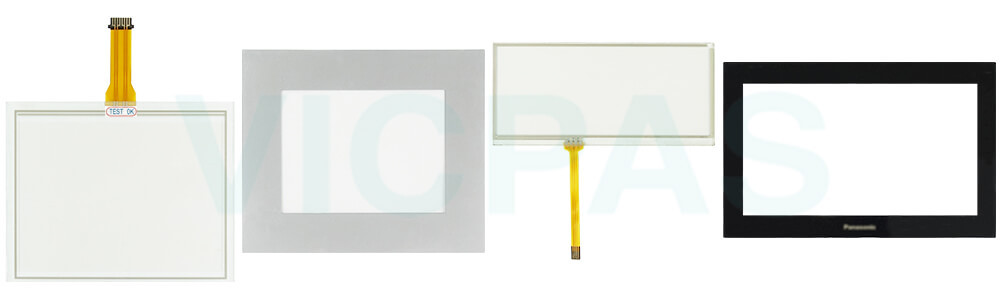
The equipment should be inspected and repaired by qualified service personnel whenever any abnormal condition is identified. Such conditions include damage to the power cable or plug, liquid entering TOUGHBOOK Panasonic TOUGHBOOK 34 FZ-34 Touch Screen Film Front Overlay, exposure to excessive moisture, improper operation, or performance that deviates from the instructions specified in the user manual. Professional inspection is also required if TOUGHBOOK 34 FZ-34 Protective Film Touch Membrane has sustained damage due to accidental impact or dropping, or if any cracks or other physical defects are found on the equipment. When TOUGHBOOK 34 FZ-34 Front Overlay HMI Touch Glass is expected to remain out of service for an extended period, disconnect it from the power supply. Before returning the equipment to operation, verify that it is functioning properly. Under no circumstances should liquids be allowed to enter the device through its openings, as this could cause fire, electric shock, or damage to Panasonic TOUGHBOOK 34 FZ-34 Touchscreen Protective Film. The equipment enclosure must never be opened by unauthorized individuals. For safety reasons, all internal inspections, maintenance, and repair procedures must be carried out exclusively by qualified service personnel.
Specifications:
The table below describes the parameters of Panasonic TOUGHBOOK 34 FZ-34 Touch Screen Glass Protective Film.
| Shipping Time: | 3-5 Days |
| Display Type: | TFT color |
| Product Type: | Repair Component |
| Environment: | Free from Corrossive Gases |
| Ambient Temperature: | -20°C (-4°F) ~ 60°C (140°F) |
| Quality Check: | Tested Before Shipment |
| Packaging: | Individually Packed |
| Product Line: | TOUGHBOOK |
| Warranty: | 365 Days |
| Part Number: | TOUGHBOOK 34 FZ-34 |
Related Panasonic TOUGHBOOK Part No. :
| Panasonic TOUGHBOOK | Description | Inventory status |
| TOUGHBOOK Panasonic | Description | Inventory status |
Panasonic TOUGHBOOK Manuals PDF Download:
FAQ:
Question: What should I pay attention to when mounting Panasonic TOUGHBOOK 34 FZ-34 Touch Screen Tablet Protective Film?
Answer: Ensure the mounting location is stable and secure to prevent vibration or movement. Handle the device carefully during installation to avoid damage, and install it in a clean, dry environment with suitable temperatures. Also, ensure proper ventilation to prevent overheating.
Question: How can I create and modify screens on Panasonic TOUGHBOOK?
Answer: Panasonic TOUGHBOOK usually come with dedicated software for screen development. Install the software on your computer, and then use it to design and customize screens with elements like buttons, images, text, and data display. The software often offers intuitive drag-and-drop interfaces for easy screen creation and modification.
Common misspellings:
TOUGHBOOK 334 FZ34
TOUGHBOOK 43 F-Z-34
TOUCHBOOK 34 FZ-334
TOUGH BOOK 434 FZ-43
TOUGBOOK 34 FZ-3-4