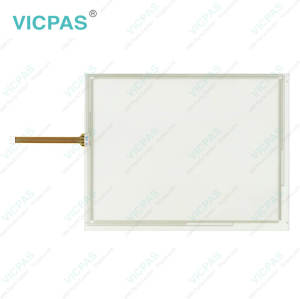
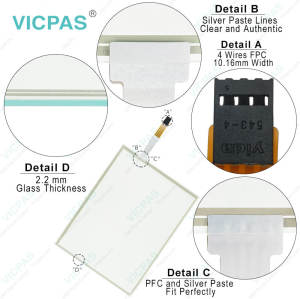
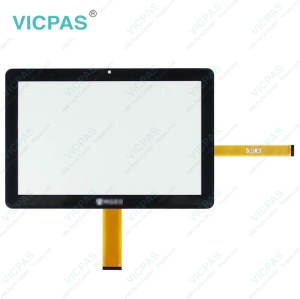
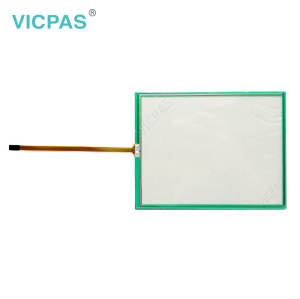
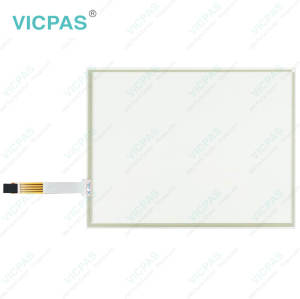
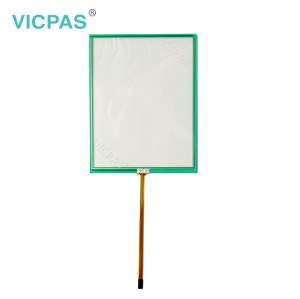
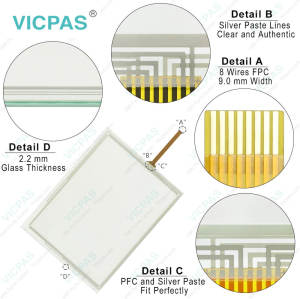
Raven Viper 4 P/N:1-063-0173-410BNN Touch Screen Monitor Keypad
- Model
- Raven Viper 4 P/N:1-063-0173-410BNN
Item specifics
- Brand
- Raven
- Warranty
- 1 Year VICPAS Warranty
- Model
- P/N:1-063-0173-410BNN
- Shipping
- DHL/FedEx/UPS/TNT/EMS/Aramex /DPEX
Review
Description
Raven Viper 4 P/N:1-063-0173-410BNN Touch Screen Panel Switch Membrane Replacement
Order each part separately is available
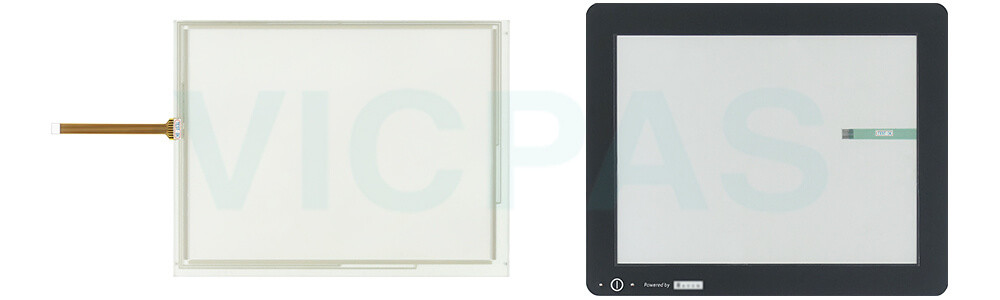
VICPAS provides a replacement MMI Touch Screen Membrane Keypad assembly, P/N:1-063-0173-410BNN, for the Raven Viper 4 precision agriculture system. This replacement component is suitable for display repair when the original touchscreen or keypad is cracked, worn, or unresponsive. It offers a practical alternative to replacing the entire terminal when the issue is limited to these components.
This Raven Viper 4 replacement includes both P/N:10630173410BNN Touch Digitizer and Operator Panel Keypad, providing a repair option for damaged or faulty input components. Before ordering, please verify the original part number and compare the replacement with your existing component to help confirm compatibility.
Each replacement component undergoes quality checks before shipment. For compatibility or installation questions, please contact our team with your display model and original part number for assistance.
Specifications:
The table below describes the parameters of the Raven Viper 4 P/N:1-063-0173-410BNN HMI Panel Glass Operator Keyboard.
| Display Bezel: | 12.1 inch |
| Product Line: | Raven |
| Warranty: | 365 Days Warranty |
| Part Number: | P/N:1-063-0173-410BNN |
| Display Type: | TFT color |
| Mounting: | Panel mount |
| Touchscreen: | resistive touch screen |
| Storage Temperature: | -20 to 60°C |
Related Raven HMI Part No. :
| Raven HMI Repair | Description | Inventory status |
| Raven HMI Parts | Description | Inventory status |
Case IH Raven Manuals PDF Download:
FAQ:
Question: Can I replace only the Raven Viper 4 P/N:1-063-0173-410BNN Touch Screen Tablet or Terminal Keypad without replacing the entire display?
Answer: Yes. If the issue is limited to the touchscreen and keypad, you may be able to replace these components without replacing the entire Raven Viper 4 display, provided the remaining hardware is functional and the replacement is compatible with your original part number.
Question: When should I replace the Raven Viper 4 touchscreen and keypad?
Answer: Consider replacing the touchscreen and keypad if they are cracked, worn, unresponsive, or have difficulty registering touch or key inputs. Before replacement, check that the issue is related to these components.
Question: Can a damaged touchscreen or keypad affect the operation of the Raven Viper 4?
Answer: Yes. A damaged or faulty Raven Viper 4 P/N:1-063-0173-410BNN Touch Membrane or Switch Membrane may make it difficult to navigate menus, enter commands, or operate certain functions of the Raven Viper 4. Replacing the affected components may help restore normal input operation if the remaining hardware is functional.
Common misspellings:
Raven Viper 4 P/N:1-063-0173-410BMM
Raven Viper 4 P/N 10630173410BNN
Raven Viper 4 P/N:1-0663-0173-410BNN
Raven Viper 4 P/N:1-063-0173-40BNN
Raven Viper 4 P/N:1-063-0173-4108NN