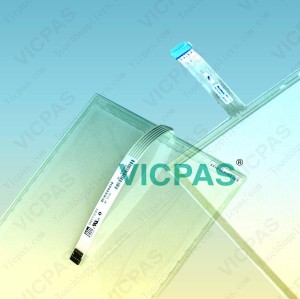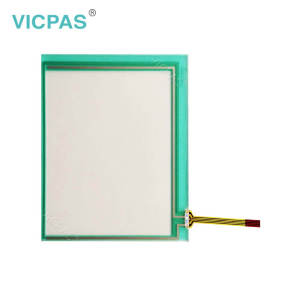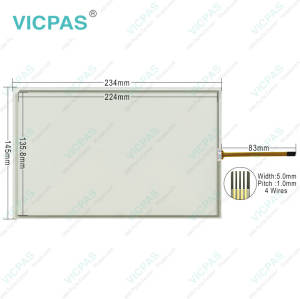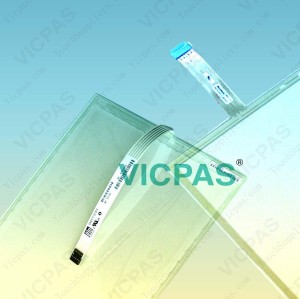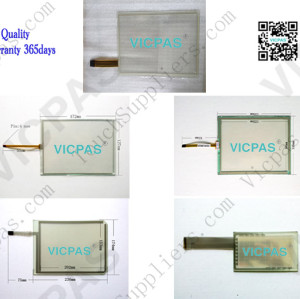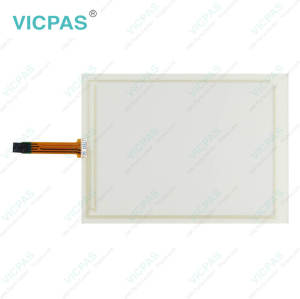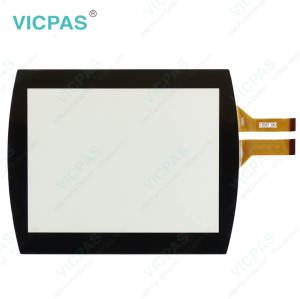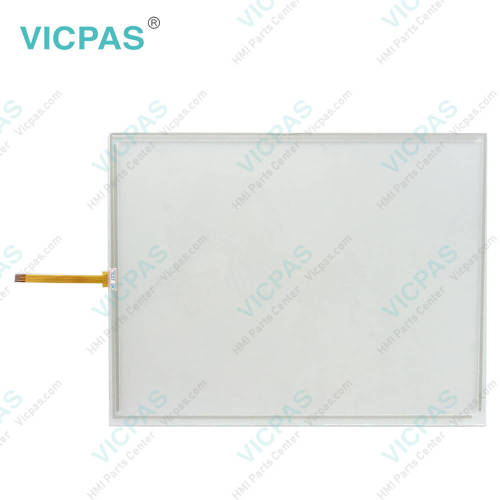
TPI#1152-001 Rev A Serial No 0310-029 CH #63-00658-01 VersaTouch Touch Screen Display Repair
- Model
- TPI#1152-001 Rev A Serial No 0310-029 CH #63-00658-01 VersaTouch
Item specifics
- Brand
- Vicpas
- Touch Type
- Resistive
- Shipping Time
- 3-5 Days
- Supply Parts
- Touch Membrane
- Environment
- Free From Corrosive Gases
- Warranty
- 365 Days
Review
Description
TPI#1152-001 Rev A Serial No 0310-029 CH #63-00658-01 VersaTouch Touch Digitizer Glass Replacement

To help maintain reliable TPI#1152-001 Rev A Serial No 0310-029 CH #63-00658-01 VersaTouch Touch Screen Film performance, the system provides a convenient Cleaning Mode utility that allows safe and easy touchscreen cleaning without triggering unintended operations. To access Cleaning Mode, place the unit in Run Mode, then select Get Page, More, Setup Page, and choose the Cleaning Mode template before pressing the Execute control button. Once activated, the touchscreen temporarily ignores random touches during the cleaning process, helping protect the system from accidental inputs or unwanted commands. After cleaning is completed, normal touchscreen operation can be restored by pressing the numbered screen corners sequentially in the order of 1, 2, 3, and 4. Regular cleaning and proper maintenance can help improve TPI#1152-001 Rev A Serial No 0310-029 CH #63-00658-01 VersaTouch Touch Membrane responsiveness, visibility, and long-term operational reliability. Proper touchscreen operation and maintenance are essential for ensuring long-term reliability and stable performance. TPI#1152-001 Rev A Serial No 0310-029 CH #63-00658-01 VersaTouch Touch Screen Glass should only be activated by finger or gloved operation. Never use foreign objects such as pens, screwdrivers, or other sharp tools to operate the touchscreen, as they may scratch or permanently damage the touch surface, resulting in unreliable response or complete touchscreen failure. For routine cleaning, avoid using solvents, abrasive cleaners, or harsh chemical compounds. These materials can cause permanent damage to TPI#1152-001 Rev A Serial No 0310-029 CH #63-00658-01 VersaTouch Touch Panel surface and reduce touch sensitivity and display clarity over time. Using appropriate non-abrasive cleaning methods can help maintain accurate touch performance and extend the service life of the equipment.
Specifications:
The table below describes the parameters of TPI#1152-001 Rev A Serial No 0310-029 CH #63-00658-01 VersaTouch HMI Touch Glass.
| Relative Humidity: | 95% |
| Cooling Method: | Natural Air Cooling |
| Warranty: | 365 Days |
| Light Transmission: | Above 75% |
| Storage Temperature: | -25 °C ... +65 °C |
| Brand: | Vicpas |
| Operating Temperature: | 0 °C ... +55 °C |
| Shipping Time: | 3-5 Days |
| Protection: | IP65 |
| Environment: | Free From Corrosive Gases |
Related VICPAS HMI Part No. :
| VICPAS HMI | Description | Inventory status |
| TPI#1152-001 Rev A Serial No 0301-029 | Touch Screen Glass Replacement | In Stock |
| TPI#1152-001 Rev A Serial No 0310-029 CH #63-00658-01 VersaTouch | Touch Screen Panel Repair | Available Now |
| TPI#1200-001a 63-00775-00 | Touch Screen Monitor Replacement | In Stock |
| VICPAS HMI | Description | Inventory status |
FAQ:
Question: What should be avoided when using or cleaning TPI#1152-001 Rev A Serial No 0310-029 CH #63-00658-01 VersaTouch Touch Digitizer Glass?
Answer: Never use foreign objects such as pens, screwdrivers, or other sharp tools to operate the touchscreen. These objects may damage the touch surface and cause unreliable operation or touchscreen failure. When cleaning the touchscreen, avoid using solvents, abrasive cleaners, or other harsh chemical compounds, as they may permanently damage the touchscreen surface. For best results, use appropriate non-abrasive cleaning materials and gentle cleaning methods.
Question: What is important when reinstalling the PanelMate unit after replacing TPI#1152-001 Rev A Serial No 0310-029 CH #63-00658-01 VersaTouch Touch Screen Display?
Answer: After replacing a damaged touchscreen or membrane keypad, proper installation is important to ensure reliable sealing and stable operation. When tightening the mounting nuts, avoid both under-tightening and over-tightening. The fasteners should be tightened enough to create a proper seal, but excessive force may strip the threads or damage the gasket. For best installation results, using a torque wrench is recommended when reinstalling the PanelMate unit.
Common misspellings:
TPI#1152-000 Rev A Serial No 0310-029 CH #63-00658-01 VersaTouchTPI#1152-001 Rev A Serial No 03110-029 CH #63-00658-01 VersaTouch
TPI#1152-001 Rev A Serial No 0310-029 CH #63-00568-01 VersaTouch
TPI#1152-001 Rev A Serial No 0310-0229 CH #63-00658-01 VersaTouch
TPI#1152-001 Rev A Serial No 0310-029 CH 630065801 VersaTouch