John Deere GreenStar 2600 Monitor Complete Guide & Repair Solutions
- Share
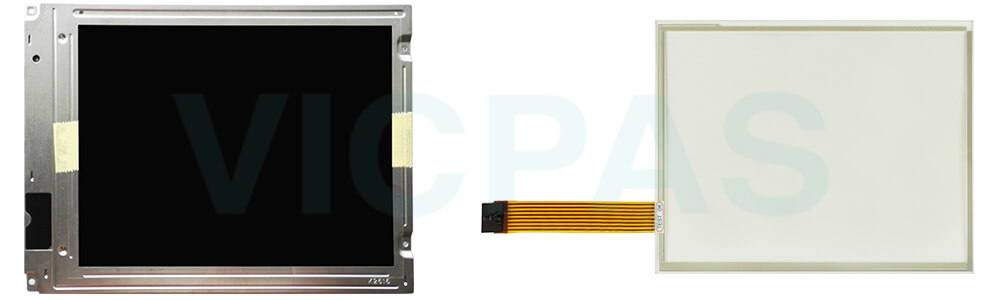
Overview of the John Deere GreenStar 2600 Monitor
The John Deere GreenStar 2600 Monitor is a high-performance 10.4-inch color touchscreen display designed for precision agriculture. It serves as the central operator interface for guidance, documentation, and implement control in modern farming operations. VICPAS supplies brand new replacement touchscreen panels, LCD displays, and repair parts for the GreenStar 2600, all backed by a 365-day warranty.
Technical Specifications
| Parameter | Specification |
|---|---|
| Part Number | GreenStar 2600 Monitor |
| Product Line | John Deere |
| Screen Diagonal | 10.4 inches |
| Display Type | TFT Color Touchscreen LCD |
| Input Type | Touchscreen + Physical Buttons |
| Input Power | 24 VDC |
| Connectivity | RJ45 Ethernet, 2x RS232 (9-pin) |
| Power Consumption | Approx. 125 W |
| Operating Temp | -20°C to +70°C (-4°F to 158°F) |
| Storage Temp | -40°C to +85°C (-40°F to 185°F) |
| Data Storage | CompactFlash Card, USB 2.0 |
| Warranty | 365 Days |


How the GreenStar 2600 Works
AutoTrac Activation
The GreenStar 2 (GS2) 2600 Monitor requires one of three signals from the SSU (Reverse, Neutral, or Curves/Circles) to activate AutoTrac guidance. All SSU software versions listed are the latest production versions for operating the GS2 system. Visit the Custom Performance Website for a complete listing of factory-installed SSU software version numbers.
Coverage Mapping
Screen coverage maps serve as a visual reference for operators to ensure complete field coverage. This feature is particularly critical for spraying, spreading, planting, and no-till seeding operations where coverage is not easily visible. Coverage maps are stored in the display's internal memory until cleared by the operator. Only one coverage map can be stored per field.
Compatible John Deere Monitor Series
| Monitor Model | Description | Availability |
|---|---|---|
| GS2 1800 Display | 7" TFT color touchscreen, RS232 (9-pin), RJ45 Ethernet | �?In Stock |
| GreenStar 2100 | 10.4" TFT LCD color touchscreen, dual RS232 interfaces | Available |
| GreenStar 2600 | 10.4" TFT color touchscreen, RJ45 + 2x RS232 connectors | �?In Stock |
| GS3 2630 | 10.4" Touchscreen with keypad | �?In Stock |
| 4200 CommandCenter | 8.4" TFT color touchscreen, RS232 interface | Available |
| 4240 Gen 4 Universal | 8.4" color touchscreen, valve response �?5ms | �?In Stock |
| 4640 Universal | Color touchscreen, digital I/O via RS232 | Contact |
Repair Parts Available
VICPAS offers the following brand new parts for the John Deere GreenStar 2600 Monitor, each with a 365-day warranty:
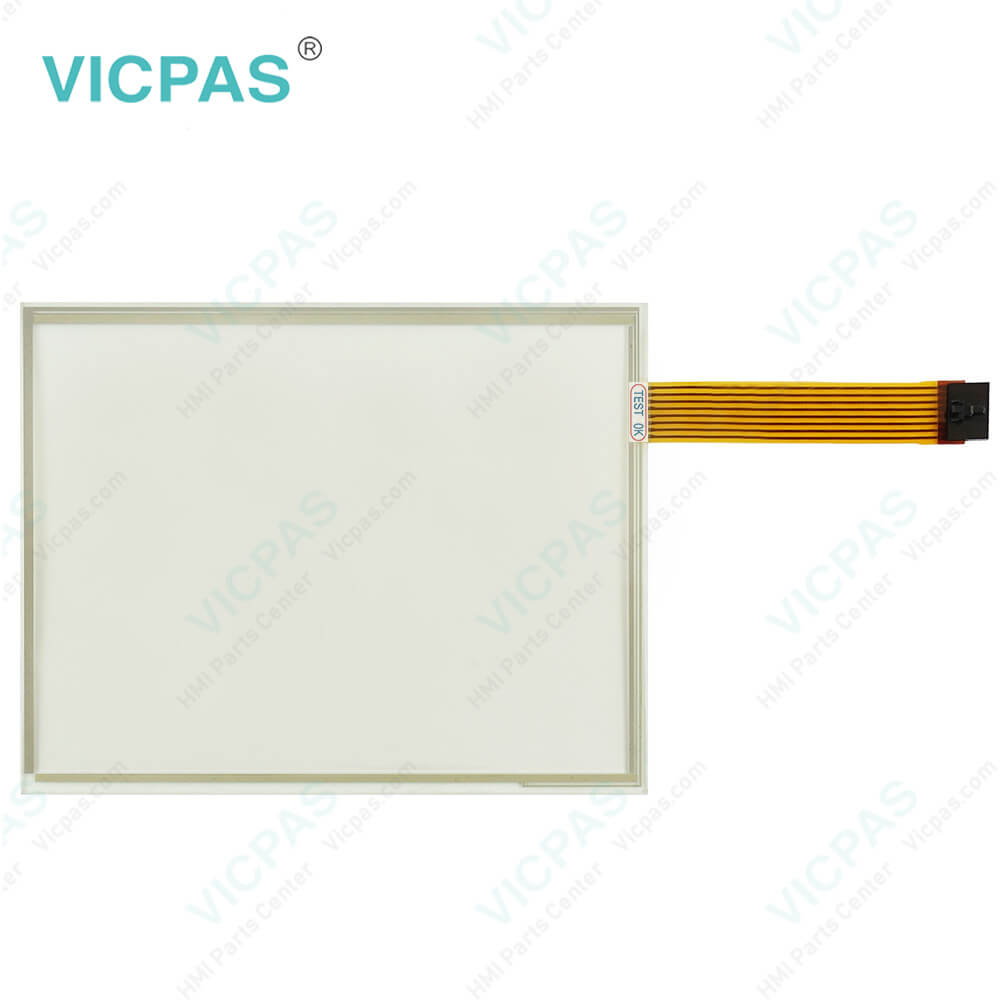
- Touchscreen Panel Glass �?Precision replacement for damaged or unresponsive touchscreens
- LCD Display Module �?Full-color TFT LCD replacement for dim or failed displays
- Protective Film / Screen Protector �?Prevents wear and scratches on touch surfaces
- Membrane Keypad �?Replacement button overlays for worn control panels
- Full Assembly �?Complete monitor repair kit for comprehensive restoration
PDF Resources & Manuals
- GreenStar 2600 GS2 Display Basic Applications Operator Manual
- GreenStar 2 2600 Display Guidance Compatibility Guide
- GreenStar 2600 Monitor Datasheet
Frequently Asked Questions
How do I get started with the GreenStar 2600?
The GreenStar 2600 display serves as the operator interface for guidance and documentation applications. Navigate via the touchscreen �?simply touch the screen to input information. The display also supports physical button control and a thumb wheel for added convenience.
GreenStar Basics Software features:
- Manual Guidance
- Field and Harvest Documentation
- On-Screen Mapping
- Prescription Management
- ISOBUS VT Functionality
When connected to a GPS receiver, the system provides GPS-assisted vehicle guidance. With an optional AutoTrac activation and steering kit, the system can automatically steer the machine through the field. Documentation data is recorded to the CompactFlash card and can be exported to desktop software for map generation and reporting.
How do I use a screen protector on the GreenStar 2600?
A screen protector is recommended to prevent wear on the touchscreen surface. Screen protector kits specifically designed for GS2 displays are available through your local John Deere dealer. A screen protector is pre-installed on the touch panel �?removing it reduces sunlight readability. Follow the included replacement instructions when necessary.
What is the price of the GreenStar 2600 touchscreen?
Submit a fast quote request through our inquiry form, or email VICPAS directly for the best price and current availability.
Also Known As
John Deere GreenStar 2600 Monitor, GS2 2600, JD 2600, GreenStar 2600 Display, John Deere 2600 Touchscreen, GreenStar 2600 LCD, John Deere 2600 Screen Repair, GS2 2600 Monitor Touch Panel
Need a Replacement for Your GreenStar 2600?
Contact Us for Best Price �?/a>All parts brand new �?365-day warranty �?Worldwide shipping