Omron NT31 Error Messages and Fault Codes Explained: Complete Troubleshooting Guide
- Share
- Issue Time
- Nov 11,2026
Omron NT31 Error Messages and Fault Codes Explained: Complete Troubleshooting Guide
Table of Contents
The Omron NT31 and NT31C programmable terminals remain widely used in industrial automation for their reliability and flexibility. However, like any HMI, they can display error messages or fault codes that interrupt production. Understanding these messages is essential for quick recovery.
This comprehensive guide explains the most common Omron NT31 error messages and fault codes, their root causes, and practical remedies drawn from official Omron documentation and field experience. Whether you face a “Screen Data Error,” communication timeout, or hardware-related fault, this resource will help you diagnose and resolve issues efficiently.
At VICPAS, we specialize in high-quality replacement parts for Omron NT31 series HMIs, including touchscreens, protective films, LCD displays, plastic housings, and overlays. With over 20 years of experience in HMI parts supply, a large inventory, 365-day warranty, and fast worldwide shipping, VICPAS helps keep your NT31 systems running with minimal downtime. Explore our Omron NT31 parts range at https://www.vicpas.com/s?term=NT31.
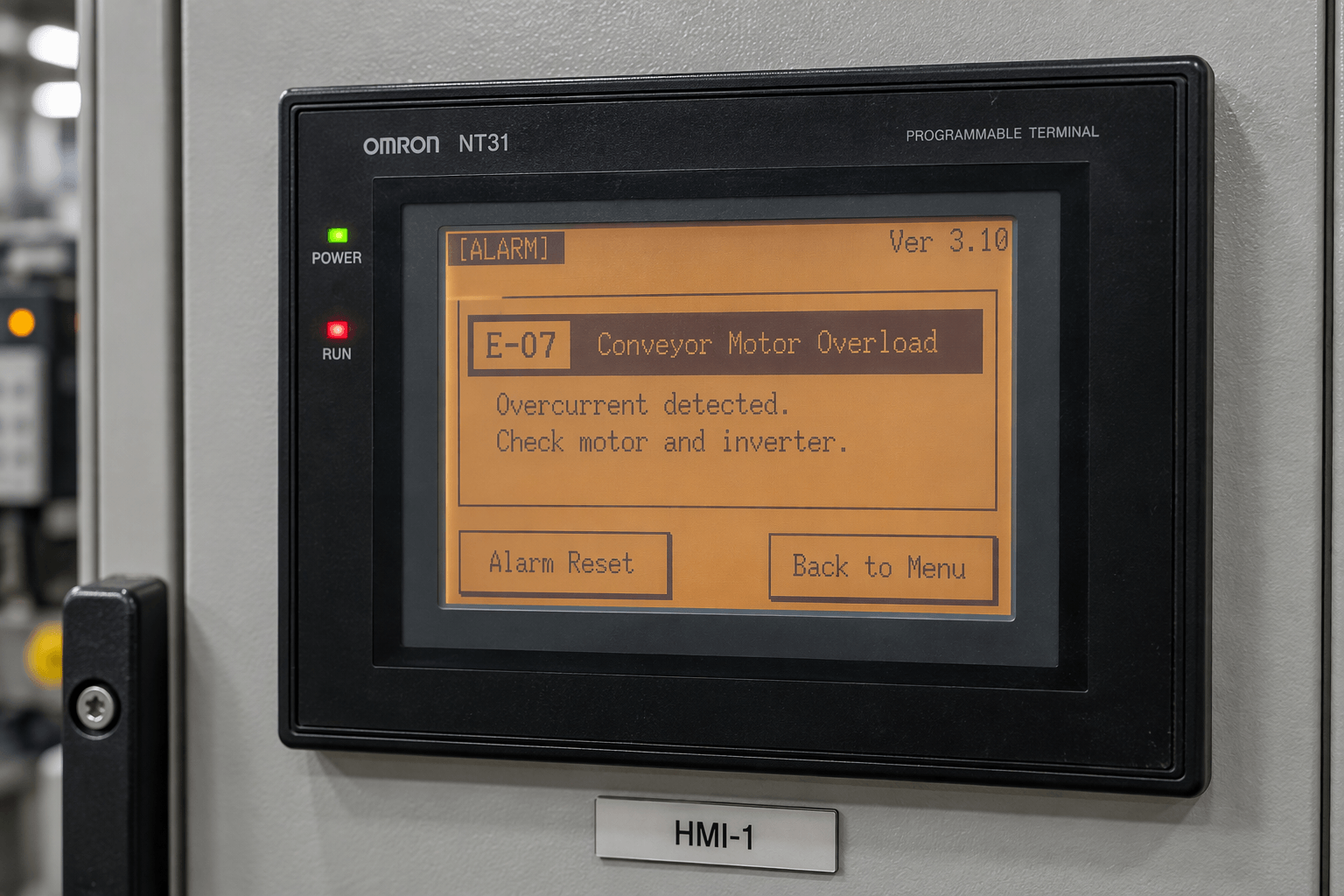
Understanding Omron NT31 Error Messages
Omron NT31 error messages typically appear on the screen during power-up, operation, screen data transfer, or communication with the host PLC. The official Omron NT31/NT31C Setup Manual (V062 series) organizes these under Section 7 – Troubleshooting and Maintenance, specifically “Responding to Displayed Error Messages.”
Errors fall into several categories:
- Errors at start of operation
- Errors during normal operation
- Screen data initialization and transmission errors
- System Installer mode errors
- Communication errors
Below we break down the most frequently encountered messages.
Common Startup and Operation Errors
[No Comm. Protocol]
Cause: No communication protocol is set, or the protocol does not match the screen data type.
Remedy: Enter Maintenance Mode and set the correct communication method (Host Link or NT Link) using memory switches. Then re-download screen data if needed.
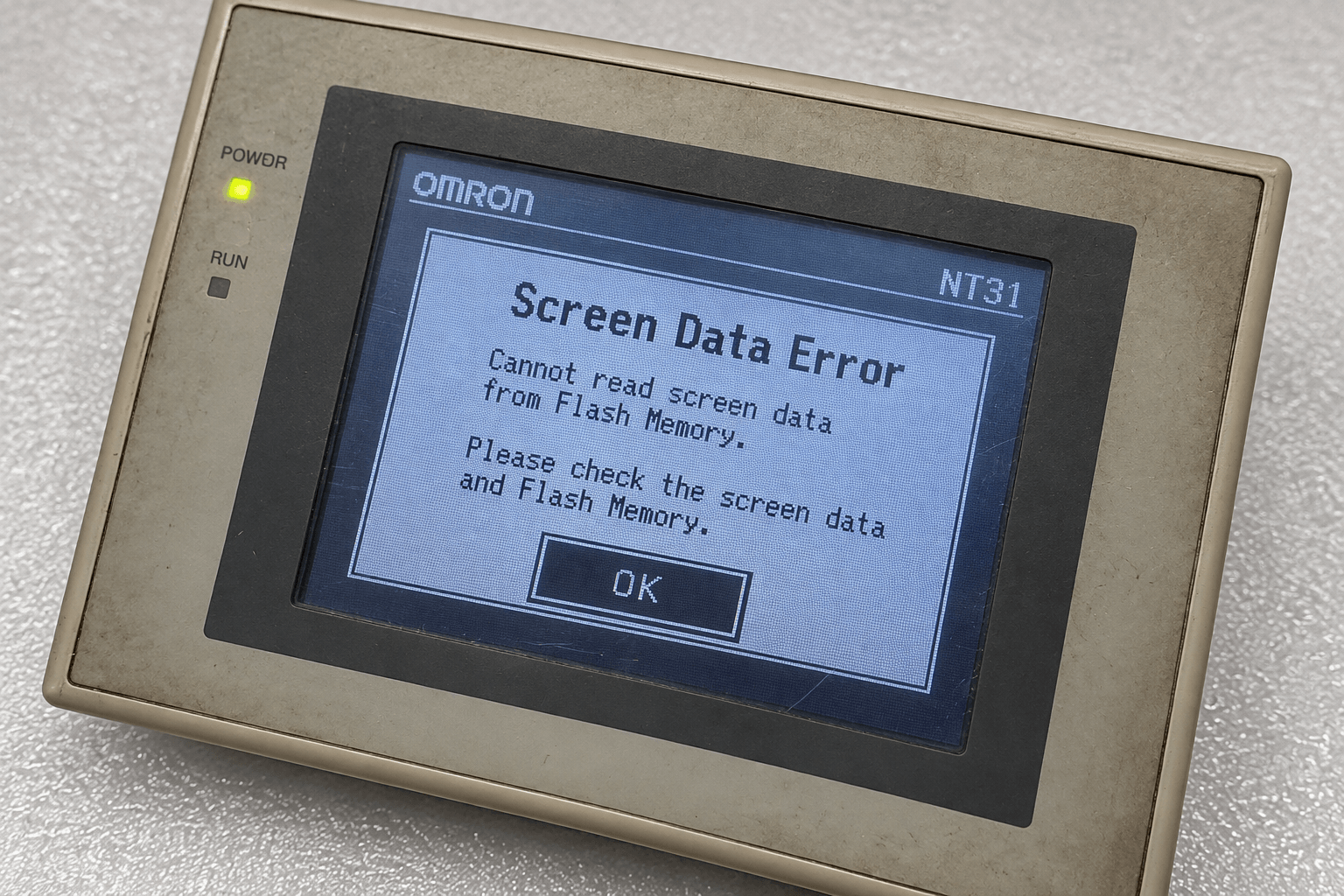
[Screen Data Error] / Screen Data Corrupted
Cause: Screen data in flash memory is corrupted, often due to power loss during transfer, incomplete download, or flash memory reaching end of life.
Remedy: Initialize Screen Memory via the System Menu, then re-download the correct screen data from the NT Series Support Tool. If the error persists after multiple attempts, the flash memory or main board may require replacement.
[No Starting Screen] / No Screen Data
Cause: The specified starting screen is missing or no usable screen program is stored.
Remedy: Place the PT in Transmit Mode and download the machine-specific screen project (.onw file) using the Support Tool.
[Flash Memory Error]
Cause: Hardware fault or flash memory has reached the end of its service life.
Remedy: Press the Reset switch to restart. If the message returns frequently, contact service or replace the affected unit/components.
[Calendar Data Error]
Cause: Incorrect calendar data, hardware fault, or system program error.
Remedy: Set the calendar clock correctly in Maintenance Mode. If it recurs, reinstall the system program.
[Address Setting Error] / [Memory Table No. Error]
Cause: Incorrect addressing or memory table numbers outside the configured range in the screen data.
Remedy: Correct the settings in the Support Tool and re-download the application.
Communication Errors and Fault Codes
Communication problems are among the most common issues with Omron NT31 panels. Typical displayed errors include:
- Time-out Error (Send/Receive)
- Parity Error / Framing Error / Overrun Error
- FCS (sum value) Error
- NAK received
- PC Unit No. Error
Common causes:
- Incorrect or damaged communication cable (especially RS-232C pinout, which is non-standard)
- Protocol mismatch (NT Link vs Host Link)
- Baud rate, parity, or stop-bit settings do not match between PT and PLC
- Noise interference or poor grounding
- Host (PLC) communication service stopped
Recommended troubleshooting steps:
- Force entry into System Menu by powering on while holding two opposite corners of the touchscreen.
- Verify communication settings in Memory Switches.
- Check cable continuity and correct pinout.
- Confirm PLC port configuration matches the NT31.
- Increase timeout intervals if necessary.
- Ensure proper grounding to reduce noise.
If hardware failure of the communication IC is suspected after these checks, component-level repair or board replacement may be required.
Hardware-Related Faults and When to Replace Parts
Some errors point to physical degradation rather than software or configuration issues:
- Dim or faint display → Contrast/brightness adjustment or backlight end-of-life
- Touch panel unresponsive or “Touch Panel is disconnected”
- Persistent Flash Memory or System Program errors
- White screen after “System Initializing”
- Physical damage to the overlay, bezel, or LCD
In these cases, replacing worn components restores full functionality faster and more cost-effectively than full unit replacement.
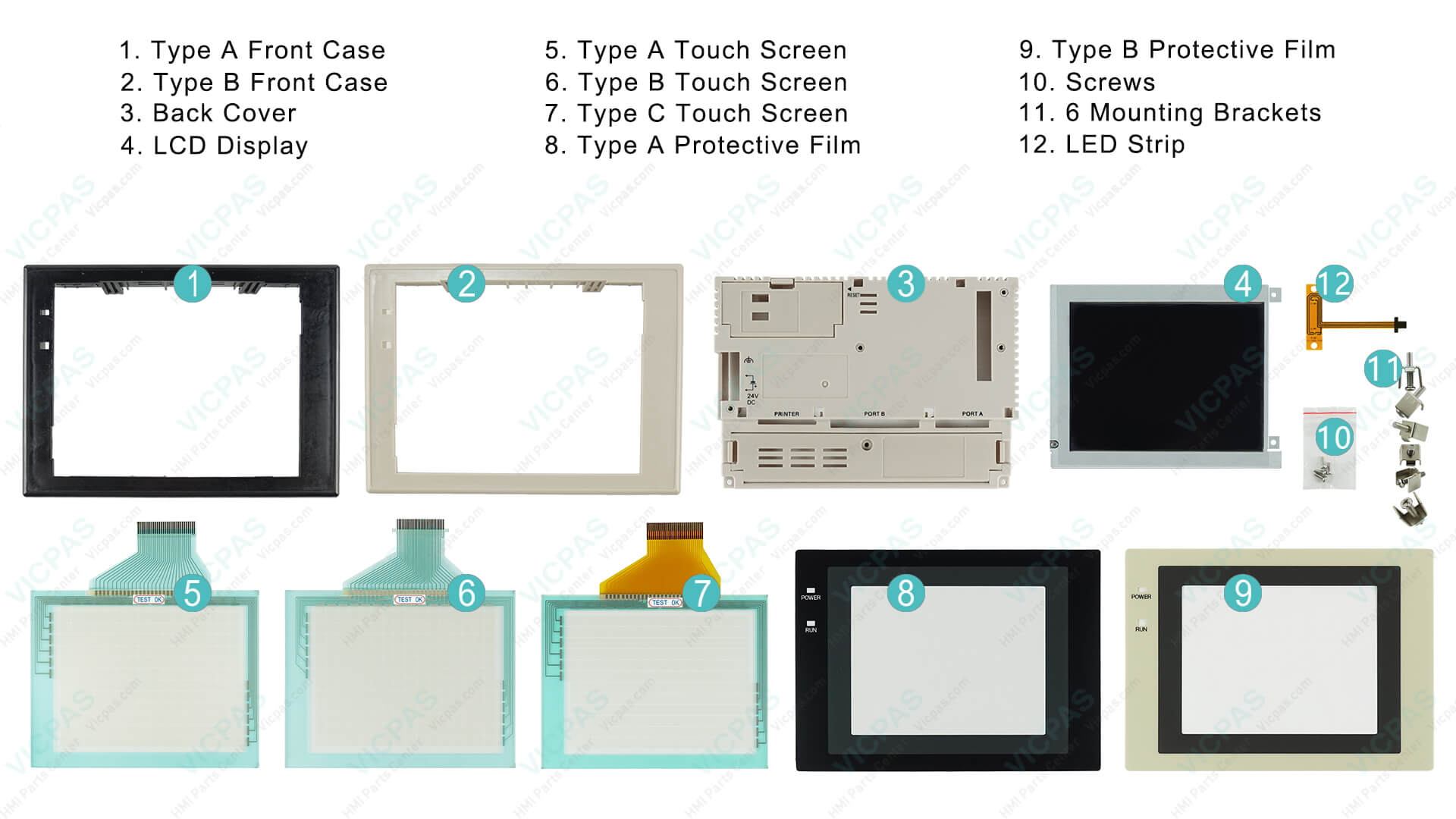
VICPAS supplies genuine-compatible replacement parts specifically for Omron NT31 series models, including:
- NT31-ST121-EV2 / NT31-ST121B-EV2 touchscreens
- Protective films and overlays
- LCD displays
- Plastic front covers, back covers, and complete housings
- Mounting clips and related accessories
All parts undergo testing and come with a 365-day VICPAS warranty. We support urgent worldwide shipping (DHL, UPS, FedEx, TNT) and offer no minimum order quantity, making single-piece replacements straightforward. Learn more about our Omron NT31 repair solutions at https://www.vicpas.com/s?term=NT31 or visit our brand story page at https://www.vicpas.com/comm01.htm.
Practical Recovery Workflow
- Note the exact error message displayed.
- Attempt System Menu access (hold opposite corners during power-on).
- Check and correct communication or memory switch settings.
- Initialize screen memory if data corruption is indicated.
- Re-download system program or screen data using the correct version of NT Series Support Tool.
- Inspect cables, power supply stability, and grounding.
- If hardware symptoms persist (display, touch, or repeated flash errors), replace the affected part with a quality spare.
Why Choose VICPAS for Omron NT31 Support
As a specialized HMI parts supplier with more than two decades of experience, VICPAS focuses exclusively on operator panel components. We maintain a large inventory of Omron NT series parts, provide technical guidance when needed, and deliver tested replacements with a full year of coverage. Our goal is to minimize your equipment downtime while offering competitive factory pricing and flexible customization for hard-to-find or obsolete models.
Whether you need a single touchscreen glass for an NT31-ST121-EV2 or a complete repair kit, our team is ready to assist. Contact us at sales@vicpas.com or +86-20-38837509 for a fast quote.
Conclusion
Omron NT31 error messages and fault codes are usually straightforward once you know the official cause-and-remedy tables and apply systematic troubleshooting. Most software and configuration issues can be resolved with the Support Tool and correct settings. Persistent hardware-related faults are best addressed by replacing the worn component with a reliable spare.
Bookmark this guide for future reference, and when replacement parts are required, turn to VICPAS for tested Omron NT31 touchscreens, displays, overlays, and housings backed by a 365-day warranty and global shipping.
For the latest inventory and detailed product information, visit https://www.vicpas.com/s?term=NT31. Keep your industrial systems productive with quality parts and clear technical knowledge.
References
- Omron NT31/NT31C Programmable Terminals Setup Manual (Cat. No. V062) – Section 7 “Responding to Displayed Error Messages”. View PDF
- Omron Programmable Terminals NT31 NT31C User Manual – Error message tables and communication troubleshooting. View online
- Industrial Monitor Direct – Omron NT31 PT Communication Failure Troubleshooting Guide. Read article
- Industrial Monitor Direct – Omron NT31 SCREEN DATA CORRUPTED Error Resolution. Read article
- VICPAS Official Website – Omron NT31 Series HMI Repair Parts. https://www.vicpas.com/s?term=NT31
- VICPAS Brand Story & Service Overview. https://www.vicpas.com/comm01.htm