Omron NT30 Troubleshooting Guide – Common Errors & Fixes
- Share
- Issue Time
- Nov 3,2026
Omron NT30 Troubleshooting Guide – Common Errors & Fixes
A Practical Field Guide for Industrial Technicians
Published by the VICPAS Technical Team | Updated November 2026
Table of Contents
- 1. Hardware Faults – Quick Diagnostic Table
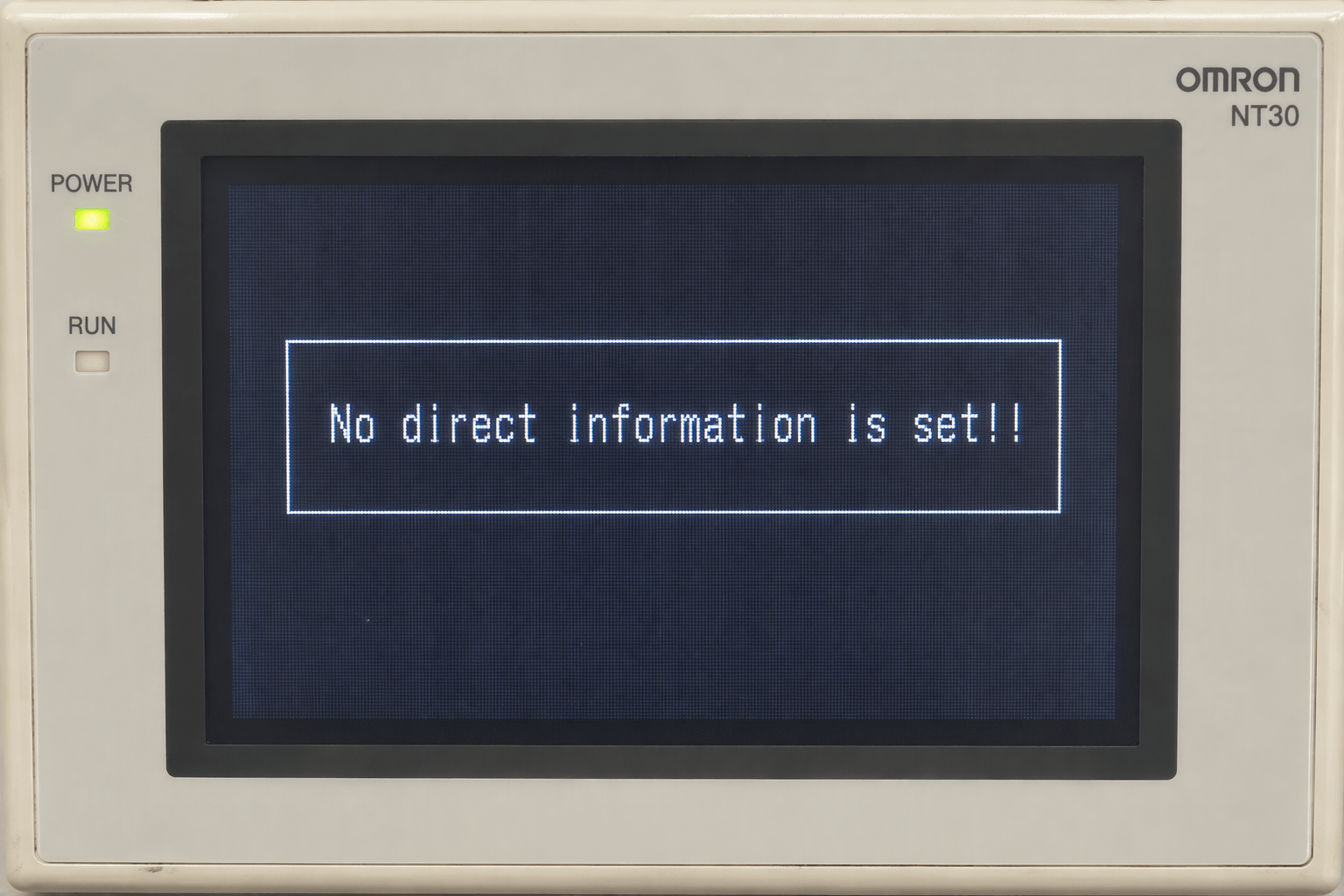
- 2. “No Direct Information is Set!!” Error
- 3. “NO SYSTEM PROGRAM” / System Installer Screen
- 4. “Connecting to Host” Status Banner
- 5. Communication Errors During System Download
- 6. Battery Low (“Battery Lowered”) Message
- 7. Additional Practical Tips from the Field
- Need Reliable Replacement Parts for Your Omron NT30?
- References
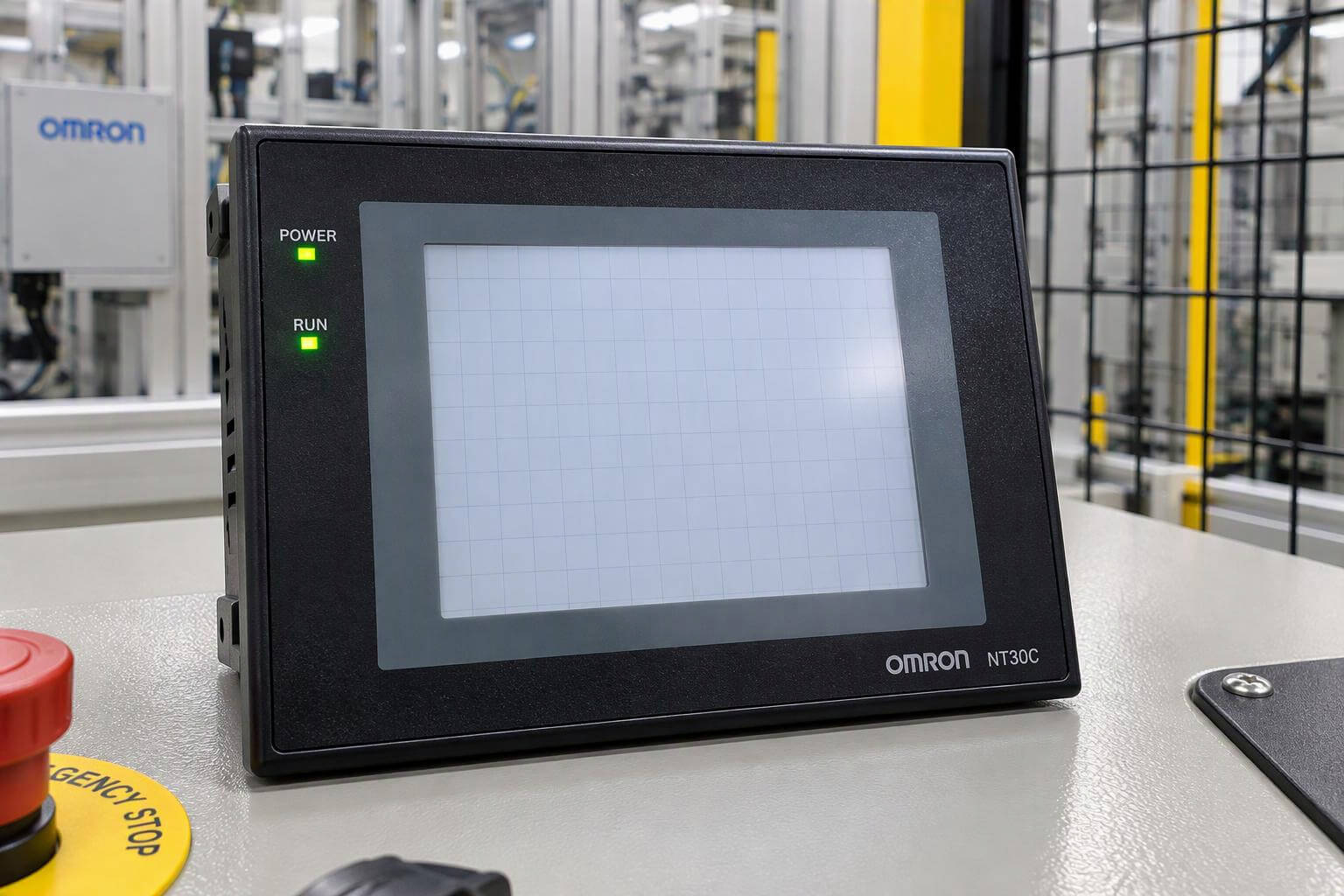
The Omron NT30 and NT30C Programmable Terminals remain widely used in legacy machinery across manufacturing, packaging, and process control lines. When these HMIs develop faults, downtime can be costly. This guide consolidates the most common error messages and practical recovery methods drawn from official Omron operation manuals (V034-E1 series), field experience, and community reports.
At VICPAS, we have supported Omron NT-series HMI repairs for over 20 years. Our specialists regularly help customers resolve the exact issues described below and supply genuine-compatible touchscreens, overlays, displays, batteries, and plastic housings with a 1-year warranty and fast worldwide shipping.
1. Hardware Faults – Quick Diagnostic Table
| Symptom | Possible Cause | Recommended Action |
|---|---|---|
| POWER indicator does not light | No power or blown fuse | Check 24 VDC supply and connections |
| Nothing displayed on screen | Screen number 0 selected or backlight failure | Change screen number or replace backlight unit |
| RUN indicator orange/red | Low battery | Replace battery immediately |
| Continuous buzzer + flashing RUN LED | System program error | Reinstall system program |
2. “No Direct Information is Set!!” Error
Message displayed:
“No direct information is set!! Use the NT-series Support Tool to set PT Control Area and PT Notify Area.”
Root causes:
- Memory initialization performed via System Menu
- Screen project erased or corrupted
- Missing PT Control Area / PT Notify Area configuration
Fix procedure:
- Connect a PC to the NT30 using a proper RS-232 cable (NT-CNV01 or full-handshake equivalent).
- Launch NT-Series Support Tool.
- Create or open a project and assign valid PT Control Area and PT Notify Area addresses that match your PLC memory map.
- Transfer the corrected screen data to the HMI.
- Power-cycle the terminal.
If the original project is lost and no backup exists, a new project must be built. VICPAS can supply replacement touchscreens and overlays while you rebuild the application.
3. “NO SYSTEM PROGRAM” / System Installer Screen
When the terminal boots to:
SYSTEM INSTALLER VERSION 1.0
DOWNLOAD SYSTEM PROGRAM
NO SYSTEM PROGRAM
PRESS START BUTTON TO DOWNLOAD PROGRAM
The system program in flash memory is missing or corrupted.
Recovery steps:
- Use a full-handshake RS-232 cable (critical – missing DTR/DSR or RTS/CTS loops cause communication errors).
- Set DIP switch SW2-7 to ON, then power on to enter erase mode if required.
- Run the NTST System Installer and transfer the correct system program file matching your NT30/NT30C hardware revision.
- After successful transfer, recalibrate the touch panel and download your screen project.
Common pitfalls include incorrect system file version, unstable 24 VDC supply during transfer, and USB-to-serial adapters with poor drivers. Always replace the internal battery first if it is more than 4–5 years old.
4. “Connecting to Host” Status Banner
This is a status message, not a hard fault. It appears when the HMI cannot establish a validated Host Link or NT Link session.
Most frequent causes:
- Communication parameters lost after battery failure (settings stored in battery-backed memory)
- Protocol mismatch (Host Link vs NT Link 1:1)
- Baud rate, parity, or unit number mismatch
- Faulty or incorrect RS-232 cable
- Empty or corrupted screen project
Diagnostic tip: Observe beep patterns and RUN LED behavior. Continuous tone usually indicates watchdog or communication timeout.
Resolution:
- Enter System Menu by pressing two opposite corners of the screen simultaneously.
- Navigate to Memory Switch / Communication settings and restore parameters to match the PLC (commonly 9600, 7, E, 2 for older CQM1 systems).
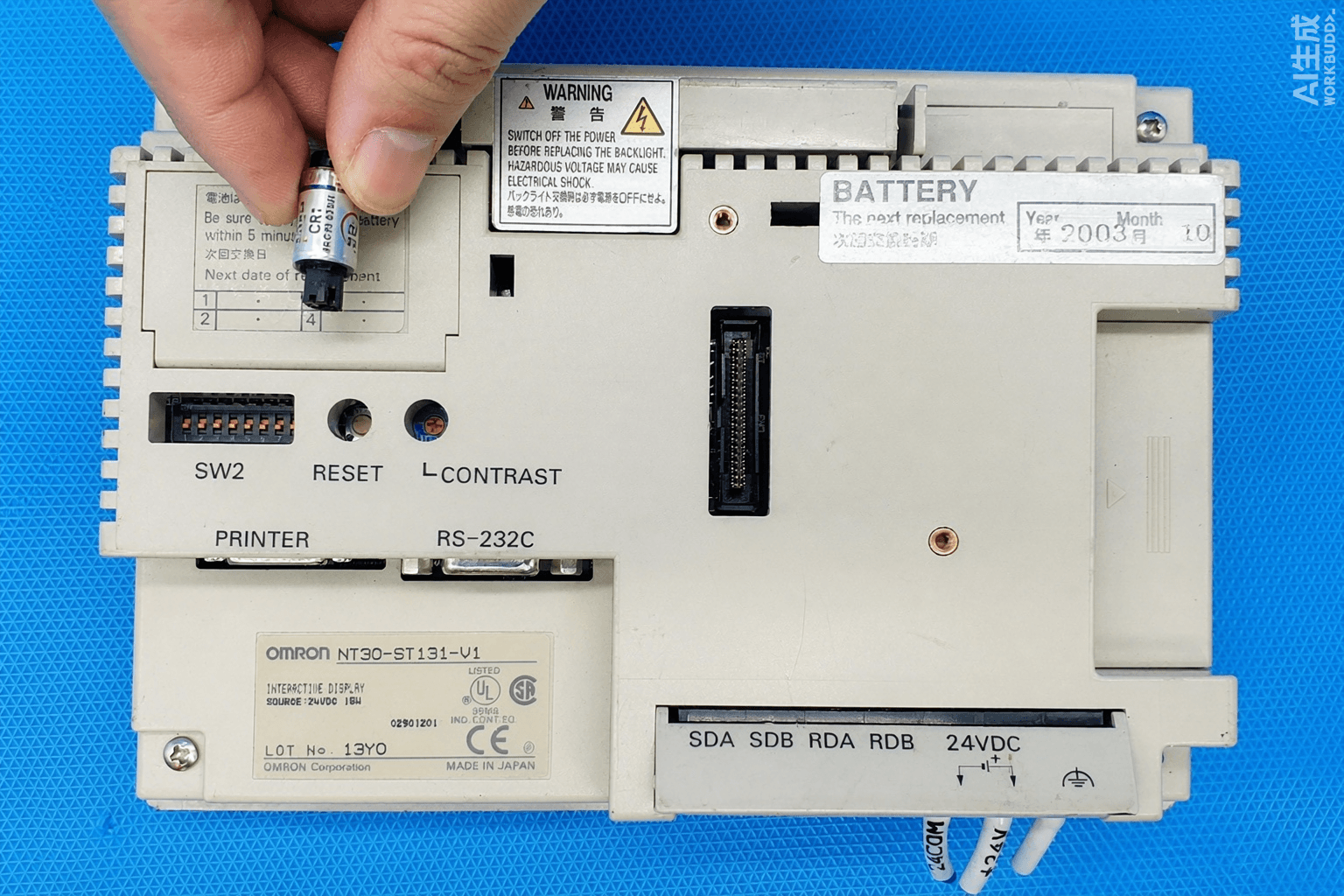
- Replace the backup battery (C500-BAT08 or equivalent) if voltage is low.
- Verify cable integrity and PLC port settings.
5. Communication Errors During System Download (ntinstw.dll / NTINSW)
Symptoms include “Communication Error” or “ntinstw.exe – Communication Error” when using NTST System Installer.
Typical solutions:
- Place the missing
ntinstw.dllfile into the System Installer folder. - Use a verified full-handshake cable.
- Avoid COM ports higher than 9 or ports with power-saving enabled.
- Ensure stable power and correct system program version for the hardware.
6. Battery Low (“Battery Lowered”) Message
The RUN indicator turns orange (running) or red (stopped). Replace the battery within 5 days to avoid data loss. Procedure requires power-on for at least one minute before removal, then replacement within 5 minutes.
VICPAS stocks compatible batteries and complete repair kits for NT30 series units.
7. Additional Practical Tips from the Field
- Always back up screen data before performing memory initialization.
- DIP switch SW2 pin 4 can force screen data initialization if the terminal will not boot normally.
- After any system program recovery, recalibrate the touch panel.
- White or completely blank screen with backlight on often points to LCD or inverter failure rather than software.
Need Reliable Replacement Parts for Your Omron NT30?
When software recovery is not enough and hardware components have failed, VICPAS provides:
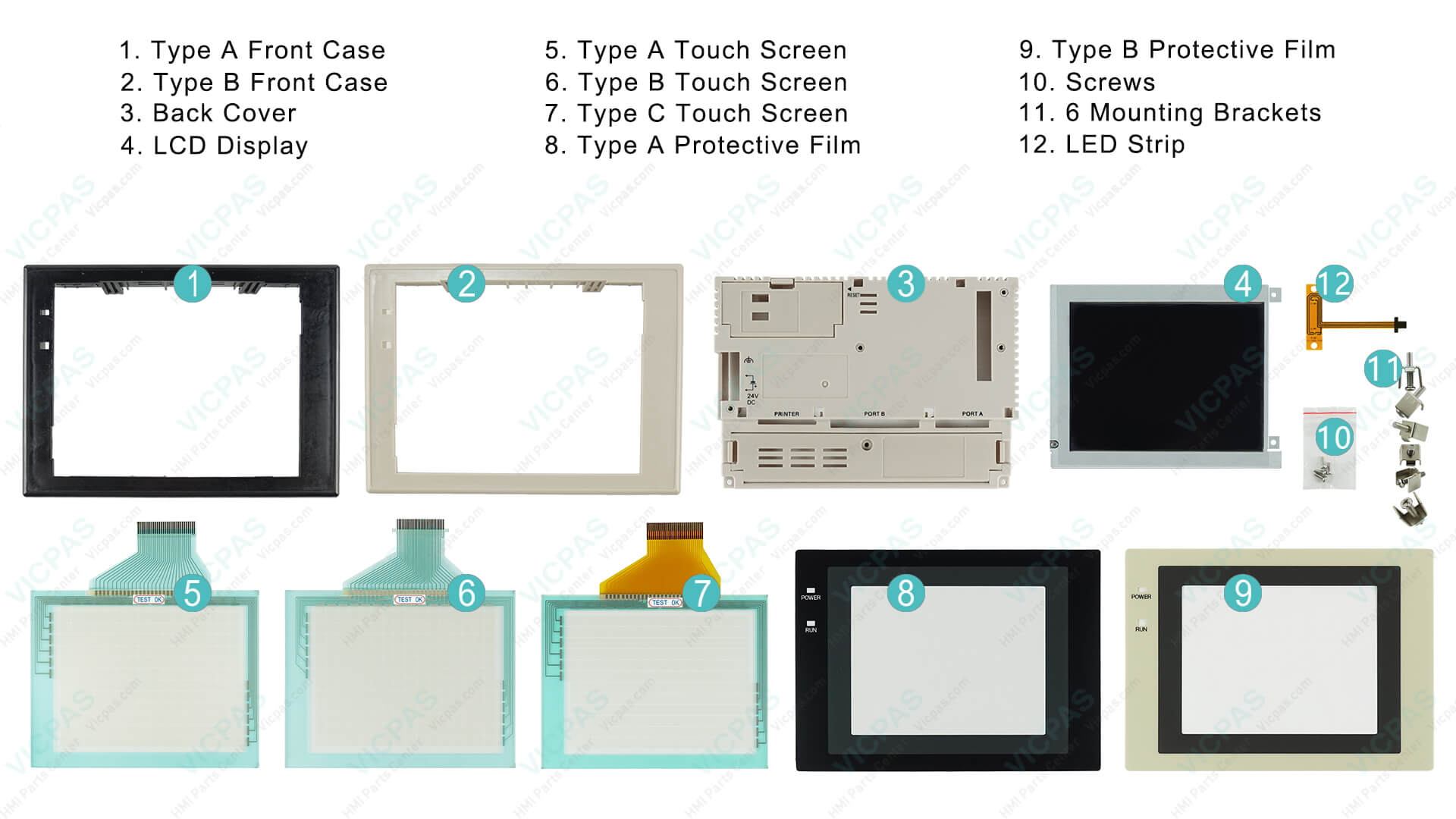
- Touchscreen glass and overlay kits for NT30 / NT30C models (including NT30C-ST141B-E, NT30-ST131-E series)
- LCD displays and backlight units
- Plastic housings, mounting clips, and complete repair kits
- 1-year warranty, no minimum order quantity, and same-day shipping options on many items
Browse our current Omron NT30 inventory:
https://www.vicpas.com/s?term=NT30
Learn more about our company and quality commitment:
https://www.vicpas.com/comm01.htm
Our engineering team is available to help identify the correct part number for your specific NT30 or NT30C variant. Contact us at sales@vicpas.com or +86-13763341328 for technical support or a fast quote.
References
- Omron NT30 / NT30C Operation Manual – Troubleshooting and Maintenance Section
- Omron NT30 / NT30C Operation Manual (V034-E1 series PDF)
- Fix Omron NT30 “No Direct Information is Set” Error
- Omron NT30C “NO SYSTEM PROGRAM” Recovery Procedure
- NT30C “Connecting to Host” Error on CQM1 – Troubleshooting
- Fixing Omron NT30 ntinstw.dll Communication Error During System Download
- Omron NT-series HMI OS Recovery via NTST Installer
- PLCTalk Forum – Omron HMI NT30 Connecting to Host Issue
- PLCTalk Forum – Omron NT30 “No Direct Information is Set” Discussion
- ManualsLib – Omron NT30C-ST141-E Operation Manual (Troubleshooting Section)