Omron NS8 Troubleshooting Guide: Common Errors and Fixes
- Share
- Issue Time
- Oct 13,2026
Omron NS8 Troubleshooting Guide: Common Errors and Fixes
Table of Contents
- 1. “Failed to Read Host Registration” Error
- 2. Stuck on “Connecting…” Screen
- 3. Touch Screen Buttons Not Responding or Partial Function
- 4. Communication Errors (NT Link, Host Link, RS-232C, Ethernet Timeout)
- 5. Startup, Power, and Memory Card Errors
- When Hardware Replacement Is the Best Solution
- Final Checklist for Reliable NS8 Operation
- References
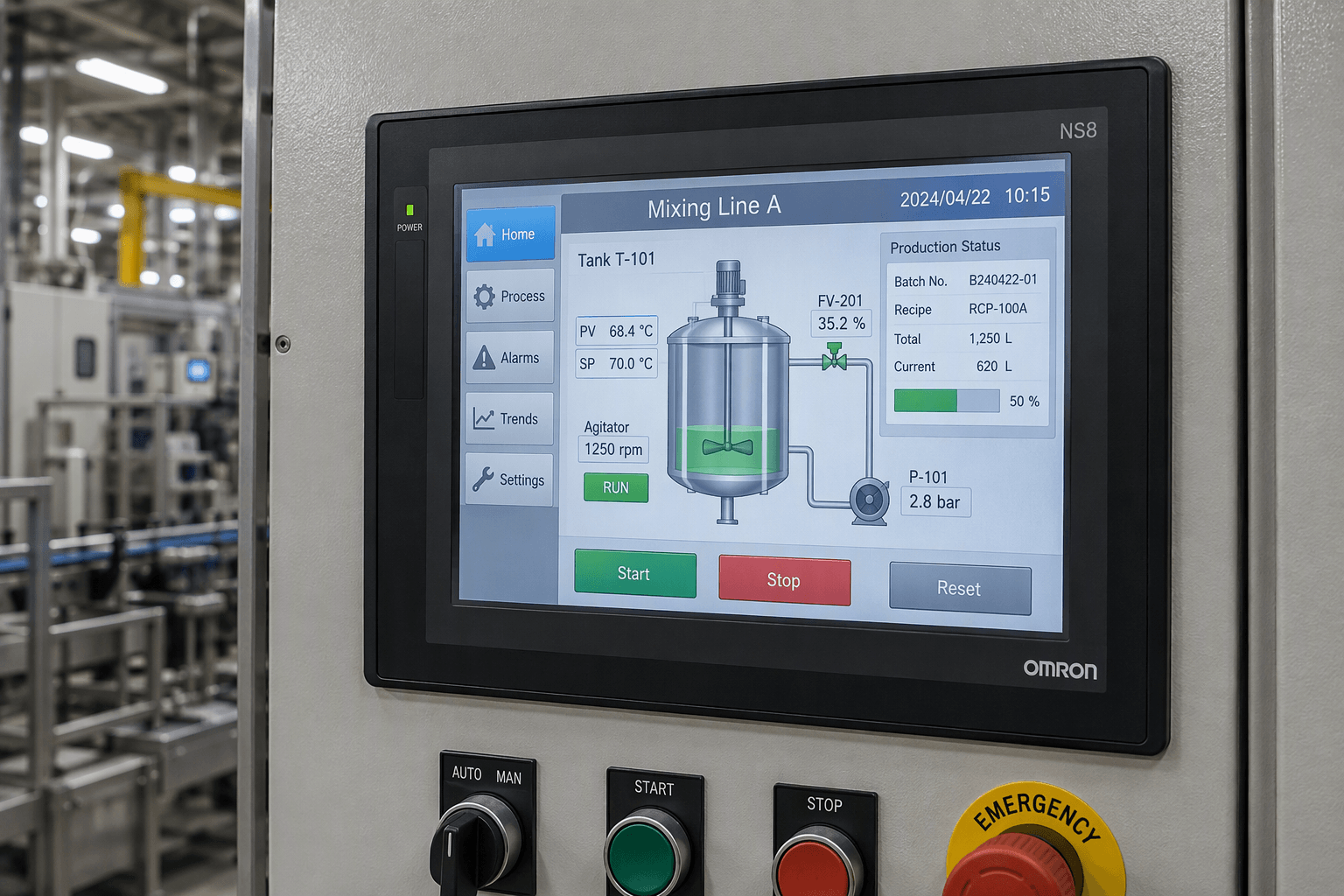
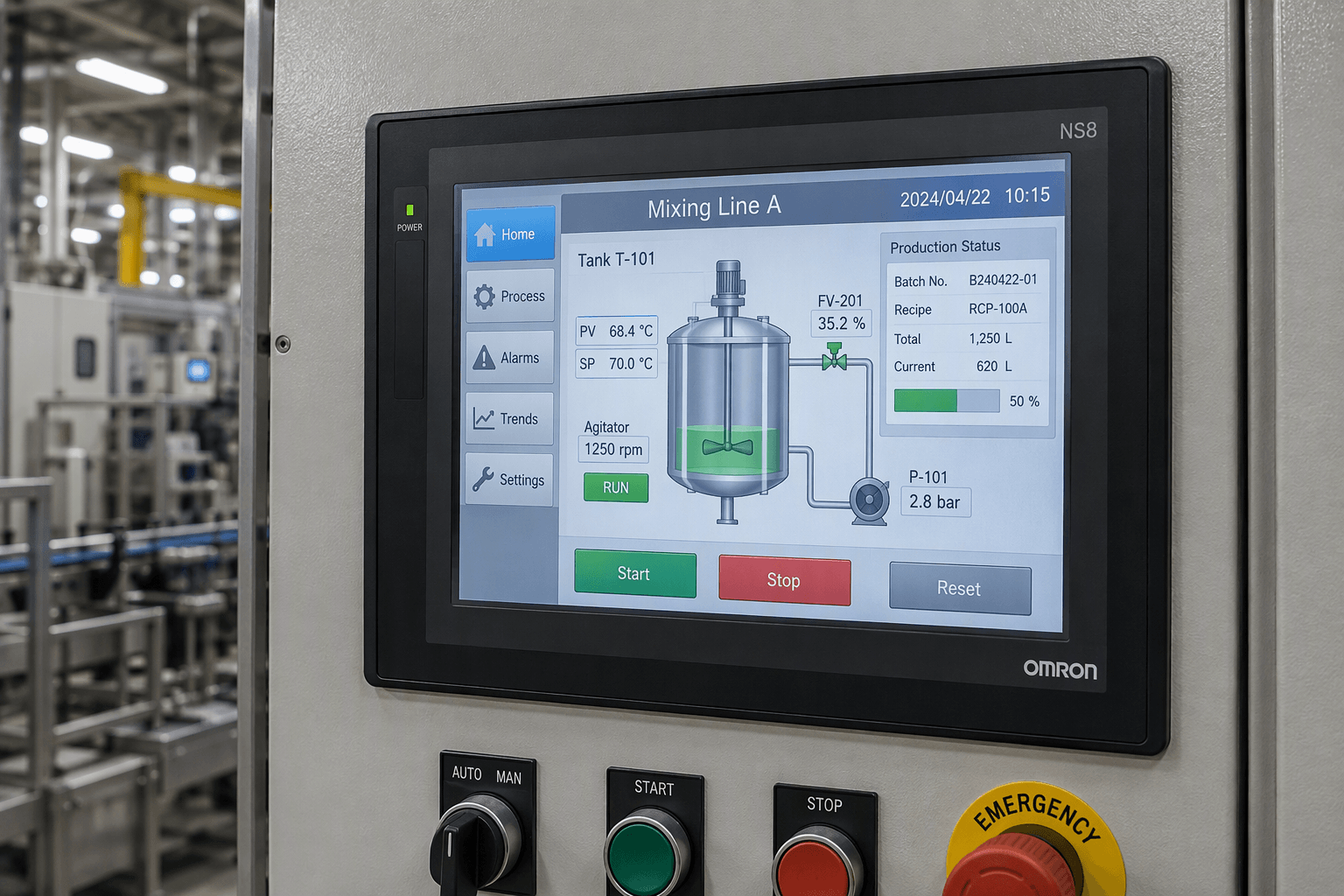
The Omron NS8 is a reliable 8.4-inch TFT color HMI from the NS Series, widely used in industrial automation for its clear display, Smart Active Parts support, USB/Ethernet options, and seamless integration with Omron PLCs such as CJ1M, CQM1H, and CJ2. Even dependable equipment encounters faults over time—communication timeouts, host registration failures, unresponsive touchscreens, or startup freezes. This practical guide compiles the most frequent Omron NS8 errors drawn from official manuals and real-world technician discussions, offering clear symptoms, root causes, and step-by-step fixes.
Whether you maintain a single machine or an entire production line, resolving these issues quickly minimizes downtime. When hardware components such as the touchscreen, LCD, overlay, or protective film fail, genuine-compatible replacements become essential. VICPAS, a specialized HMI parts manufacturer with over 15–20 years of experience, supplies tested Omron NS8 series touchscreens, overlays, LCD panels, and complete repair kits with a 365-day warranty and fast worldwide shipping.
1. “Failed to Read Host Registration” Error
Symptoms
After power cycle or project download, the message appears: “Failed to read host registration. Correct host registration with NS-Designer. Then, press OK and download project data.” It often triggers on the first touch or PLC communication attempt.
Root Causes
Firmware corruption or failure to load host registration data from non-volatile memory (common on units running older firmware). Incorrect host settings in CX-Designer can also contribute.
Fixes
- Verify host registration and communication settings in CX-Designer (System Settings).
- Update firmware to version 6.4 or higher using CX-Designer (part of CX-One). Load the firmware via USB, Ethernet, or CF/SD card, then navigate to System Menu → Maintenance → Version Up on the NS8.
- Power-cycle the unit and re-download the project.
If the error persists after firmware update, the internal memory or touchscreen assembly may be degraded. VICPAS offers fully tested NS8-TV00-V2, NS8-TV01B-V2, and related touchscreen/LCD repair kits that restore reliable operation.
2. Stuck on “Connecting…” Screen
Symptoms
The HMI boots to a black or solid screen showing “Connecting…” and remains frozen, preventing access to the operating interface or System Menu.
Root Causes
Loading a project compiled for a different model (e.g., NS5) or incompatible PLC communication settings. Serial cable left connected during download or mismatched port modes can also lock the unit.
Fixes
- Access System Menu by simultaneously touching two opposite corners of the screen (upper-left + lower-right) for 3–5 seconds while the “Connecting…” message is displayed.
- From System Menu, initialize memory or prepare for transfer.
- Connect via USB or Ethernet and download the correct NS8 project using CX-Designer v3.5 or later. Ensure the project target model matches the physical NS8 hardware.
Persistent freezes after correct download often indicate a failing backlight, LCD, or touch controller. VICPAS supplies matching NS8 series LCD displays, plastic covers, and protective films for rapid field replacement.
3. Touch Screen Buttons Not Responding or Partial Function
Symptoms
Some buttons work while others do not, touch position is offset, or the entire screen is unresponsive.
Root Causes
Calibration drift, physical damage to the resistive touch overlay, overlapping screen objects, or communication interference from the PLC link.
Fixes
- Power-cycle the HMI (disconnect power for 30 seconds).
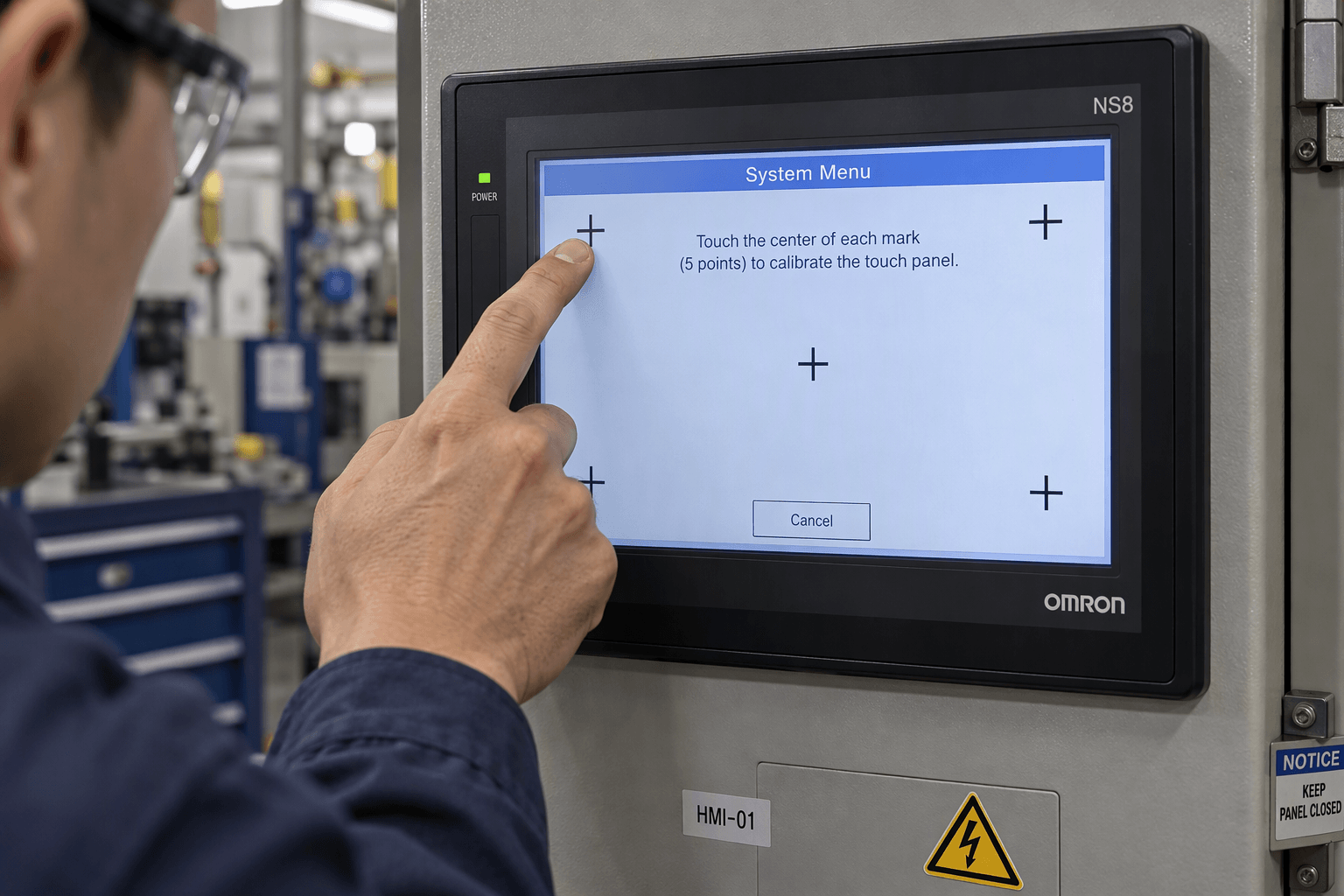
- Enter System Menu (corner-touch method) and run the Touch Panel Test to identify dead zones.
- Perform 5-point calibration: Settings → Touch Panel Adjustment.
- Check screen properties in CX-Designer (Touch Enable = ON) and verify no overlapping objects.
- Confirm PLC communication cable and baud rate settings.
When calibration fails or dead zones appear, the touch overlay or digitizer is usually worn. VICPAS manufactures precise-fit Omron NS8 touchscreens and front overlays (including models such as NS8-TV00B-V1, NS8-TV11B-V1, NS8-TV01-V1) that restore full responsiveness with factory-level accuracy.
4. Communication Errors (NT Link, Host Link, RS-232C, Ethernet Timeout)
Common Symptoms
- No response between NS8 and CQM1H/CJ1M PLC
- “Time-out error occurs while downloading”
- COMM LED does not flash or data remains static
Key Causes & Fixes
- DIP Switch 5 on CQM1H: Must be OFF for NT Link. When ON, it forces Host Link (9600, 7, E, 2) regardless of software settings. Cycle power after changing.
- Cable wiring: Use correct null-modem (crossover) pinout for RS-232C (TXD↔RXD, GND). View connectors from the pin side, not solder side. Avoid incompatible USB converters (prefer CS1W-CN118 or equivalent).
- Protocol match: Set both HMI and PLC to NT Link 1:1 (or 1:N where supported) or Host Link with identical baud rate, data bits, parity, and stop bits.
- Ethernet/FINS timeout: Confirm IP addresses, subnet, FINS network/node numbers match exactly. Destination node must equal the HMI’s actual node address (never leave at 0). Use crossover cable for direct PC-to-HMI connection.
These issues appear frequently in technician forums when settings or cabling are overlooked. After confirming software and wiring, if the serial or Ethernet port hardware itself is damaged, a complete NS8 repair kit from VICPAS provides a cost-effective alternative to full unit replacement.
5. Startup, Power, and Memory Card Errors
Symptoms
Indicators do not light, white/black screen, “FATAL ERROR No. 01: Touch Panel is not connected,” or CF card not recognized.
Fixes
- Check 24 VDC power supply (20.4–27.6 V range) and fuse.
- Verify CF/SD card is ≤2 GB, formatted FAT16 (not FAT32), and contains the correct system files or project in the root directory.
- Reinstall system program via memory card if the internal card is corrupt.
- For “Touch Panel is not connected,” inspect the internal connection or replace the touch assembly.
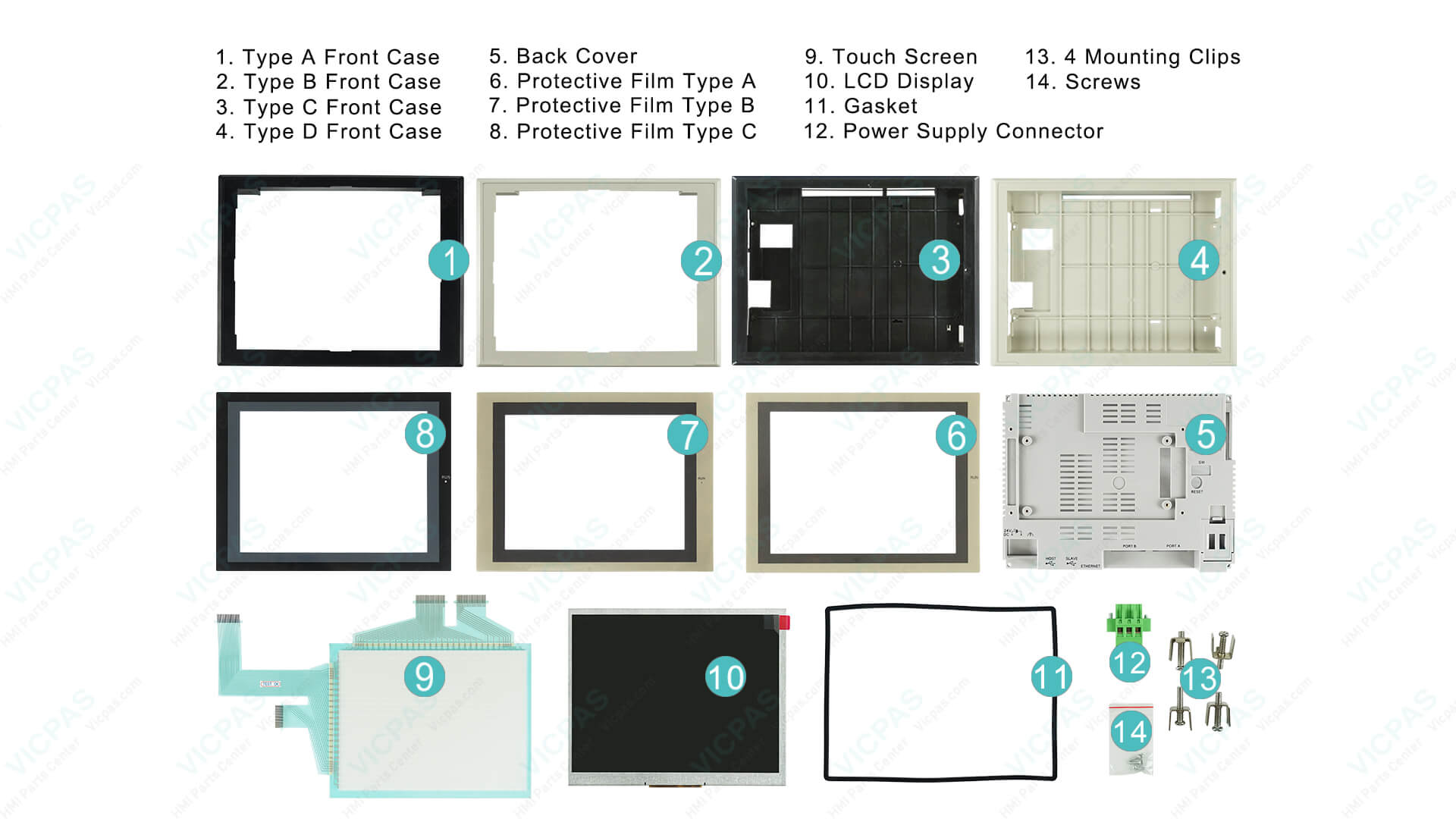
VICPAS stocks the full range of NS8 series plastic housings, LCD panels, and protective films, enabling technicians to rebuild units quickly without waiting for OEM lead times.
When Hardware Replacement Is the Best Solution
Software and configuration fixes resolve the majority of Omron NS8 issues. However, after years of industrial use, resistive touchscreens wear out, backlights dim, and overlays crack. In these cases, replacing only the failed component restores full functionality at a fraction of the cost of a new HMI.
VICPAS (Guangzhou Vicpas Touch Technology Co., Ltd.) specializes in high-quality, fully tested HMI repair parts for Omron NS Series models, including:
- NS8-TV00-V2 / NS8-TV00B-V2 / NS8-TV01-V2 / NS8-TV01B-V2
- NS8-TV00-ECV2 / NS8-TV00B-ECV2
- NS8-TV10-V1 / NS8-TV11-V1 and related variants
All parts ship with a 365-day warranty, undergo rigorous testing, support same-day or urgent worldwide shipping (DHL, UPS, FedEx, TNT), and have no minimum order quantity. Custom overlays and plastic housings are also available. Browse the complete Omron NS8 selection or learn more about VICPAS services.
Final Checklist for Reliable NS8 Operation
- Keep CX-Designer and HMI firmware up to date.
- Document all communication parameters and cable pinouts.
- Perform regular touch calibration and System Menu diagnostics.
- Maintain a stock of critical spare parts (touchscreen, overlay, CF cards).
- When in doubt, contact experienced HMI parts specialists.
By combining official documentation, field-proven fixes, and readily available quality replacement components, most Omron NS8 problems can be resolved efficiently. For genuine-compatible NS8 touchscreens, LCDs, and complete repair kits backed by a full year of warranty and global logistics, visit VICPAS today and keep your production running without unnecessary downtime.
References
- Omron NS Series Setup Manual (V083) – Troubleshooting and Maintenance section
- NS Series Programming Manual – Error Messages
- PLCtalk Forum – Omron CQM1H to NS8 HMI Problem
- MrPLC Forum – NS8 to CJ1M Error (Host Registration)
- Resolving Omron NS8 Host Registration Error – Industrial Monitor Direct
- Fix Omron NS8 Stuck on Connecting Screen – Industrial Monitor Direct
- Omron NS8 Touch Screen Not Working – Industrial Monitor Direct
- PLCtalk Forum – Time-out Error on NS8
- MrPLC Forum – Troubleshooting NS8 HMI
- Omron CQM1H to NS8 NT Link Communication Fix – Industrial Monitor Direct
- VICPAS Omron NS8 HMI Parts Center
- VICPAS Company Introduction & Services