Panasonic G3 Teach Pendant Replacement Parts & Repair Guide
- Share
- Issue Time
- Sep 14,2026
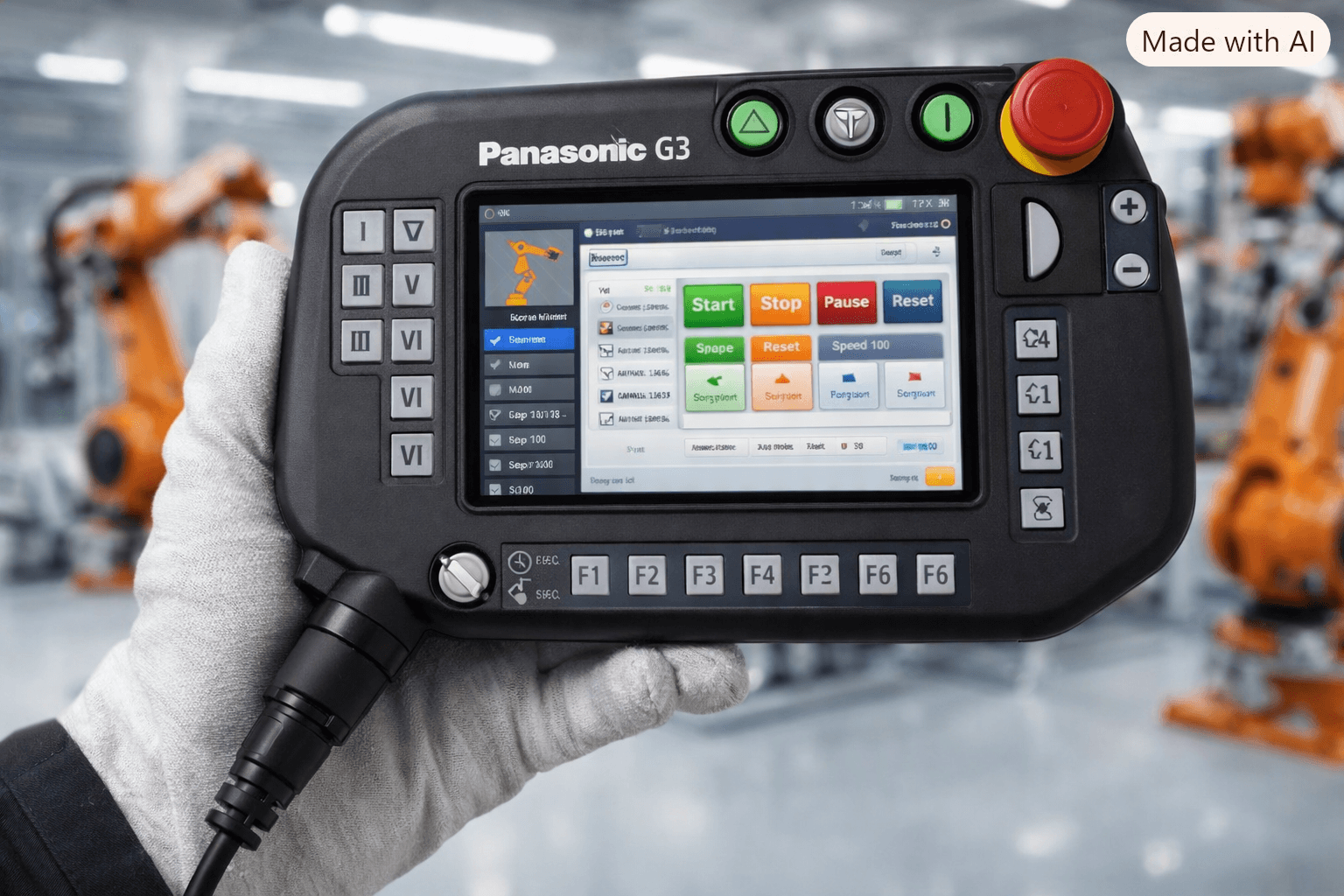
Panasonic G3 Teach Pendant Replacement Parts & Repair Guide
Table of Contents
- Why Panasonic G3 Teach Pendants Develop Hardware Problems
- Common G3 Teach Pendant Failure Symptoms
- Which Panasonic G3 Replacement Part Do You Need?
- AUR01060 Compatibility Considerations
- Repair or Replace the Complete Pendant?
- Tips for Installing Replacement Parts
- How to Prevent Repeat Failures
- Why Choose VICPAS for Panasonic G3 Teach Pendant Parts
- References
Industrial robot downtime is expensive. When a Panasonic G3 Teach Pendant fails, production lines stop, welding programs cannot be taught or adjusted, and operators lose control of critical functions. This guide walks through the most common hardware problems on Panasonic G3 teach pendants (models including AUR01060, AUR01062, TA1400G3, and TM1400G3), how to diagnose them, which replacement parts solve the issue, and how to install them correctly so the pendant returns to reliable service.
At VICPAS, we have spent more than 20 years supplying membrane keypads, LCD displays, plastic housings, and related components for industrial HMI and teach pendant systems. Our inventory covers the exact parts used on Panasonic G3 pendants, and every part we ship carries a 1-year warranty with worldwide fast shipping.
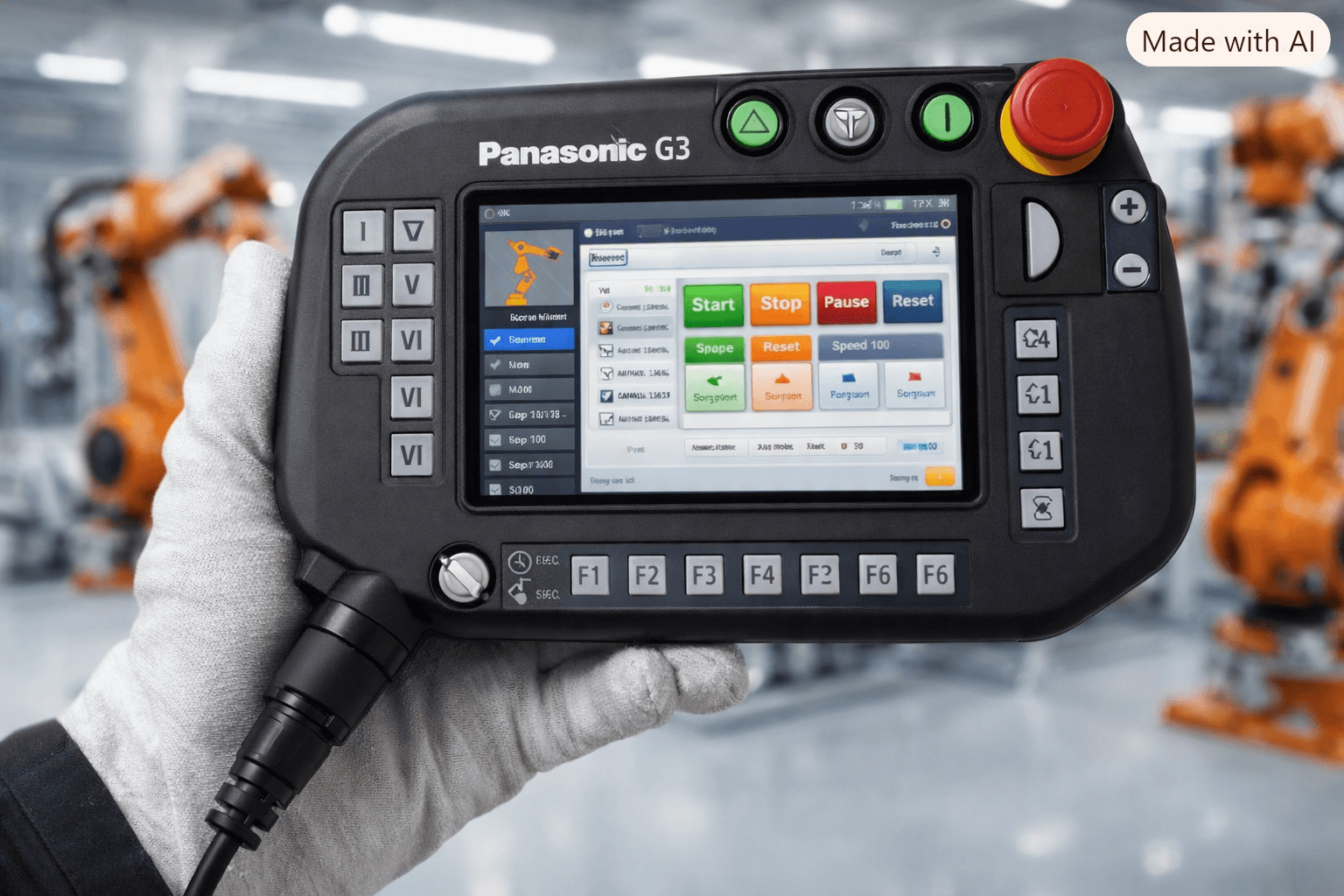
Why Panasonic G3 Teach Pendants Develop Hardware Problems
Panasonic G3 controllers and their teach pendants are designed for demanding welding and handling environments. Constant daily use, exposure to metal dust, welding spatter, temperature swings, and occasional drops create progressive wear. Membrane keypads lose conductivity after thousands of presses. LCD panels can develop dead pixels or lose backlight from vibration and heat. Plastic housings crack at stress points. Emergency-stop buttons and mode switches wear out. Cable connectors suffer from repeated plugging and bending.
Forum discussions on Robot-Forum frequently mention communication errors (A6030), “Retry Over” warnings, and unresponsive keys—symptoms that often trace back to these hardware failures rather than pure software issues. Understanding the physical wear pattern helps you choose the right replacement part instead of replacing the entire pendant.
Common G3 Teach Pendant Failure Symptoms
Touch / display problems
Blank screen, flickering, partial image, or no backlight. These usually indicate a failed LCD panel or its connection.
Unresponsive membrane keypad
Keys that no longer register, intermittent response, or entire sections that stop working. This is the most frequent failure mode.
Damaged housing
Cracked case, broken clips, or missing covers that expose internal boards to dust and moisture.
Emergency-stop problems
E-stop button that sticks, fails to latch, or does not open the safety circuit.
Mode switch problems
Key-operated mode selector (Teach / Auto) that becomes hard to turn or loses contact.
Cable / connector issues
Intermittent communication, “T.P. Communication error,” or complete loss of connection when the cable is moved. Damaged pins or bent connectors are common culprits.
Which Panasonic G3 Replacement Part Do You Need?
Matching the exact part number is essential. The most common Panasonic G3 teach pendant variants are AUR01060 and AUR01062 (also referenced with TA1400G3 / TM1400G3 controllers).
Panasonic G3 Membrane Keypad Replacement
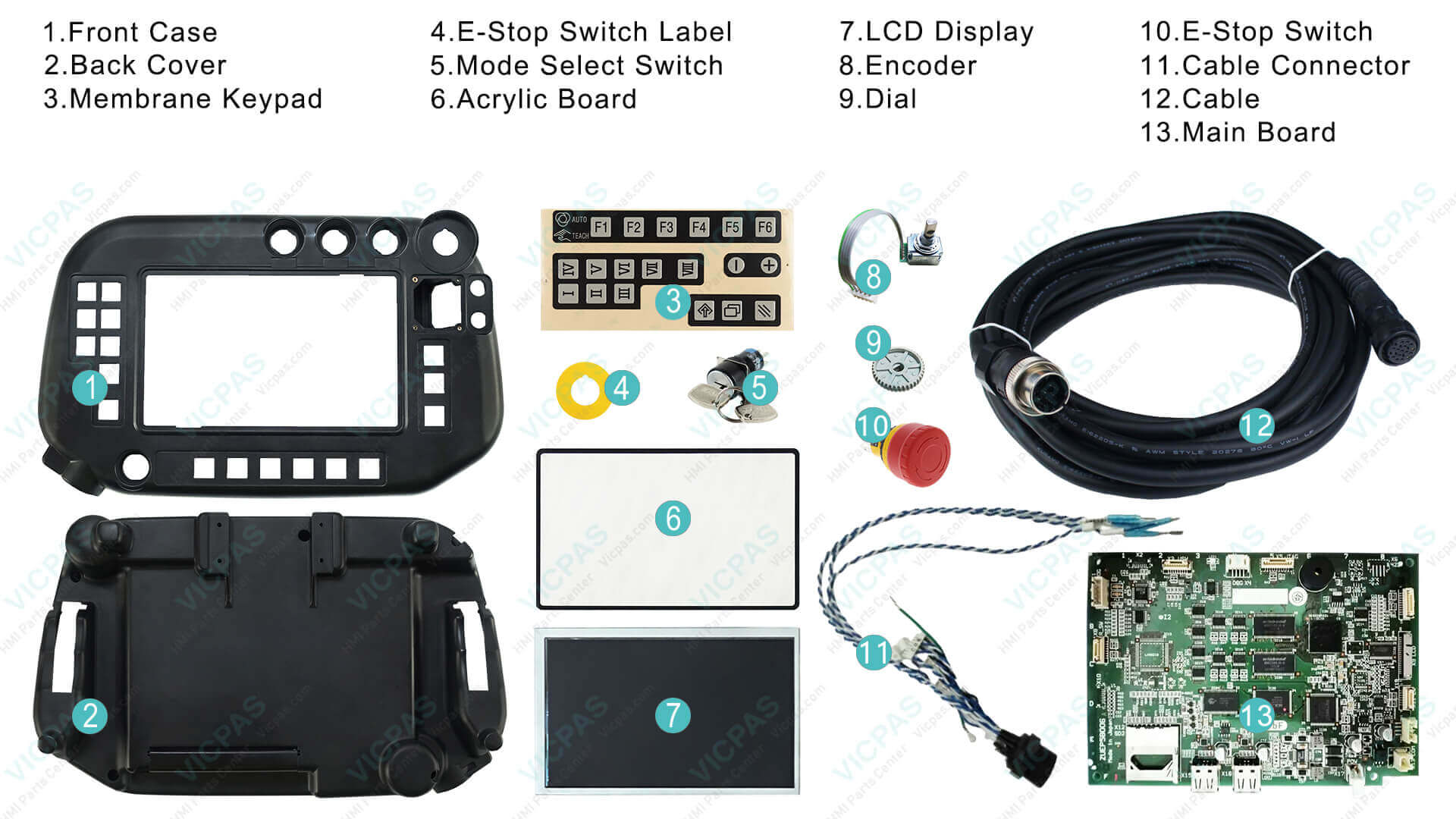
The membrane keypad (also called keyboard overlay or switch membrane) is the most frequently replaced component. VICPAS stocks exact-fit keypads for AUR01060 and AUR01062. These are tested for tactile response and durability before shipping.
Panasonic G3 LCD Screen Replacement
7-inch TFT color graphic LCD panels (including variants such as MTNS000067AA) restore full visibility. Backlight and connector compatibility are verified.
Panasonic G3 Plastic Housing Replacement
Complete front and rear plastic enclosures protect internal electronics and restore the original ergonomic feel. Housings are available separately or as kits with the keypad and LCD.
Switches, Connectors and Other Small Components
E-stop buttons, mode select switches, jog dials / encoders (such as TOSOKU RE21PC25CH16F), acrylic protective boards, and cable connectors are also stocked. Replacing only the failed switch or connector is often more economical than a full pendant.
VICPAS maintains ready stock of these Panasonic G3 teach pendant parts. You can order individual components or complete repair kits. Browse available options at Panasonic G3 Teach Pendant Parts or contact our team for a same-day quote.
AUR01060 Compatibility Considerations
Users on Robot-Forum often ask whether a G3 pendant (AUR01060) can temporarily replace a G2 pendant. In most cases the connectors look similar, but software version differences and communication protocols usually trigger error messages. Always confirm the exact part number printed on the back of your pendant before ordering. Using the correct AUR01060 or AUR01062 part avoids compatibility issues and ensures full function of the eight function keys, jog dial, and Ethernet networking features of the G3 series.
Repair or Replace the Complete Pendant?
When the failure is limited to the keypad, LCD, or housing, component-level replacement is far more cost-effective than buying a complete new pendant. Professional repair services (such as those offered by specialized robot-parts companies) can also refurbish LCDs and boards, but turnaround time and cost must be weighed against simply installing a new VICPAS membrane keypad or LCD yourself.
If multiple systems are failing or the internal mainboard is damaged, a complete replacement pendant may be justified. VICPAS can advise on the most economical path based on photos or part numbers you provide.
Tips for Installing Replacement Parts
- Power off the controller and disconnect the teach pendant cable.
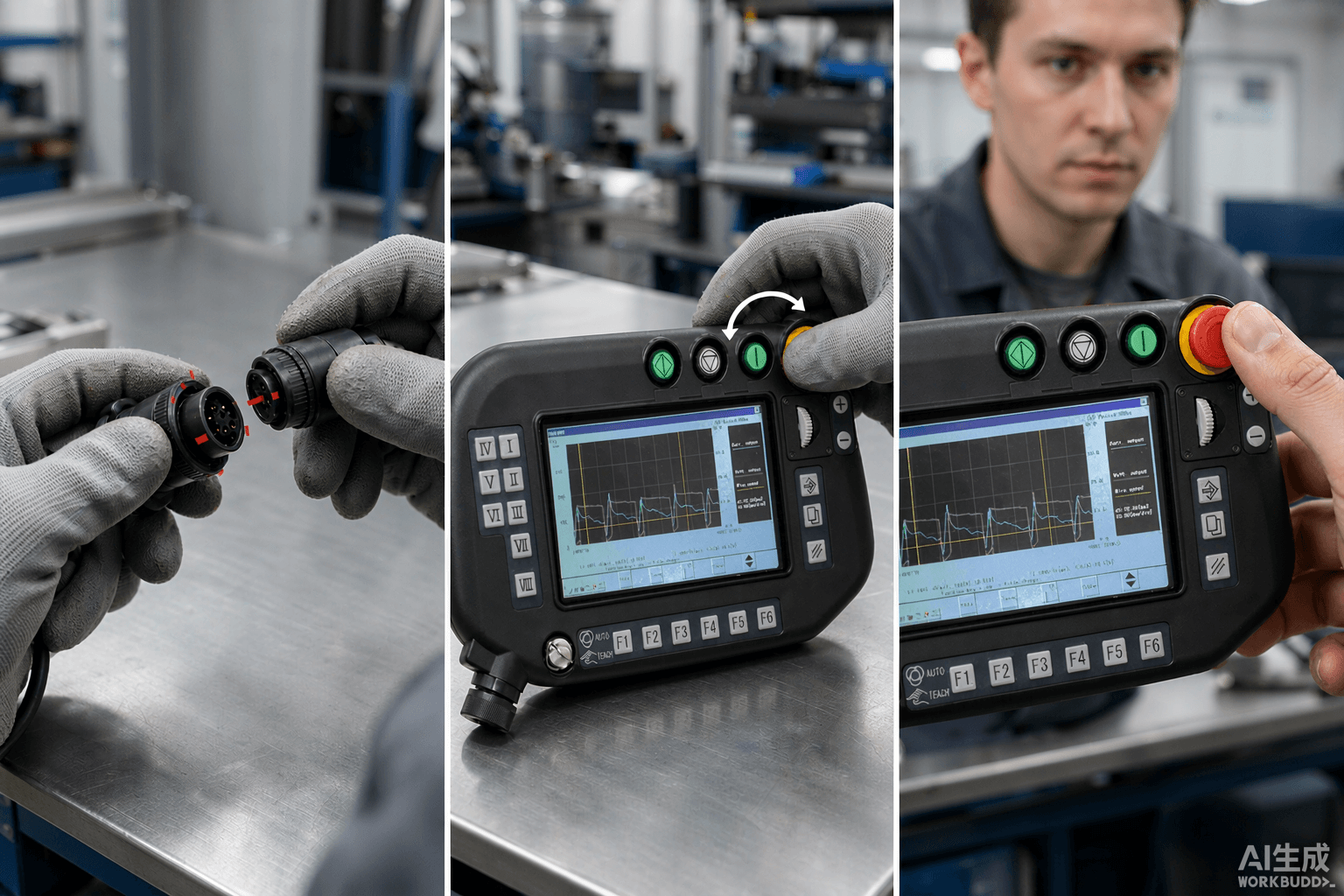
- Match the alignment marks (concave/convex) on the cable connector carefully. Do not force the ring; turn it gradually while pushing the cable in to avoid damaging pins.
- For keypad or LCD replacement, carefully open the housing, note the ribbon cable orientations, and transfer any labels or switches if required.
- After reassembly, test all keys, the emergency stop, mode switch, and display before returning the pendant to production.
- Keep the original protective film on new LCDs until final installation to avoid scratches.
Following these steps, most membrane keypad and LCD replacements can be completed in under an hour by a trained technician.
How to Prevent Repeat Failures
- Avoid sharp bends near the cable connector.
- Keep the pendant away from excessive welding spatter and metal dust when possible.
- Use a protective cover or holster when the pendant is not in active use.
- Periodically clean the membrane surface with approved electronics cleaner.
- Store a spare keypad or LCD on site for critical production cells so downtime stays under one hour.
Why Choose VICPAS for Panasonic G3 Teach Pendant Parts
VICPAS (Guangzhou Vicpas Touch Technology Co., Ltd.) has focused exclusively on HMI and teach pendant replacement components for over 20 years. We maintain an inventory of more than 50,000 models, including hard-to-find and obsolete parts. Every Panasonic G3 membrane keypad, LCD, and housing we supply is fully tested and backed by a 1-year VICPAS warranty. There is no minimum order quantity—even a single keypad can be shipped the same day. Our technical team provides support for part identification, installation guidance, and customization when needed.
Whether you need a single Panasonic G3 membrane keypad, a complete LCD and housing kit, or advice on the most reliable repair path, VICPAS is ready to help keep your robots running.
Contact us today for a fast quote
Website product search: Panasonic G3 Teach Pendant Parts
Email: sales@vicpas.com
Phone: +86-13763341328
Reliable parts. Fast shipping. One-year warranty. That is how VICPAS supports industrial maintenance teams worldwide.
References
- Panasonic Robot G3 Teach Pendant Replacement Part | VICPAS
- Panasonic Teach Pendant Repair – INS Robotics
- G2 and G3 Teach Pendant Compatibility – Robot-Forum
- Panasonic Teach Pendant Repairs – Robot-Forum
- Robot TM1400-G3 Panasonic – Robot-Forum
- Panasonic GIII G3 Teach Pendant LCD – SPW Industrial
- Panasonic GIII G3 Teach Pendant LCD Screen – eBay
- Panasonic AUR01060 Teach Pendant Repair Video – YouTube
- Panasonic G3 Series Quick Guide (Teach Pendant Section) – PDF
- Panasonic Teach Pendant Replacement Parts Overview | VICPAS