KUKA KRC4 Troubleshooting Guide: Common Errors, Faults & Solutions
- Share
- Issue Time
- Aug 27,2026
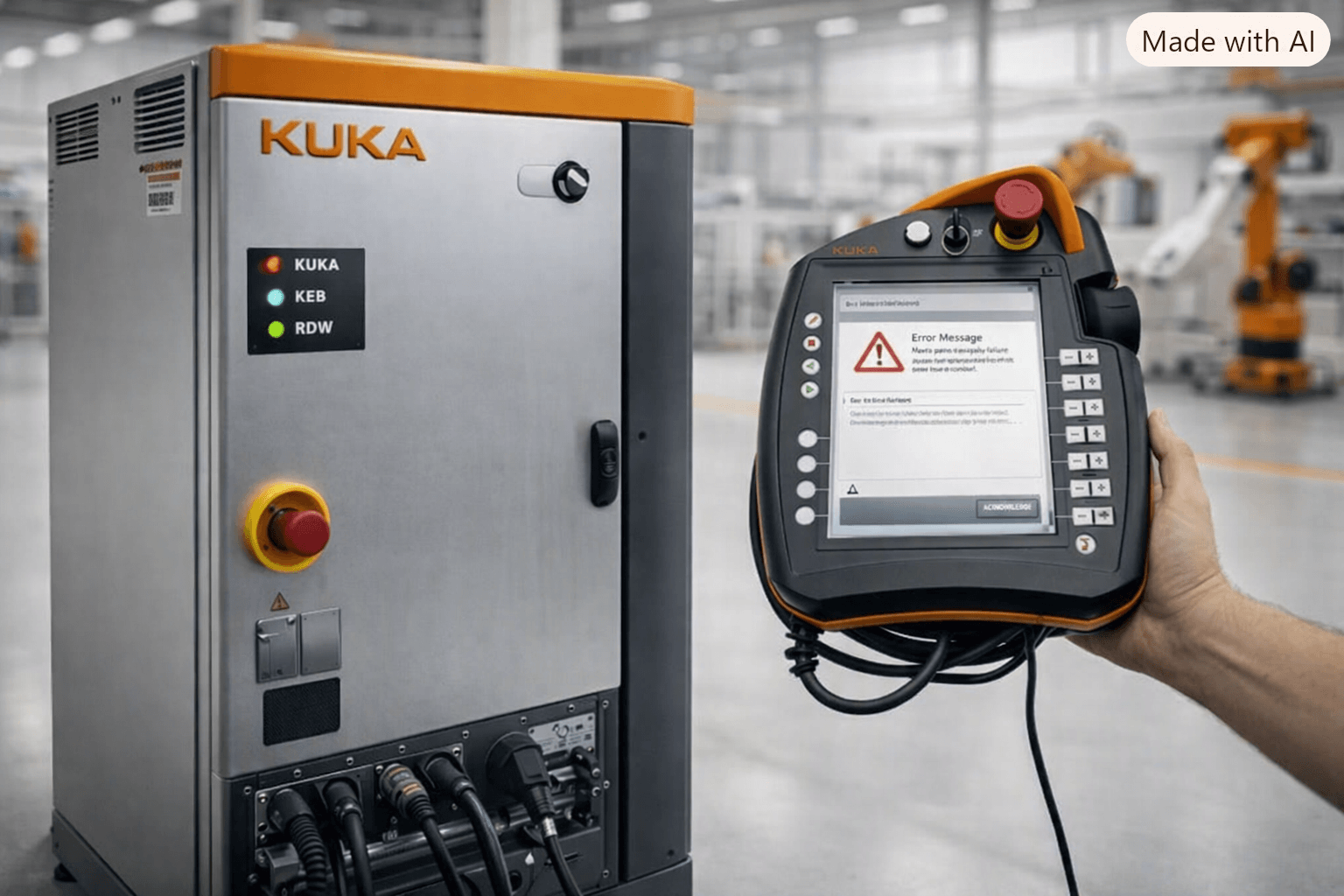
KUKA KRC4 Troubleshooting Guide: Common Errors, Faults & Solutions
Table of Contents
The KUKA KRC4 controller remains one of the most widely deployed robot control systems in industrial automation. Its reliability supports high-uptime production, yet operators and maintenance teams regularly encounter error codes, safety stops, communication faults, and hardware-related issues that can halt production. This practical guide compiles the most frequent KUKA KRC4 problems reported across technical forums and field experience, explains root causes, and provides clear resolution steps.
Whether you are dealing with a SmartPad communication loss, X11 safety circuit faults, power-supply errors, or lost mastering, the goal is the same: restore the robot quickly and safely while minimizing downtime.
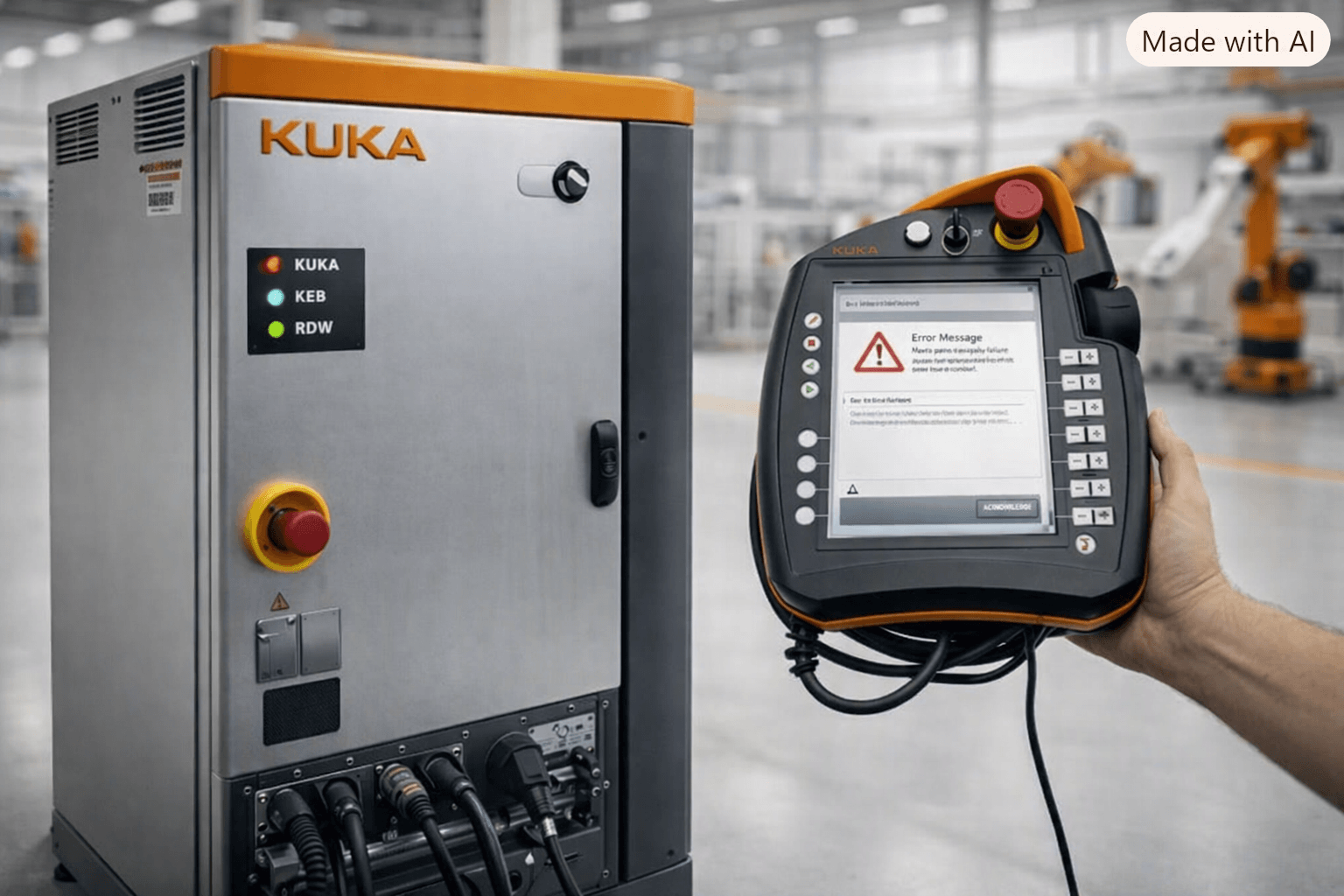
Understanding KUKA KRC4 Error Messages
KRC4 systems running KSS 8.x generate messages that appear on the SmartPad (KCP4 / smartPAD). These messages often include a KSS number, a short description, and sometimes additional diagnostic data. Many faults fall into a few categories:
- Safety circuit and enabling signals (X11, E-Stop, operator safety)
- Power and drive-related issues (KPP, intermediate circuit, locked drives)
- Communication problems (SmartPad network, EtherCAT, RDC)
- Configuration and data integrity (mastering loss, corrupted images, checksum errors)
- Hardware wear on the teach pendant itself
Early identification of the category speeds diagnosis. Always generate a KRCDiag report before making major changes and keep a recent archive of the project.
Common Power Supply and Drive Faults
One frequently reported set of codes on KRC4 Compact systems includes:
- KSS26233 – Intermediate circuit overcurrent (supply)
- KSS26130 – Charging of intermediate circuit failed
- KSS26015 – General power supply error
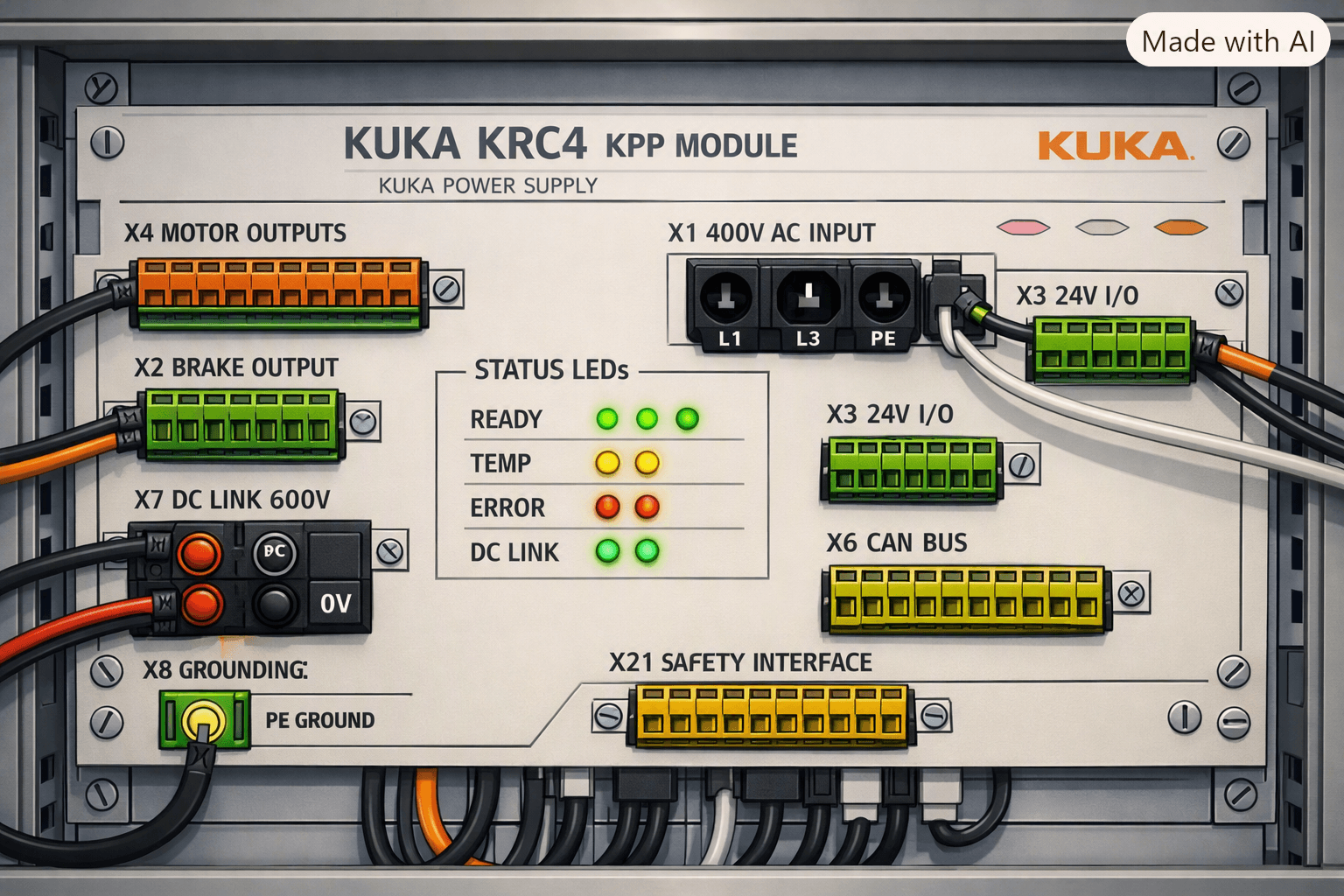
These typically appear when the enabling switch is pressed. Field experience shows the most common hardware cause is a failing KPP (KUKA Power Pack) module. Visual inspection rarely reveals obvious damage, so systematic isolation is required. After confirming fuses and input voltage are correct, replacement of the KPP often resolves the issue. Protecting the cabinet with a properly sized UPS or isolation transformer is strongly recommended to prevent recurrence.
Another related fault is “Stop due to locked drive” (often M_3154). Log analysis usually shows a preceding mains-failure message (M_26170). Voltage dips or excessive peak current demand trigger the drive safety lock. Temporary mitigation includes lowering the OV_PRO (override profile) parameter to reduce acceleration peaks, followed by verification of mains infrastructure, cable sizing, and grounding.
Safety Circuit and X11 Interface Problems
Safety-related stops are among the most common KRC4 issues. Messages such as KSS00404 (Safety Stop), KSS13012, KSS15004, and generic “Safety Stop” banners frequently point to the X11 interface.
Typical causes include:
- Incomplete or incorrect jumpers on External Enable 1 and External Enable 2 channels
- Open safety gate or E-Stop circuits
- Incorrect selection between X11 hardwired safety and network safety (ProfiSafe / CIP Safety)
- Faulty or missing enabling devices
On KRC4 Compact (KRC4sr) the required X11 pin pairs differ from the standard KRC4. Always verify the exact pinout for your cabinet version. After correcting wiring, a cold start is usually required. If the system is configured for network safety, ensure a proper safety master (Safety PLC) is present—KRC4 cannot act as a CIP Safety master by itself.
When the SmartPad itself is involved in safety faults (especially “E-Stop Inoperative”), the root cause is often a degraded Ethernet link or intermittent conductors in the KCP cable. Strain relief failure at the pendant end is a known mechanical weak point. Reseating connectors, inspecting the cable, or replacing the pendant cable frequently clears the fault.
Mastering, RDC, and System Recovery Issues
After power loss, image restores, or long periods of inactivity, operators may see:
- KSS15054 – Workspace monitoring functions deactivated (mastering error)
- KSS00106 – Perform mastering A1–A6
- KSS00069 – Machine names of robot drives not consistent
- KSS27003 / KSS27004 / KSS15047 after extended downtime
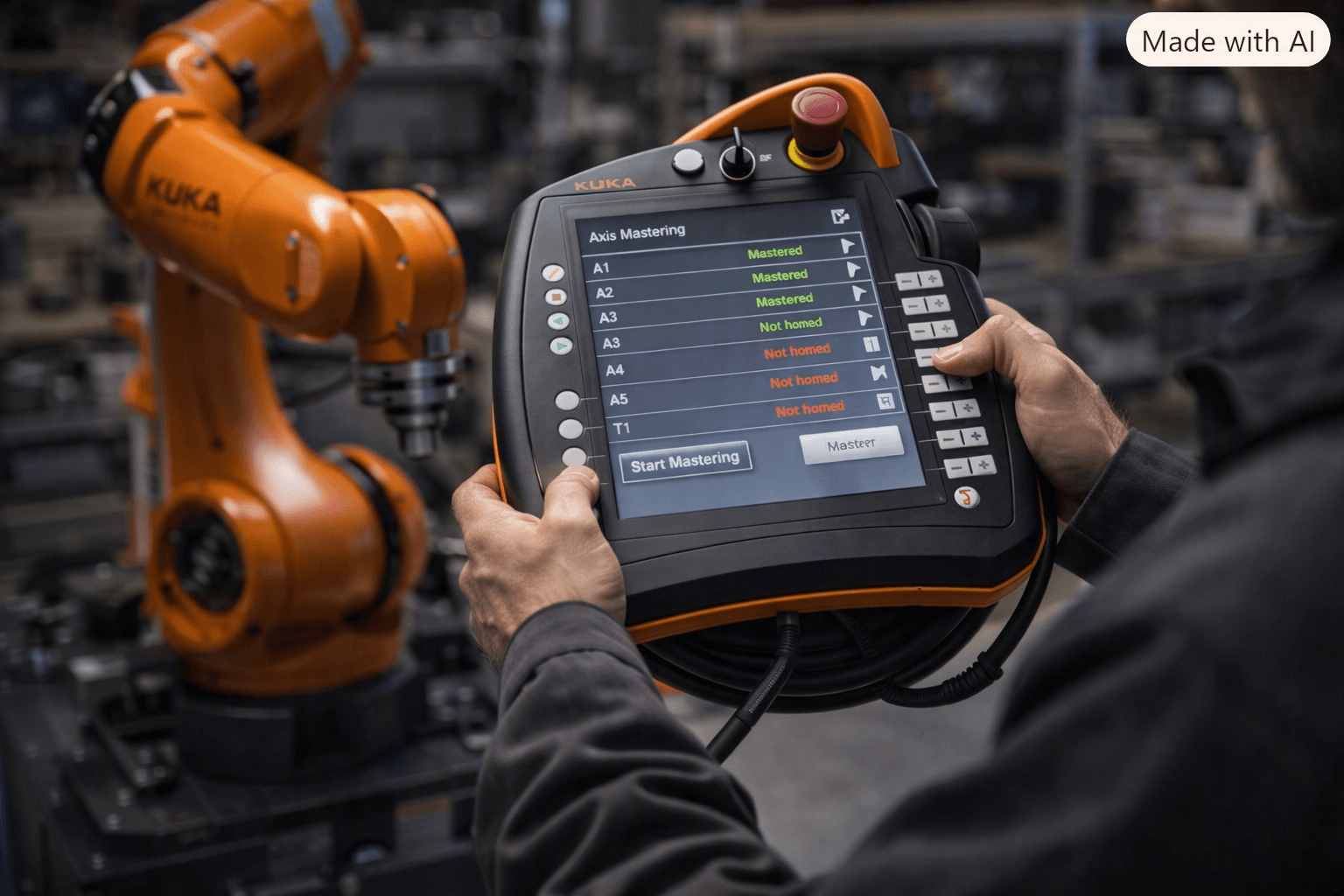
These often indicate lost absolute position data or mismatched configuration. For SafeMove-equipped robots, running the Mastering Reference program in T1 followed by the Brake Test in T2/AUT is the normal recovery sequence after a cold boot.
When a wrong system image has been loaded, full restores may fail. Successful recoveries typically involve careful partial restoration of critical MADA files ($machine.dat, $robcor.dat) and MotionDrivers folders, removal of non-existent participants in WorkVisual, and re-acceptance of the safety configuration.
RDC (Resolver Digital Converter) communication loss or battery degradation can also trigger mastering errors. Monitor battery voltage and replace the system battery when it falls below recommended thresholds.
SmartPad and Teach Pendant Hardware Faults
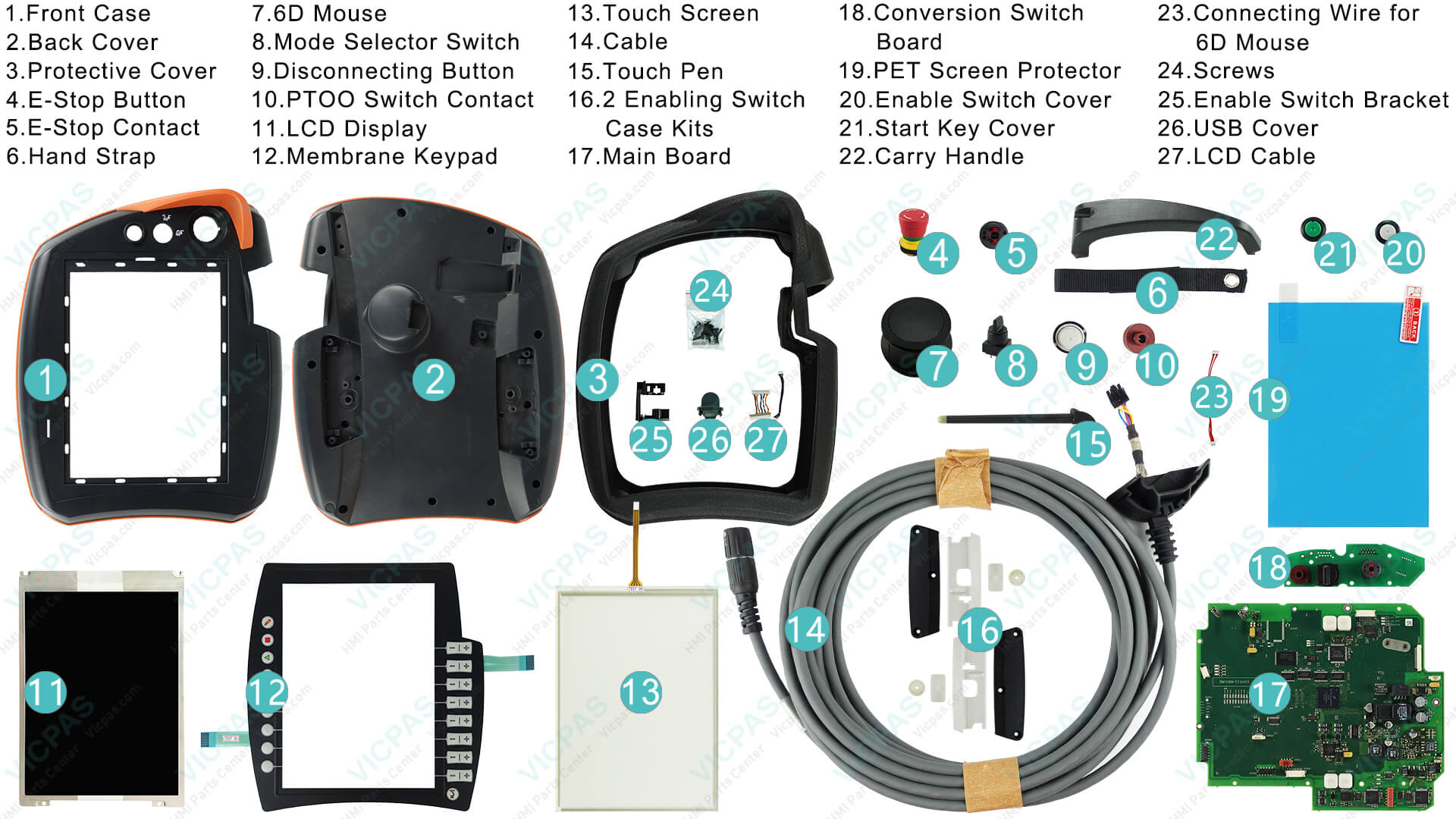
Many KRC4 communication and safety problems ultimately trace back to the SmartPad (KCP4 / VKRC4) itself—worn touchscreens, failing membrane keypads, damaged cables, faulty E-Stop buttons, mode selector switches, or 6D mice. These components experience heavy daily use and are subject to cable fatigue, impact damage, and environmental wear.
When software and wiring checks do not resolve SmartPad-related errors, hardware replacement is the practical next step. VICPAS specializes in high-quality replacement parts for the KUKA KRC4 SmartPad family, including:
- Membrane keypads and touchscreens (including 8.4" resistive panels)
- LCD displays
- Complete cable assemblies (10 m and shorter service cables)
- Emergency-stop switches, mode selector switches, and 6D mouse units
- Protective rubber covers, housings, and touch pens
- Full repair kits for models such as 00-168-334, 00-216-801, and 00-189-002
All VICPAS KRC4 SmartPad parts are fully tested, carry a 12-month warranty, and are available with fast worldwide shipping and no minimum order quantity. Custom solutions for hard-to-find or obsolete components are also supported. Browse the full range of KUKA KRC4 SmartPad and teach-pendant parts at here.
Practical Troubleshooting Workflow
- Note the exact error code(s) and any accompanying messages.
- Generate and archive a KRCDiag.
- Verify safety circuits and enabling devices first (X11 or network safety).
- Check power quality and drive status.
- Inspect SmartPad network link and cable integrity.
- Confirm configuration consistency (WorkVisual project vs. actual hardware).
- Perform required mastering or brake tests if position data is affected.
- Replace worn pendant components when hardware is the limiting factor.
Keeping Your KUKA KRC4 Reliable
Preventive measures significantly reduce unexpected stops:
- Maintain proper strain relief on pendant cables.
- Monitor and replace cabinet and RDC batteries on schedule.
- Keep clean, version-compatible project archives.
- Use quality replacement parts for high-wear components such as the SmartPad.
VICPAS has supported industrial customers for over 20 years with HMI and teach-pendant solutions. Our focus on KUKA SmartPad parts helps maintenance teams restore full operator functionality quickly and cost-effectively. For urgent requirements, same-day shipping options and dedicated technical support are available. Contact the VICPAS team at sales@vicpas.com or +86-13763341328, or explore the product catalog directly.
A well-maintained KRC4 with reliable operator interfaces delivers the productivity KUKA systems are known for. Use this guide as a starting point, document every intervention, and replace wear items proactively. When you need genuine-quality SmartPad components for your KUKA KRC4, VICPAS is ready to help keep your robots running.
References
- KUKA Error Code List | Common KUKA Robot Errors – MRO Electric
- KUKA Error Codes List (KSS) – Complete Robot Alarm Guide & Fixes (KRC4) – inRobots.shop
- KRC4 Compact General Power Supply Error – Robot-Forum
- KRC4 Compact Errors KSS13012 KSS15004 KSS00404 – Robot-Forum
- KRC4 “Safety Stop” – Robot-Forum
- After Restore / Wrong Image, Drives OFF – Robot-Forum
- KSS27003 / KSS27004 / KSS15047 After Long Inactivity – Robot-Forum
- Fix KUKA KRC4 E-Stop Inoperative: SmartPad Network Reset – Industrial Monitor Direct
- Fix KRC4 Stop Due to Locked Drive Error – Industrial Monitor Direct
- KUKA Robot Arıza Kodları – Materobotic
- KUKA KRC4 SmartPad & Teach Pendant Parts – VICPAS
- VICPAS HMI Parts Center Brand Story