Allen Bradley PanelView 550 Repair & Troubleshooting Guide: Expert Tips for Reliable HMI Maintenance
- Share
- Issue Time
- Jun 22,2026
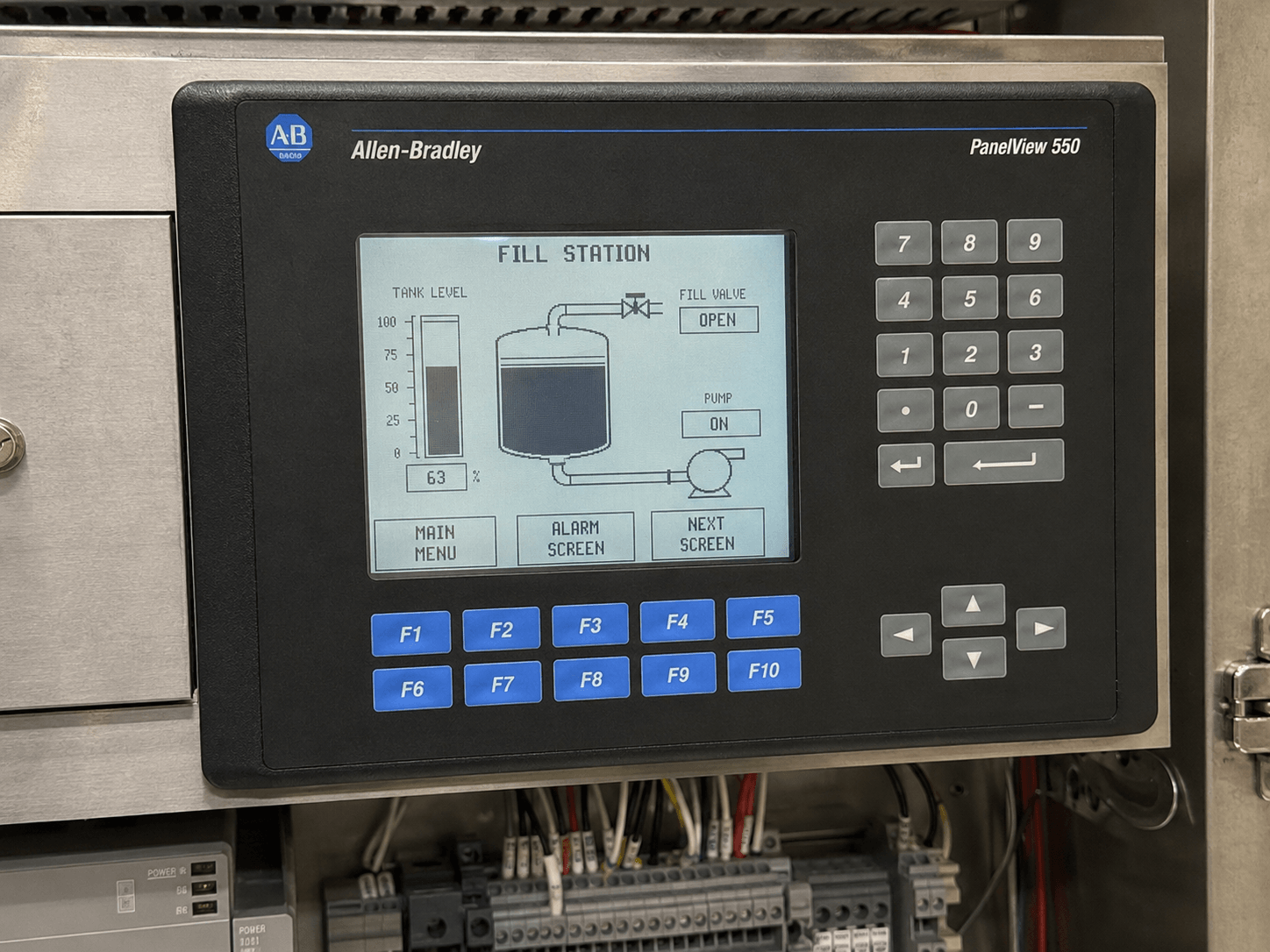
Allen Bradley PanelView 550 Repair & Troubleshooting Guide: Expert Tips for Reliable HMI Maintenance
Table of Contents
Introduction
The Allen Bradley PanelView 550 remains one of the most widely deployed legacy HMIs in industrial automation. With its compact 5.5-inch monochrome display, keypad/touchscreen options, and robust DH-485 connectivity, it has powered countless SLC 500 and PLC-5 systems for decades. However, as these units age (often 15–20+ years), common issues like dim displays, touchscreen dead spots, Error 40 boot failures, and communication problems can lead to costly downtime.
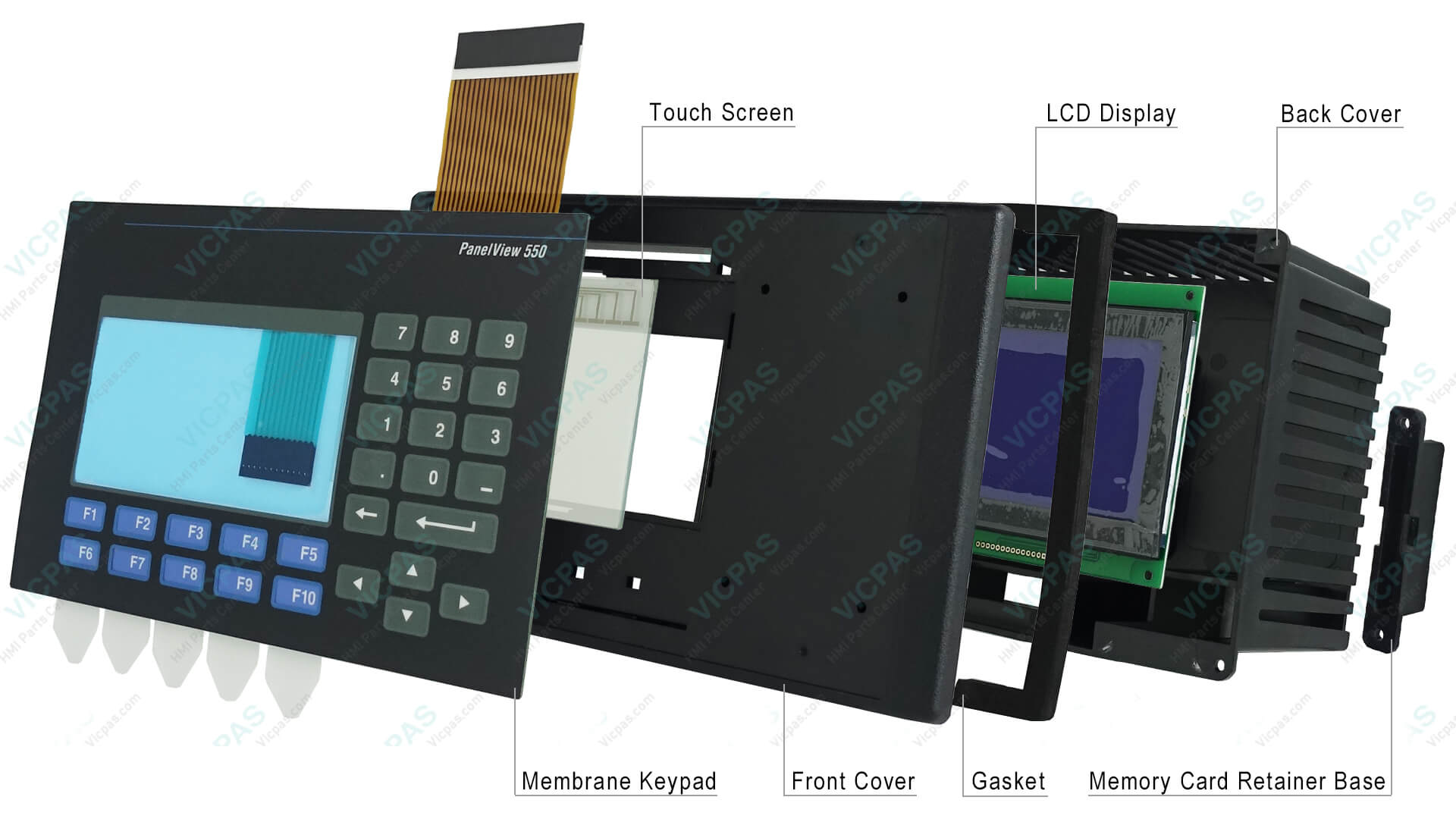
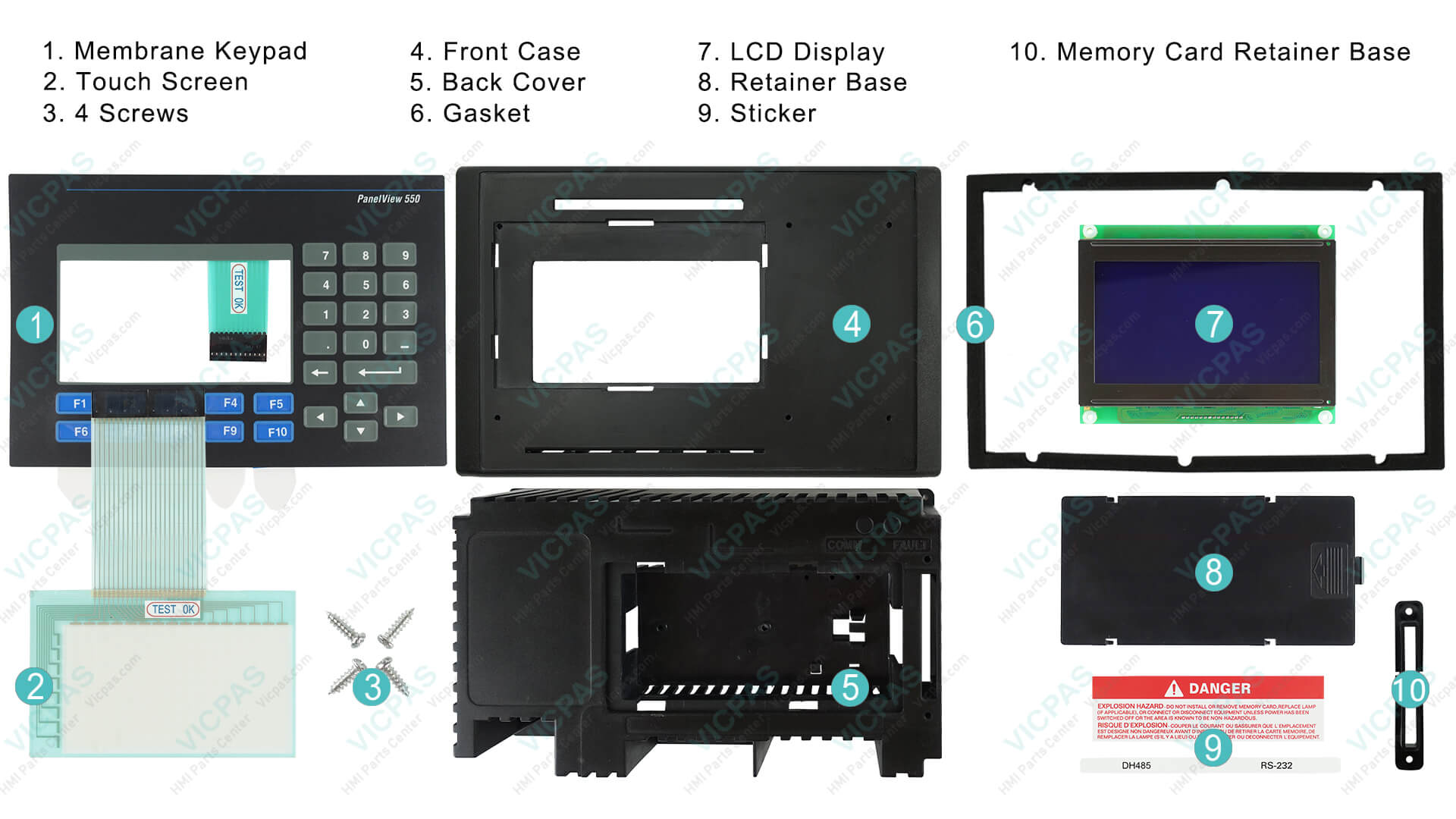
At VICPAS, we specialize in providing high-quality replacement parts — including touchscreens, membrane keypads, LCD displays, and bezels — for the PanelView 550 series. Our extensive inventory and 12-month warranty help restore your equipment quickly and affordably, often without full system replacement. Visit our PanelView 550 parts page to explore compatible components.
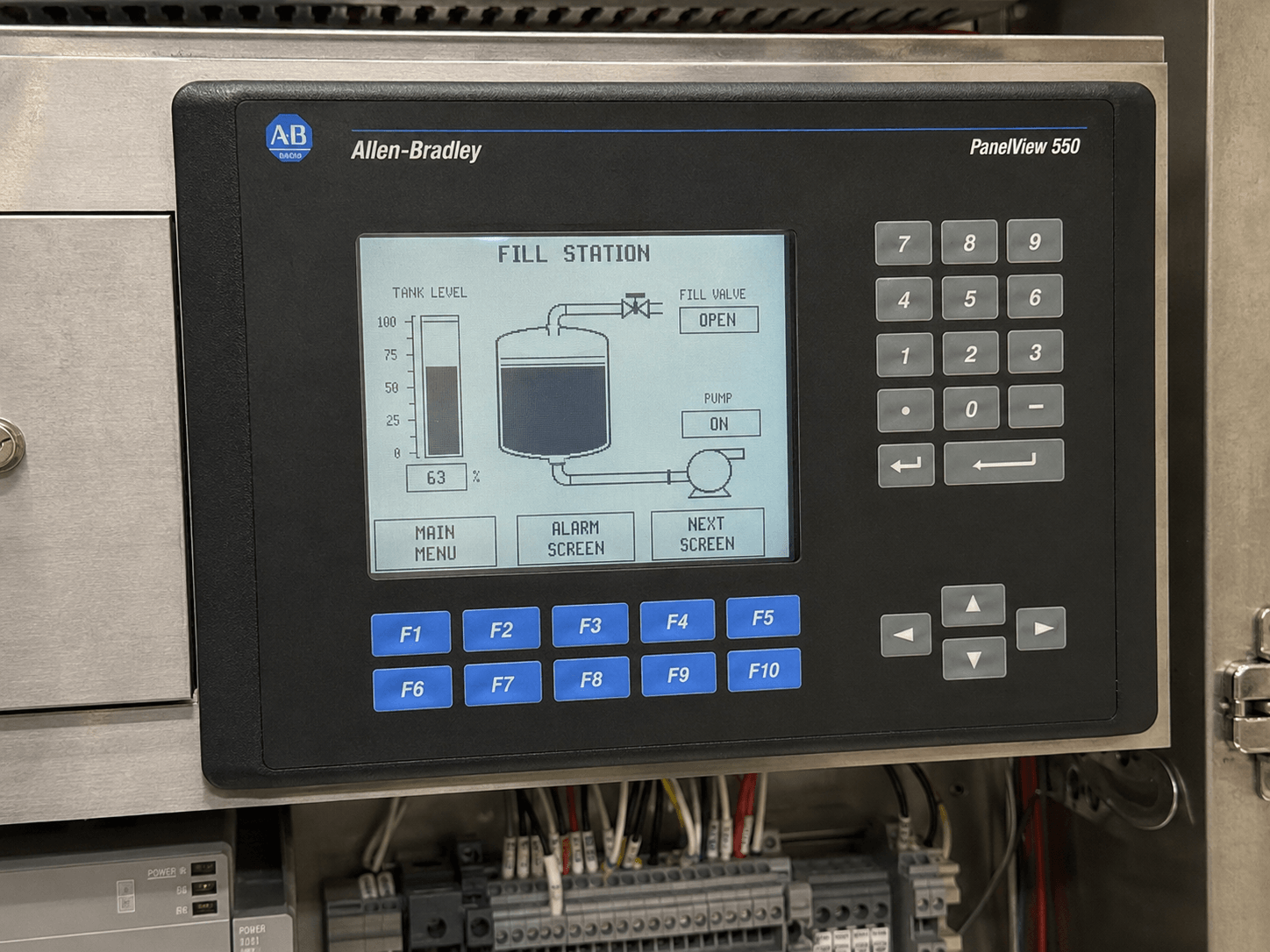
Understanding the PanelView 550
The PanelView 550 (catalog numbers like 2711-K5Axx, 2711-B5Axx, 2711-T5Axx) features:
- 5.5" monochrome LCD (256 x 128 resolution)
- Keypad, touchscreen, or combined input
- DH-485, RS-232, DeviceNet, or other comms options
- Operating temperature: 0–55°C (32–131°F)
It excels in space-constrained applications but requires proactive maintenance.
Common Problems and Troubleshooting
Drawing from official Rockwell documentation and real-world field experience shared across forums:
1. Dim or Dead Display / Backlight Failure
The original CCFL backlight or fiber optic bundle often fails, causing dim screens or complete darkness. Fix: Replace the backlight lamp or upgrade to a modern LED/fiber optic solution. Power off, access the back, measure voltage (approx. 5V), and swap the lamp. Many users report significant improvement with direct-fit replacements.
VICPAS Tip: We stock compatible LCD displays and backlight-related components for fast turnaround.
2. Touchscreen Dead Spots or Unresponsiveness
Common in the upper screen area due to membrane degradation from heat, vibration, or age. Fix: Replace the touchscreen membrane. Steps include: power down, remove bezel, disconnect flex cable, clean surface, install new membrane, and test. As a workaround, move critical buttons in your PanelBuilder 32 application.
3. Error 40 (No Executable Code / Boot Failure)
Displays "ERROR 40" immediately on power-up; keyboard and comms often unresponsive.
Fixes:
- Try memory clear: Use jumpers on the main board (JP1 to CLEAR during power-up).
- Catch boot sequence at code 32 by holding arrow keys.
- Reload application via memory card or PanelBuilder 32.
- If hardware-related, CPU board repair or replacement may be needed.
4. Communication Issues (DH-485, etc.)
Node conflicts, wrong baud rate (set to 19.2 Kbps), or cable problems. Ensure PC (Node 0), PLC (Node 1), PV550 (Node 2).
5. Other Errors
Stuck keys (Error 31), RAM issues, lines on screen, or program incompatibility.
Why Choose VICPAS for Your PanelView 550 Needs?
With over 20 years of experience in HMI parts, VICPAS (vicpas.com) is your trusted partner for:
- Extensive inventory of touchscreens, keypads, displays, and cases
- 12-month warranty and urgent worldwide shipping
- Customization for hard-to-find obsolete components
- Competitive pricing without compromising quality
Our goal is to minimize your downtime and keep your Allen Bradley systems running reliably. Explore our full PanelView 550 inventory or learn more about our company on our About Us page.
Conclusion
Proactive troubleshooting and timely repairs can breathe new life into your Allen Bradley PanelView 550. Whether addressing Error 40, backlight issues, or touchscreen problems, the right parts and procedures make all the difference.
References
- Rockwell Automation PanelView Standard Operator Terminals User Manual
- GES Repair - How to Repair PanelView 550 Touchscreen
- PLC Talk Forum - PanelView 550 Repair Discussion
- Industrial Monitor Direct - Touchscreen Dead Spot Repair Guide
- DoSupply - Allen Bradley PanelView 550 Repair Services
- MRPLC Forum - PanelView 550 Discussion
- PLC Talk - PanelView 550 Error and Communication Issues
- Monitech - PanelView 550 Display Repair Guide
- Industrial Monitor Direct - Error 40 Boot Failure Troubleshooting
- PLC Talk - PanelView 550 Troubles Thread
Disclaimer: This guide is for informational purposes based on public resources and field experience. Always consult official manuals and qualified technicians for critical applications. VICPAS is not an authorized Rockwell distributor but provides high-quality compatible replacement parts.